
Prompt Builder
Dropdown-based prompt builder for ComfyUI. Create characters, scenes, and styles without writing prompts. Designed for beginners and fast iteration.
Nodes (8)
The Action Node
The 38-Dropdown Monster That Defines Your Character
The Node That Turns Eight Dropdowns Into One Prompt
Framing, Cameras, and Quality Tags Without Typing a Sentence
How This Pack Stops Your Backgrounds Looking Like Mush
The Optional Explicit Layer — and Why You Can Just Ignore It
Pick Ada Wong From a Dropdown Instead of Typing Her Tags
Style Preset
ComfyUI Prompt Builder
A structured, dropdown-based prompt builder for ComfyUI.
This tool is designed to make image generation easier, faster, and more consistent—especially for users who don’t want to manually write long prompts or user's who may be new to prompting for image/video generation.
Instead of typing everything out, you build prompts by selecting from curated options like character traits, clothing, poses, environments, and more using Danbooru tags. The system then combines everything into a clean, usable prompt.
Overview
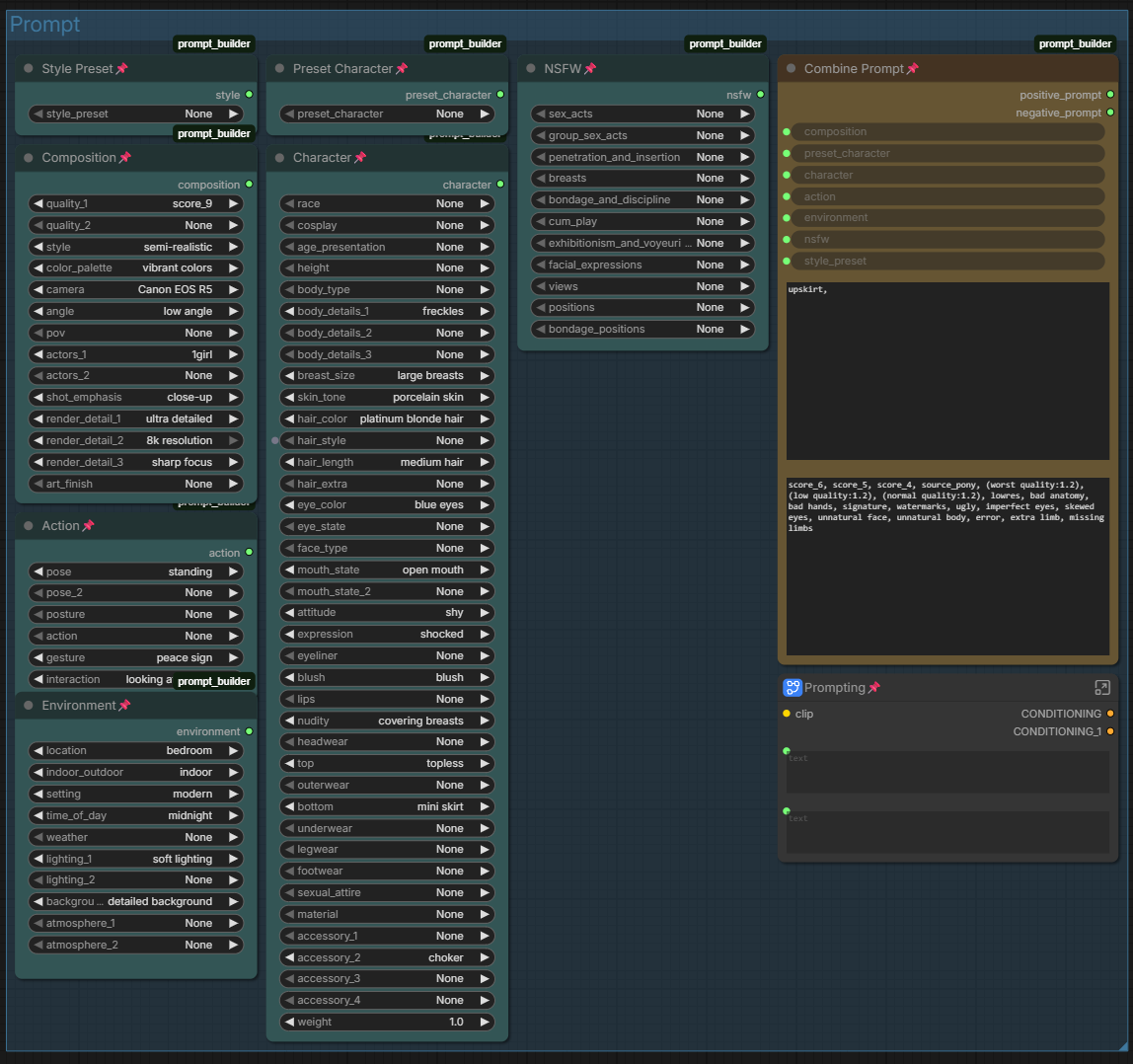
This workflow provides a modular system of nodes that:
- Break prompts into logical sections (character, clothing, pose, etc.)
- Provide curated dropdowns instead of freeform typing
- Combine everything into a final prompt automatically
- Keep things flexible while providing user's with a list of words most models react well to.
Features
- Structured prompt building (no prompt knowledge required)
- Large curated dataset (~3000+ Danbooru approved tags)
- Clean separation of prompt sections
- Supports SFW and NSFW workflows
- Highly customizable via
presets.json - Easily expandable without touching core code
Installation
Option 1 — ComfyUI Manager (Recommended)
- Open ComfyUI
- Open Manager
- Search for:
Prompt Builder - Install
- Restart ComfyUI
Option 2 — Manual Install
Manually download or clone the repository:
git clone https://github.com/zinigo-creations/comfyui-prompt-builder
Move the folder into:
ComfyUI/custom_nodes/comfyui-prompt-builder
Restart ComfyUI.
How It Works
The system is built around modular nodes that each handle a section of the prompt.
Each node pulls its options from presets.json, meaning everything is data-driven and easy to modify.
Nodes
Style Preset
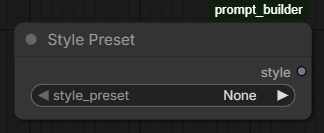
Defines the overall visual direction (anime, cinematic, fantasy, etc).
This has a major influence on the final output.
Preset Character
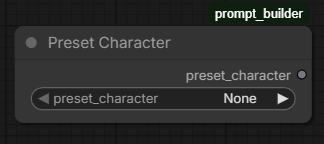
Quick-select from a large list of known characters.
Useful for fast generation and consistency.
Composition
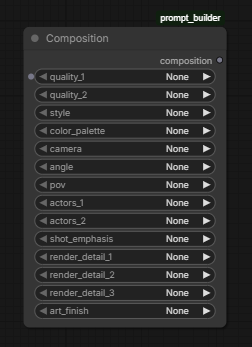
Controls how the image is framed.
Includes:
- camera type
- angle
- shot type
- quality tags
Character
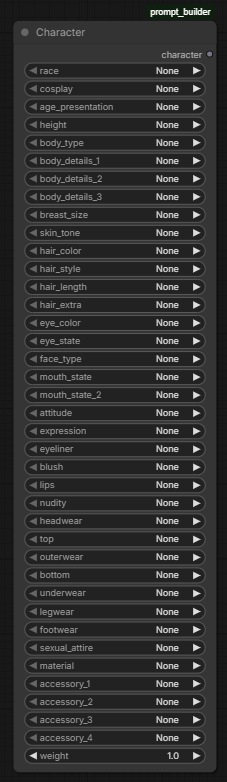
Defines the subject of the image.
Includes:
- body type
- hair (color, style, extras)
- eyes
- clothing
- accessories
This is the most detailed and impactful section.
Action
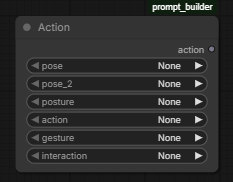
Defines what the character is doing.
Includes:
- pose
- gestures
- movement
Helps avoid stiff or static results.
Environment
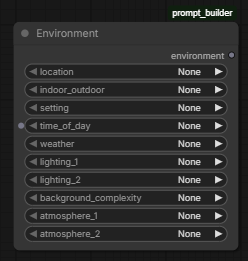
Controls where the scene takes place.
Includes:
- location
- lighting
- time of day
- atmosphere
NSFW (Optional)
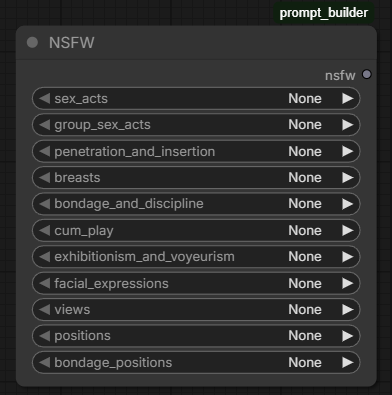
Adds additional layered detail for more mature outputs.
This node is optional and can be ignored entirely.
Combine Prompt
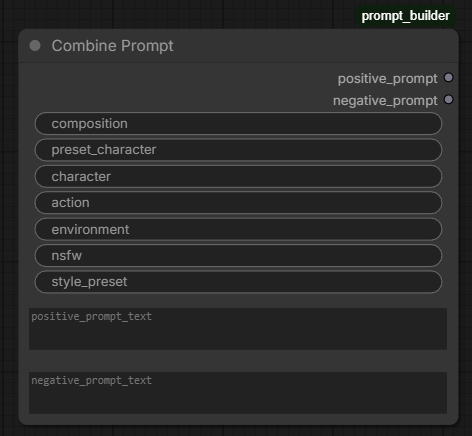
Where the other nodes hook up and to merge all selections into a final prompt.
You can also:
- add custom text
- override generated output
Customization
All dropdown options are defined in:
presets.json
You can:
- add new tags
- modify existing ones
- create entirely new sections
No code changes required.
Contributing
Contributions are welcome.
How to contribute
- Fork the repository
- Create a new branch
- Make your changes
- Submit a pull request
Guidelines
- Keep naming consistent (e.g.
black hoodie, notHoodie Black) - Prefer commonly used tags (Danbooru-style works best)
- Avoid duplicates and redundant entries (before adding use ctrl+f) to make sure it's not in the list already
- Test your changes before submitting
Content Guidelines
Please use common sense and good judgment when contributing.
- Do not add illegal, or otherwise harmful content
- Avoid content that would make the project unsafe or inappropriate for general use
- If a tag feels questionable, it probably is — leave it out
Notes
- Not all tags behave the same across models
- Simpler prompts often produce better results
- This tool is designed to guide, not restrict
License
MIT
Final
If you enjoy the workflow or have suggestions, feel free to open an issue, PR or reach out.