
Vewd
A media viewer node for ComfyUI. Auto-captures all generated media into a grid for easy viewing, sorting, and comparing.
vewd
A media viewer for reviewing, comparing, and selecting images. Works on Mac and PC. Use it as a standalone app with any folder of images, or as a ComfyUI node that auto-captures generations.
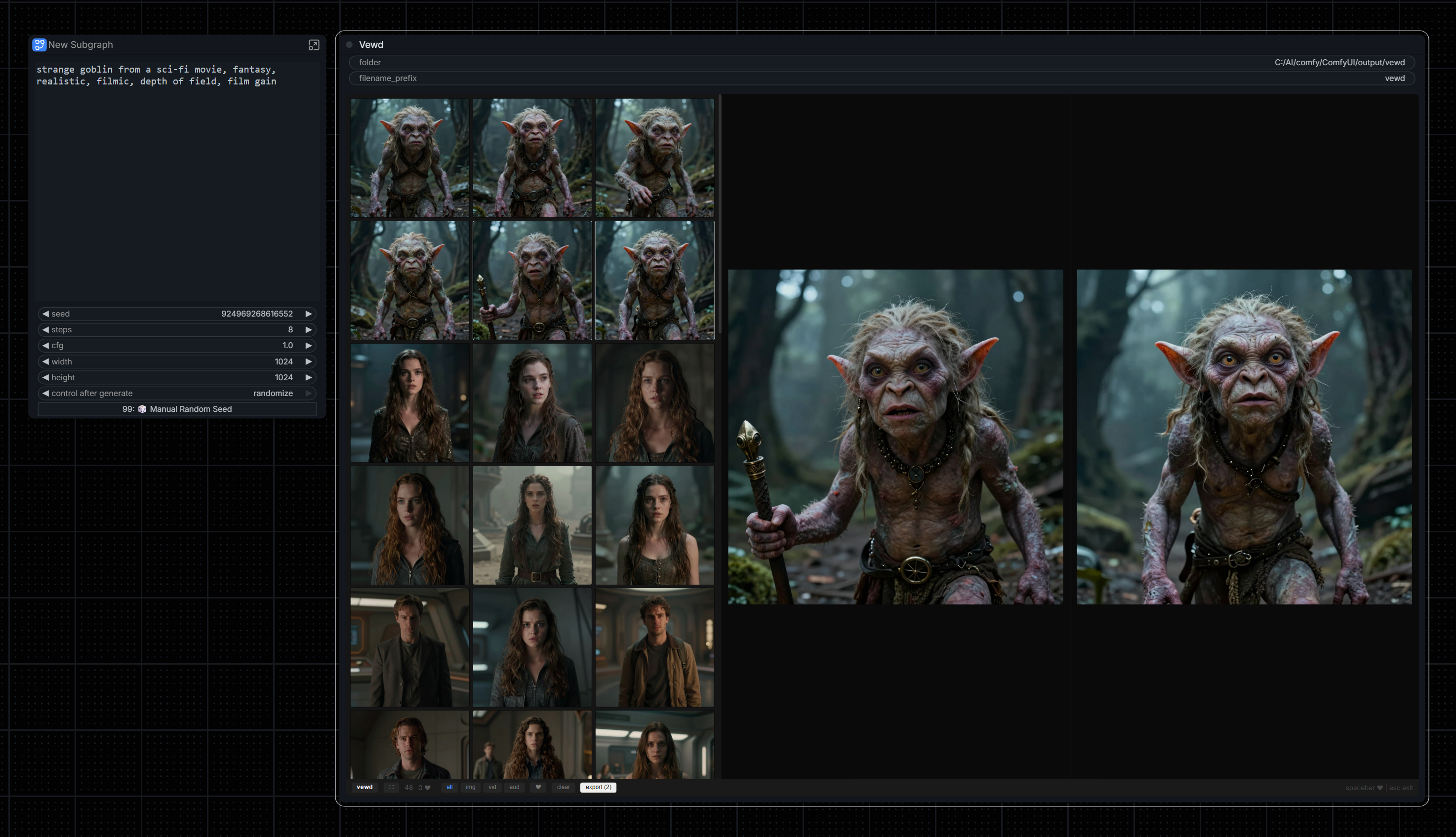
Why Vewd?
Reduce waste, save only what you want. Instead of saving hundreds of images and sorting through them later, Vewd lets you review in real-time, heart your favorites, and export only your selects.
Features
- Grid + preview - Thumbnail grid with side-by-side preview and compare
- Heart favorites - Spacebar to heart, filter to show only selects
- All media types - Images, videos, audio, 3D models (.glb, .obj), and Gaussian splats (.ply, .splat)
- 3D viewer - Interactive orbit/zoom preview for 3D models and Gaussian splats
- Import & drag-drop - Drag files from explorer or images from browsers, or use the import button
- IMAGE/VIDEO output - Pass selected media to downstream nodes
- Media filters - Filter by all, images, videos, audio, or 3D
- Export selects - Export hearted media to a
selects/subfolder - Non-destructive - Delete only removes from viewer, not your files
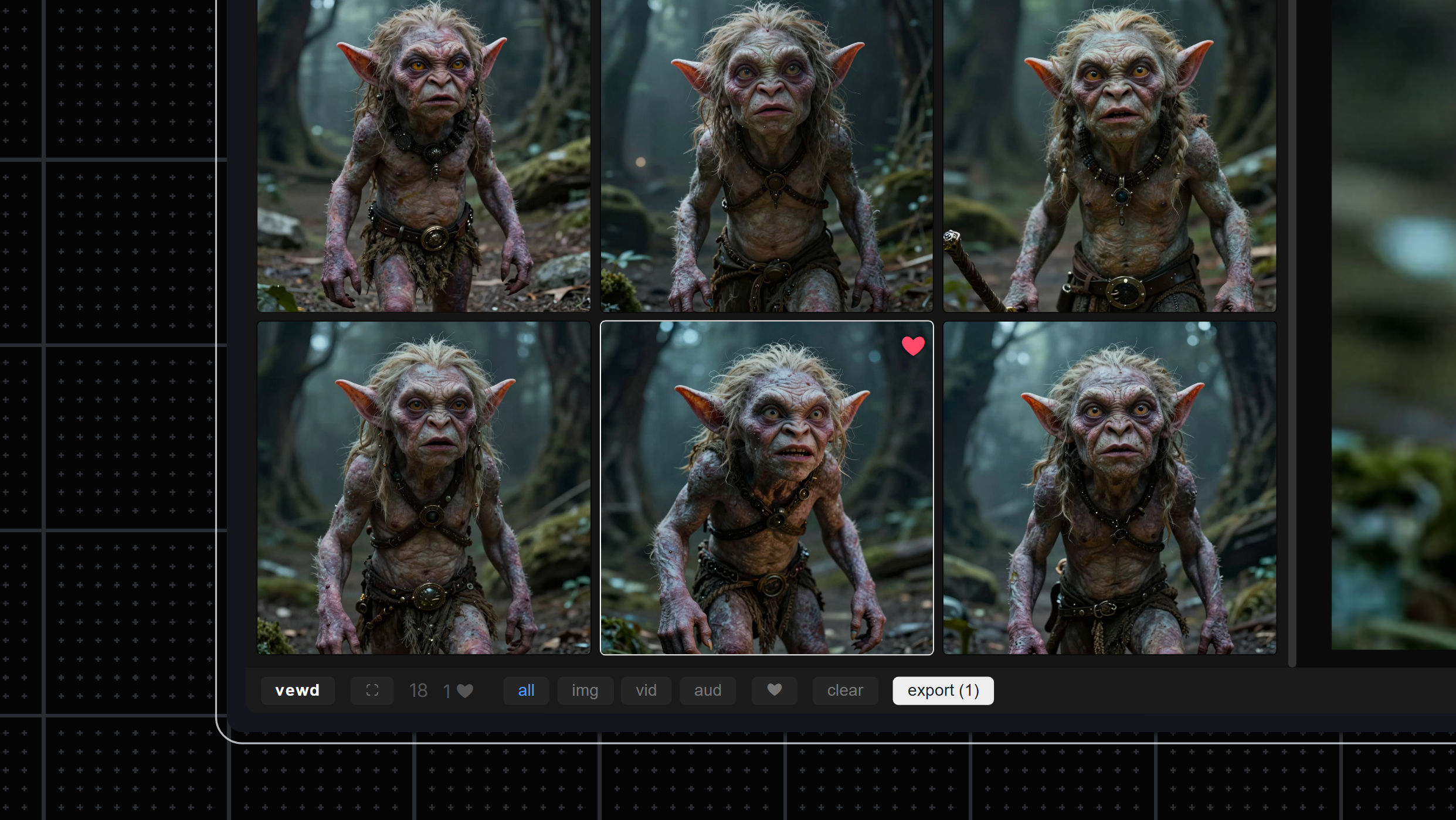
Completely wireless clean and minimal UI design
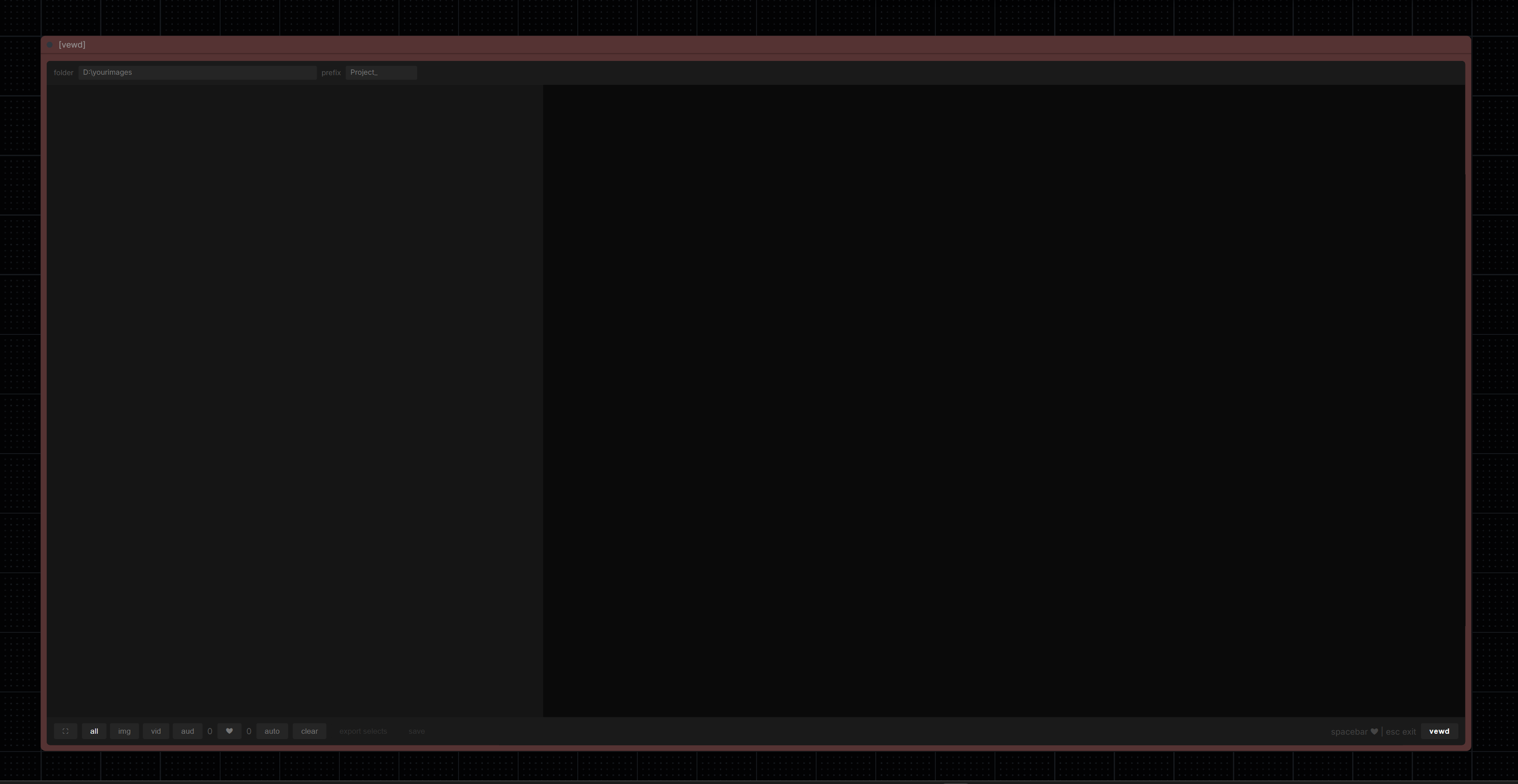
ComfyUI Node
Installation
Via Git
cd ComfyUI/custom_nodes
git clone https://github.com/spiritform/vewd.git
Restart ComfyUI.
Manual
Download and extract to ComfyUI/custom_nodes/vewd/
Usage
- Add the Vewd node to your workflow (found in
imagecategory) - Run your workflow - media automatically appears in the grid (images, videos, audio, 3D models, splats)
- Click to preview, Ctrl+click or Shift+click to select multiple
- Space to heart favorites
- Click export selects to save hearted media
No wiring needed - Vewd captures everything automatically.
Node Settings
- folder - Where to export hearted media (creates
/selectssubfolder) - filename_prefix - Prefix for exported files (e.g.,
myproject_001.png)
Keyboard Shortcuts
| Key | Action | |-----|--------| | ← → ↑ ↓ | Navigate grid | | Spacebar | Heart/unheart | | Delete | Remove from viewer | | Esc | Exit fullscreen |
Standalone App
No ComfyUI required. Just Python.
# Windows
vewd.bat

# Mac / Linux
chmod +x vewd.sh
./vewd.sh

# or directly
python viewer.py path/to/images
Point it at any folder of images, videos, or audio. Opens a browser-based viewer to review, heart, compare, and export your selects.
What's New
v1.8.0 — Cloud Compatibility & Batch Output
- Cloud support — Auto-detects cloud vs local at runtime. One version works everywhere
- Batch IMAGE output — Select multiple images (Ctrl/Shift+click), queue workflow, all selected frames output as a batch tensor. Wire to Video Combine for GIF/MP4 compilation
- Browser download — New download button for saving media via browser dialog (works on both local and cloud)
- Client-side waveforms — Audio waveform thumbnails now generated via Web Audio API instead of server-side ffmpeg
- GIF display — Animated GIFs display as native
<img>tags (auto-loop) with play icon badge - UI refresh — Brighter text, renamed save to export, cleaner bottom bar
v1.5.0 — Audio Player & Waveforms
- Waveform thumbnails — Audio files show colored waveform in the grid instead of a plain icon
- Custom audio player — Full-width waveform with click-to-seek, playhead, and play/pause controls
- Save as MP3 — FLAC/WAV/OGG/AAC automatically converted to MP3 via ffmpeg on save/export
- Resilient restore — Rebuilt URLs on refresh with fallback if files moved between temp/output
- New captures don't steal focus — Grid stays on your current selection while new items come in
v1.4.3 — Capture Fix
- Fixed auto-capture — Generated images from workflow now correctly appear in the Vewd grid again
v1.4.2 — IMAGE Output & Splat Camera Lock
- IMAGE output works like LoadImage — Selected image loaded directly from disk, reliable with all downstream nodes
- Splat camera lock — Lock/Unlock toggle freezes the splat view; camera state saved and restored on re-select
- Pre-queue sync — Image/video info sent to backend before every workflow run, survives restarts
- Node ID fix — Fixed
node.idnot being set at widget creation time (was-1)
v1.4.0 — Gaussian Splat Support & Import
- Gaussian splat viewer — Interactive
.plyand.splatpreview with orbit/zoom controls - Smart splat capture — Auto-captures PLY output from nodes like PlyPreview with camera extrinsics/intrinsics
- Import & drag-drop — Drag files from Windows explorer or images from browsers (Pinterest, Google Images) directly into the viewer
- Import button — File picker for importing external reference images and videos
- Filter-aware delete — Deleting items while filtered now selects the next visible item instead of jumping to a hidden one
- IMAGE output — Selected image passed to downstream nodes (loaded from disk like LoadImage)
- VIDEO output — Full video file info passed to downstream nodes for frame extraction
v1.1.0 — 3D Model Support
- 3D capture — Auto-captures
.glband.objoutput from nodes like Hunyuan3D - Interactive preview — Orbit, zoom, and auto-rotate 3D models directly in the preview pane
- Smart thumbnails — Grid shows the source image used for generation with a 🧊 badge
- 3D filter — New filter button to show only 3D models
- Save support — Save 3D files with original format preserved
v1.0.4
- Seed tracing from dependency graph
- ComfyUI Registry support
v1.0.3
- Consolidated save button with S hotkey
- Side-by-side compare with pane selection
License
MIT