
Orion4D_anaglyph
Orion4D Anaglyph is a high-performance custom node designed to transform 2D images into stereoscopic renders via a depth map. It offers total control over parallax, convergence, and depth processing to ensure optimal visual comfort
🇬🇧 English version (default)
🇫🇷 Lire la version française
🎭 Orion4D Anaglyph for ComfyUI
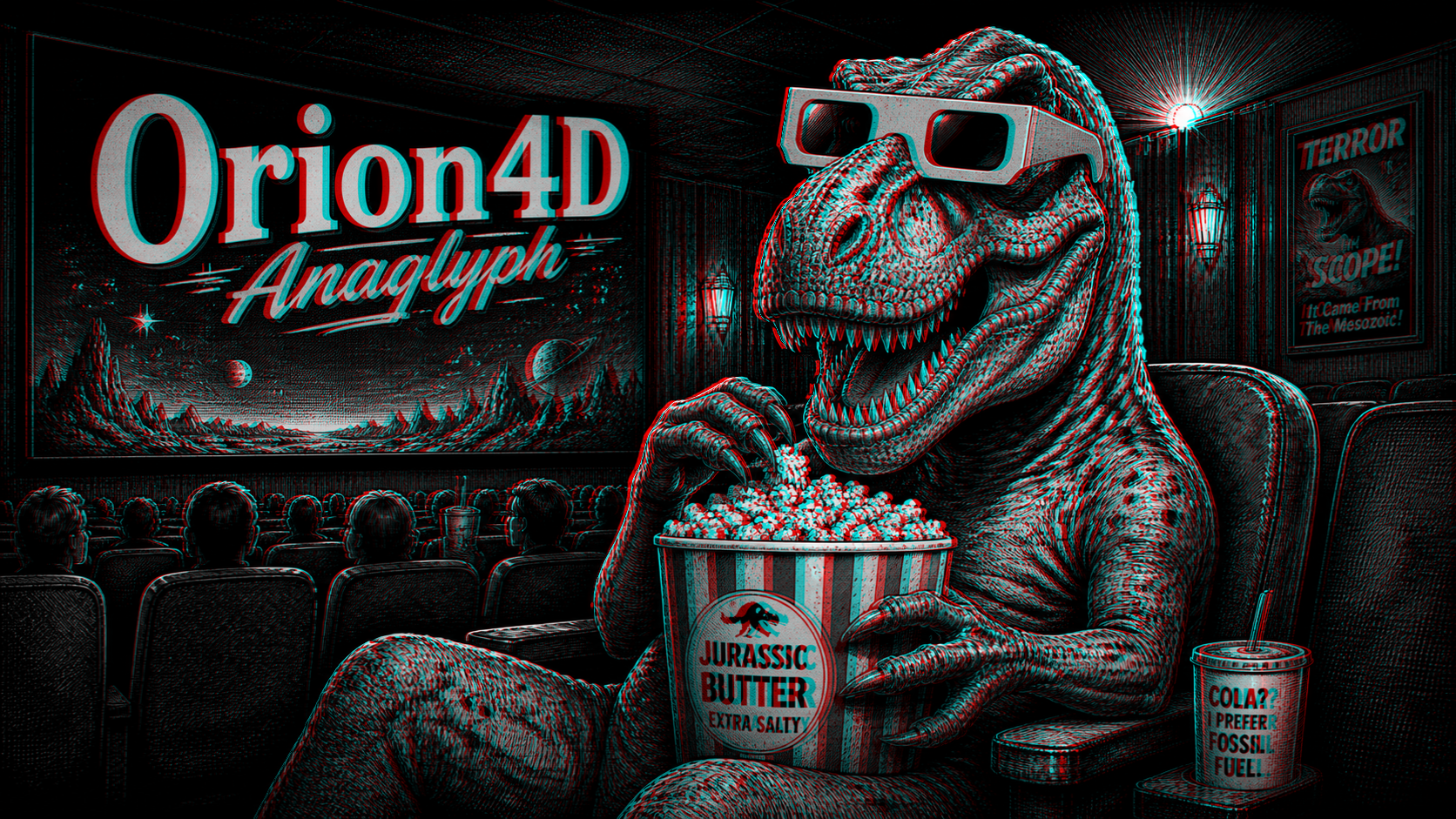
Orion4D Anaglyph is a high-performance custom node designed to transform 2D images into stereoscopic (3D) renders via a depth map. It offers total control over parallax, convergence, and depth processing to ensure optimal visual comfort.
🚀 Key Features
- Total Compatibility: Works seamlessly with Depth Anything (V2/V3), Marigold, ZoeDepth, MiDaS, or even hand-edited maps.
- Various Rendering Modes: Supports Red/Cyan (Dubois, Color, Gray) and Red/Blue modes.
- Multiple Outputs: Generates the final anaglyph, Side-by-Side (SBS) format, isolated left/right views, and the processed depth map.
- Preset Manager: Integrated JS interface to save, load, and update your favorite settings on the fly.
- Native Processing: Optimized PyTorch implementation for maximum speed and cross-platform compatibility. <img width="617" height="1151" alt="image" src="https://github.com/user-attachments/assets/9fddacd8-c9fc-4b9e-a907-688c1919dff2" />
🛠 Installation
Copy the Orion4D_anaglyph folder into your custom nodes directory:
ComfyUI/custom_nodes/Orion4D_anaglyph
Requirements
No additional Python dependencies are required beyond a standard ComfyUI installation.
This custom node uses only modules already available in ComfyUI:
- torch
- aiohttp
- ComfyUI PromptServer
- Python standard library modules
Folder Structure
Orion4D_anaglyph/
├── orion4d_anaglyph.py    # Core logic
├── preset_manager.py      # JSON management
├── web/                   # User Interface (JS)
└── presets/               # Your saved configurations
⚙️ Configuration Parameters
| Parameter | Description | Recommended Value |
| :--- | :--- | :--- |
| strength | 3D effect intensity (parallax). | 16 to 32 |
| convergence | Focal point where the image appears to sit on the screen plane. | 0.5 |
| shift_mode | Offset method (symmetric, left_static, right_static). | symmetric |
| depth_blur | Smoothes edges to reduce visual artifacts. | 5 to 9 |
| depth_invert | Inverts depth if the relief appears backwards. | Per source |
🔄 Workflow
- Drag and drop orion4d_anaglyph_workflow.png onto the comfy canvas
- The node is best placed immediately after a depth estimator:
[ Source Image ]
      │
      ├─► [ Depth Anything V3 ] ──► (Depth Map) ──┐
      └───────────────────────────► (RGB Image)  ──┴─► [ Orion4D Anaglyph ]
                                                              │
                                        ┌─────────────────────┴─────────────────────┐
                                  [ Anaglyph ]        [ Side-by-Side ]        [ Left/Right ]
🎨 Available Anaglyph Modes
- Optimized Dubois (Red/Cyan): The gold standard for color fidelity and ghosting reduction.
- Color / Half-Color: Preserves more of the original vibrancy at the cost of potential color fringing.
- Gray: Ideal for maximum depth clarity without chromatic distraction.
🆘 Troubleshooting & Tips
👁️ Eye Strain?
- Reduce the
strengthvalue. - Adjust
convergenceto place the main subject on the screen plane. - Increase
depth_blur.
🔀 Inverted 3D Effect?
- Enable
depth_invert. - If the issue persists, use the
swap_eyesoption.
🖼️ Edge Stretching (Warping)
This is a standard limitation of 2D-to-3D reprojection. To minimize it:
- Use
padding_mode: border. - Reduce
depth_contrast. - Use a higher-precision depth map (e.g., Depth Anything V3 Large).
🌟 Support the Project
If you find this tool useful, feel free to leave a ⭐ on GitHub!
Developed with ❤️ for the ComfyUI community by Orion4D
<a href="https://ko-fi.com/orion4d"> <img src="https://ko-fi.com/img/githubbutton_sm.svg" alt="Buy Me A Coffee" height="41" width="174"> </a>