
Arch Forge
Architectural visualization upscaler with collapsible UI, dual ControlNet, and perspective correction
Arch Forge
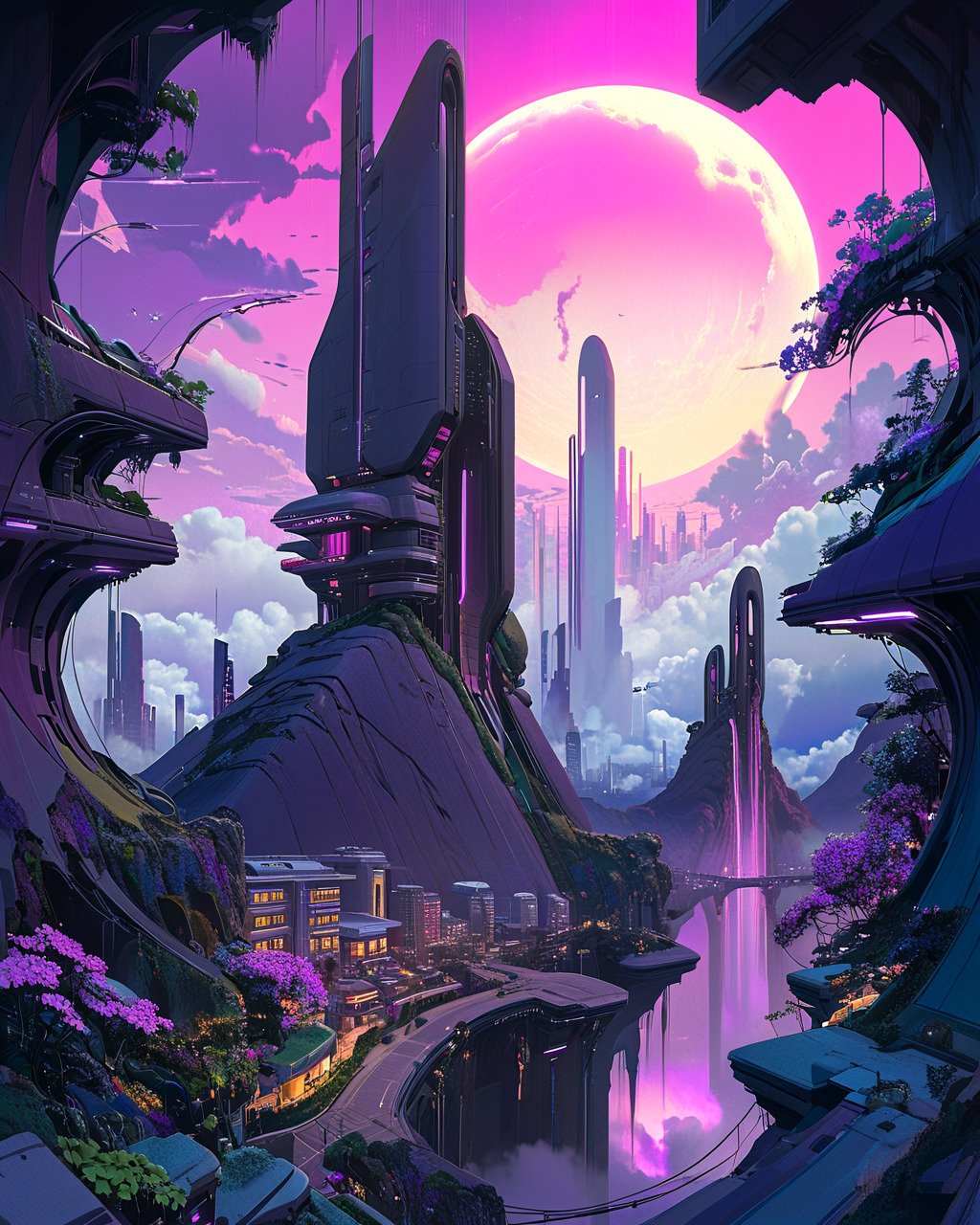
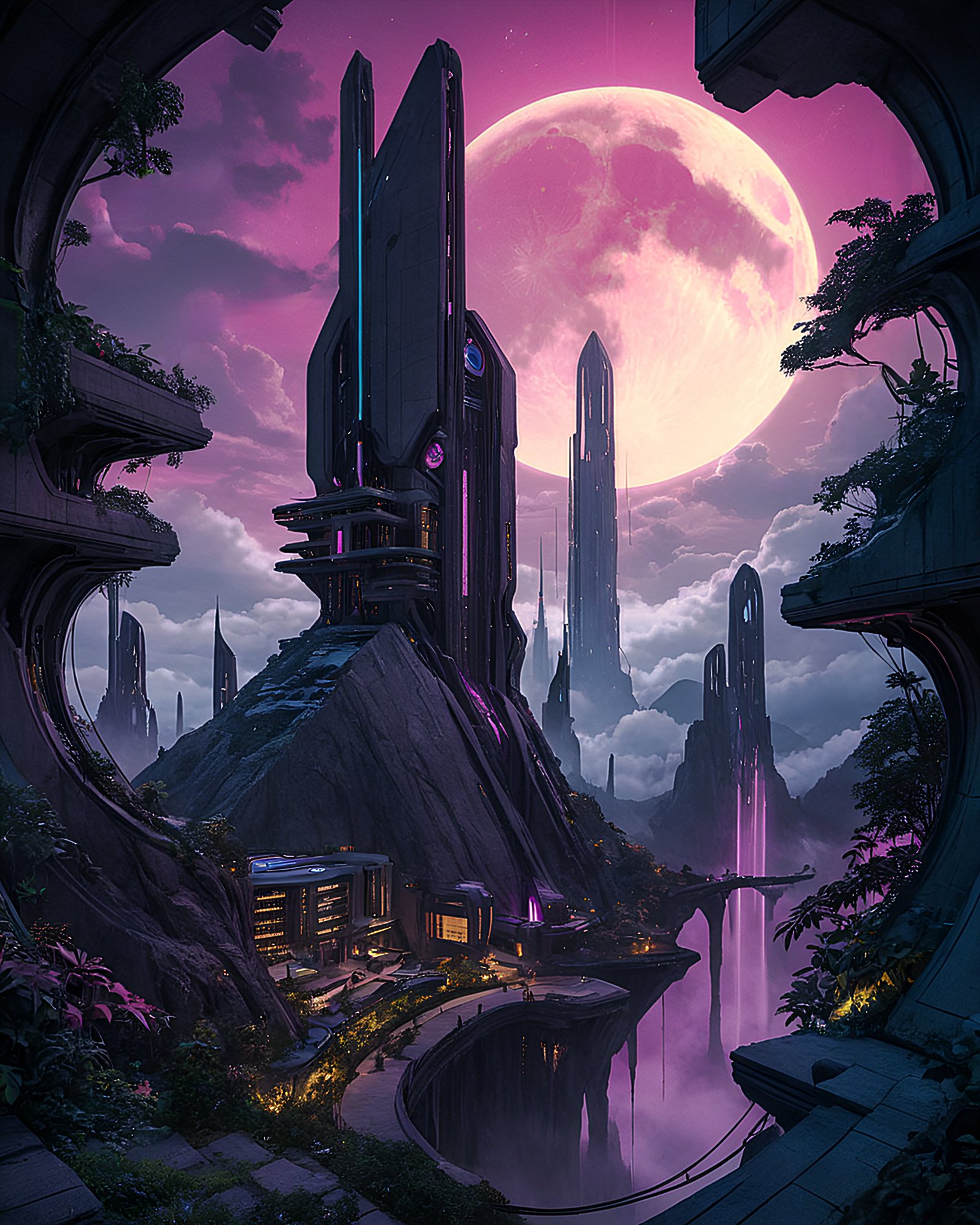 A one-node SDXL architectural environment enhancer for ComfyUI. Arch Forge turns rough sketches, clay renders, base renders, and architectural concepts into detailed cyberpunk, sci-fi, and photoreal environment images while keeping the main controls in one compact node.
It combines SDXL img2img, up to three LoRAs, Canny and Depth ControlNet guidance, optional manual perspective warping, ambient occlusion, model upscaling, Lucy-Richardson sharpening, final sharpening, and conservative vertical-perspective straightening.
A one-node SDXL architectural environment enhancer for ComfyUI. Arch Forge turns rough sketches, clay renders, base renders, and architectural concepts into detailed cyberpunk, sci-fi, and photoreal environment images while keeping the main controls in one compact node.
It combines SDXL img2img, up to three LoRAs, Canny and Depth ControlNet guidance, optional manual perspective warping, ambient occlusion, model upscaling, Lucy-Richardson sharpening, final sharpening, and conservative vertical-perspective straightening.
Positioning: Arch Forge is for fast, local architectural-environment exploration—especially sci-fi, cyberpunk, game art, concept art, and realistic architecture—not a replacement for BIM, CAD, technical visualization, or image-to-video production pipelines.
Why Arch Forge
Architectural image workflows can sprawl across many node graphs and optional preprocessing packs. Arch Forge packages a practical SDXL-oriented enhancement chain into one ComfyUI node, with grouped controls for source preservation, depth, composition, post-processing, and output detail. | | Arch Forge | Large multi-stage archviz workflows | |---|---|---| | Core use | Enhance a sketch, render, or concept into an architectural environment image | Full image, editing, camera-control, and often video pipeline | | Form factor | One ComfyUI custom node | Large workflows, subgraphs, or multiple JSON files | | Model focus | SDXL checkpoints, LoRAs, ControlNet | Often FLUX-class image models and video stacks | | Hardware target | Practical local SDXL systems; 8–12 GB VRAM is a useful starting point | Often larger GPUs, cloud runs, or staged execution | | Output | Architectural still image | Still images, editing passes, animation, and video | | Best for | Rapid local exploration and structured concept enhancement | Long-form technical archviz production |
Features
- One-node workflow — wraps the enhancement chain in one Arch Forge node.
- SDXL-first design — intended for local SDXL checkpoints, LoRAs, ControlNets, and upscalers.
- Three LoRA slots — independent model and CLIP strength controls for each LoRA.
- Dual ControlNet guidance — Canny preserves structural edges; MiDaS depth supports scene volume and depth-aware generation.
- Manual perspective warp — optional NukeCornerPin stage for deliberate four-corner source mapping.
- Native perspective straighten — conservative roll and vertical-keystone correction based on line detection, robust vanishing-point estimation, and a camera-rotation homography.
- Ambient occlusion pass — optional MiDaS-driven SSAO compositing for restrained depth shading.
- Upscale and sharpening chain — model upscale, optional Lucy-Richardson sharpening, then optional final sharpen.
- Compact grouped UI — Models, Prompts, Canny, Depth, Perspective, Sampling, AO, Sharpen, Straighten, and Upscale controls are collapsed by default.
Installation
ComfyUI Manager
Once published, search for Arch Forge in ComfyUI Manager and choose Install.
Manual installation
cd ComfyUI/custom_nodes
git clone https://github.com/YOUR_USERNAME/ComfyUI-ArchForge.git arch_forge
cd arch_forge
../../python_embeded/python.exe -m pip install -r requirements.txt
Restart ComfyUI after installation, then hard-refresh the browser if the custom UI does not appear immediately.
Requirements
- ComfyUI with a current frontend recommended.
- Python 3.10 or later.
- An SDXL-compatible checkpoint.
- An NVIDIA GPU; 8–12 GB VRAM is a practical starting point, but actual use depends on source resolution, checkpoint, LoRAs, ControlNets, selected upscaler, and batch size.
opencv-pythonandnumpyfor the native perspective-straightening helper. Arch Forge’s native straightener uses OpenCV LSD line detection and standard NumPy/OpenCV geometry. It does not require a separate perspective-correction custom node.
Dependencies
Arch Forge calls several registered ComfyUI nodes. Install the corresponding packs for the features you intend to use.
| Dependency | Used for | Required? |
|---|---|---|
| ComfyUI ControlNet Auxiliary Preprocessors | MiDaS-DepthMapPreprocessor for Depth ControlNet and SSAO depth maps | Required for depth pipeline / SSAO |
| WAS Node Suite | Image SSAO (Ambient Occlusion) and Image Lucy Sharpen | Required only when SSAO or Lucy Sharpen is enabled |
| nuke-nodes-comfyui | NukeCornerPin manual perspective warp | Required only when Perspective warp is enabled |
Core ComfyUI supplies the checkpoint, LoRA, ControlNet, sampler, VAE, ImageBlend, ImageSharpen, and model-upscale nodes used by the workflow.
Important: two perspective tools
Arch Forge has two intentionally separate tools:
- Perspective straighten is the preferred architecture correction. It detects reliable vertical structure, estimates camera roll and pitch, and uses a rotation-only homography to reduce converging verticals. It is conservative: uncertain images remain unchanged rather than being aggressively warped.
- Perspective warp is the optional NukeCornerPin stage. It is a manual four-point mapping tool for compositing or deliberate geometric changes. It does not infer which lines are architectural verticals. For normal architectural vertical correction, use Persp Straighen. Keep Persp wrap disabled unless you specifically need manual corner control.
Quick start
- Add Arch Forge from the
arch_forgecategory. - Connect a sketch, clay render, concept render, or base architectural image to
input_image. - Open Models and choose an SDXL checkpoint, optional LoRAs, both ControlNets, and an upscale model.
- Open Prompts and adapt the positive and negative prompts to the intended material, lighting, place, and camera treatment.
- Start with the default Canny and Depth values, then queue the workflow.
- Enable post-processing one stage at a time while testing a fixed seed.
- For visible keystone, open Persp Straighen, enable it, use Auto-crop, and start at Strength
0.70to1.00.
Included workflow
The repository currently includes one sample workflow:
examples/scifi-tunnel-archforge.json
Sci-fi tunnel
scifi-tunnel-archforge.json is the current reference workflow for an enclosed neon-lit sci-fi/cyberpunk environment. It demonstrates the expected node configuration and output path for the current release.
Suggested starting values:
- Canny strength:
0.80 - Canny timing:
0.00–0.90 - Depth strength:
0.50 - Depth timing:
0.20–0.70 - SSAO strength:
0.30 - SSAO blend factor:
0.20, modemultiply - Lucy iterations / kernel:
3/5 - Final sharpen: radius
1, sigma1.0, alpha0.5 - Perspective straighten: enable only after comparing against the uncorrected fixed-seed image An outdoor building workflow is planned and will be added in a future update.
Control groups
The custom UI starts compact and keeps all groups collapsed. Clicking a group shows its ComfyUI widgets and resizes the node to fit the visible inputs. | UI group | Main controls | |---|---| | Models | Checkpoint plus three LoRA slots and strengths | | Prompts | Positive and negative prompts | | Canny | Canny ControlNet, strength/timing, and preprocessor thresholds | | Depth | Depth ControlNet, strength/timing, MiDaS resolution and parameters | | Persp wrap | Optional NukeCornerPin manual four-point transform | | Sampling | Seed, steps, CFG, sampler, scheduler, and img2img step range | | Ambient Occlusion | MiDaS depth resolution, SSAO controls, and blend settings | | Sharpen | Lucy sharpening and final sharpening controls | | Persp Straighen | Native auto-straighten enable, strength, and crop control | | Upscale | Selected ComfyUI upscale model | The labels Persp wrap and Persp Straighen are the current UI labels. The latter keeps the spelling used by the shipped interface.
Controls
Models
| Parameter | Description |
|---|---|
| checkpoint_name | SDXL checkpoint used for generation |
| lora_name_1 through lora_name_3 | Up to three optional LoRA files |
| lora_strength_*_model | Model-side strength for each LoRA |
| lora_strength_*_clip | CLIP-side strength for each LoRA |
Prompts
| Parameter | Description |
|---|---|
| positive_prompt | Desired scene, materials, lighting, atmosphere, style, and camera qualities |
| negative_prompt | Artifacts, unwanted styles, impossible geometry, and other things to avoid |
Canny
| Parameter | Description |
|---|---|
| canny_controlnet | Canny/edge ControlNet model |
| canny_strength | Overall Canny conditioning strength |
| canny_start / canny_end | Denoising range during which Canny conditioning applies |
| canny_enable_threshold | Enables thresholded Canny preprocessing |
| canny_threshold_low / canny_threshold_high | Canny threshold range |
Depth
| Parameter | Description |
|---|---|
| depth_controlnet | Depth ControlNet model |
| depth_strength | Overall Depth conditioning strength |
| depth_start / depth_end | Denoising range during which Depth conditioning applies |
| depth_resolution | MiDaS depth-preprocessor analysis resolution |
| depth_midas_a | MiDaS depth preprocessor parameter |
| depth_midas_bg_threshold | MiDaS background threshold |
Perspective warp
| Parameter | Description |
|---|---|
| enable_nuke | Enables NukeCornerPin manual perspective warp |
| nuke_to1_* through nuke_to4_* | Four destination-corner coordinates |
| nuke_filter | Resampling filter passed to NukeCornerPin |
| corner_pin_scope | canny_only matches the supplied tunnel workflow; all_inputs also warps VAE/depth inputs |
With canny_only, the manual warp affects Canny structure guidance while the source image remains the input for VAE encoding and depth generation. Use all_inputs only when the whole img2img/depth path should follow the warped source.
Sampling
| Parameter | Description |
|---|---|
| seed | Random seed |
| steps | Total sampling steps |
| cfg | Classifier-free guidance scale |
| sampler_name | ComfyUI sampler |
| scheduler | ComfyUI scheduler |
| start_at_step | Img2img denoising start step |
| end_at_step | Img2img denoising end step |
Require 0 ≤ start_at_step < end_at_step ≤ steps.
Ambient Occlusion
| Parameter | Description |
|---|---|
| enable_ssao | Enables the post-decode SSAO pass |
| ssao_resolution | MiDaS depth resolution used for SSAO |
| ssao_strength | Ambient-occlusion intensity |
| ssao_radius | Occlusion neighborhood radius |
| ssao_blur | AO blur amount |
| ssao_specular_threshold | Threshold for the optional specular mask |
| ssao_enable_specular | Enables specular masking in the SSAO node |
| ssao_tile_size | SSAO tile size |
| ssao_blend_factor | Blend strength between decoded image and SSAO composite |
| ssao_blend_mode | Image blend mode; the tunnel workflow uses multiply |
SSAO is optional. It is usually more useful as restrained depth shading than as a heavy effect.
Upscale and sharpen
| Parameter | Description |
|---|---|
| upscale_model | Model selected from ComfyUI’s upscale_models directory |
| enable_lucy | Enables WAS Suite Lucy-Richardson sharpening after upscale |
| lucy_iterations | Lucy sharpening iterations |
| lucy_kernel_size | Lucy deconvolution kernel size; use an odd number |
| enable_final_sharpen | Enables final ImageSharpen pass |
| sharpen_radius | Final sharpen radius |
| sharpen_sigma | Final sharpen sigma |
| sharpen_alpha | Final sharpen intensity |
Recommended first test after upscaling:
Lucy: enabled, 3 iterations, kernel 5
Final sharpen: enabled, radius 1, sigma 1.0, alpha 0.5
If the image becomes grainy, reduce Lucy iterations or disable the final sharpen before increasing sharpening values.
Perspective straighten
| Parameter | Default | Description |
|---|---:|---|
| enable_perspective_correction | false | Enables native roll/vertical-keystone correction after post-processing |
| perspective_strength | 1.0 | Scales the detected roll and pitch correction from 0 to 1 |
| perspective_auto_crop | true | Keeps a valid same-aspect output crop after correction |
The straightener runs after upscale, Lucy sharpening, and optional final sharpening. It does not use the manual Corner Pin settings.
Perspective straighten notes
The native straightener is deliberately conservative. It uses LSD line detection, a robust vertical-vanishing-point search, a confidence gate, and a camera-rotation homography:
[
H = K R K^{-1}
]
where K is estimated camera intrinsics and R removes roll and pitch. It does not automatically apply yaw/fronto-parallel facade correction, because that can distort multi-plane scenes such as tunnels, streets, and corner views.
Expected results:
- For facades and clear buildings: reduced vertical keystone and more upright lines.
- For corridors, tunnels, or scenes with multiple depth planes: subtle improvement or no change if the evidence is uncertain.
- For unreliable geometry: the original image is returned unchanged rather than forcing a warp. For best results:
- Start at Strength
0.70–0.85; use1.00to inspect the full proposed correction. - Keep Auto-crop enabled.
- Test with a fixed seed and compare correction off versus on.
- Do not expect all 3D lines in a deep tunnel to become parallel; genuine one-point perspective should remain.
- Disable it for intentionally tilted, heavily organic, fisheye, or non-architectural images.
Troubleshooting
Node does not appear
- Confirm the repository is under
ComfyUI/custom_nodes/arch_forge. - Confirm
__init__.pyexportsNODE_CLASS_MAPPINGS,NODE_DISPLAY_NAME_MAPPINGS, andWEB_DIRECTORY = "./web". - Restart ComfyUI and inspect the terminal for an Arch Forge import error.
Custom UI does not update
- Confirm the JavaScript file is in the package
web/directory and is served throughWEB_DIRECTORY. - Restart ComfyUI, then hard-refresh the browser with
Ctrl+Shift+RorCtrl+F5. - Add a new Arch Forge node after changing Python input definitions; older saved nodes can retain incompatible positional widget values.
Required node pack is missing
The backend reports the exact registered node name it cannot find. Install or enable the relevant pack, then restart ComfyUI.
- MiDaS depth preprocessing: install ComfyUI ControlNet Auxiliary Preprocessors.
- SSAO or Lucy Sharpen: install WAS Node Suite.
- Manual corner pin: install nuke-nodes-comfyui.
Perspective straighten changes little or nothing
- Confirm Persp Straighen is enabled.
- Use clear architectural images with visible, reliable vertical structure.
- Test Strength
1.00against the same fixed-seed result. - A no-change result can be intentional: the safety gate refuses uncertain or overly destructive corrections.
Perspective warp creates an unwanted result
- Disable Persp wrap first; it is a manual transform, not automatic architecture detection.
- Use Persp Straighen for vertical correction instead.
- If using Corner Pin, verify the four
nuke_to*coordinates and testcanny_onlybeforeall_inputs.
OpenCV verification
Run this with ComfyUI’s embedded Python if the straightener cannot import:
.\python_embeded\python.exe -c "import cv2, numpy; print('OpenCV:', cv2.__version__); print('NumPy:', numpy.__version__)"
Project structure
arch_forge/
├── __init__.py
├── arch_forge_node.py
├── perspective/
│   ├── __init__.py
│   └── core.py
├── web/
│   └── arch_forge_ui.js
├── examples/
│   └── scifi-tunnel-archforge.json
├── requirements.txt
├── pyproject.toml
├── LICENSE
└── README.md
An outdoor-building example workflow is planned but is not yet included.
ComfyUI Registry
Arch Forge is intended for ComfyUI Registry publication through pyproject.toml. Before publishing:
- Replace GitHub and ComfyUI publisher placeholders.
- Keep
LICENSE,README.md,requirements.txt, andpyproject.tomlin the repository root. - Validate installation in a clean ComfyUI environment with all documented optional packs installed.
- Increment the semantic version in
pyproject.tomlfor every release. Suggested description:
description = "One-node SDXL architectural environment enhancer for ComfyUI with dual ControlNet, optional SSAO, upscale/sharpening, manual corner pin, and conservative vertical-perspective straightening."
Changelog
v1.2.0
- Reworked the compact UI into Models, Prompts, Canny, Depth, Persp wrap, Sampling, Ambient Occlusion, Sharpen, Persp Straighen, and Upscale groups.
- Added MiDaS-driven optional SSAO with compositing controls.
- Added optional WAS Suite Lucy-Richardson sharpening before final sharpen.
- Added
corner_pin_scopefor choosing whether manual NukeCornerPin affects Canny only or all source branches. - Replaced the earlier native perspective heuristic with conservative camera-rotation vertical correction.
- Perspective correction now uses robust line evidence, a confidence gate, valid crop planning, and does not apply automatic yaw correction.
- Added
scifi-tunnel-archforge.jsonas the current sample workflow. - Outdoor-building example workflow is planned.
v1.1.0
- Added integrated auto-straighten perspective controls.
- Added manual NukeCornerPin controls.
v1.0.0
- Initial Arch Forge release.
- SDXL architecture/environment enhancement workflow.
- Three LoRA slots, Canny and Depth ControlNet, img2img sampling, upscale, and sharpen controls.
Credits
- Built by jeeltcraft
- Built on ComfyUI, SDXL, ControlNet, OpenCV, and the ComfyUI custom-node ecosystem
- Native perspective-straightening design informed by the camera-rotation, line-detection, vanishing-point, and crop-planning approach in metamountain/Perspective-Correction
License
MIT — see LICENSE.