
ComfyUI-Prompt-Vault
Photographic prompt arsenal — curated templates and component builder with real camera gear, lighting, film stocks
Nodes (3)
ComfyUI-Prompt-Vault
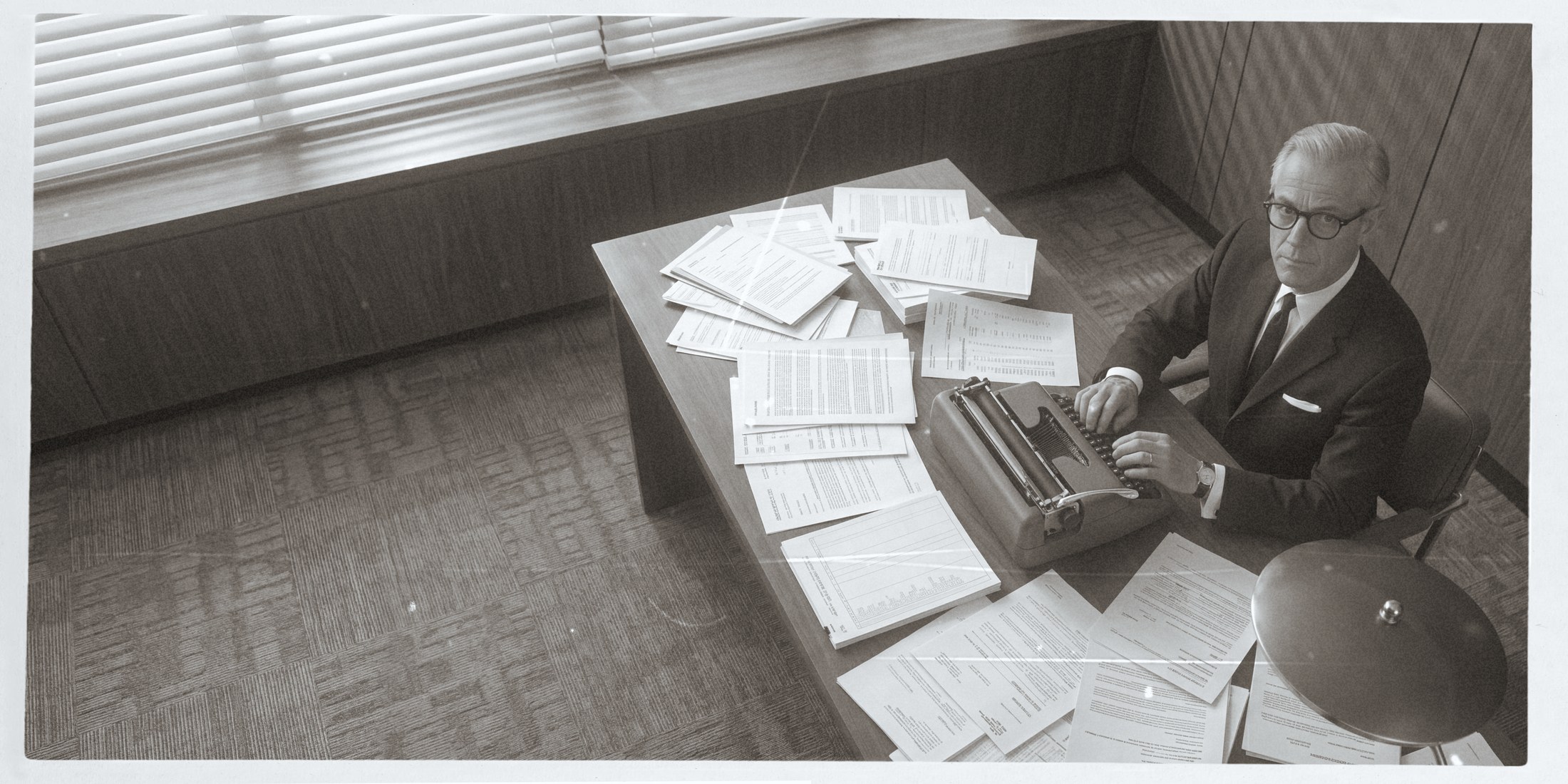
A photographic prompt arsenal for ComfyUI, built from real photographic knowledge rather than a text box or a wildcard roller.
Browse curated templates or build prompts from real camera gear, lighting setups, film stocks, and mood presets. Zero AI slop. Everything in here produces results indistinguishable from real photography.
Nodes
| Node | Purpose | |------|---------| | Prompt Vault — Browse | Filter and pick from 21 curated elite templates across 8 categories. Edit before output. | | Prompt Vault — Build | Assemble prompts from 100+ photographic components: camera, lighting, film, mood, composition. | | Prompt Vault — Favorites | Load, list, and manage your saved favorite prompts across sessions. |
Component database
| Component | Count | Examples | |-----------|-------|----------| | Camera + Lens | 27 | Sony A7R V + 85mm GM, Hasselblad X2D + 80mm, Leica M11 + 35mm Summilux, ARRI Alexa 35 | | Lighting | 24 | Rembrandt, butterfly, clamshell, split, golden hour, window light, neon practicals | | Film Stocks | 18 | Portra 400, Ektar 100, Tri-X 400, CineStill 800T, Velvia 50, Classic Chrome | | Moods | 15 | Editorial confidence, raw documentary, cinematic tension, intimate & quiet | | Quality Directives | 7 | Ultra-realism (anti-AI), editorial print-ready, commercial product, documentary | | Compositions | 10 | Rule of thirds, golden ratio, environmental portrait, negative space |
Template categories
- Portrait (studio, film, dramatic, medium format, B&W, timeless)
- Fashion / Editorial (Vogue, location, backstage, film noir)
- Beauty Close-Up (macro skin detail)
- Product (hero shot, luxury, commercial)
- Food & Drink (commercial plating)
- Architecture (brutalist, interior natural light)
- Landscape (vast, stormy coastal)
- Street / Documentary (market, cinematic)
Workflow
Quick draw: browse → generate
Pick a template, edit if needed, connect to any generation node.
Full pipeline: browse → build → Prompt Studio → generate
- Browse picks a base template for inspiration
- Build swaps the camera to Hasselblad, lighting to Rembrandt, film to Portra
- Prompt Studio (from ComfyUI-Gemini-Direct) refines it with AI
- Gemini Direct or Higgsfield generates the image
Build from scratch
Describe your subject, select components, get a structured photographic prompt.
Favorites
Star any prompt from Browse or Build. Favorites persist in prompt_vault_favorites.json in your ComfyUI root and survive restarts.
Installation
cd ComfyUI/custom_nodes
git clone https://github.com/jeremieLouvaert/ComfyUI-Prompt-Vault.git
No dependencies, pure Python. Restart ComfyUI. Nodes appear under AKURATE/Prompt Vault.
What's not in here
- Anime, cartoon, 3D render, pixel art prompts
- "Trending on ArtStation" / "unreal engine" modifiers
- Generic one-line prompts
- AI influencer templates
- Anything that produces results that look like AI
License
MIT
Author
Jeremie Louvaert (github.com/jeremieLouvaert)