
ComfyUI-SaveMem
Save Image/Latent to Shared Memory
Nodes (2)
ComfyUI-SaveMem - Save Image/Latent to Shared Memory
A custom node for ComfyUI that writes images and latents to shared memory (multiprocessing.shared_memory.SharedMemory).
This is intended for use via API.
The nodes are added under hnmr/image and hnmr/latent.
Nodes
SaveImagesMemory
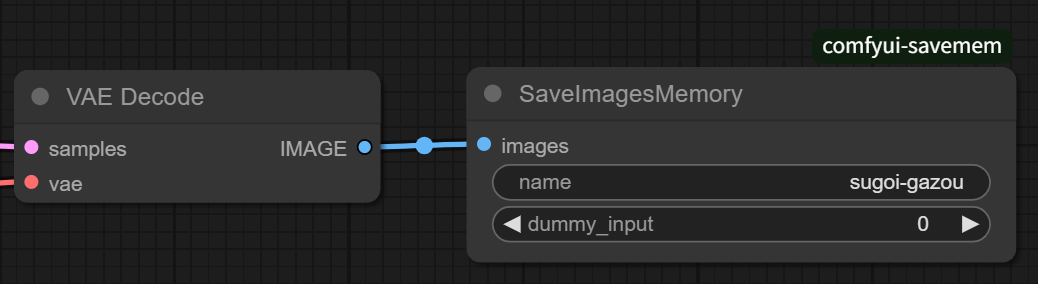
Receives images (multiple images are also supported) and writes them as PNG format binary to the shared memory with the specified name.
| in/out | name | type | Description | | --- | --- |--- | --- | | in | name | STRING | Name of the shared memory to write to | | in [opt] | dummy_input | INT | Dummy argument to force redrawing |
Please create the destination shared memory on the receiver side in advance.
Memory format:
- 4 bytes: Number of images
- 4n bytes: Length of each image binary
- rest: Binary data of each image
Each values are stored in native endian.
SaveLatentsMemory
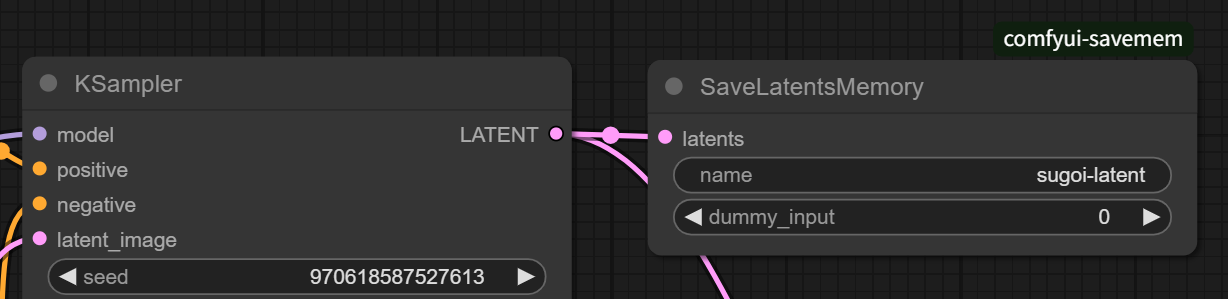
Receives latent of any shape and writes it to the specified shared memory using torch.save.
| in/out | name | type | Description | | --- | --- |--- | --- | | in | name | STRING | Name of the shared memory to write to | | in [opt] | dummy_input | INT | Dummy argument to force redrawing |
Memory format:
- 8 bytes: Length of following binary
- rest: Binary data
Each values are stored in native endian.