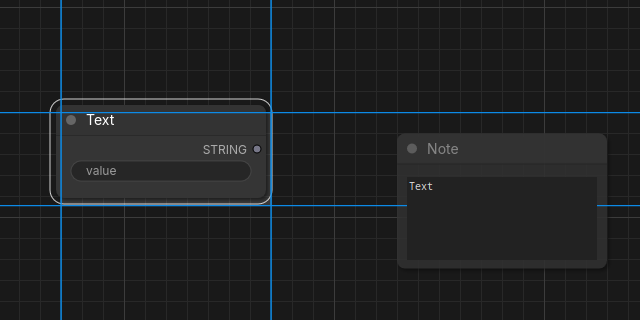
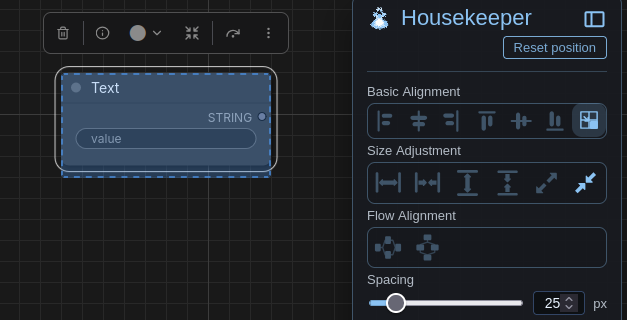
Ripple Edit
Ripple Edit makes space in your workflow by moving nodes to the side as a group while keeping their relative position intact. Organize your workflow layout with ripple move and align compositions of nodes inspired by video editors. Frontend-only ComfyUI custom extension.
Ripple Edit for ComfyUI
Ripple Edit makes space in your workflow by moving a group of nodes to the side while keeping their relative position intact. Organize your workflow layout design with ripple move and align compositions of nodes inspired by ripple move.
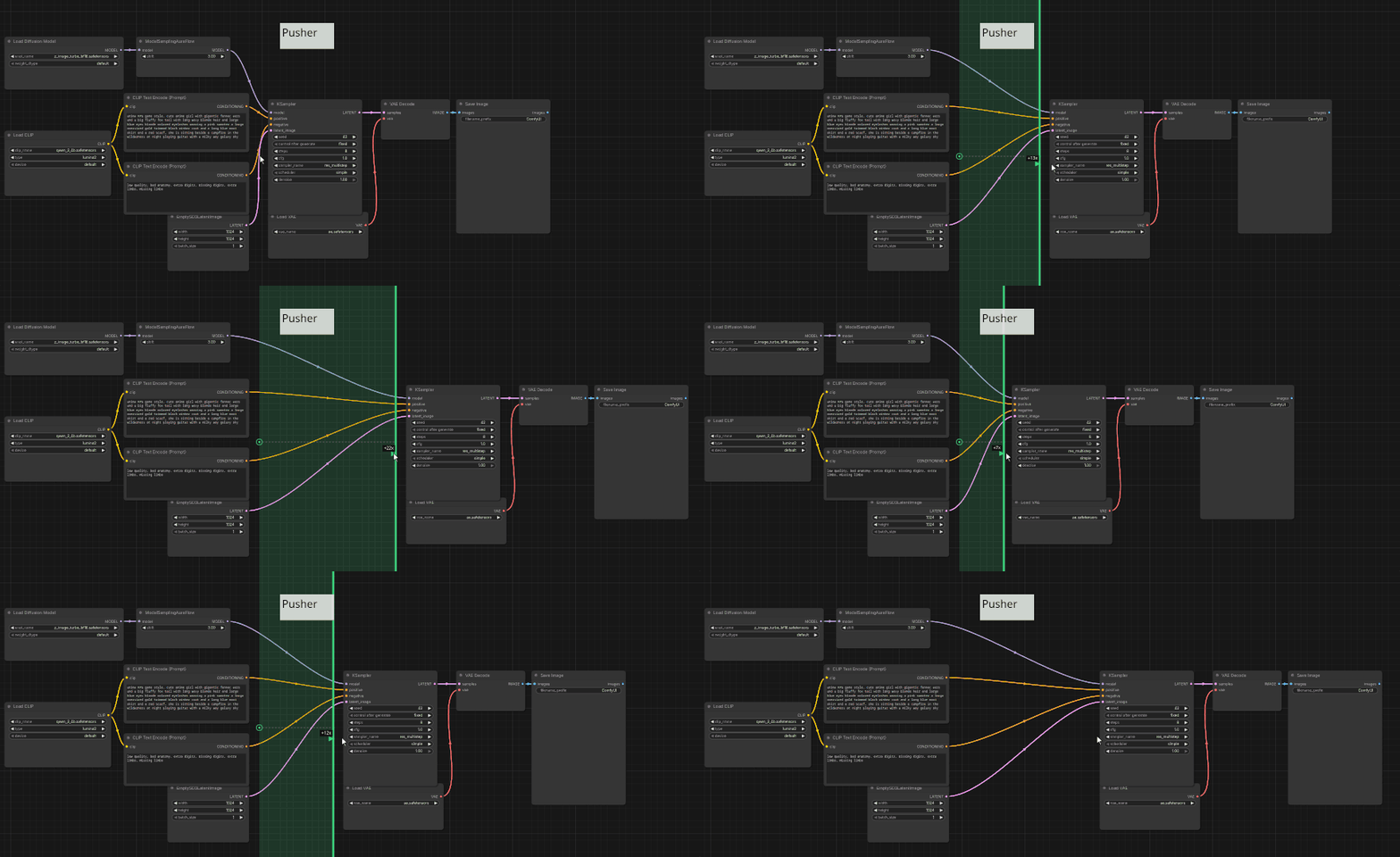
ctrl + RMB
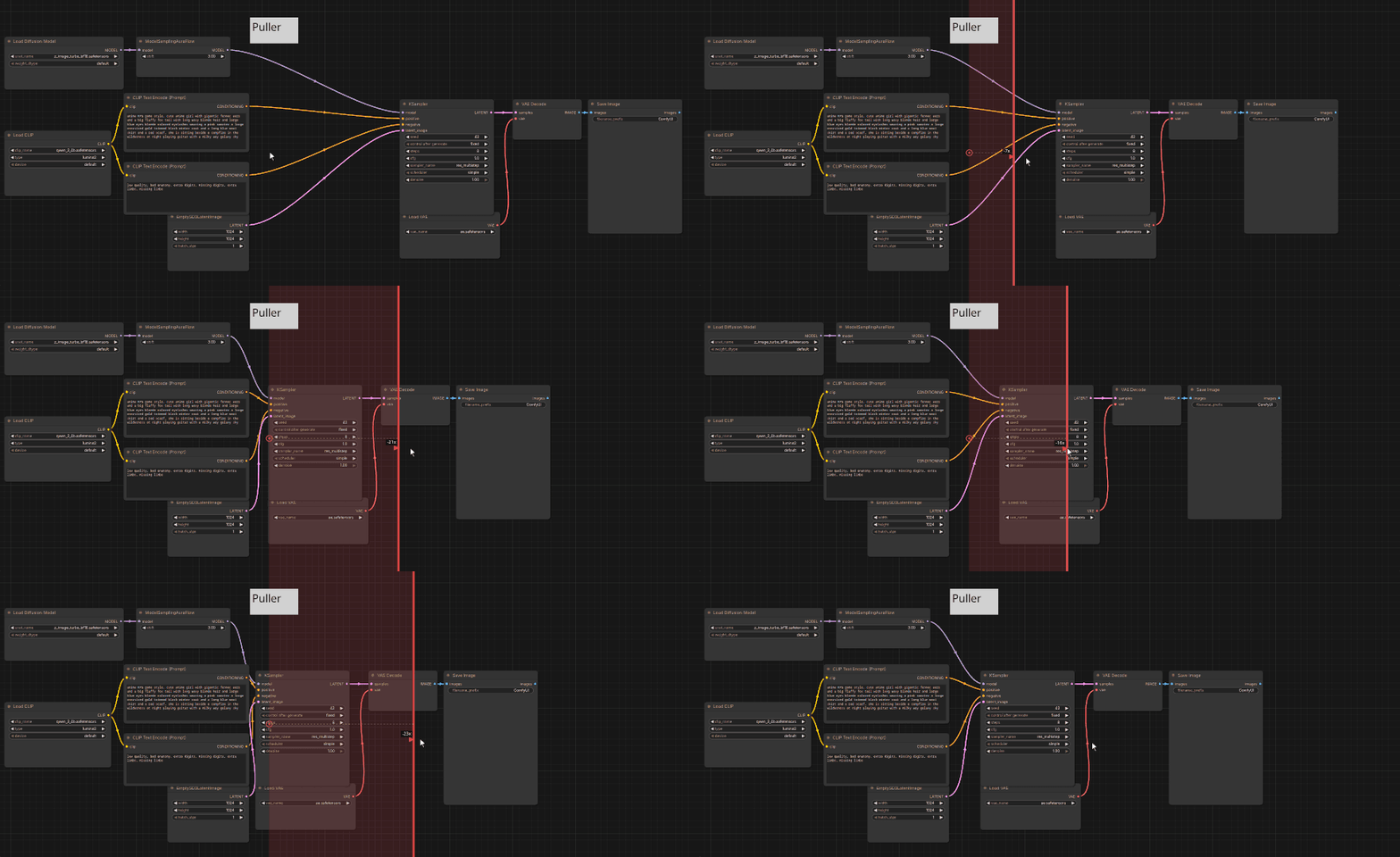
ctrl + shift + RMB
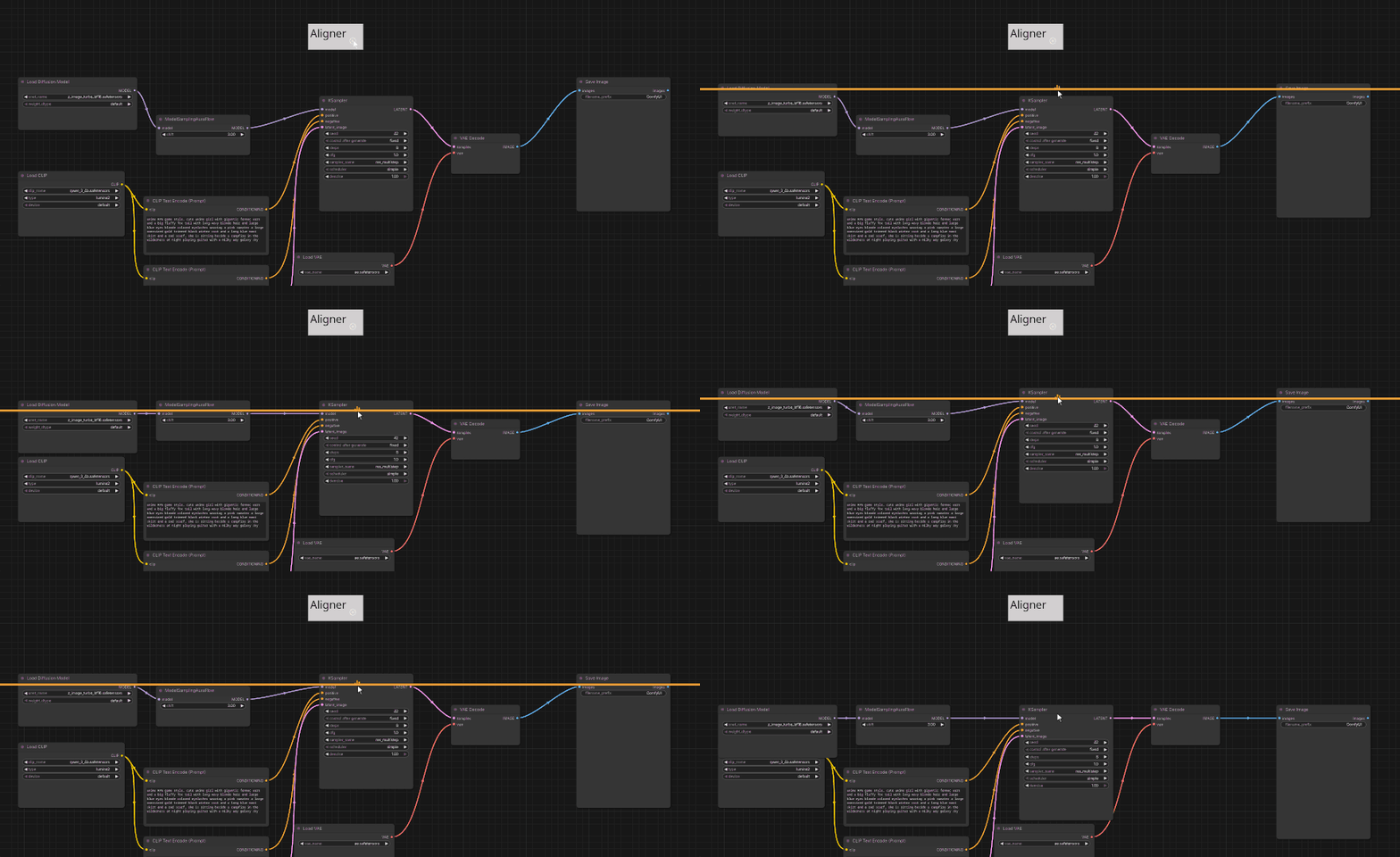
ctrl + alt + RMB
Mousewheel: changes line lengthesc: cancel and restore original positions (alternatively you can move into the safe-zone)
This extension is frontend-only and completely safe. It only uses a __init__.py file to register the extension. Everything else happens in javascript context (no python files).
If you like this extension, also check out
ComfyUI OutputLists Combiner - supercharge multi-asset generation!
Installation
ComfyUI-Manager (recommended)
Search for Ripple Edit

Comfy-CLI
comfy-cli node install ripple-edit-comfyui
Manual
cd custom_nodes # in ComfyUI/
git clone https://github.com/geroldmeisinger/ripple-edit-comfyui
Changelog
- 0.0.4 fixed ripple-edit within subgraphs, move subgraph widget, fixed distance indicators
- 0.0.3 added safe-zone timeout, show node original position, show "+n nodes" for offscreen nodes, show MaxDistance indicators
- 0.0.2 better mousewheel behaviour, magnetic aligner, works with Nodes 2.0, groups and reroute knots
- 0.0.1 initial version
This project is vibe-coded.
Recommended third-party nodes
Here are some other node suites I recommend for layouting:
SparknightLLC - CrosshairGuidelines