ComfyUI_html
Nodes to manipulate HTML.
Nodes (6)
The one-click 'just give me the file' node for generated HTML
A phone-shaped window into the HTML your LLM just wrote
The node that pulls your hand-written markup back into the graph
Counter, prefix, and all
Turn a rendered image into a string your HTML can actually show
Same base64 trick, but the workflow survives the trip
ComfyUI HTML Preview Node
A ComfyUI custom node that allows you to preview and manipulate HTML content directly in your workflow.
Installation
- Clone this repository into your
ComfyUI/custom_nodesdirectory - Restart ComfyUI
Nodes
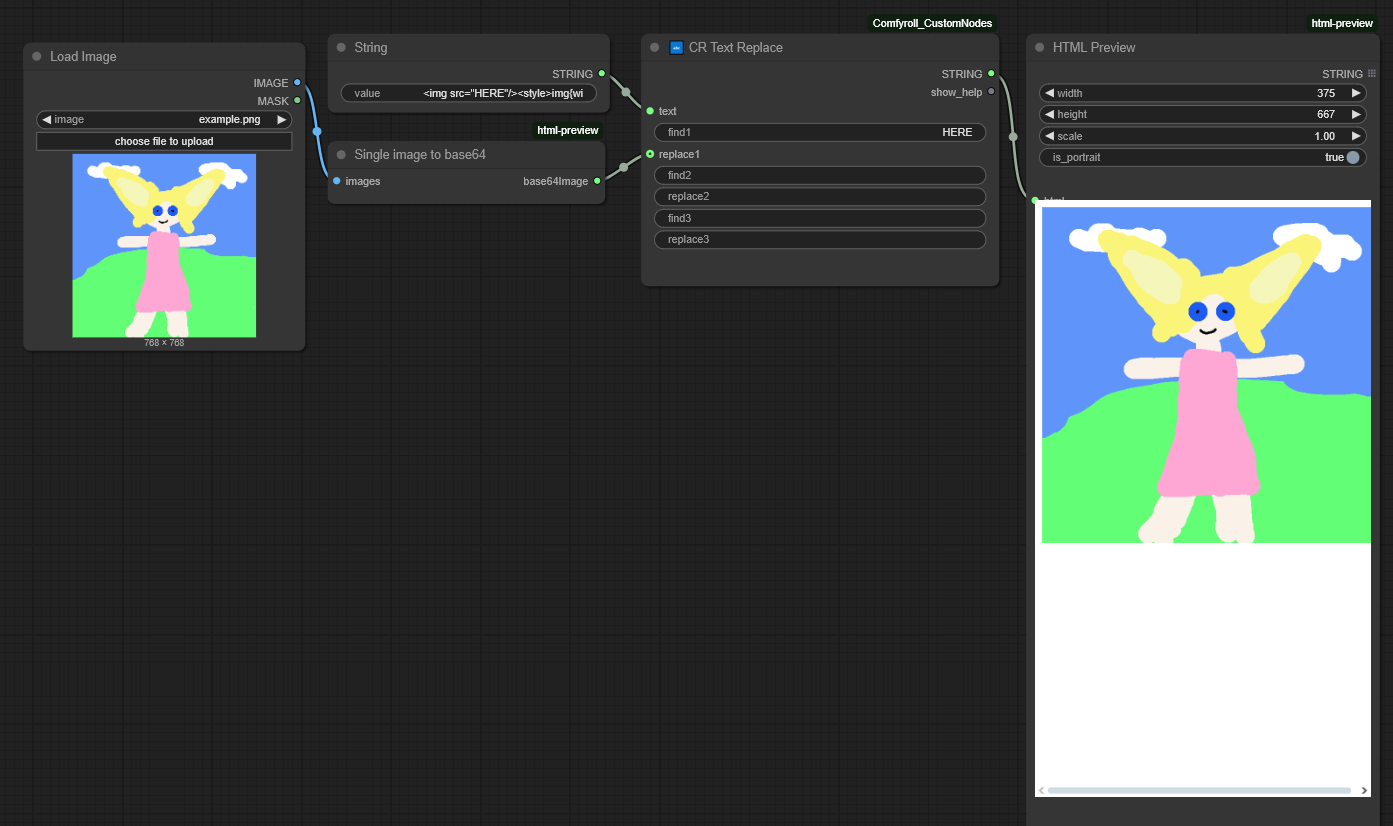
HTML Preview
A node that allows you to preview HTML content with configurable viewport settings:
width: Width of the preview viewport (default: 375px)height: Height of the preview viewport (default: 667px)scale: Scale factor for the preview (default: 1.0)is_portrait: Toggle between portrait/landscape orientationhtml: HTML content to preview (string input)
HTML Download
A node that allows you to download HTML content as a file:
filename: Name of the file to download (default: "myhtml.html")html: HTML content to download (string input)
Single Image to Base64
A utility node that converts an image into a base64 string representation:
image: Input image to convert- Returns: Base64 encoded string of the image
Save HTML
A node that saves HTML content to your ComfyUI output directory:
html: HTML content to save (string input)filename_prefix: Prefix for the output filename (default: "ComfyUI")
The filename prefix supports formatting patterns:
- Date/time:
%date:yyyy-MM-dd%,%date:hh-mm-ss%etc.
The HTML file will be saved with an auto-incrementing counter in your ComfyUI output folder.
Workflows
HTML Preview