
ComfyUI Extension
PureRef Connector
Send Save Image outputs to an editable PureRef board without adding nodes. Windows only.
doubletwisted/ComfyUI-PureRef-Connector
Nodes—
On cloudLocal install
Stars3
Updated21 days ago
Readme
PureRef Connector for ComfyUI
Sends images from the built-in Save Image node to a PureRef board. No extra nodes.
Windows only. Tested with PureRef 2.1.3.
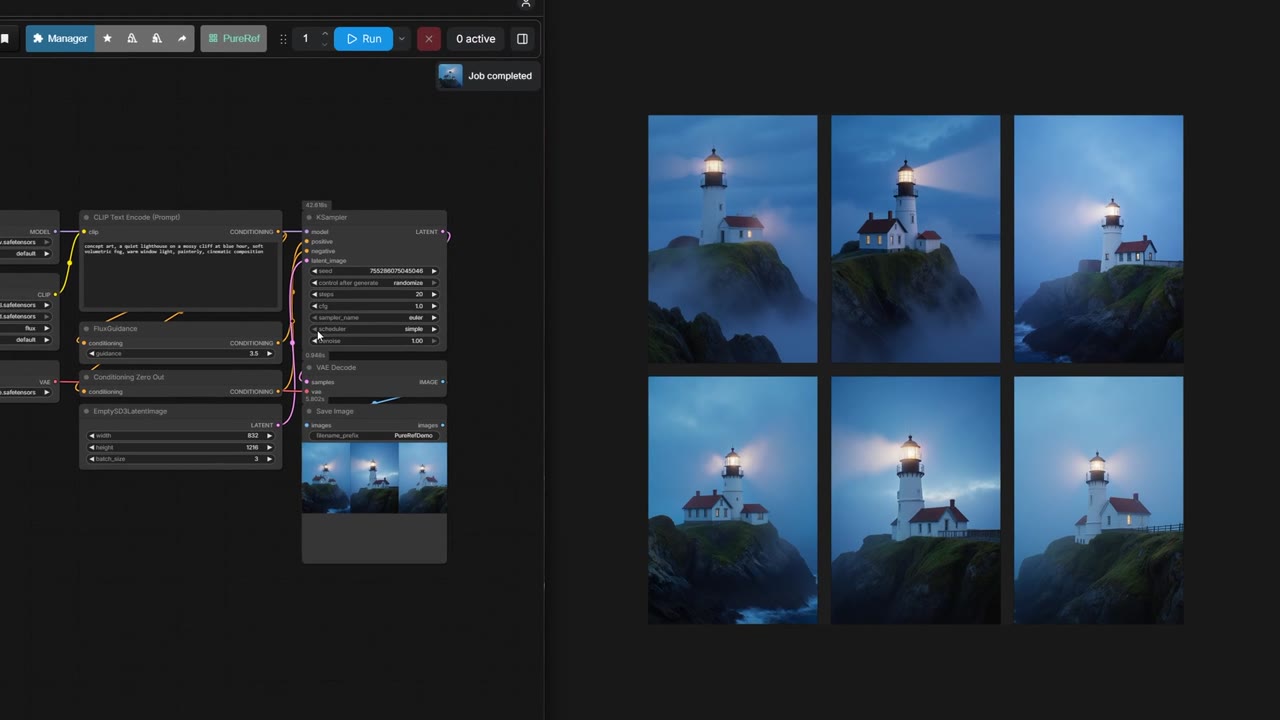
Install
Install PureRef Connector from ComfyUI-Manager, or clone this repo into ComfyUI/custom_nodes.
Use
- Click PureRef in the ComfyUI toolbar.
- Enter the path to a
.purfile. It's created if it doesn't exist. - Check Enable and click Apply.
New images are added to the board in rows, starting at the top-left of the canvas. Keep that area free of your own references.
Save images to
- PureRef + normal output folder: images go to both.
- PureRef only: images only go to the board.
If PureRef can't take an image, it's saved to the normal output folder and you get a warning.
Notes
- The board pauses for a moment while new images are added. Your own edits are saved first.
- Close any other PureRef window that has the same board open.
- Open ComfyUI through
localhostor127.0.0.1. PureRef must run on the same computer. - To get a workflow back, export the image from PureRef with Format: Original and cropping off, then drag it into ComfyUI.