
ComfyUI-CapitanFlowMatch
Optimal samplers and schedulers for rectified flow models.
Nodes (3)
The zero-shift sigma schedule for when you want no heroics
Your flow model's shift knob, without the training wheels
The 'which steps and shift does my flow model want' button
⚓ ComfyUI-CapitanFlowMatch


Optimal samplers and schedulers for rectified flow models.
Lumina2, Flux, SD3, and Z-Image use rectified flow — a fundamentally different architecture than SD1.5/SDXL. Using standard samplers leaves quality on the table.
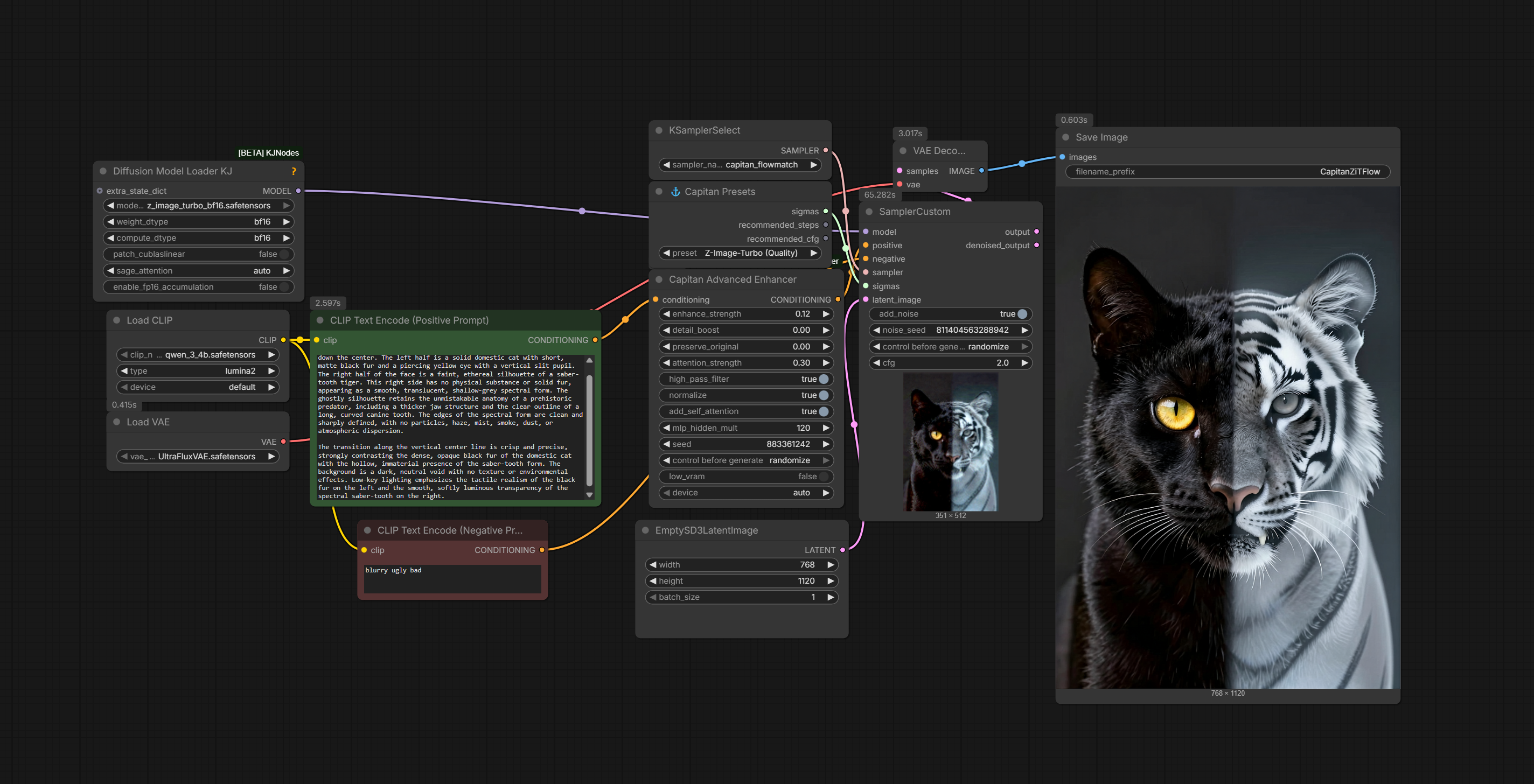
Generated Portraits (Z-Image-Turbo Quality Preset)
Click any thumbnail for full resolution:
<div style="display: flex; gap: 20px; flex-wrap: wrap; justify-content: center;"> <a href="examples/CapitanZiTFlow_00006_.png"> <img src="examples/CapitanZiTFlow_00006_.png" width="150" alt="Portrait 1 - Z-Image-Turbo Quality"> </a> <a href="examples/CapitanZiTFlow_00007_.png"> <img src="examples/CapitanZiTFlow_00007_.png" width="150" alt="Portrait 2 - Z-Image-Turbo Quality"> </a> <a href="examples/CapitanZiTFlow_00010_.png"> <img src="examples/CapitanZiTFlow_00010_.png" width="150" alt="Portrait 3 - Z-Image-Turbo Quality"> </a> <a href="examples/CapitanZiTFlow_00012_.png"> <img src="examples/CapitanZiTFlow_00012_.png" width="150" alt="Portrait 3 - Z-Image-Turbo Quality"> </a> </div>Why?
Try running Z-Image-Turbo at 36 steps and high cfg with the default euler sampler.
It burns.
Now try it with Capitan FlowMatch.
It doesn't.
That's why.
Installation
ComfyUI Manager
Search for ComfyUI-CapitanFlowMatch and install.
Manual
cd ComfyUI/custom_nodes
git clone https://github.com/capitan01R/ComfyUI-CapitanFlowMatch.git
Restart ComfyUI.
Nodes
⚓ Capitan Presets
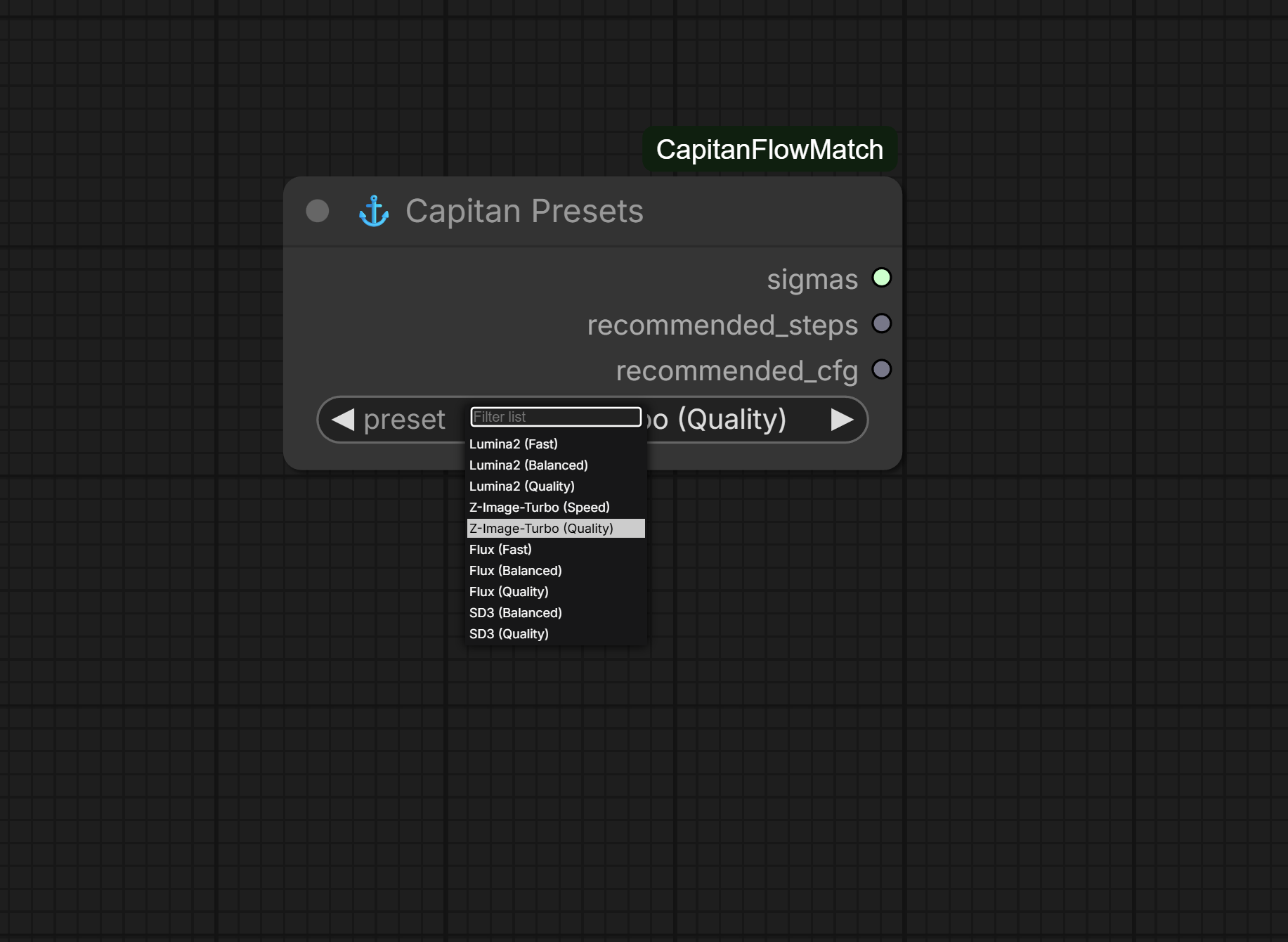
One-click presets for all major flow models. Just select your model and quality tier.
| Model | Speed | Balanced | Quality | |-------|-------|----------|---------| | Lumina2 | 12 steps | 20 steps | 36 steps | | Z-Image-Turbo | 8 steps | - | 36 steps | | Flux | 12 steps | 20 steps | 36 steps | | SD3 | - | 24 steps | 36 steps |
Outputs: SIGMAS, recommended_steps, recommended_cfg
⚓ Capitan Shift
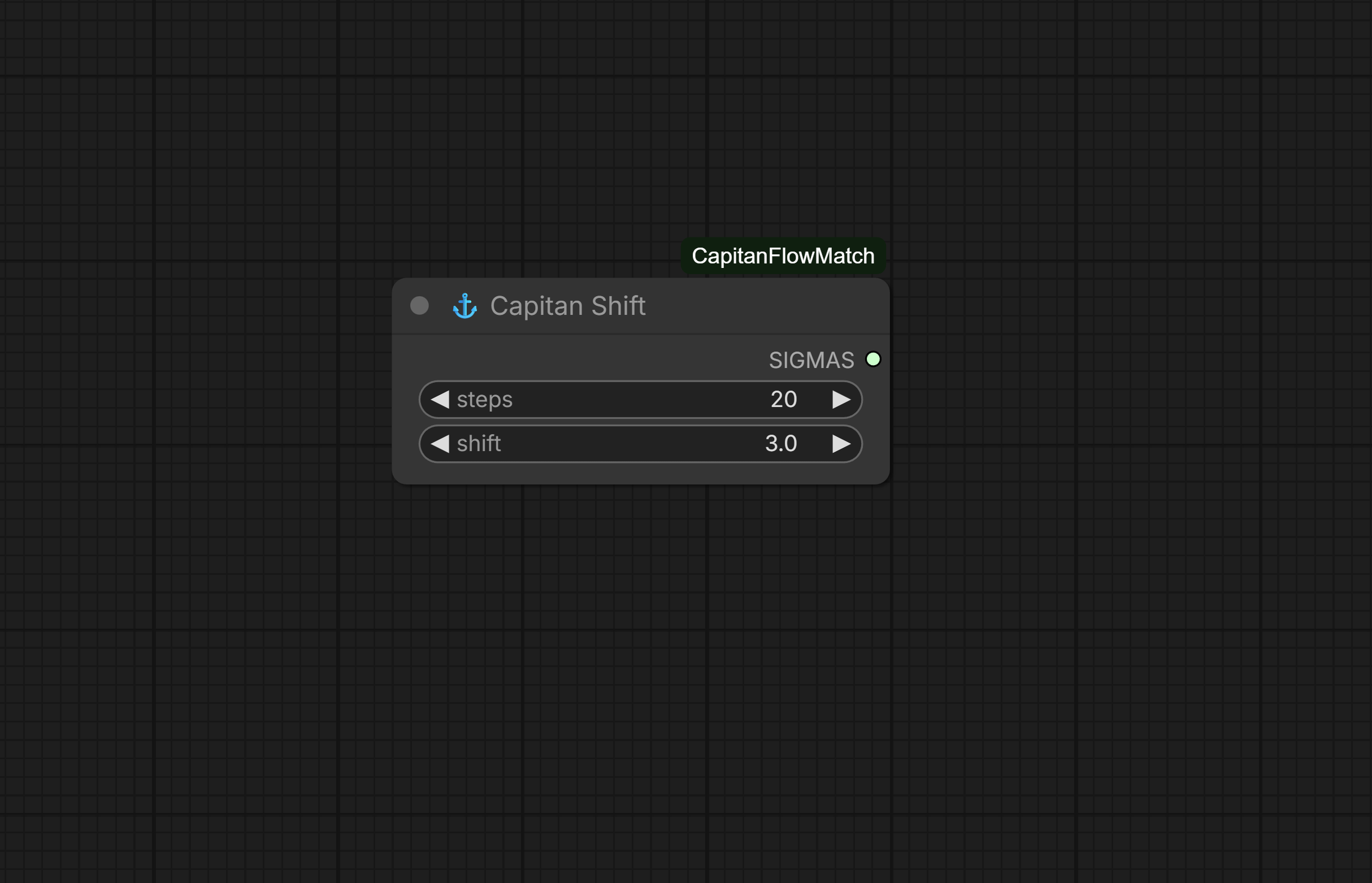
Manual control over steps and shift value.
| Parameter | Default | Description | |-----------|---------|-------------| | steps | 20 | Number of sampling steps | | shift | 3.0 | Schedule shift (higher = more steps at high noise) |
⚓ Capitan Linear
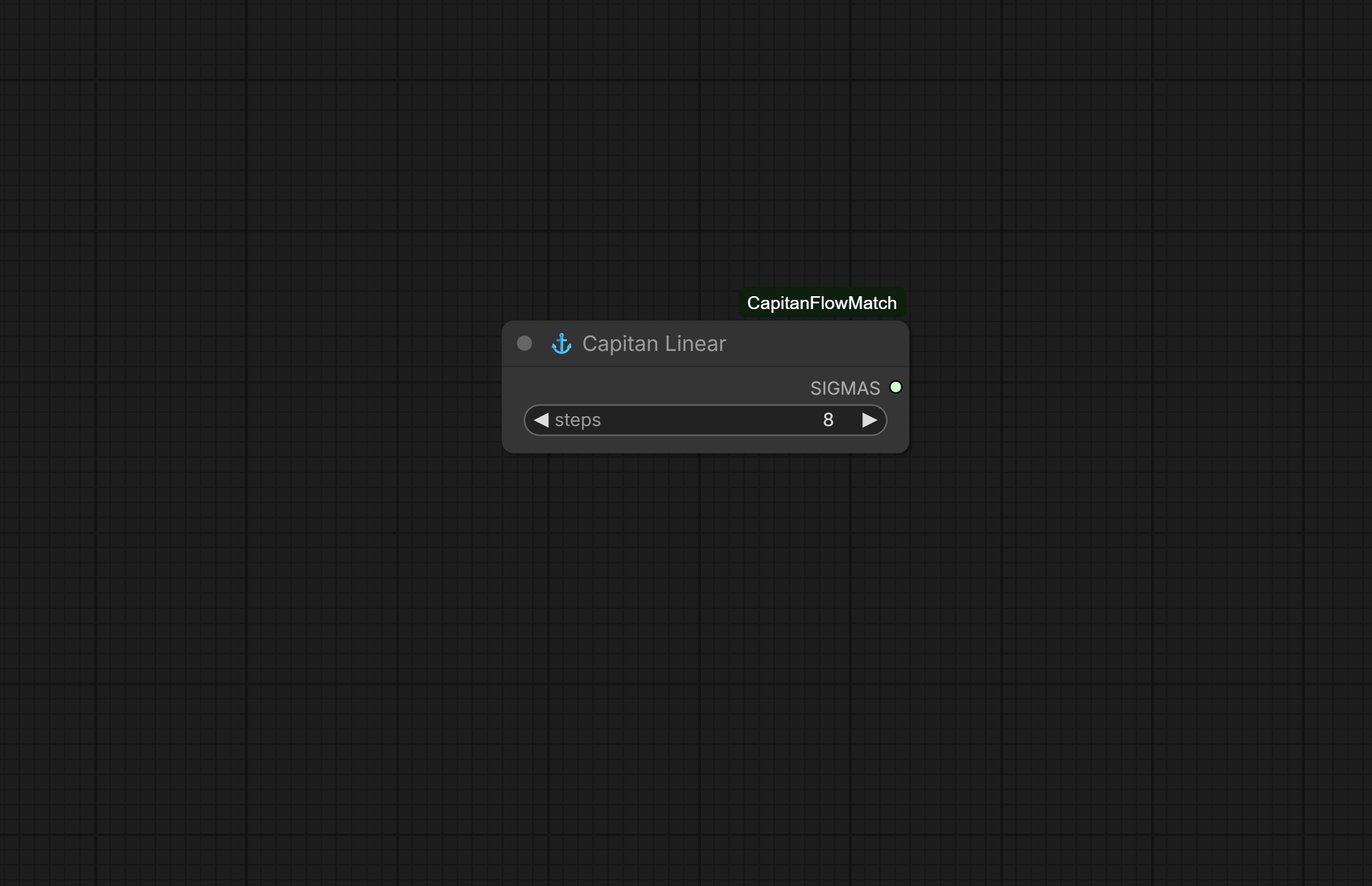
Simple linear schedule from 1.0 → 0.0. For models that expect unshifted schedules.
Samplers
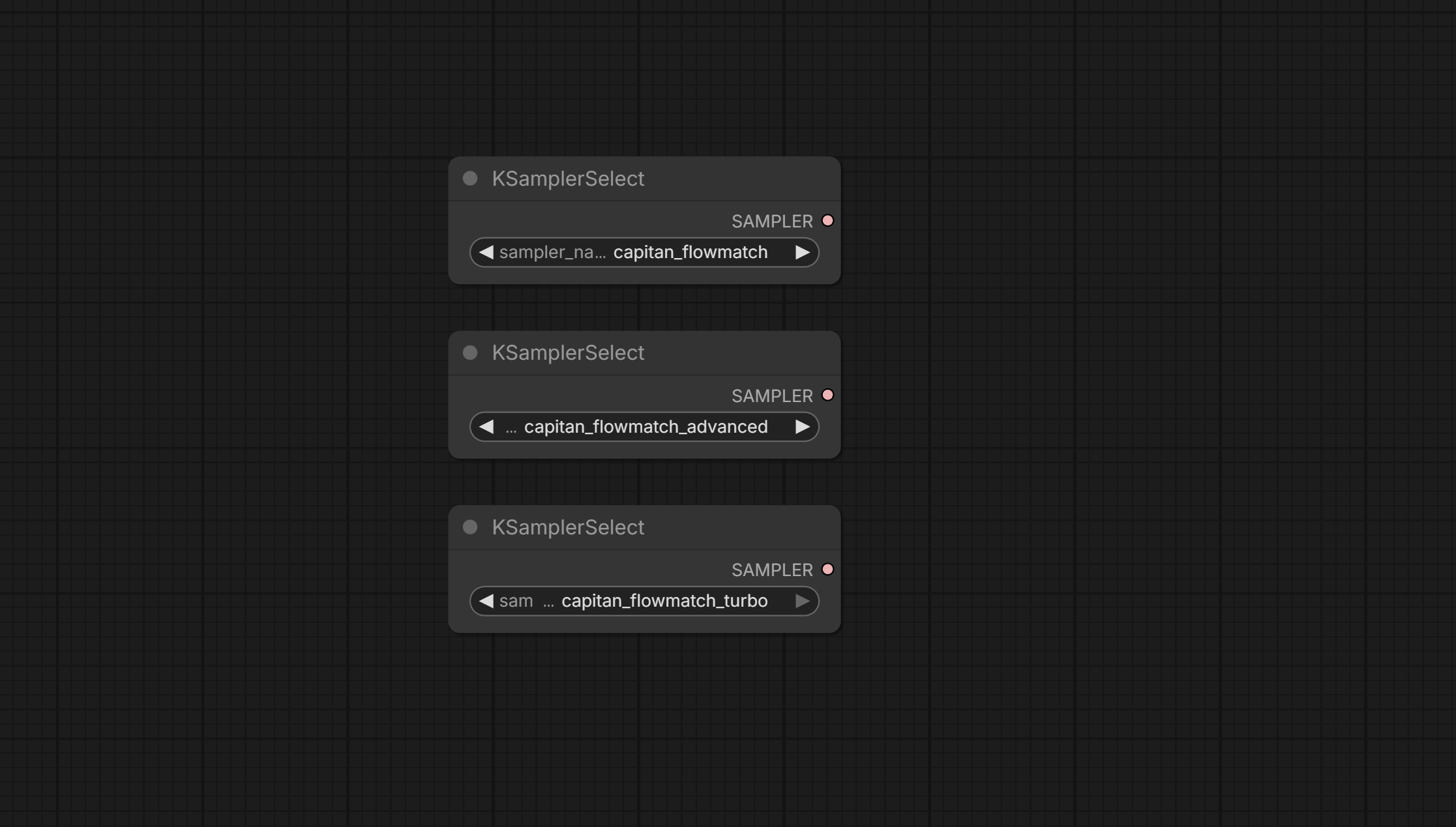
Samplers
Three samplers are automatically registered — all carefully tuned for the best results on rectified flow models (Lumina2, Z-Image, Flux, SD3, etc.):
| Sampler | Description | When to Use |
|-------------------------------|-----------------------------------------------------------------------------|-----------------------------------------------|
| capitan_flowmatch | The flagship sampler — delivers the sharpest, most consistent quality across all use cases | Default choice for everything, especially longer / higher-quality generations |
| capitan_flowmatch_advanced | Alternate processing path — tends to produce slightly smoother, more blended results | When you prefer a gentler, less aggressive look or want to compare variations |
| capitan_flowmatch_turbo | Specially hardened variant — extra safeguards against edge-case artifacts in very fast/distilled models | Best for turbo/distilled checkpoints (Z-Image-Turbo, fast Flux variants) |
Use with SamplerCustom or KSampler nodes.
Recommended Settings
Lumina2
| Quality | Sampler | Steps | Shift | CFG | |---------|---------|-------|-------|-----| | Fast | capitan_flowmatch | 12 | 2.0 | 2.0 | | Balanced | capitan_flowmatch | 20 | 3.0 | 2.0 | | Quality | capitan_flowmatch | 36 | 6.0 | 2.0 |
Z-Image-Turbo
| Quality | Sampler | Steps | Shift | CFG | |---------|---------|-------|-------|-----| | Speed | capitan_flowmatch_turbo | 8 | 1.0 | 1.0 | | Quality | capitan_flowmatch | 36 | 6.0 | 2.0 |
** Hidden Quality Mode:** Z-Image-Turbo at 36 steps with shift 6.0 produces exceptional results. Standard samplers distortes at these settings — Capitan doesn't.
Flux
| Quality | Sampler | Steps | Shift | CFG | |---------|---------|-------|-------|-----| | Fast | capitan_flowmatch | 12 | 2.0 | 3.5 | | Balanced | capitan_flowmatch | 20 | 3.0 | 3.5 | | Quality | capitan_flowmatch | 36 | 6.0 | 3.5 |
SD3
| Quality | Sampler | Steps | Shift | CFG | |---------|---------|-------|-------|-----| | Balanced | capitan_flowmatch | 24 | 3.0 | 4.0 | | Quality | capitan_flowmatch | 36 | 5.0 | 4.0 |
Usage
With Presets (Easiest)
- Add ⚓ Capitan Presets node
- Select your model and quality tier
- Connect
sigmasto SamplerCustom - Select
capitan_flowmatchas sampler - Done
With Manual Control
- Add ⚓ Capitan Shift node
- Set steps and shift value
- Connect
sigmasto SamplerCustom - Select
capitan_flowmatchas sampler
FAQ
Q: Can't I do this with built-in nodes?
A: Yes. You'll need ModelSamplingFlux → BasicScheduler → SamplerCustom with the correct shift value (which varies per model), correct steps (which varies per model), and knowledge of which models are rectified flow.
Or just use Capitan Presets and pick from a dropdown.
Q: Why does Z-Image-Turbo work at 36 steps?
A: Turbo models are optimized for few steps, not limited to them. With the correct sampler and schedule, they can utilize additional steps for quality gains. Standard samplers accumulate errors that cause burning — Capitan doesn't.
Q: Which sampler should I use?
A: capitan_flowmatch for everything. The other variants exist for edge cases and experimentation.
Comparison
| Setup | Steps Needed | Quality | Burning? | |-------|--------------|---------|----------| | euler + karras | 30-40 | ⚠️ Suboptimal | Yes at high steps | | euler + normal | 25-35 | ⚠️ Mediocre | Yes at high steps | | capitan_flowmatch + shift | 15-25 | ✅ Optimal | No |
Credits
Built for the ComfyUI community.
If this helped you, star the repo ⭐