
YuE2-Kit
Helpers around ComfyUI's native YuE2 and SheetSage2 nodes: paired FLAC + ABC export, score extension, and optional audio input.
ComfyUI-YuE2-Kit
An intuitive workflow for YuE2 power users.
Turn lyrics and a style prompt into music, with an ABC score. The kit brings reference input, score continuation, instrumental controls, and paired FLAC + ABC export into one workflow. Its custom nodes also work in your own workflows; some are still evolving.
Install
Requires ComfyUI 0.38.0+. Install these packs through ComfyUI-Manager or comfy-cli, then restart ComfyUI:
- YuE2-Kit
(
comfyui-yue2-kit). - ABC Preview 0.3.0+ for notation, playback, and the score timeline.
- Audio Visualizer 0.2.0+ for optional video export.
Example workflow
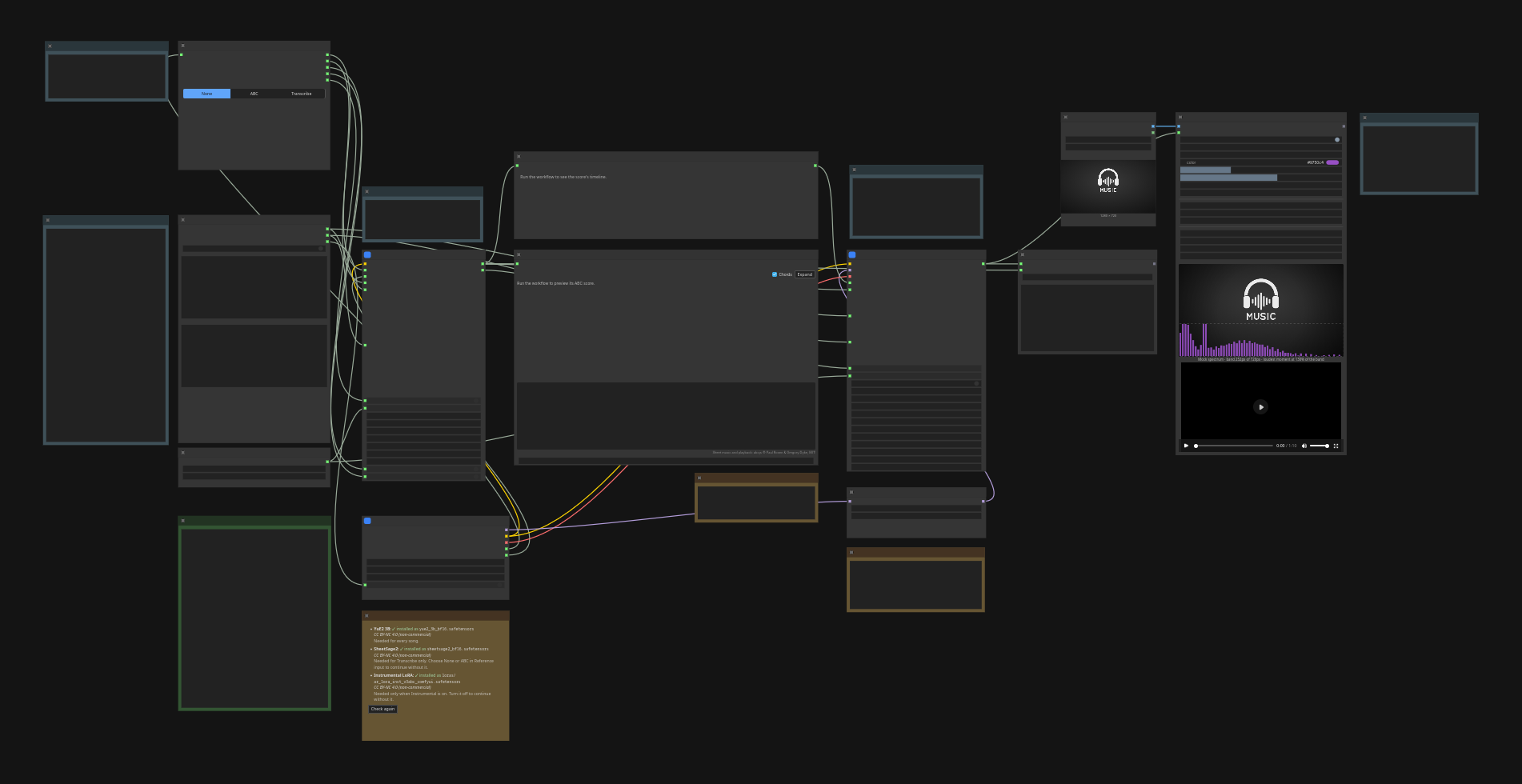
Open YuE2 Kit - Song workflow in the template browser under ComfyUI-YuE2-Kit, or load the workflow JSON.
Basic usage
- Set Lyrics + style and the Seed.
- Choose a reference, or None for a fresh score.
- Check Model files, then run.
Preview the score in the center of the workflow. Final outputs saves the song as FLAC and its exact ABC score under matching, incrementing filenames.
Acoustic uses the score's estimated length plus a 10-second margin. Enable Maximum duration there to set your own cap. This is an upper limit; the song can end earlier.
Optional features
Instrumental LoRA: enable instrumental above the lyrics input and use
full score mode. Follow the workflow's prompting cheat sheet: use
[instrumental] or lowercase section tags such as [intro], [verse], and
[chorus], each on its own line. Timed tags are guidance, not exact timing.
The node warns about unsupported formats without rewriting your text.
Reference input: paste or drop ABC, or upload audio/video and click Transcribe now. Choose Full or Melody to match your score mode. With Extend reference off, the chosen score is used as-is and planning is skipped. With it on, planning continues the reference as the start of the song. Lyrics and style still apply.
NAR LoRA: an optional acoustic adapter that pairs well with Instrumental. Start at strength 1.0; select (none) or strength 0 to disable it. Use the ComfyUI export linked in the workflow. No extra tokenizer is needed here.
Preview playback: the template tries GeneralUser-GS.sf2, including in
soundfont subfolders. Supply your own GeneralUser GS
or choose another General MIDI .sf2 in models/soundfonts/. Missing fonts
leave notation available. Select (none) to disable playback.
Visualizer video: turn enabled on and choose an image in Visualizer
still, or use the supplied artwork. The image sets the video resolution.
For smaller files, use H.265/Opus, a smaller image, or 30 FPS. Video export
requires FFmpeg with showcqt and the selected codecs.
API and tests
Use the API prompt.
node --test tests/*.mjs
python3 -m unittest discover -s tests