
ComfyUI_Quaternion_Grayscale
ComfyUI custom node that converts color images to grayscale using quaternion mathematics with multiple conversion methods.
Quaternion Grayscale — ComfyUI Custom Node
A ComfyUI custom node that converts a color image to grayscale using quaternion mathematics. Instead of the conventional luminance formula, each pixel is encoded as a pure quaternion and reduced to a scalar through one of three distinct quaternion operations.
Screenshots
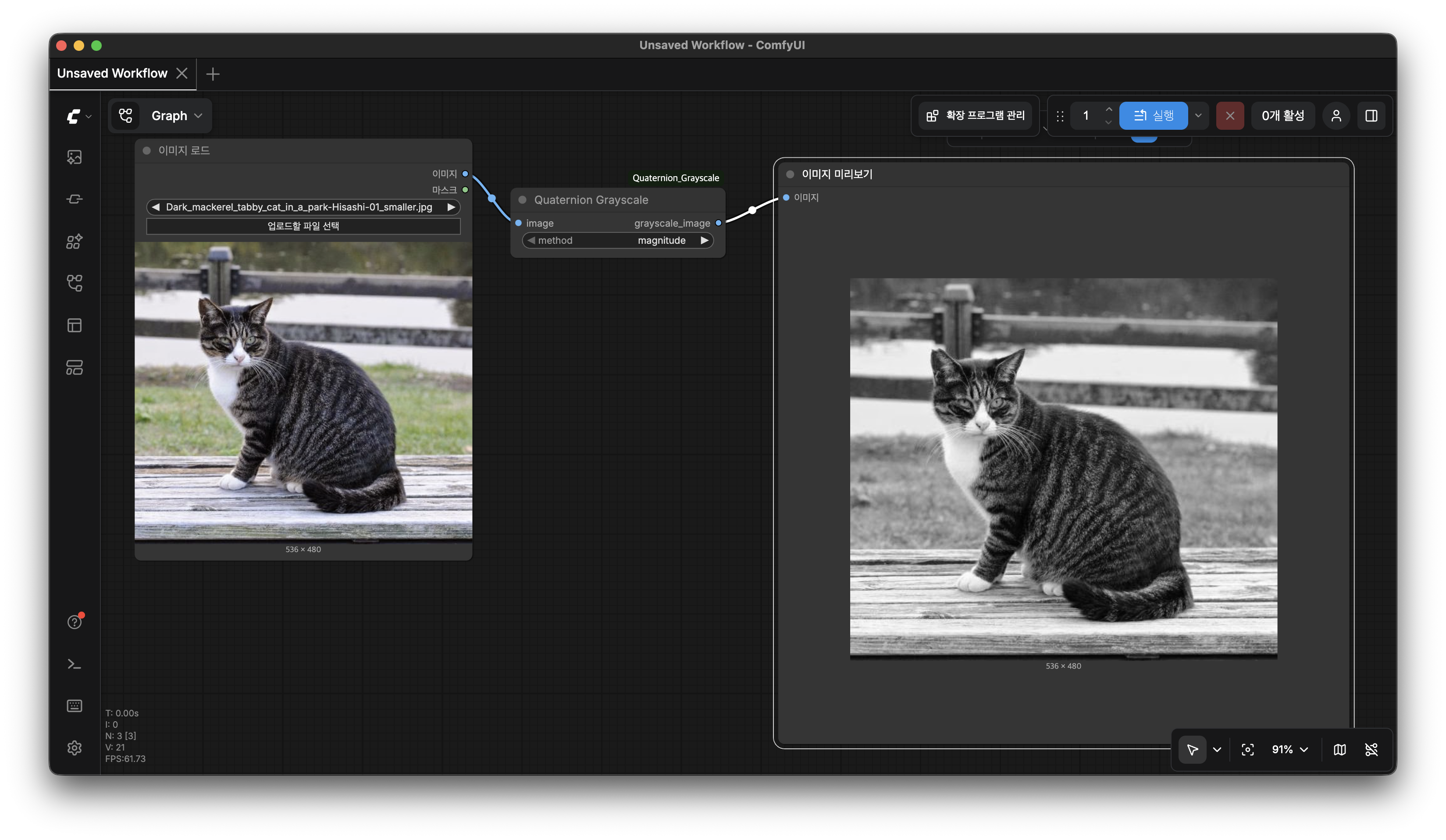
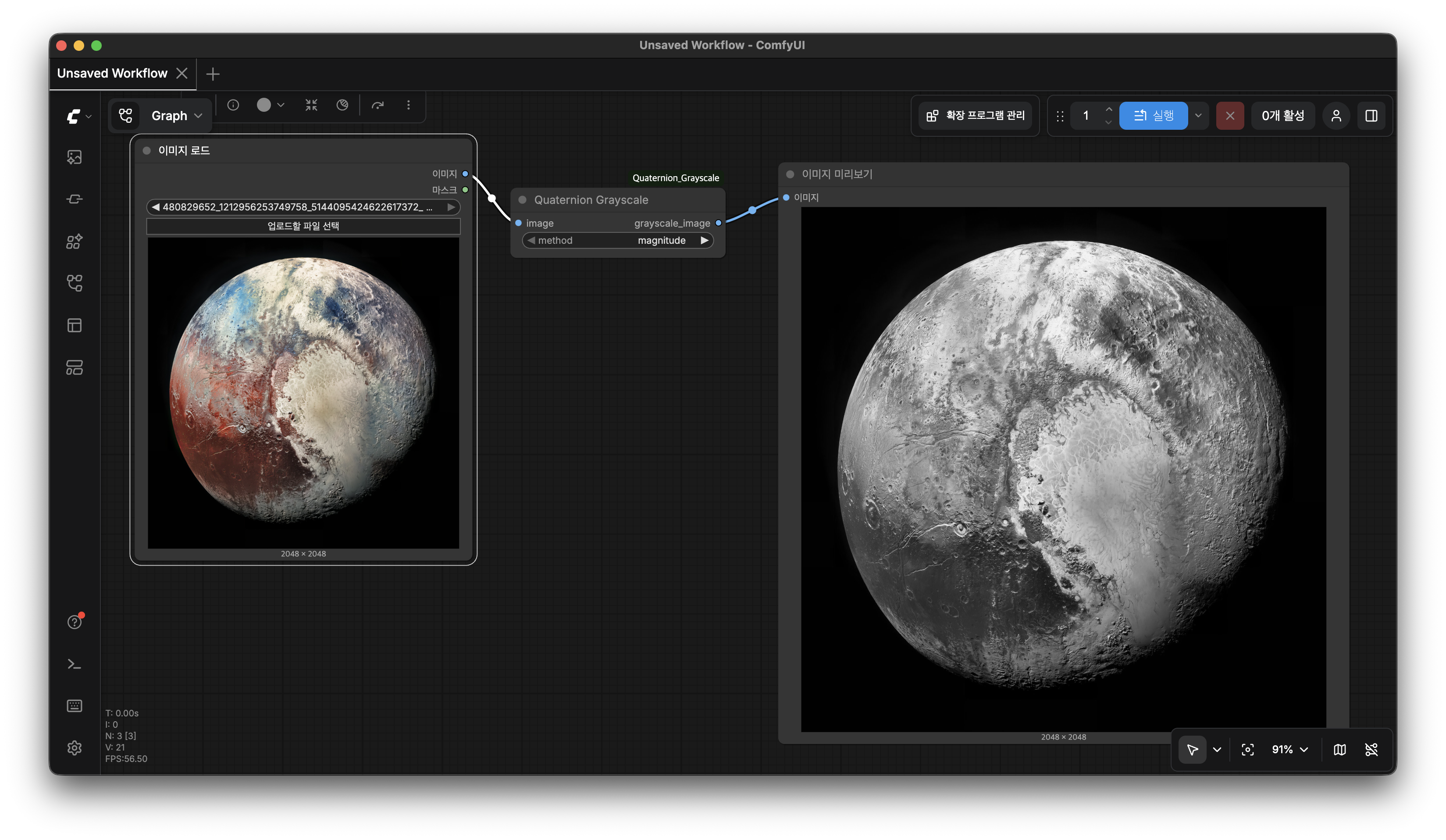
How It Works
Every RGB pixel is mapped to a pure quaternion:
q = R·i + G·j + B·k
where R, G, B ∈ [0, 1]. A grayscale value is then derived by one of the methods below.
Methods
| Method | Formula | Description |
|--------|---------|-------------|
| magnitude | ‖q‖ / √3 = √(R²+G²+B²) / √3 | L2 norm of the quaternion vector part, normalized to [0, 1] |
| projection | (R + G + B) / 3 | Scalar projection of q onto the gray-axis unit quaternion µ = (i+j+k)/√3 |
| sandwich | ‖vector(µ·q·µ̄)‖ / √3 | Quaternion sandwich product — rotates q by 90° around the gray axis (1,1,1)/√3, then takes the vector norm |
Boundary behaviour (verified for all methods):
| Input | Output |
|-------|--------|
| Black (0, 0, 0) | 0.0 |
| White (1, 1, 1) | 1.0 |
| Pure red / green / blue | ≈ 0.577 (magnitude, sandwich) or 0.333 (projection) |
Installation
-
Copy (or symlink) this folder into ComfyUI's
custom_nodesdirectory:cp -r quaternion_grayscale /path/to/ComfyUI/custom_nodes/ -
Restart ComfyUI.
-
Search for "Quaternion Grayscale" in the node browser (category:
image/quaternion).
Requirements
- Python ≥ 3.9
- PyTorch (already a ComfyUI dependency)
- No additional packages needed
Node Reference
Category: image/quaternion
Display name: Quaternion Grayscale
Inputs
| Name | Type | Description |
|------|------|-------------|
| image | IMAGE | Color input image — shape [B, H, W, C], values in [0, 1] |
| method | Combo | Conversion method: magnitude · projection · sandwich |
Outputs
| Name | Type | Description |
|------|------|-------------|
| grayscale_image | IMAGE | Grayscale result — shape [B, H, W, 3], values in [0, 1] |
The output tensor has 3 identical channels so it is compatible with any downstream node that expects a standard
IMAGE.
File Structure
quaternion_grayscale/
├── __init__.py                   # ComfyUI node registration
├── quaternion_grayscale_node.py  # Node implementation
├── test_node.py                  # Standalone verification script
└── README.md
Running the Tests
No ComfyUI installation required — only PyTorch:
python test_node.py
Sample output:
픽셀                  입력 RGB        magnitude  projection    sandwich
----------------------------------------------------------------------
순수 빨강    (1.0, 0.0, 0.0)         0.5774      0.3333      0.5774
순수 초록    (0.0, 1.0, 0.0)         0.5774      0.3333      0.5774
순수 파랑    (0.0, 0.0, 1.0)         0.5774      0.3333      0.5774
흰색         (1.0, 1.0, 1.0)         1.0000      1.0000      1.0000
검정         (0.0, 0.0, 0.0)         0.0000      0.0000      0.0000
중간 회색    (0.5, 0.5, 0.5)         0.5000      0.5000      0.5000
임의 색상    (0.8, 0.3, 0.6)         0.6028      0.5667      0.6028
Mathematical Background
Pure Quaternion Color Representation
A quaternion has the form q = w + xi + yj + zk. Setting w = 0 gives a pure quaternion, which lives entirely in the three imaginary dimensions — a natural fit for RGB color.
Magnitude Method
The Euclidean norm of the vector part:
‖q‖ = √(R² + G² + B²)
The maximum value for unit-clamped channels is √3, so dividing by √3 maps the result to [0, 1]. This gives equal weight to all three channels without assuming any perceptual model.
Projection Method
The inner product of two pure quaternions p and q is:
⟨p, q⟩ = p₁q₁ + p₂q₂ + p₃q₃
Projecting onto the normalized gray-axis quaternion µ = (i+j+k)/√3:
⟨q, µ⟩ = (R + G + B) / √3
Normalizing to [0, 1] yields (R + G + B) / 3, a uniform average across channels.
Sandwich (Rotation) Method
A unit quaternion µ = cos(θ/2) + sin(θ/2)·n̂ encodes a 3D rotation of angle θ around axis n̂. The sandwich product:
q' = µ · q · µ̄
rotates the color vector (R, G, B) by θ = π/2 (90°) around the gray axis n̂ = (1,1,1)/√3. The magnitude of the resulting vector part is taken as the grayscale value.
In this implementation:
µ = cos(π/4) + sin(π/4)/√3 · (i + j + k)
License
MIT