
Krea 2 AnyPaint
ComfyUI nodes for Krea 2 AnyPaint arbitrary-mask inpainting and outpainting
Nodes (3)
Where the reference, the prompt, and the known image finally meet
The Krea 2 AnyPaint Model Patch is a speed toggle pretending to be an important node
Lay out the canvas before Krea 2 repaints anything
ComfyUI Krea 2 AnyPaint
Native ComfyUI nodes for the
yijunwang2/krea2-anypaint
functional adapter. AnyPaint adds arbitrary-mask inpainting, outpainting,
and mixed image editing to Krea 2 Turbo.
Model and portable Diffusers example | Interactive ZeroGPU Space | Collection
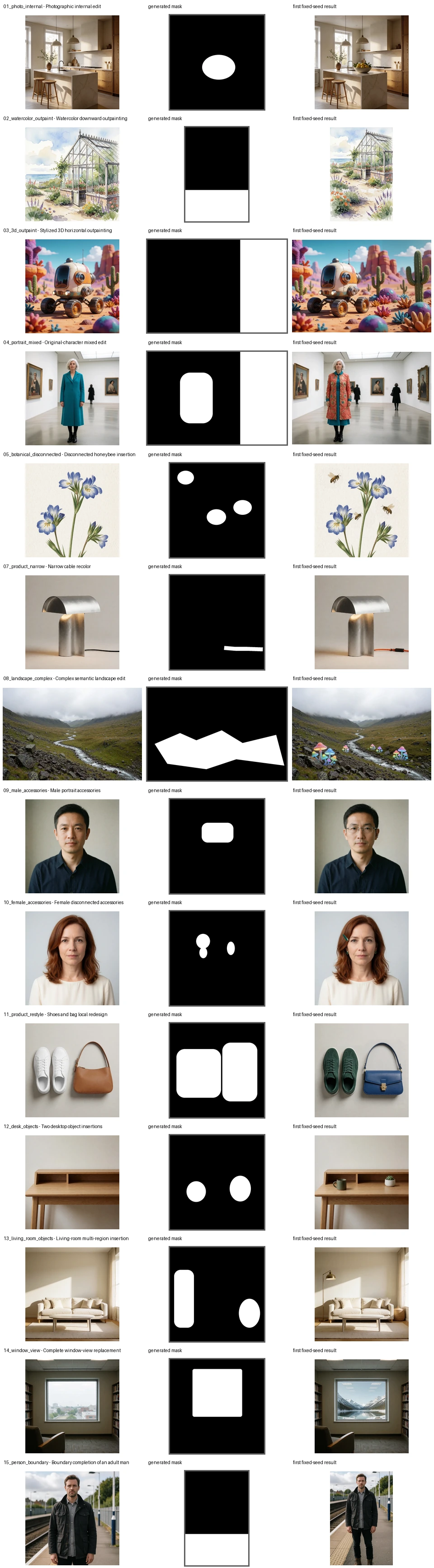
01_photo_internal - Photographic internal edit
| Source | Generated mask | AnyPaint result |
|:---:|:---:|:---:|
| 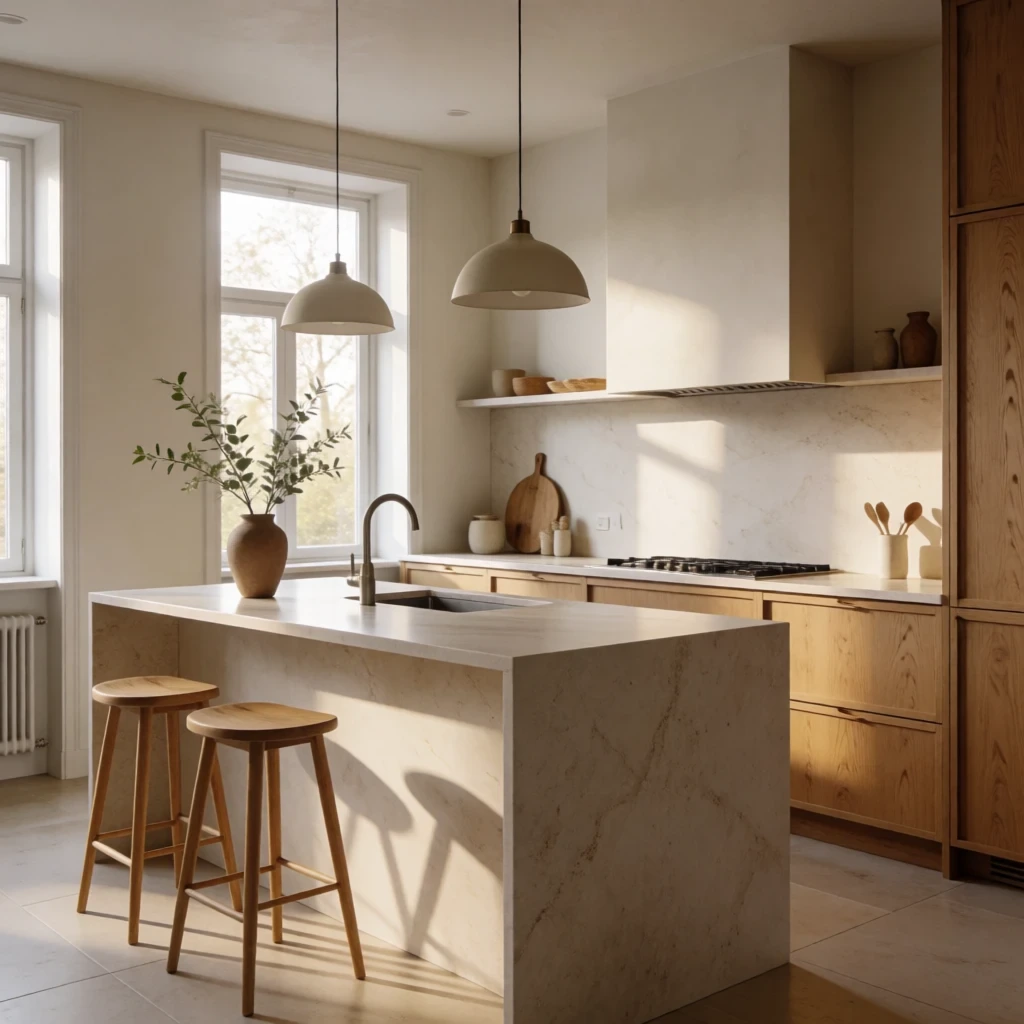 |
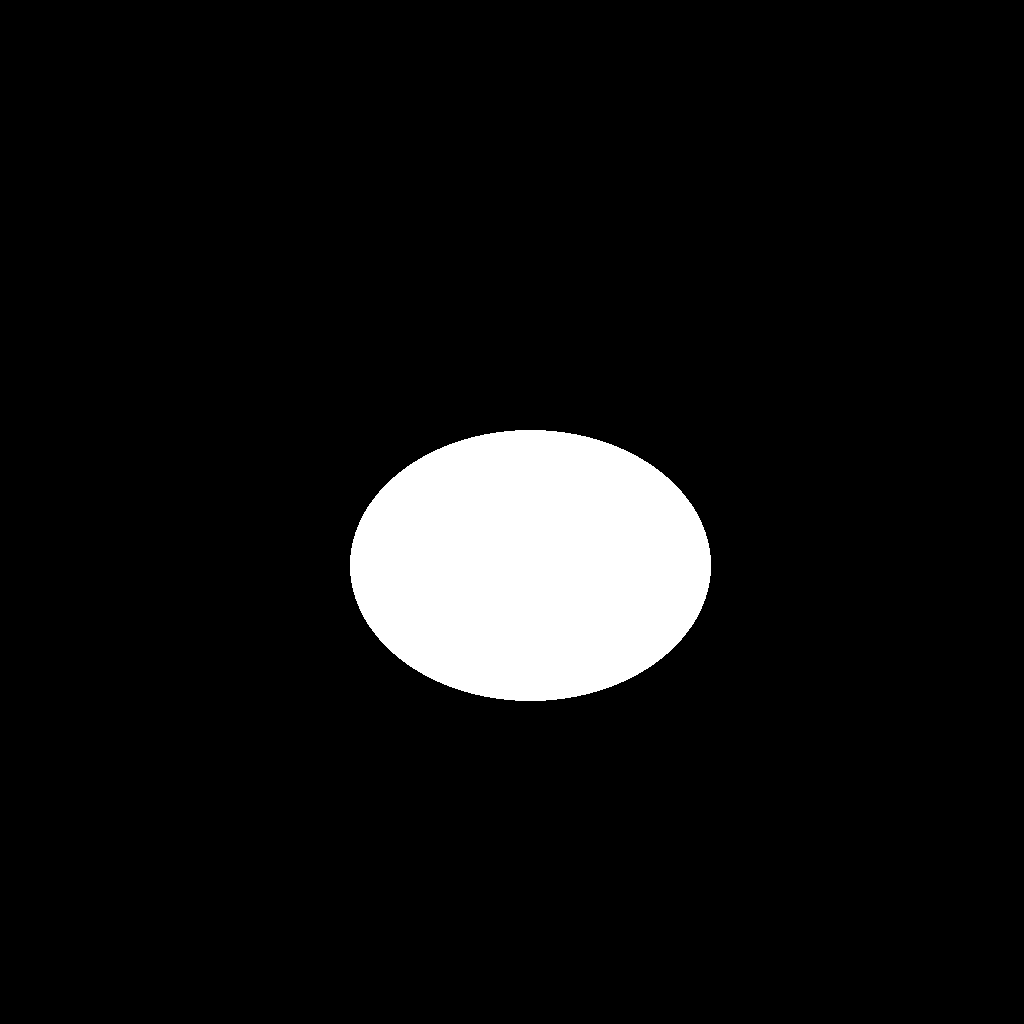 |
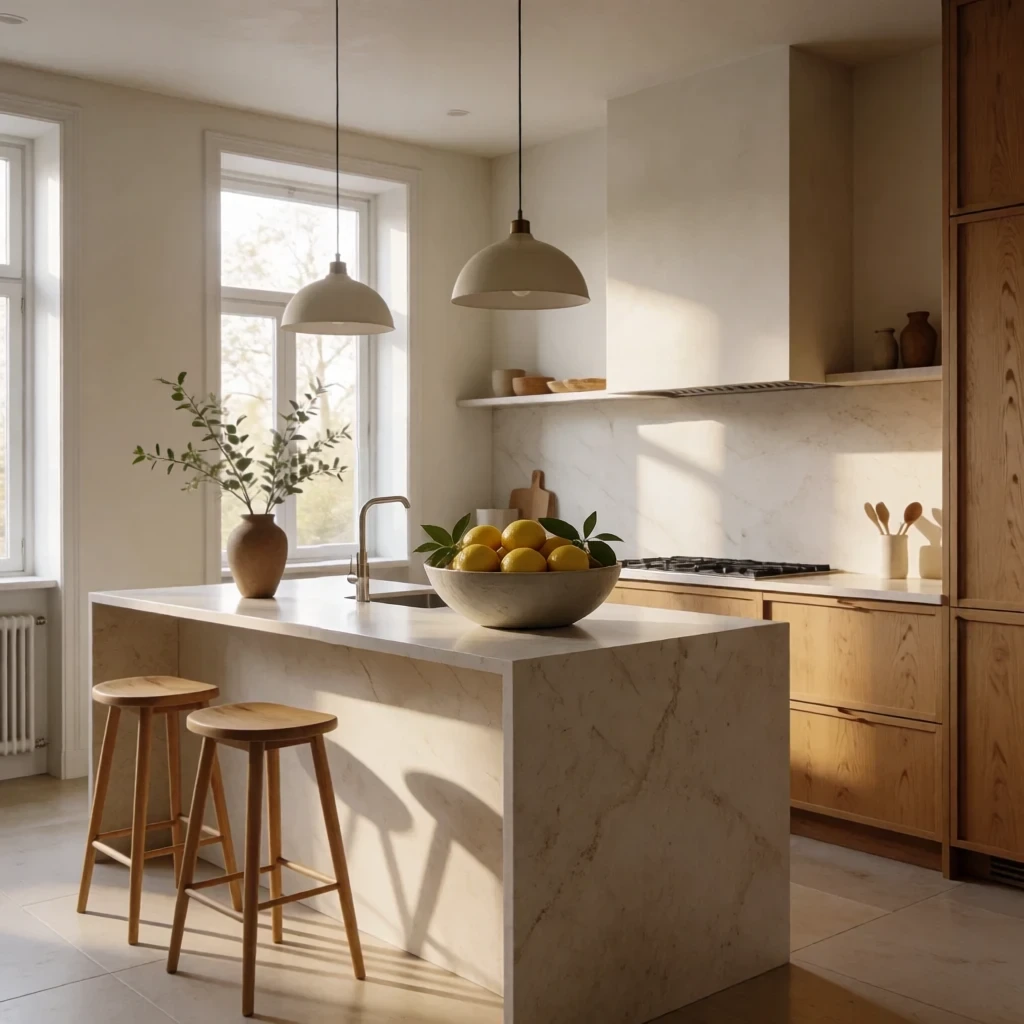 |
Prompt: a sunlit modern kitchen interior with a handmade ceramic bowl of fresh lemons on the center island, coherent morning light, complete architectural photograph
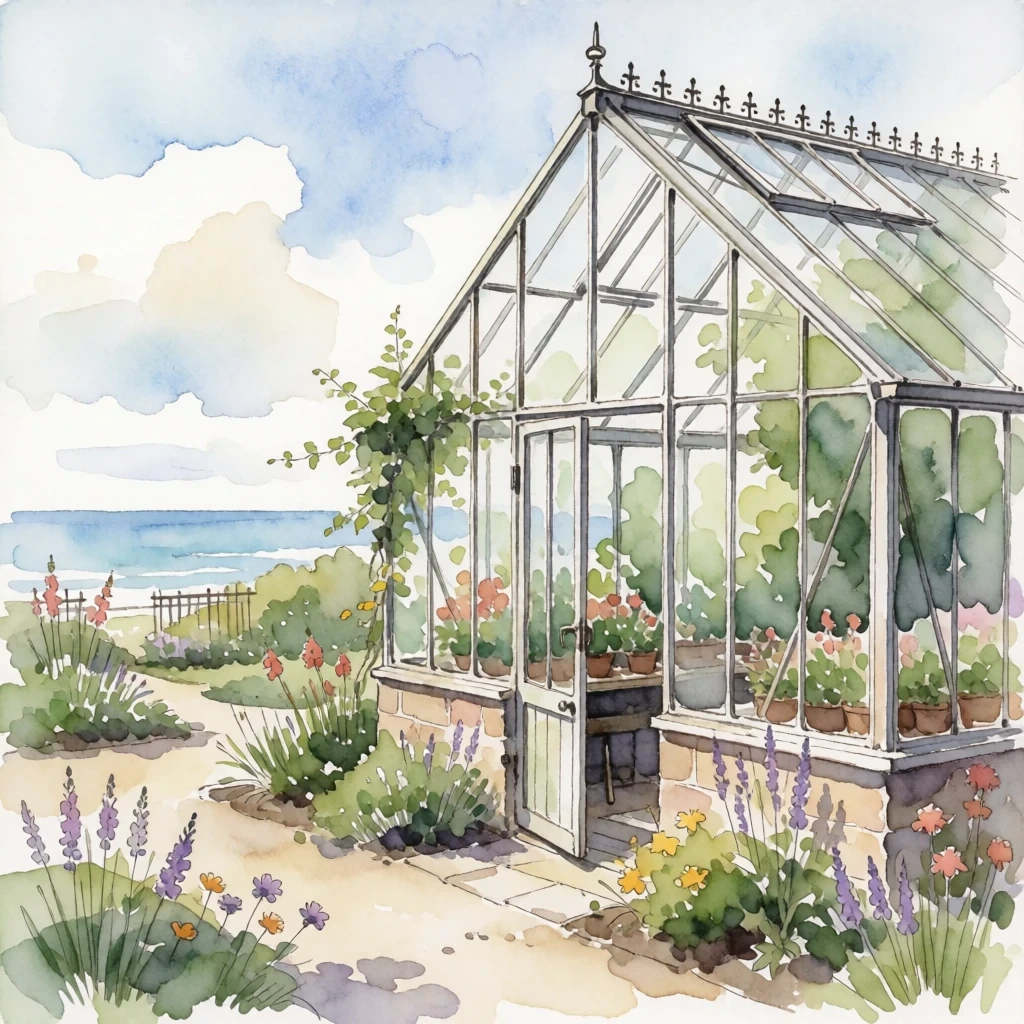
02_watercolor_outpaint - Watercolor downward outpainting
| Source | Generated mask | AnyPaint result |
|:---:|:---:|:---:|
|  |
 |
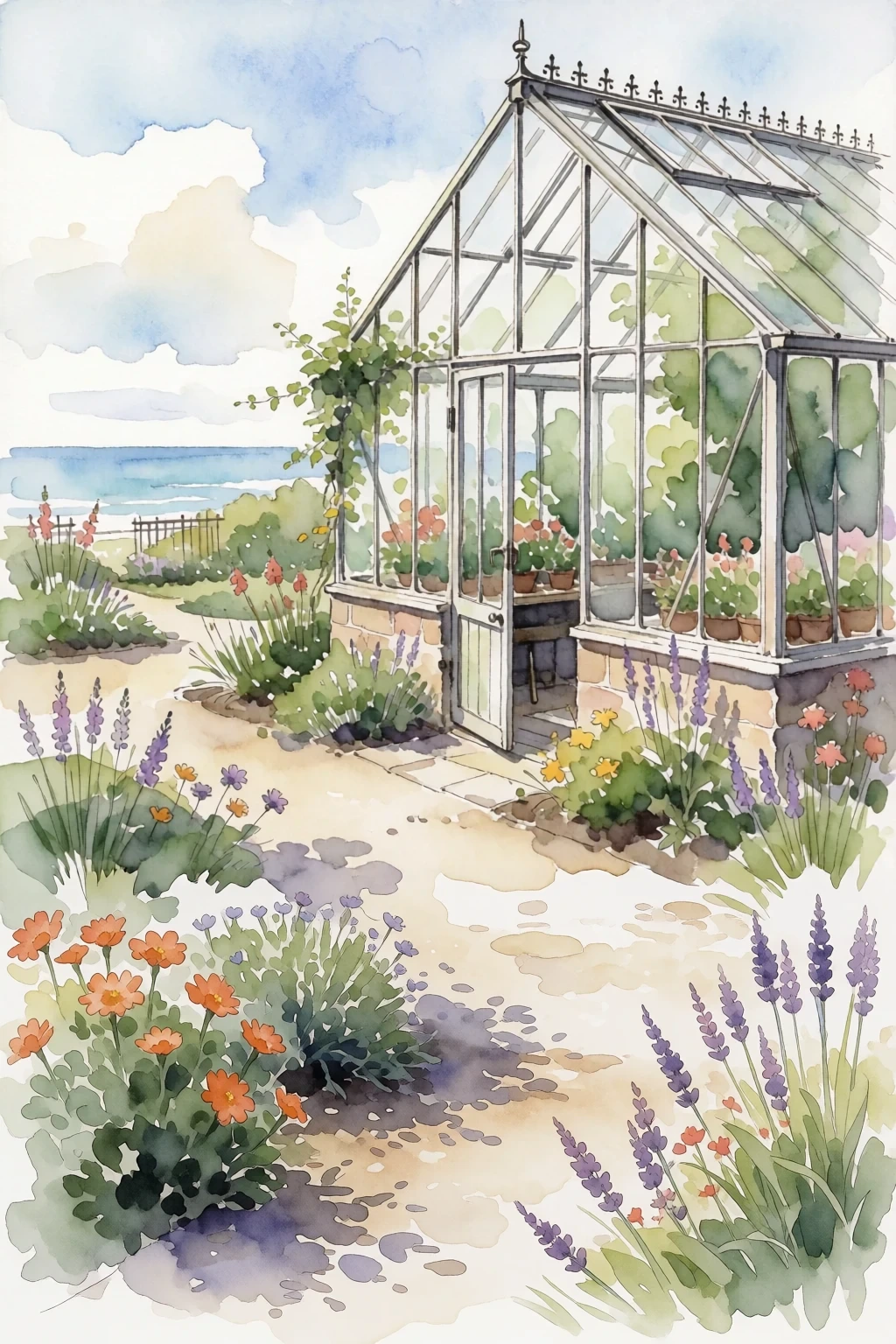 |
Prompt: an original watercolor greenhouse and coastal garden, the path and flowering plants continuing naturally downward, airy washes, complete vertical composition
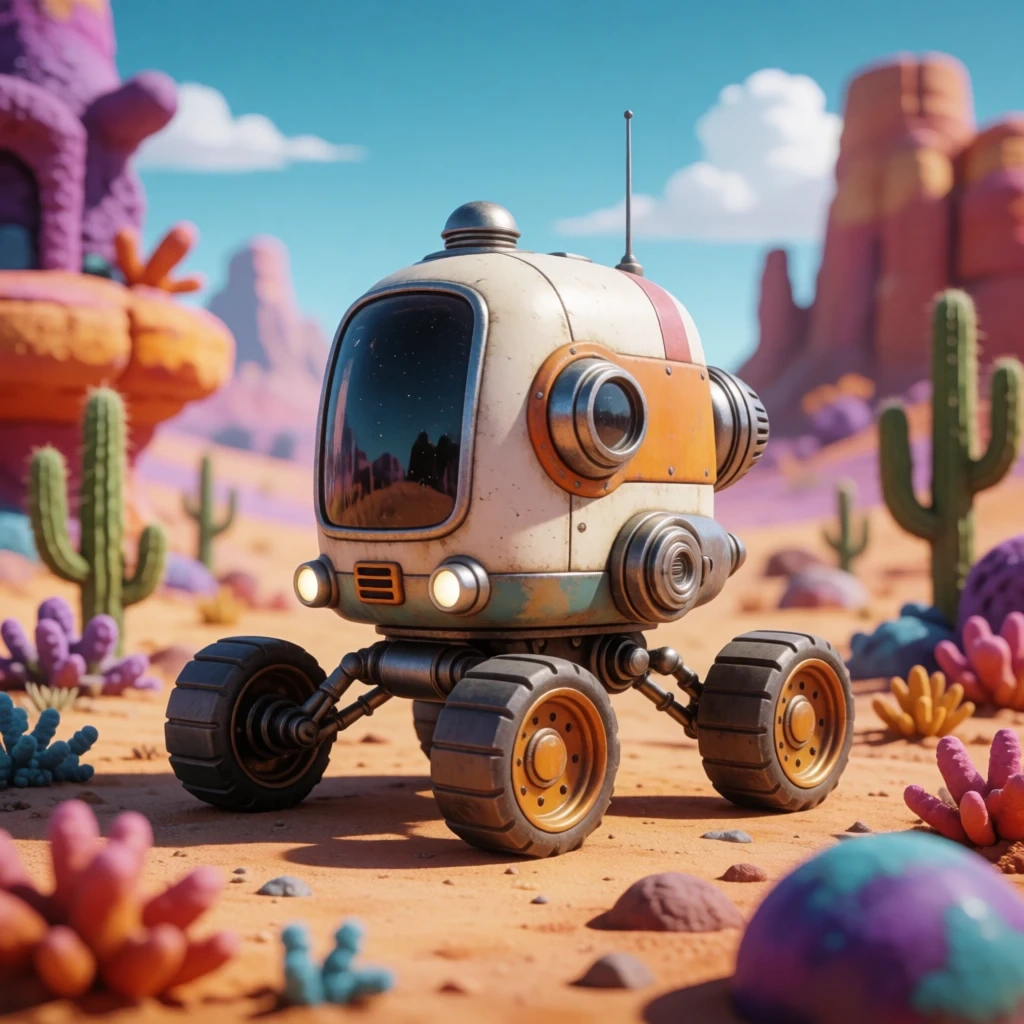
03_3d_outpaint - Stylized 3D horizontal outpainting
| Source | Generated mask | AnyPaint result |
|:---:|:---:|:---:|
|  |
 |
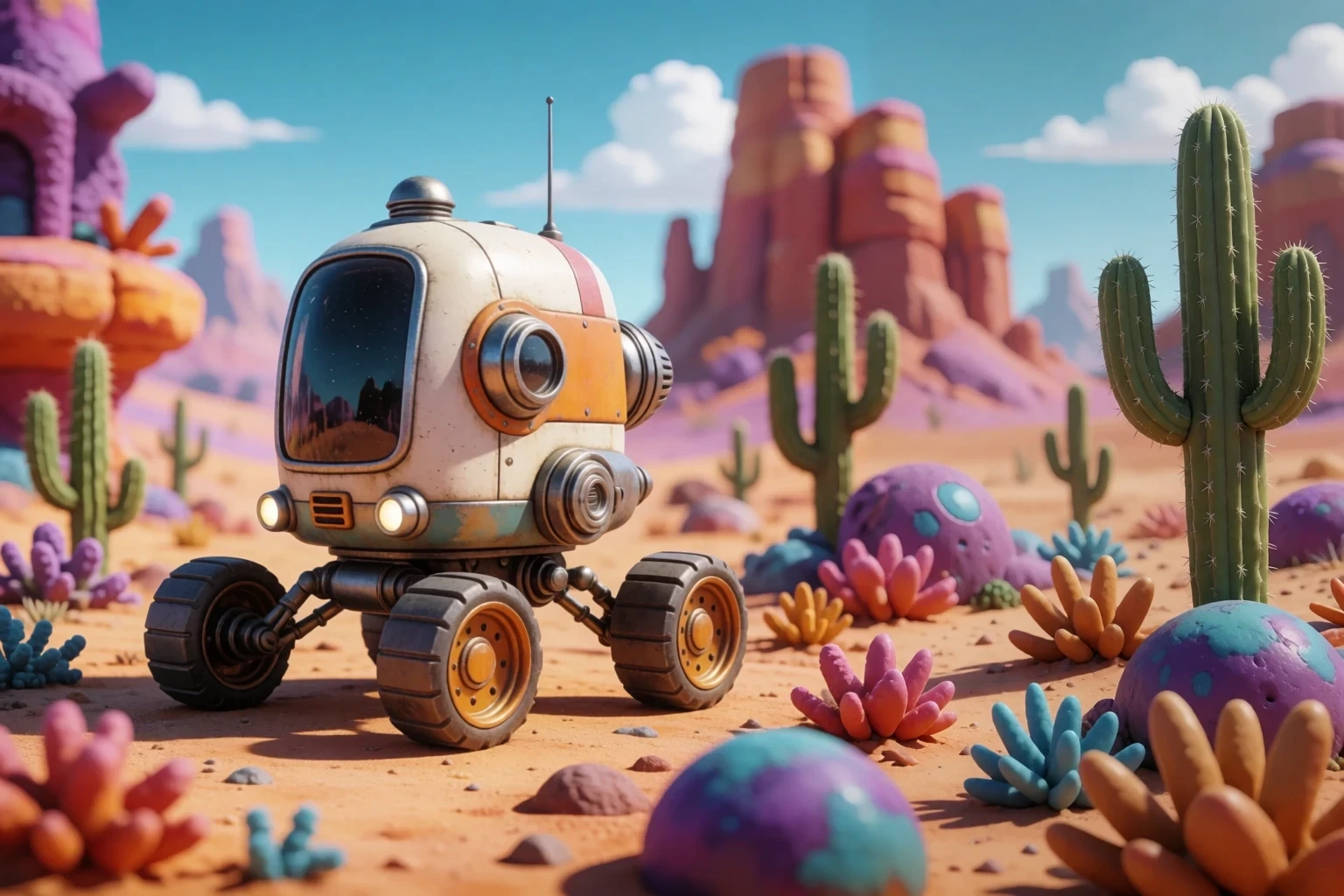 |
Prompt: an original retro-futuristic exploration rover crossing a colorful alien desert, distant mineral formations extending to the right, stylized 3D cinematic render
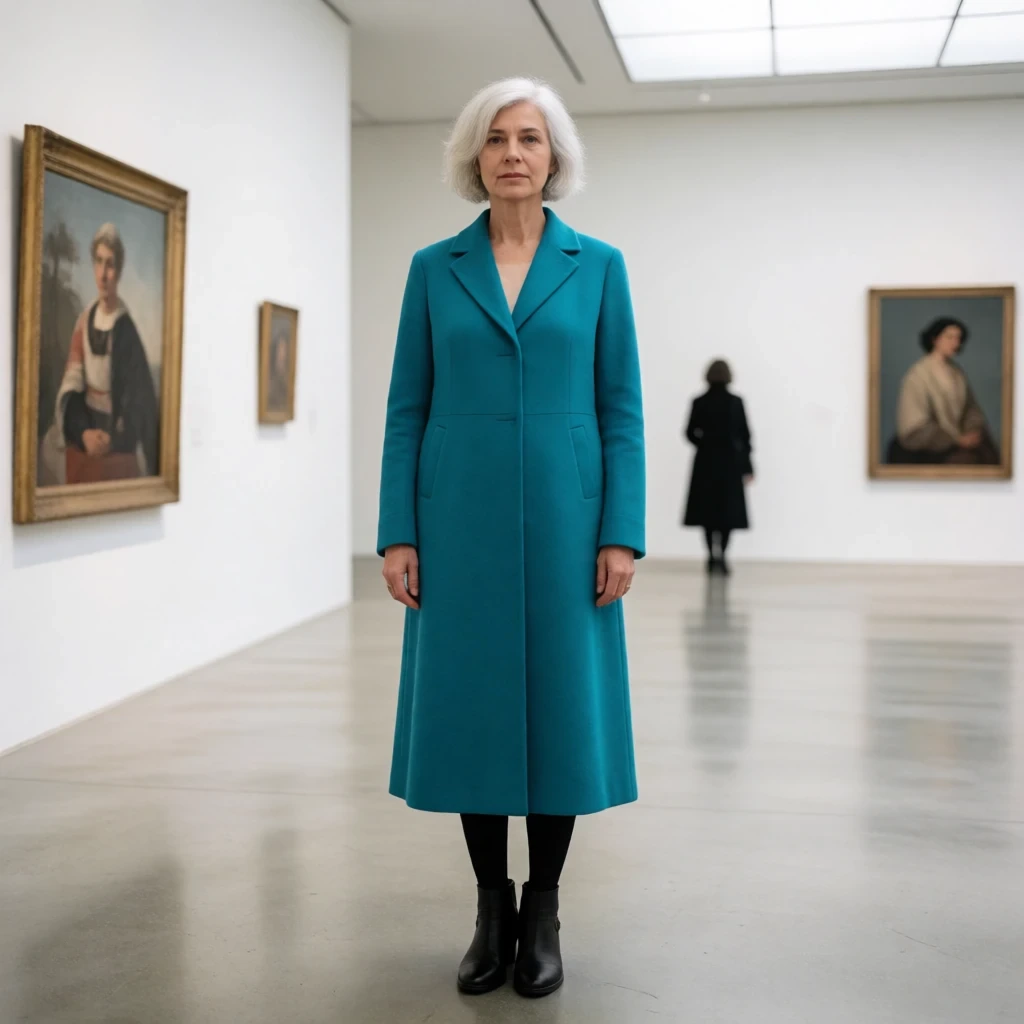
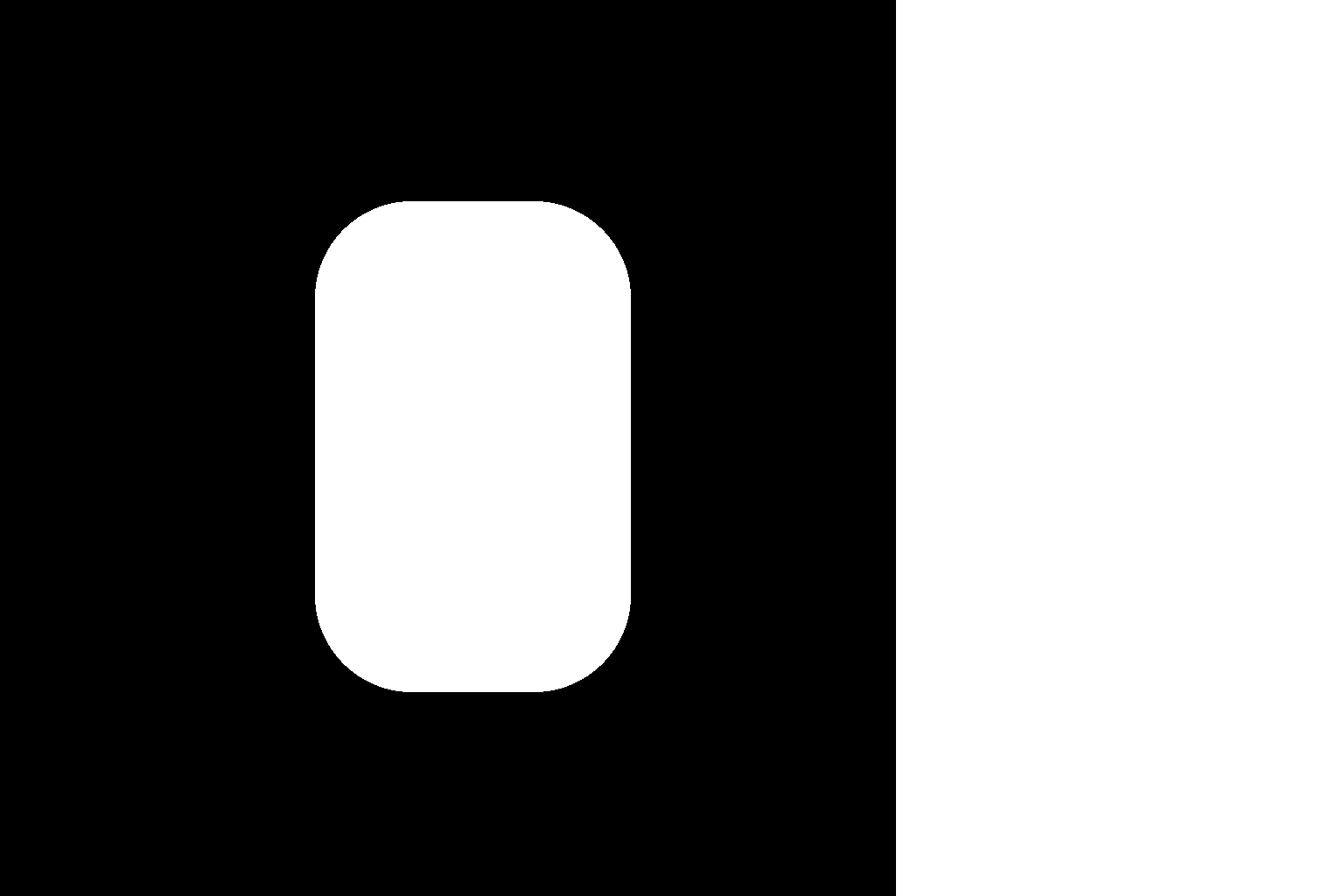
04_portrait_mixed - Original-character mixed edit
| Source | Generated mask | AnyPaint result |
|:---:|:---:|:---:|
|  |
 |
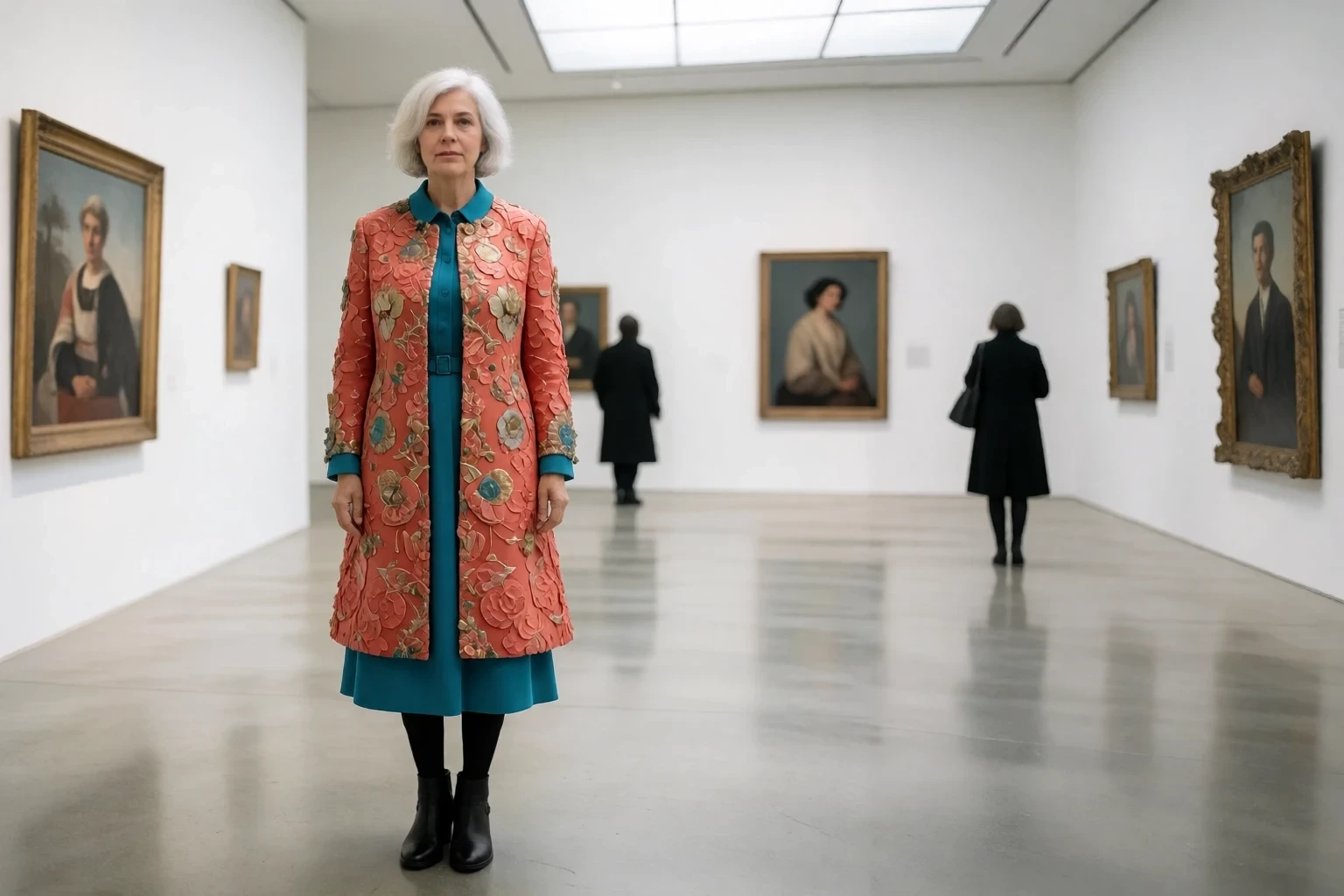 |
Prompt: an original adult woman with short silver hair wearing a richly textured coral coat in a spacious contemporary gallery, complete full-body fashion photograph
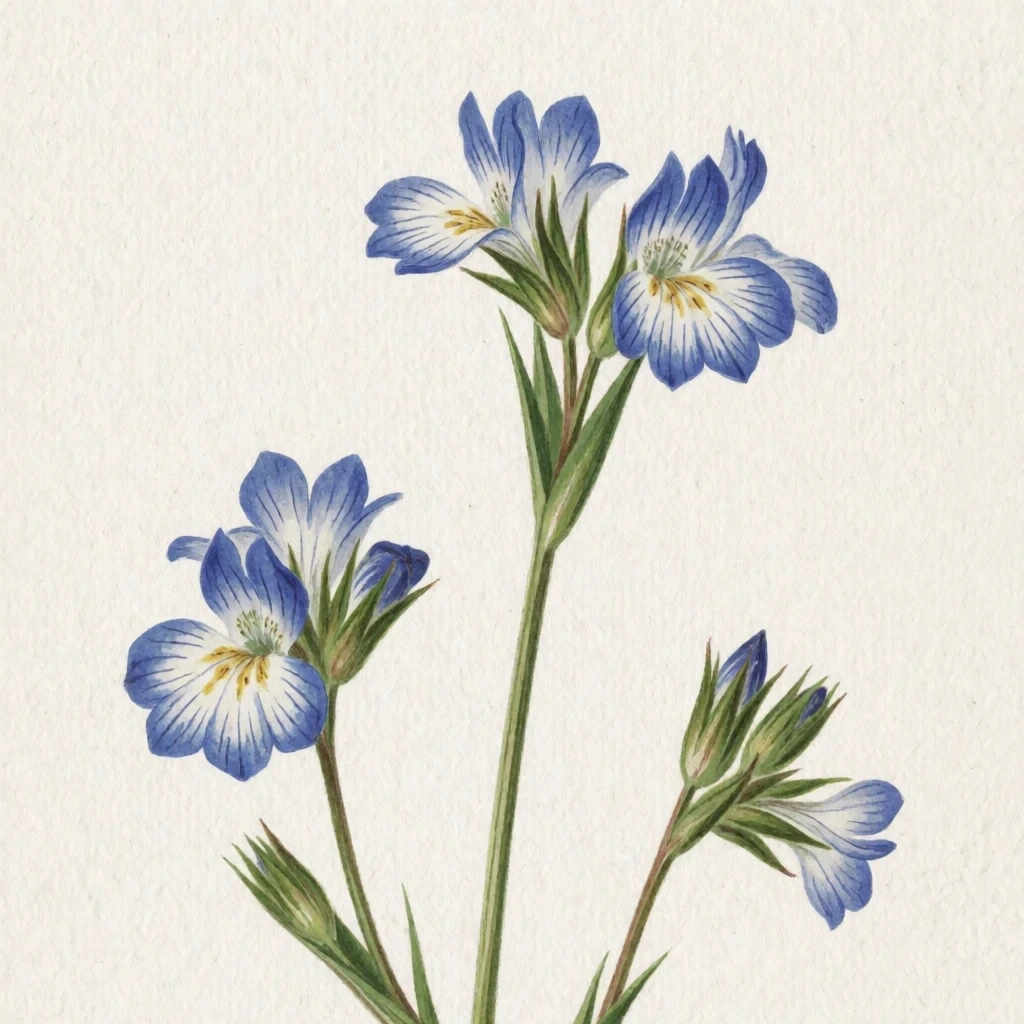
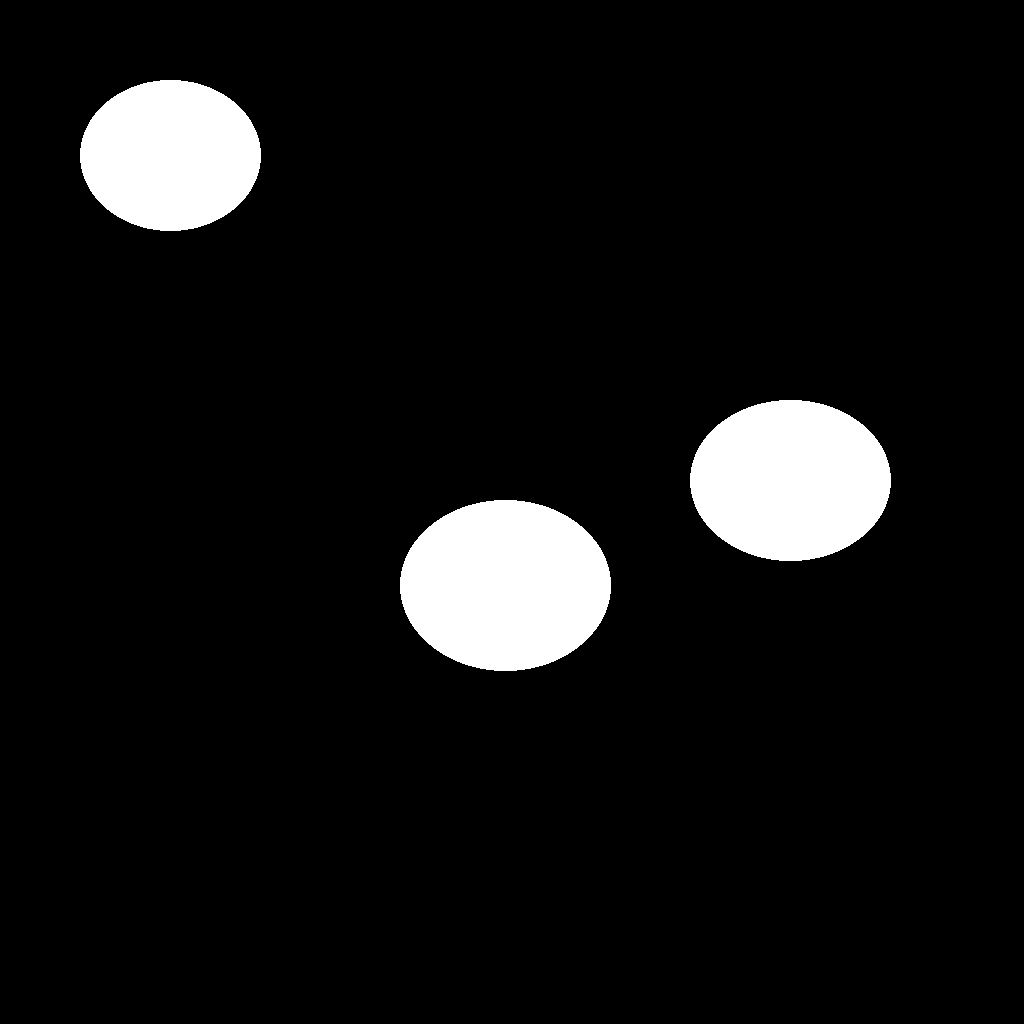
05_botanical_disconnected - Disconnected honeybee insertion
| Source | Generated mask | AnyPaint result |
|:---:|:---:|:---:|
|  |
 |
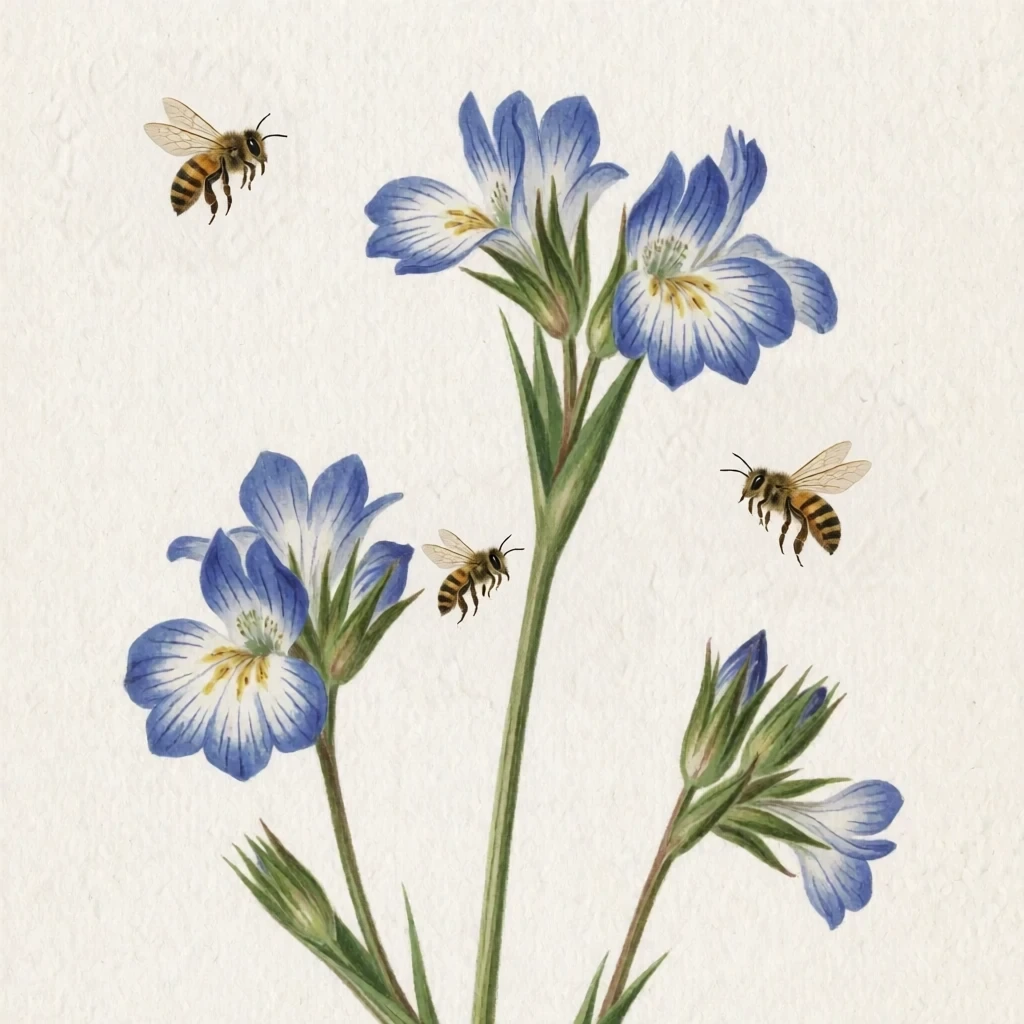 |
Prompt: an original botanical field illustration of blue and white meadow flowers with three small honeybees hovering naturally between the blossoms, delicate wings, fine paper texture, naturalistic painted details
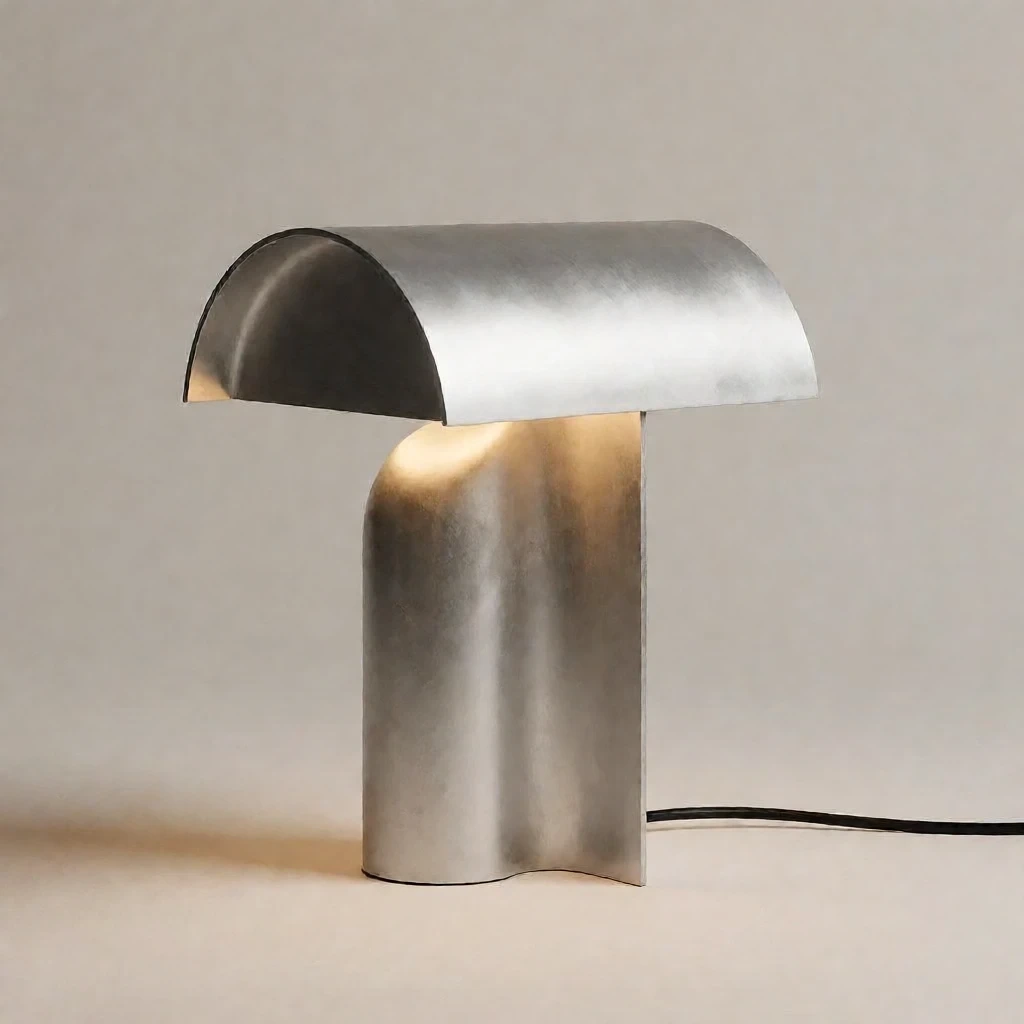
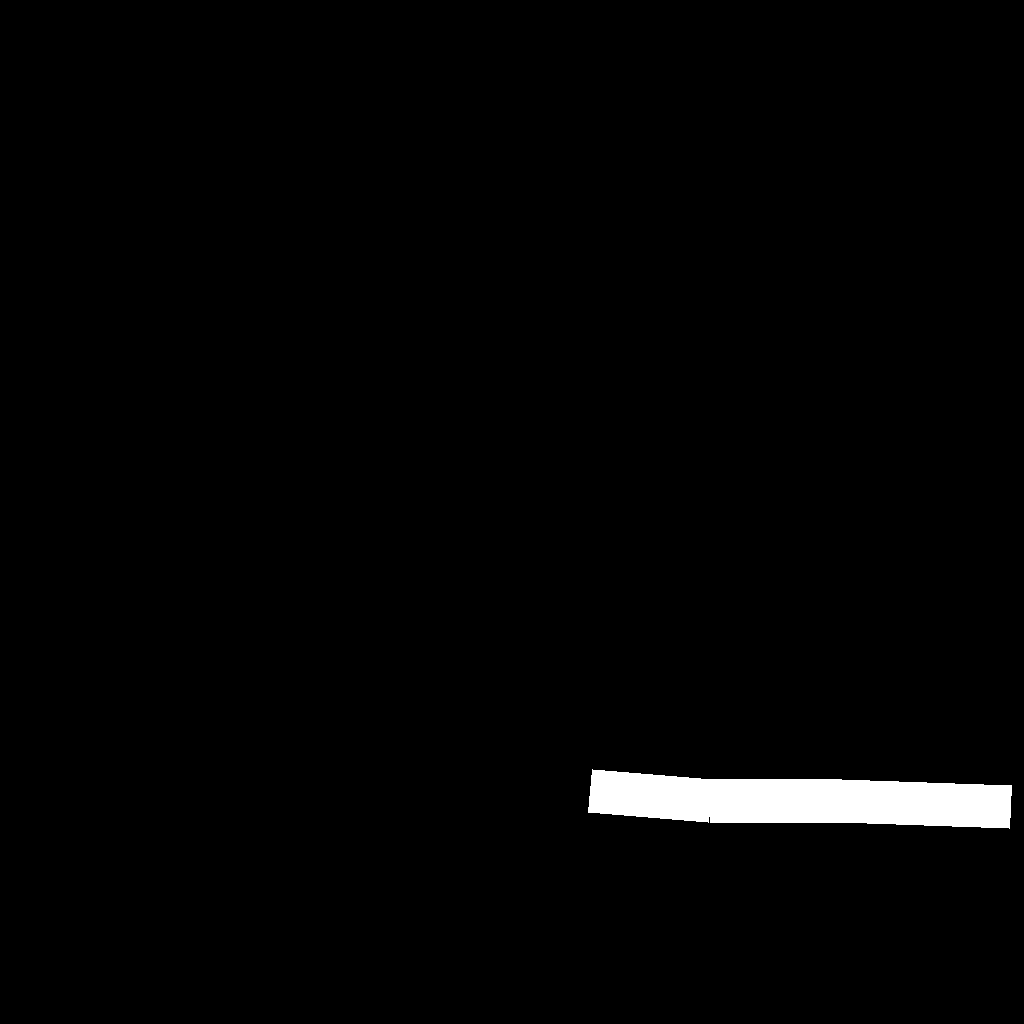
07_product_narrow - Narrow cable recolor
| Source | Generated mask | AnyPaint result |
|:---:|:---:|:---:|
|  |
 |
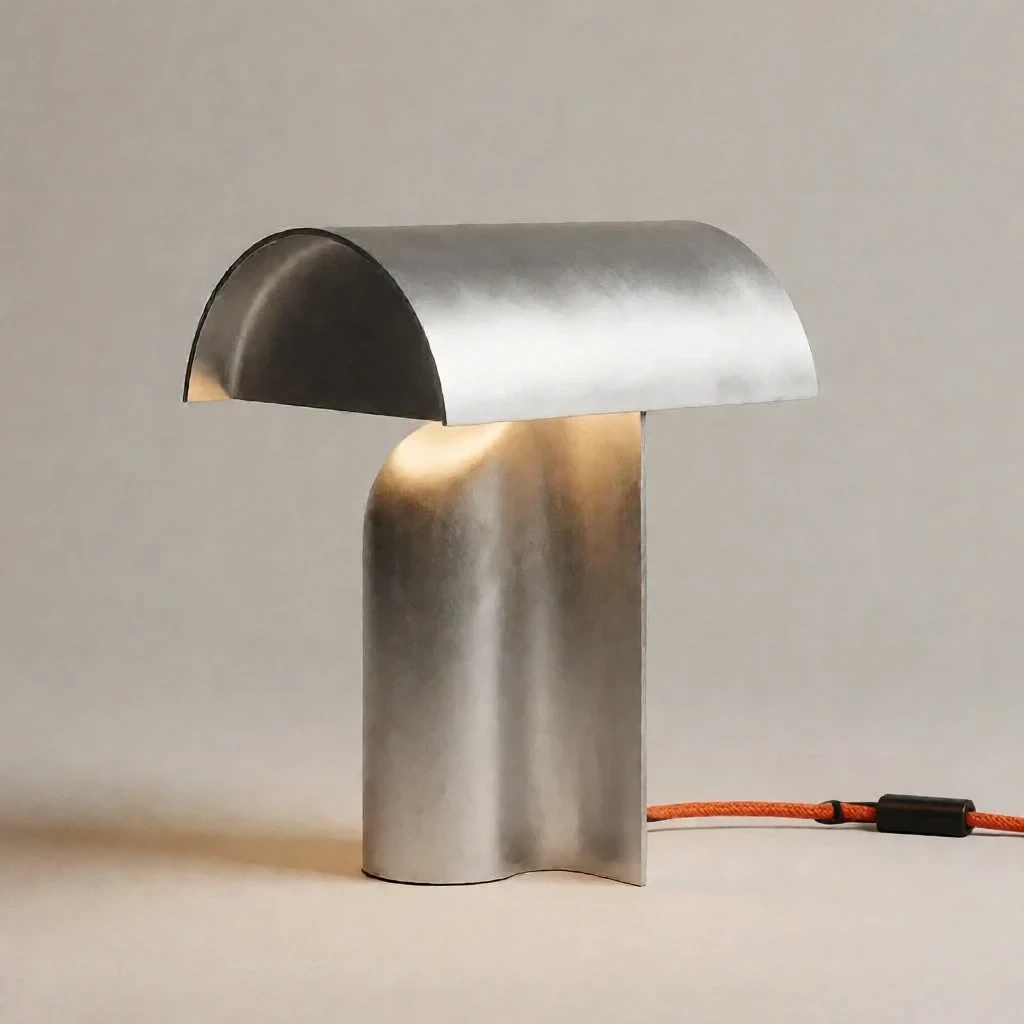 |
Prompt: an original sculptural brushed aluminum desk lamp with a vivid orange braided power cable extending from the lamp across the tabletop, premium neutral product photography
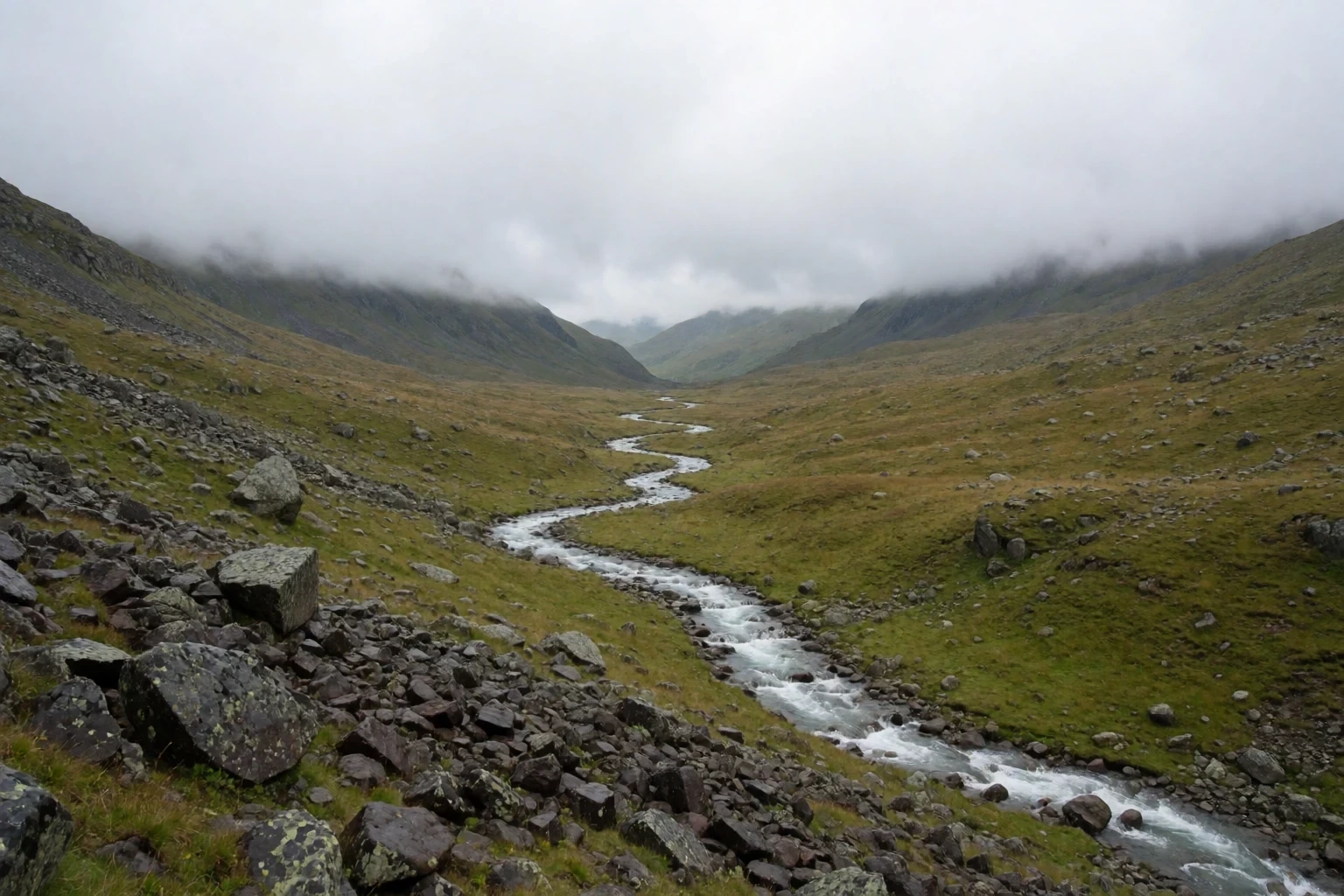
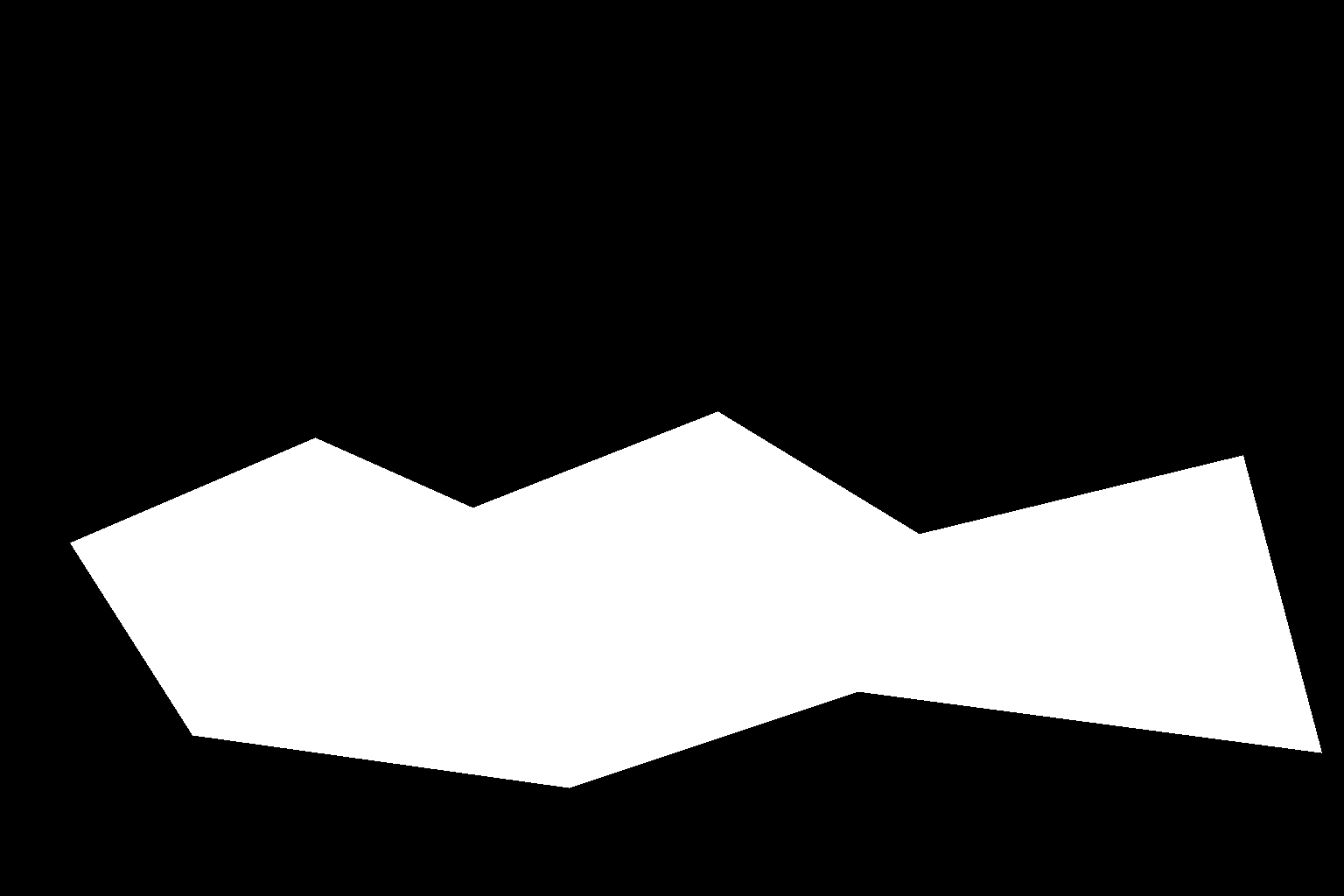
08_landscape_complex - Complex semantic landscape edit
| Source | Generated mask | AnyPaint result |
|:---:|:---:|:---:|
|  |
 |
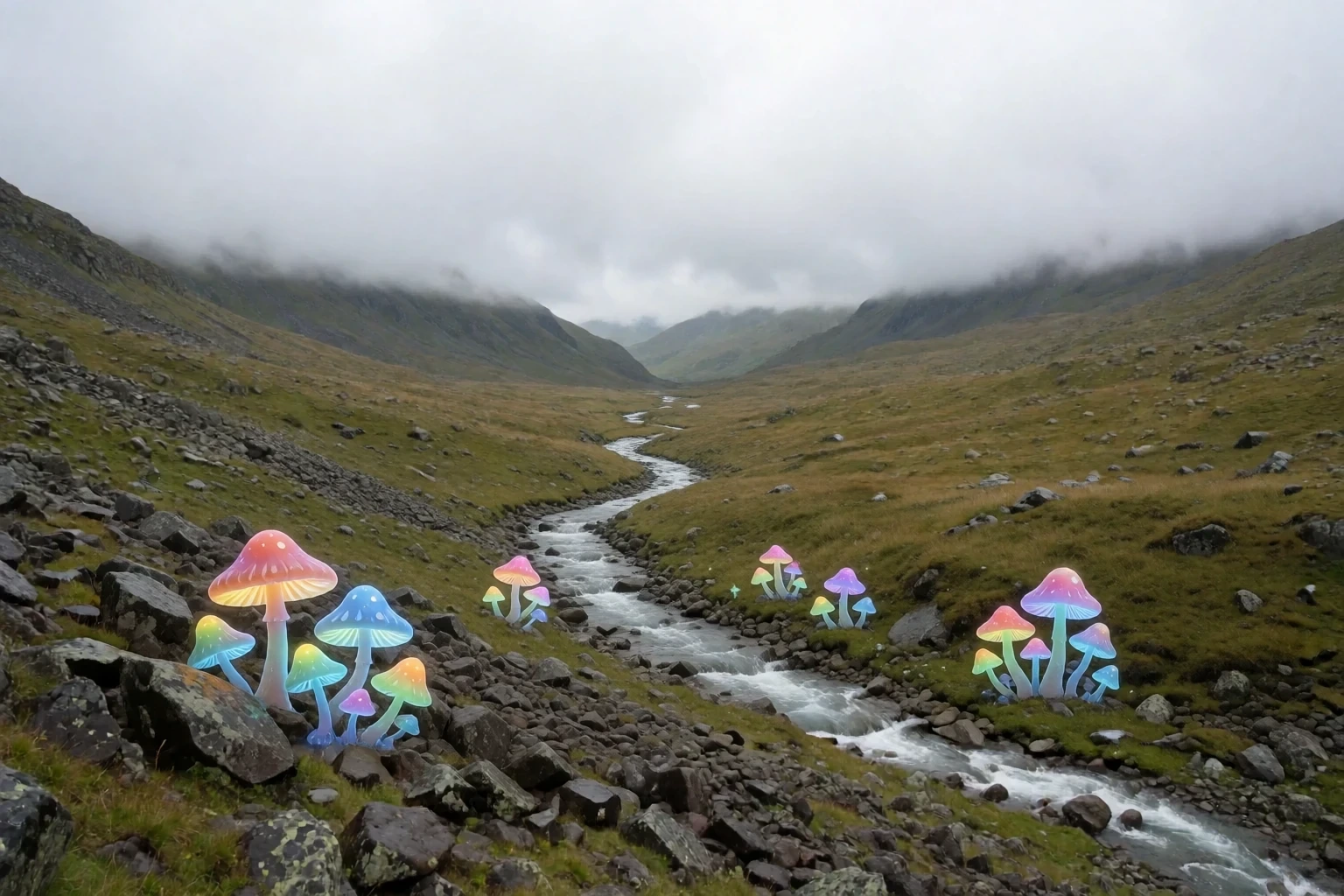 |
Prompt: an original alpine valley after rain with clusters of luminous rainbow-colored fantasy mushrooms growing along the winding riverbanks and foreground rocks, subtle magical glow reflected in wet stone, coherent wide cinematic landscape photograph
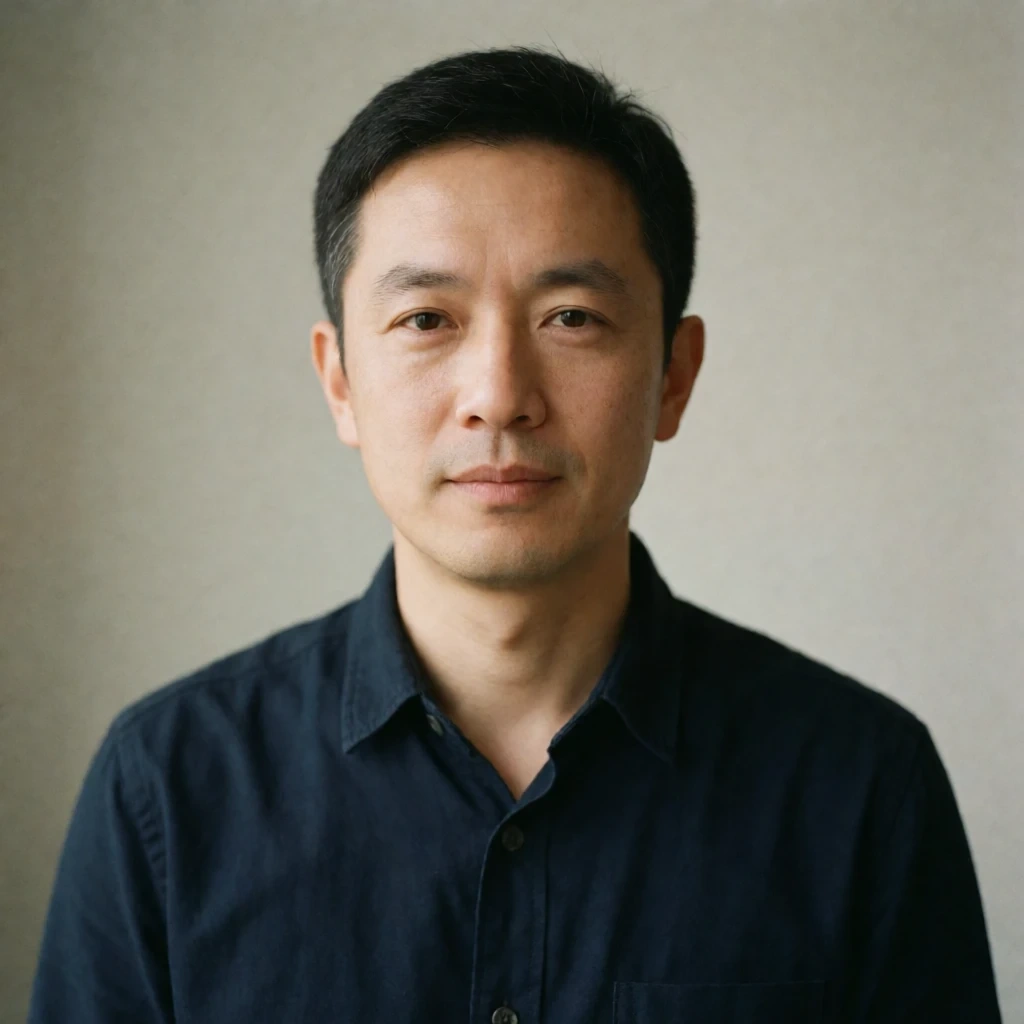
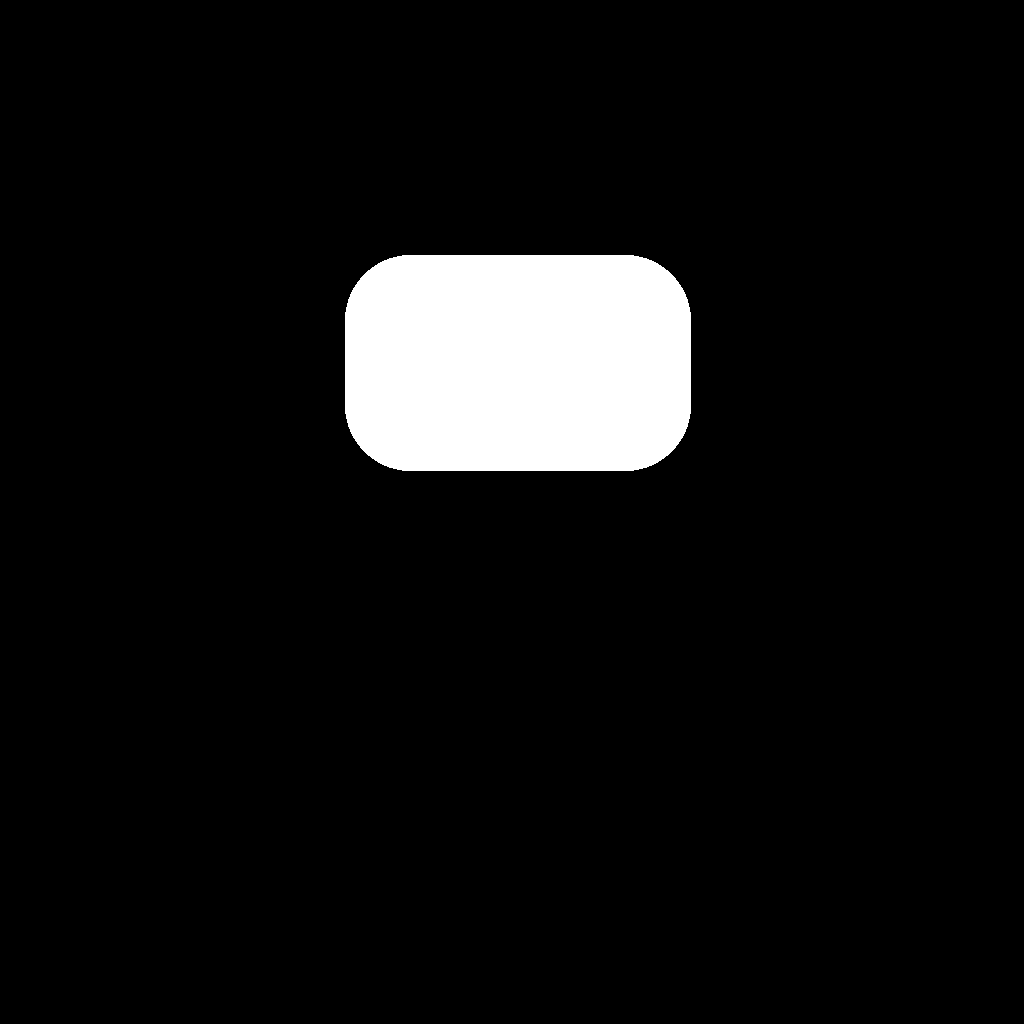
09_male_accessories - Male portrait accessories
| Source | Generated mask | AnyPaint result |
|:---:|:---:|:---:|
|  |
 |
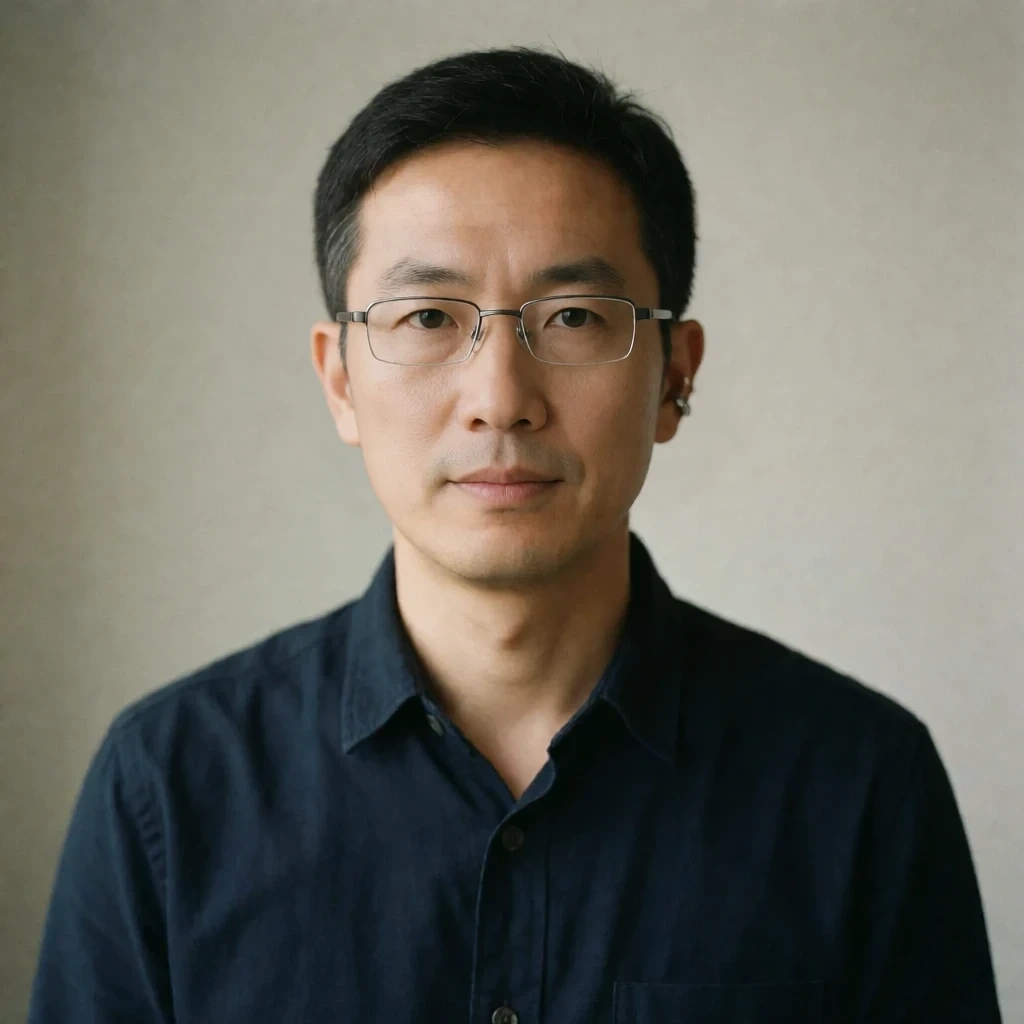 |
Prompt: a realistic editorial portrait of an adult man with short dark hair wearing thin rectangular silver eyeglasses and a small silver ear cuff, plain navy shirt, coherent soft daylight and neutral studio background
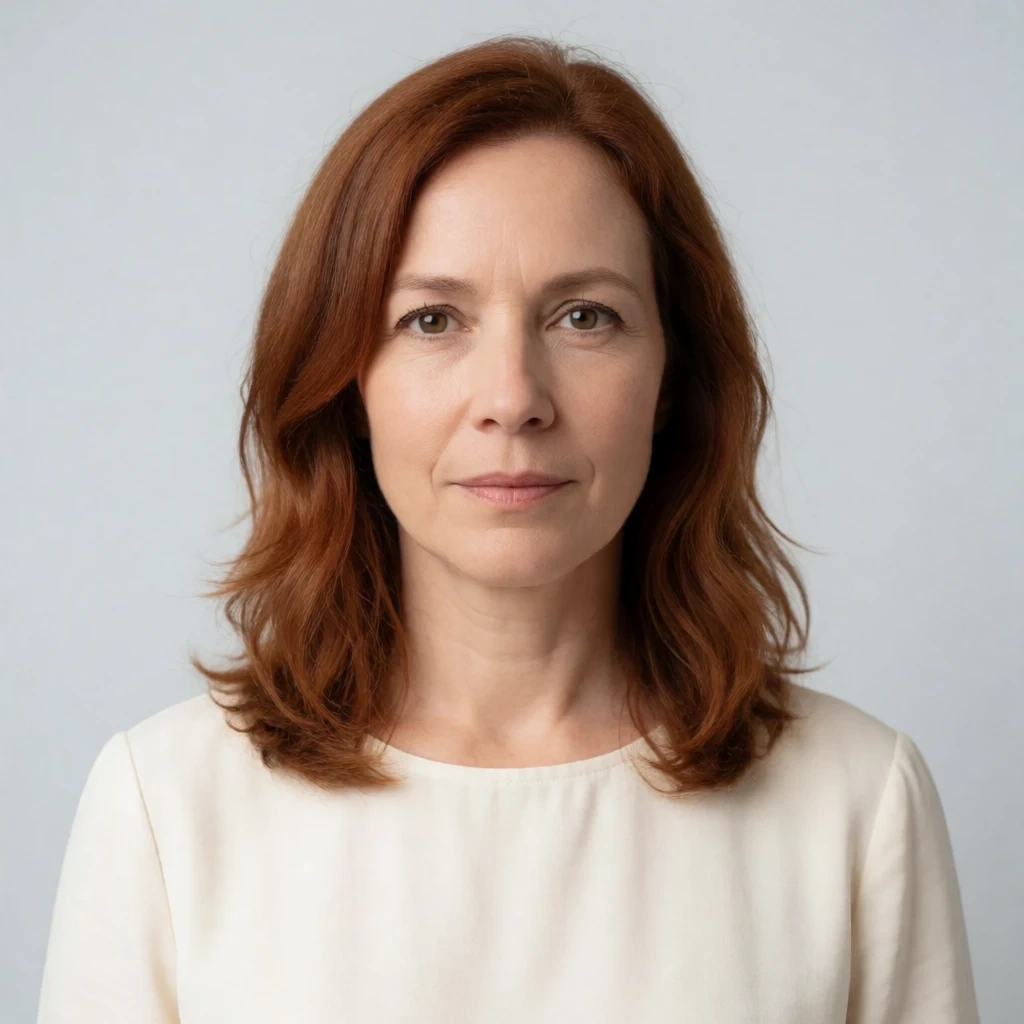
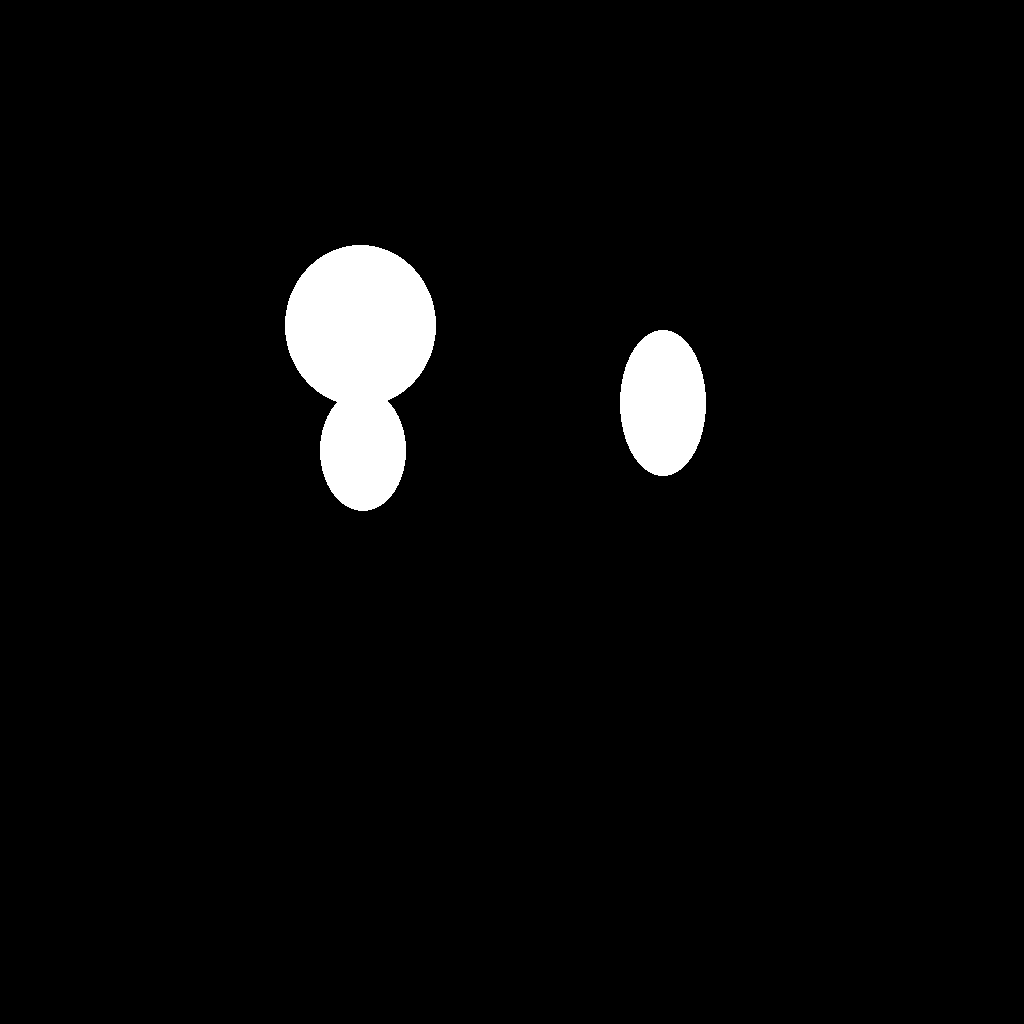
10_female_accessories - Female disconnected accessories
| Source | Generated mask | AnyPaint result |
|:---:|:---:|:---:|
|  |
 |
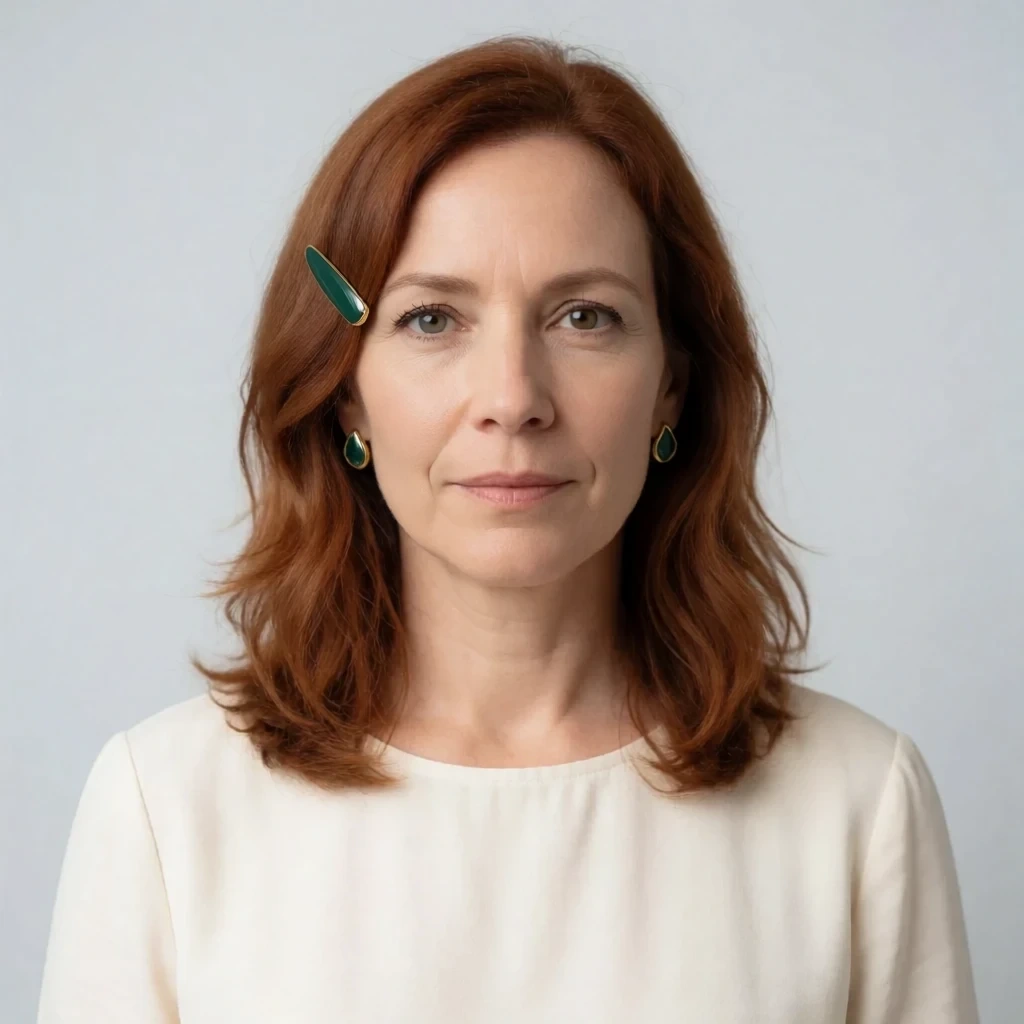 |
Prompt: a polished portrait of an adult woman with shoulder-length auburn hair, a dark green enamel hair clip above her left ear and matching small geometric earrings, simple cream blouse, coherent natural daylight and pale gray studio background
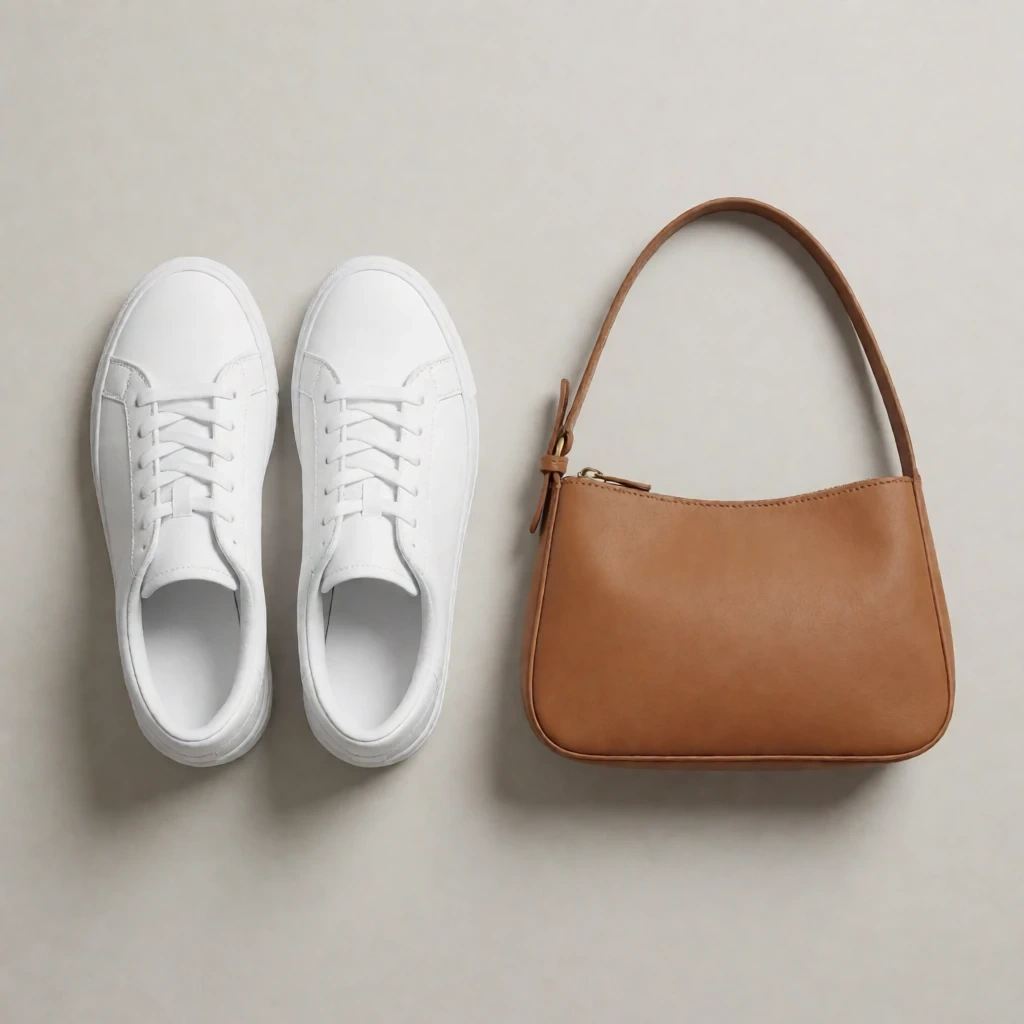
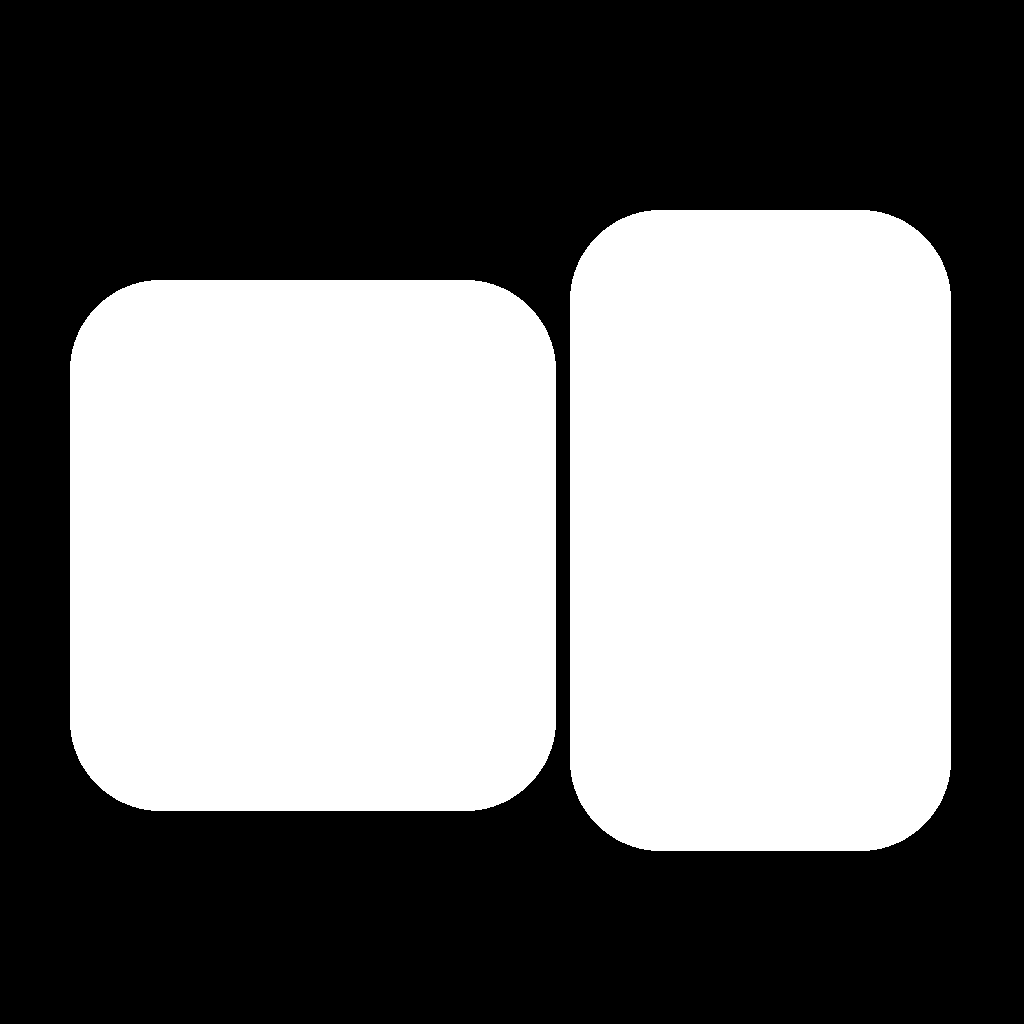
11_product_restyle - Shoes and bag local redesign
| Source | Generated mask | AnyPaint result |
|:---:|:---:|:---:|
|  |
 |
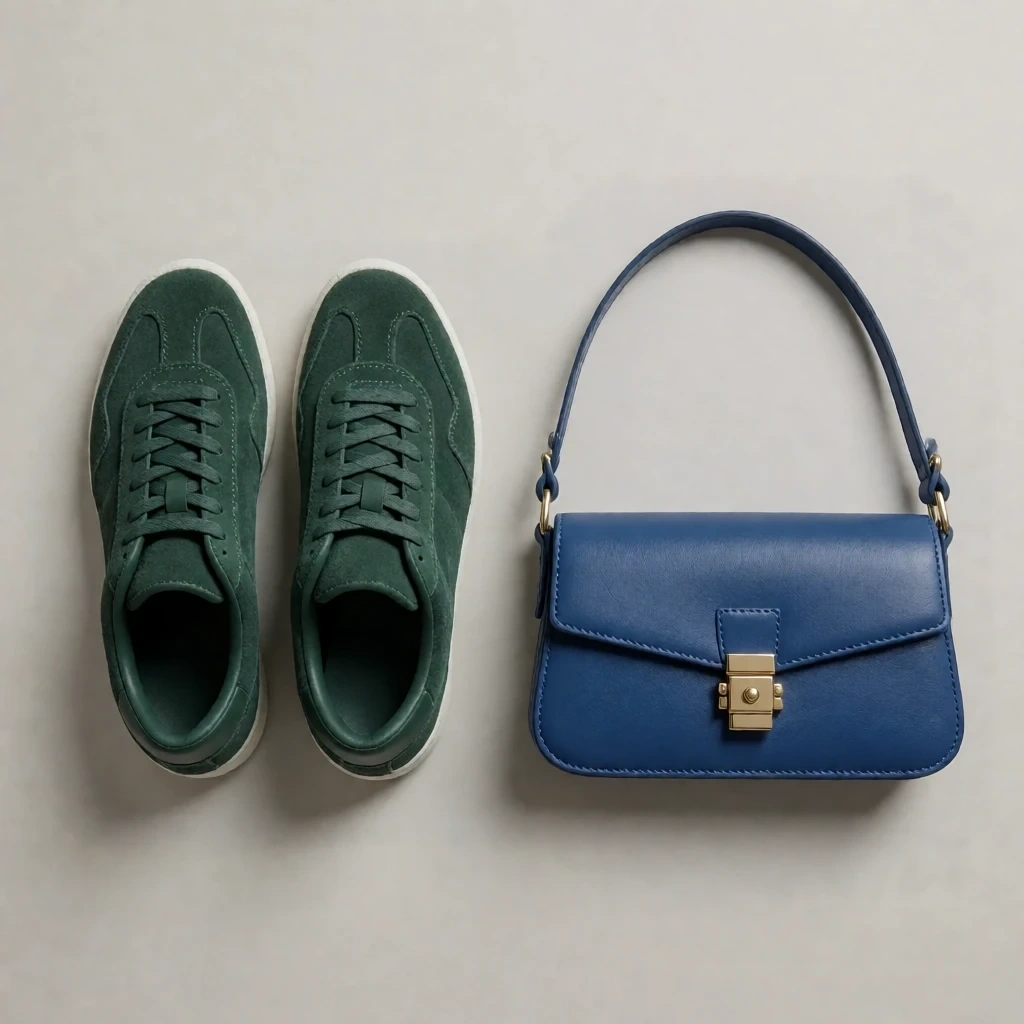 |
Prompt: an overhead catalog photograph with a pair of deep forest-green suede sneakers on the left and a cobalt-blue structured leather shoulder bag on the right, refined minimal hardware, balanced composition, coherent soft studio shadows
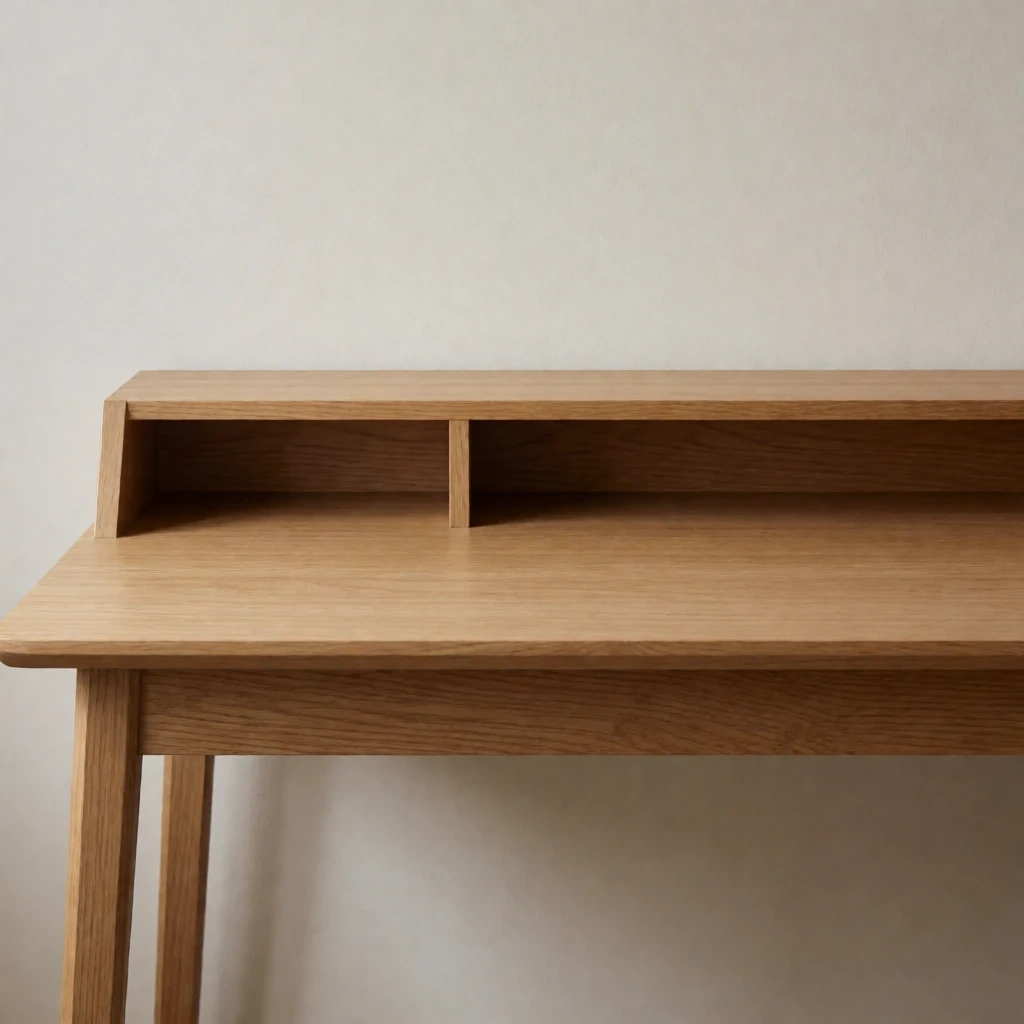
12_desk_objects - Two desktop object insertions
| Source | Generated mask | AnyPaint result |
|:---:|:---:|:---:|
|  |
 |
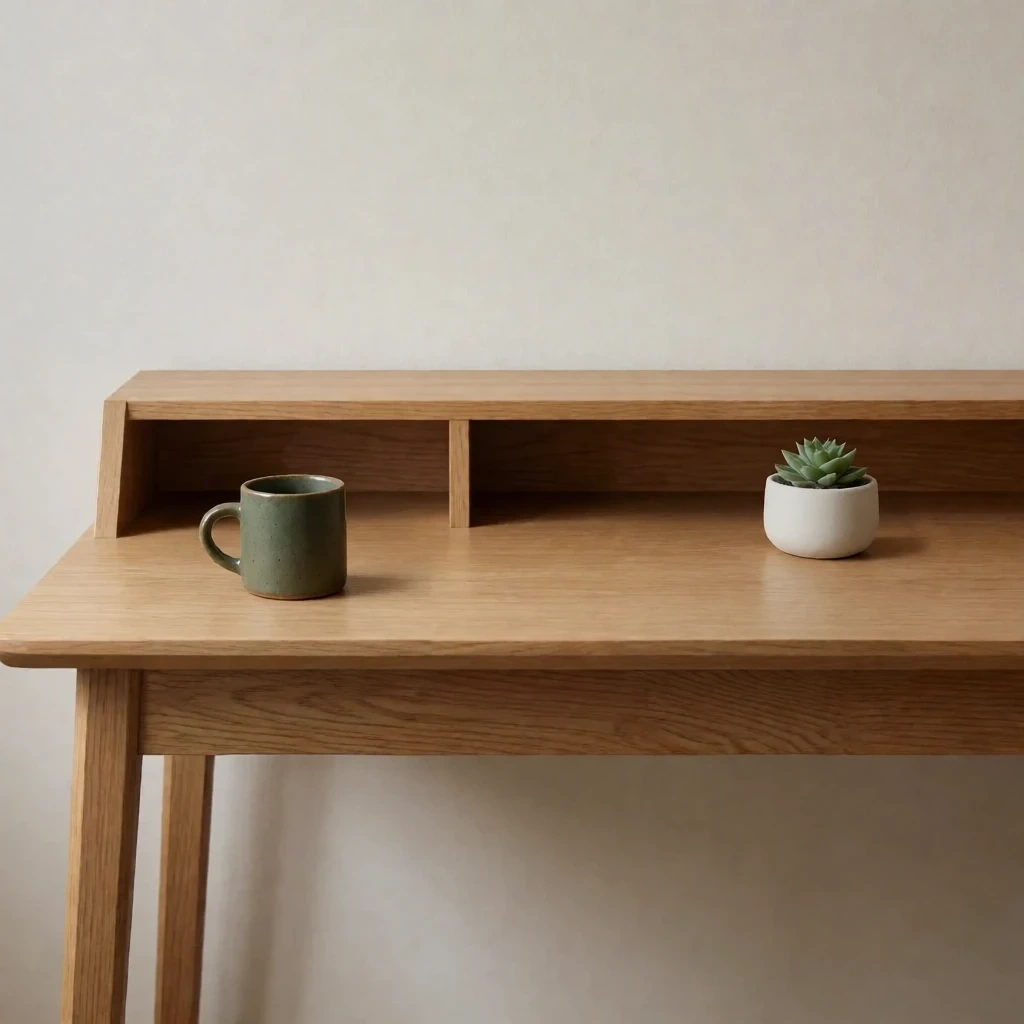 |
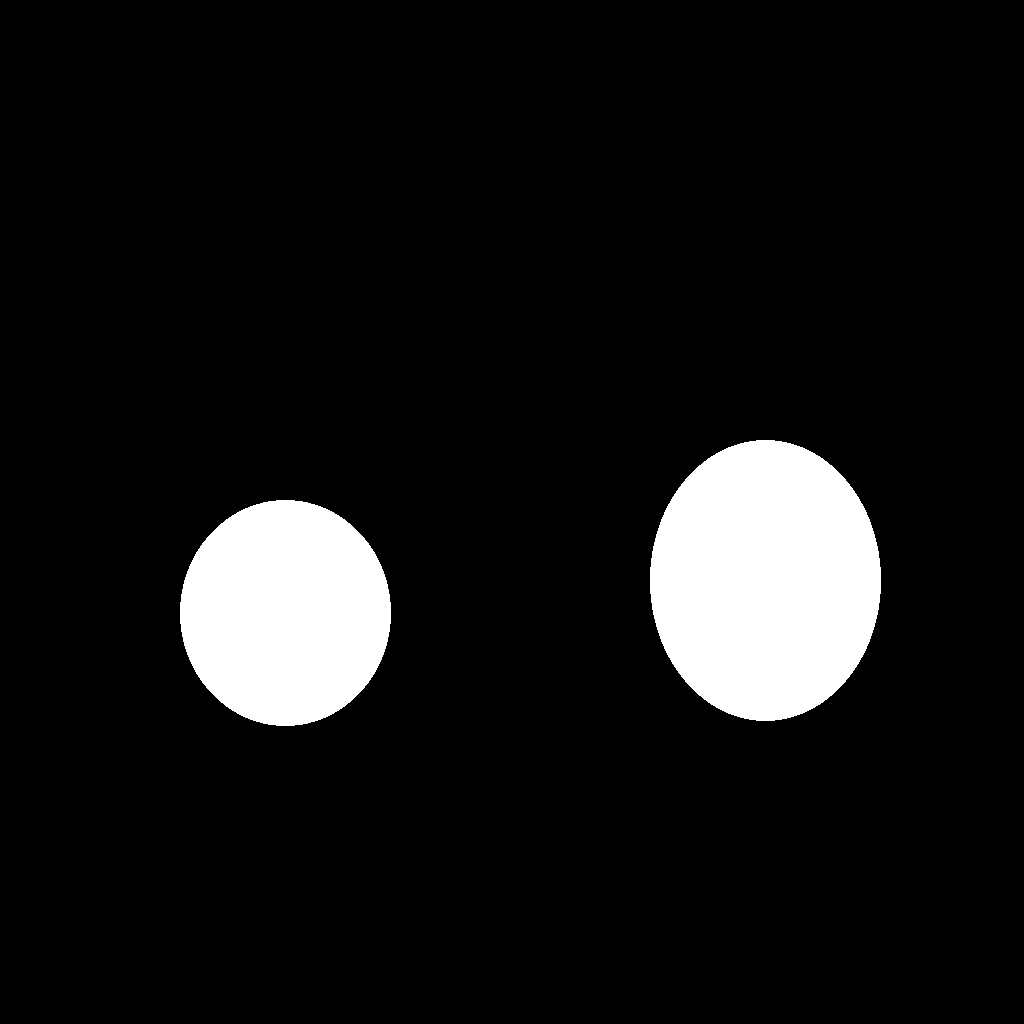
Prompt: a clean oak writing desk in a softly lit home office with a handmade dark green ceramic mug on the left side and a small potted succulent in a matte white planter on the right, coherent restrained contemporary interior photograph
13_living_room_objects - Living-room multi-region insertion
| Source | Generated mask | AnyPaint result |
|:---:|:---:|:---:|
|  |
 |
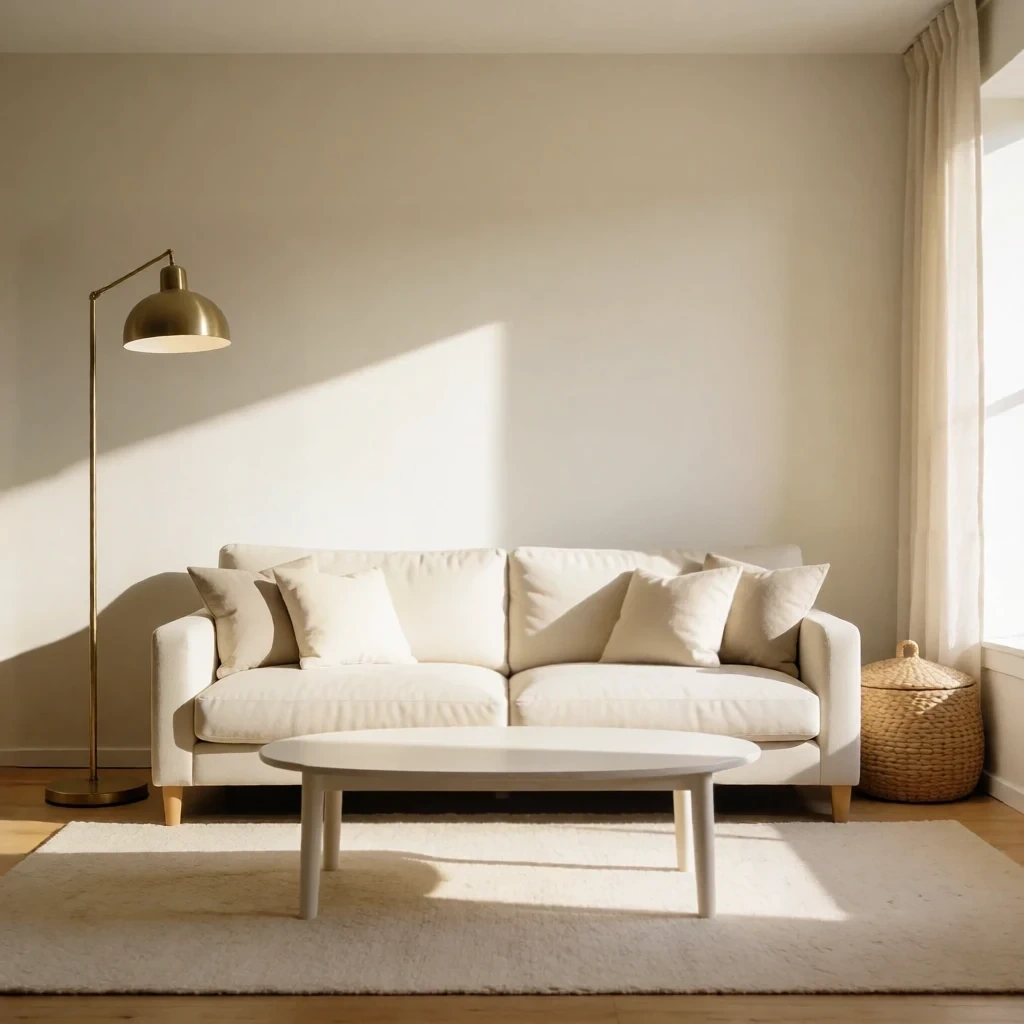 |
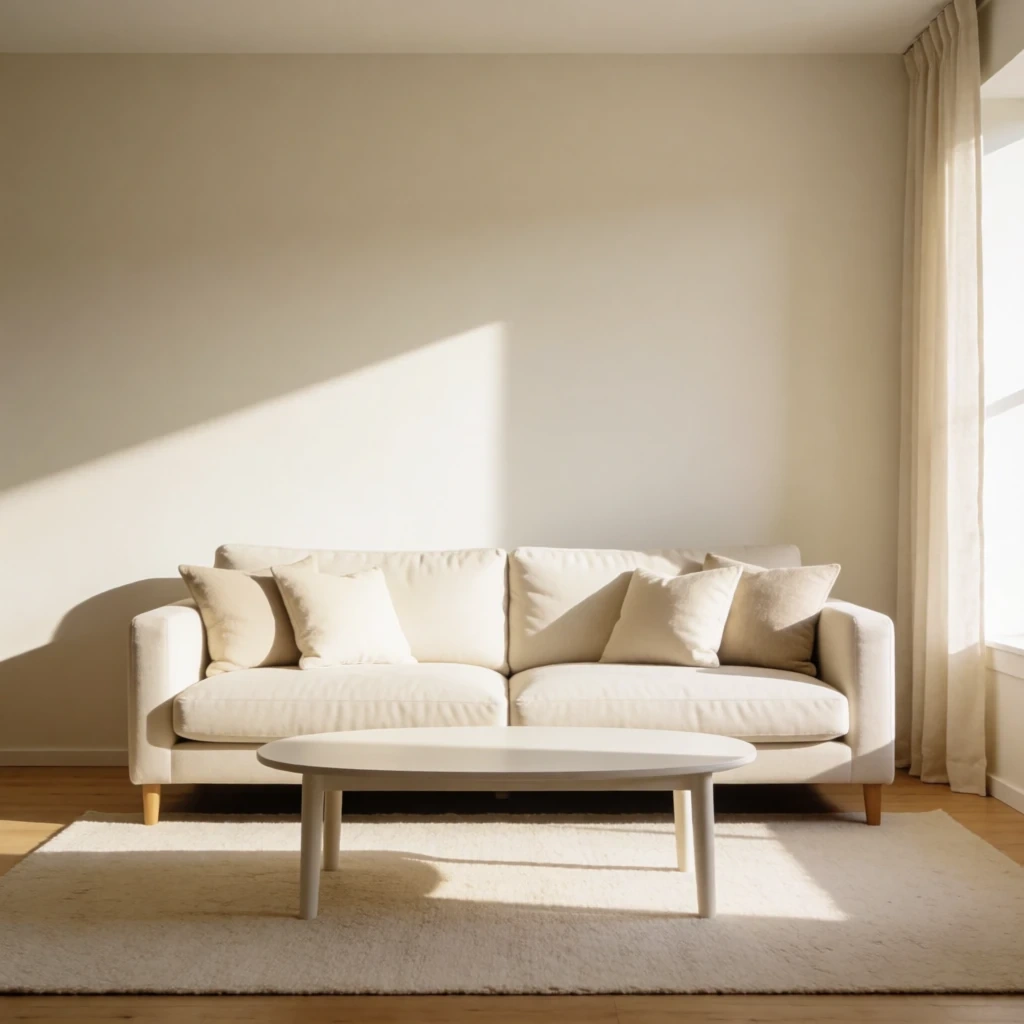
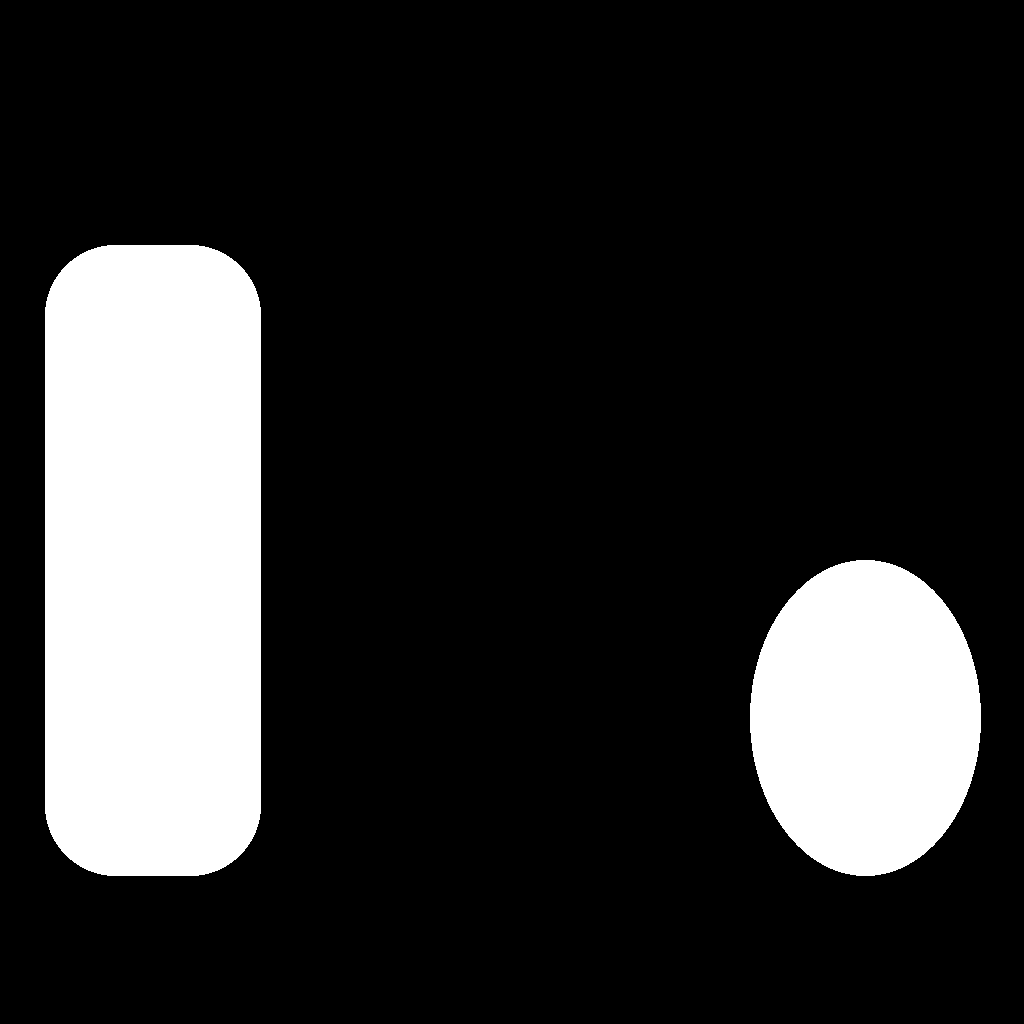
Prompt: a bright neutral living room with a tall brushed-brass floor lamp beside the left end of the cream sofa and a round woven storage basket beside the right end, simple coffee table, coherent warm daylight and understated architectural photography
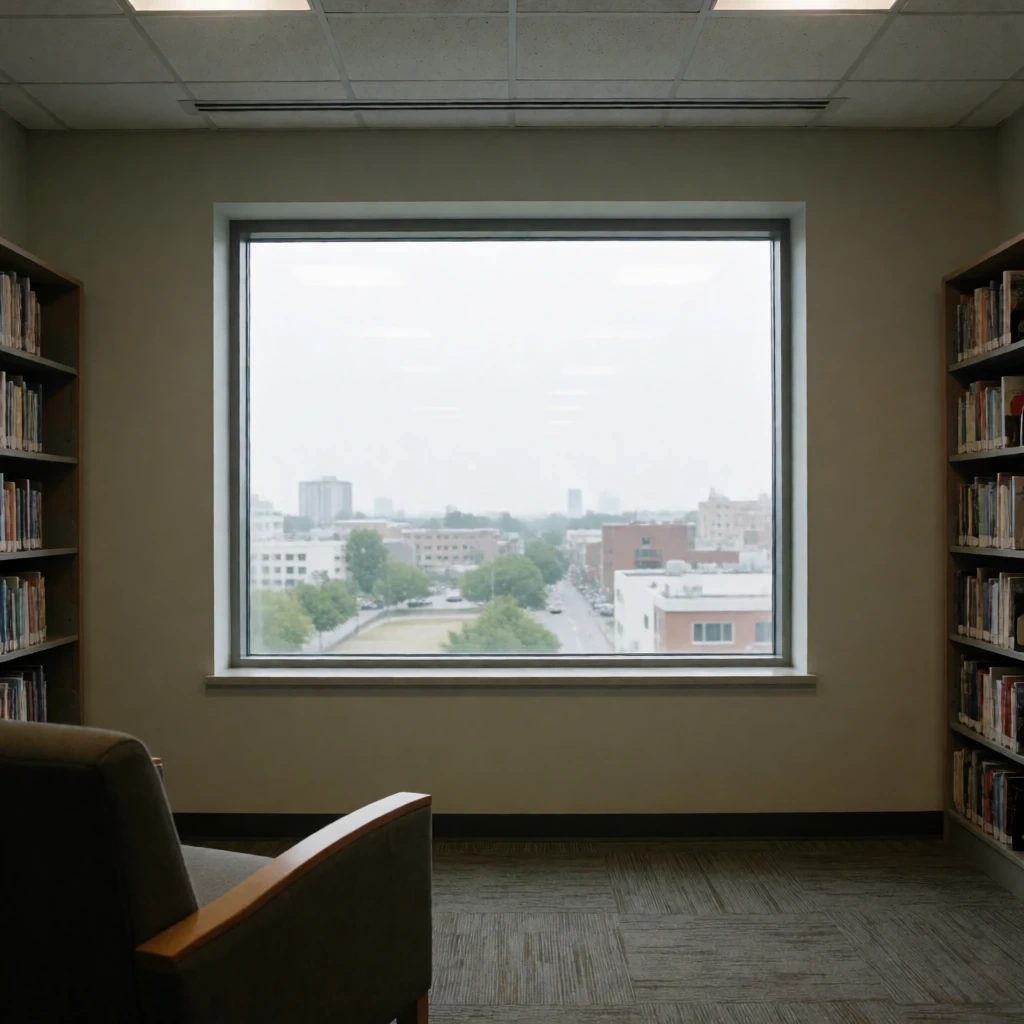
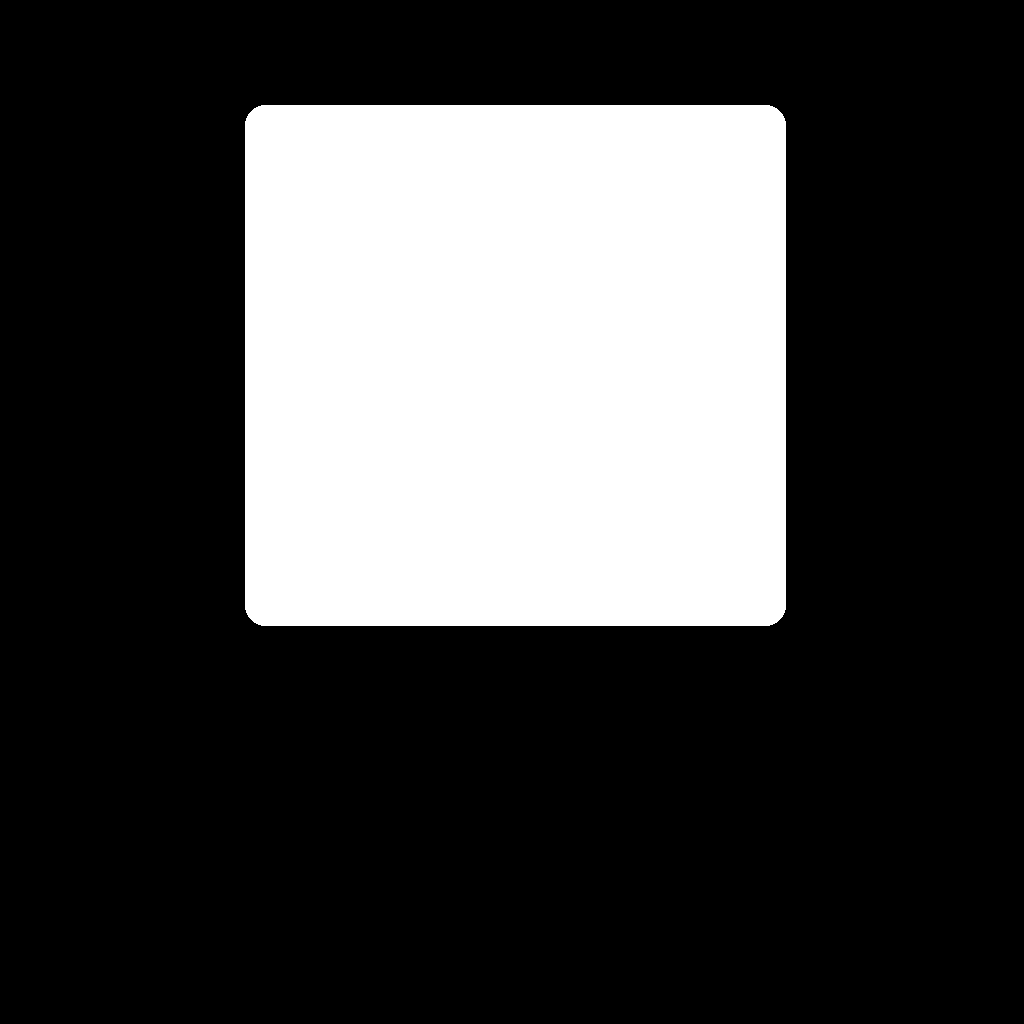
14_window_view - Complete window-view replacement
| Source | Generated mask | AnyPaint result |
|:---:|:---:|:---:|
|  |
 |
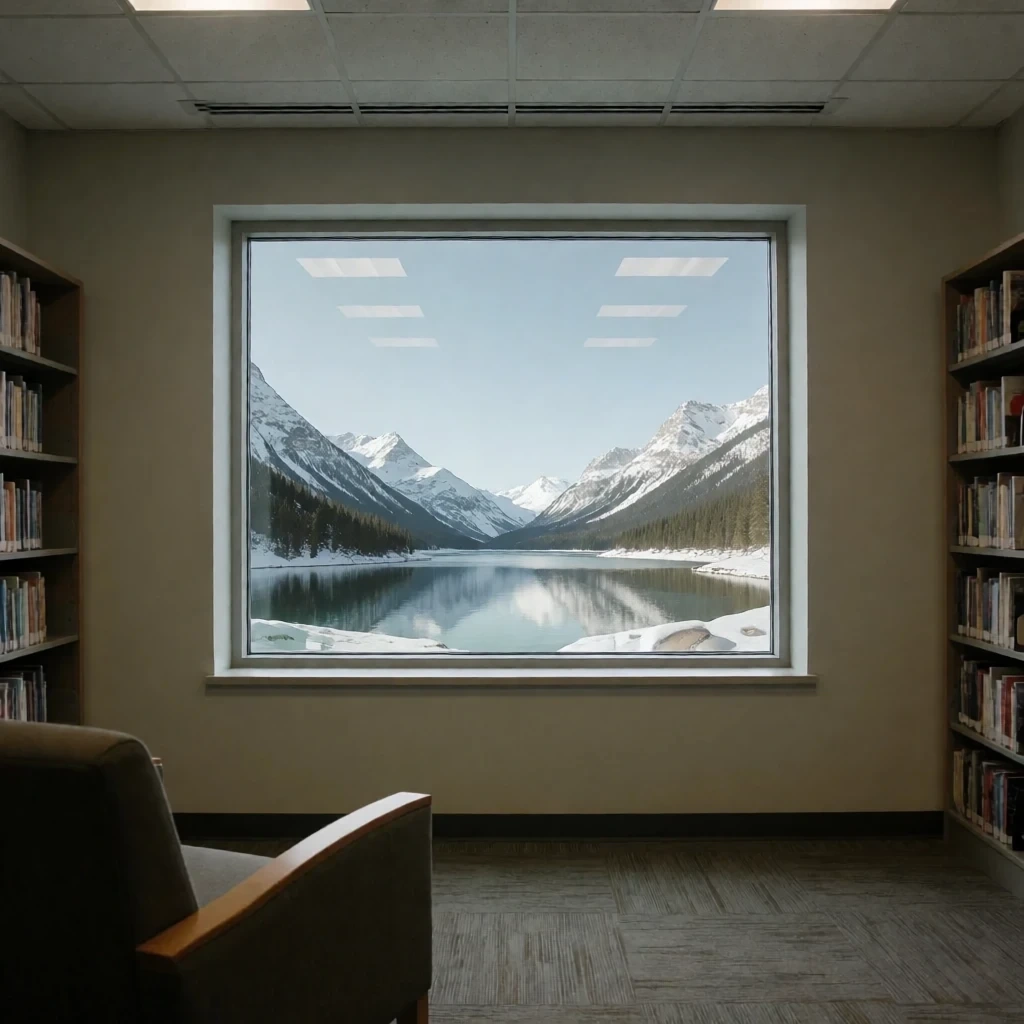 |
Prompt: a quiet contemporary reading room whose large central picture window overlooks a snowy mountain lake beneath a clear pale-blue winter sky, armchair in the foreground, coherent daylight, reflections and realistic interior photography
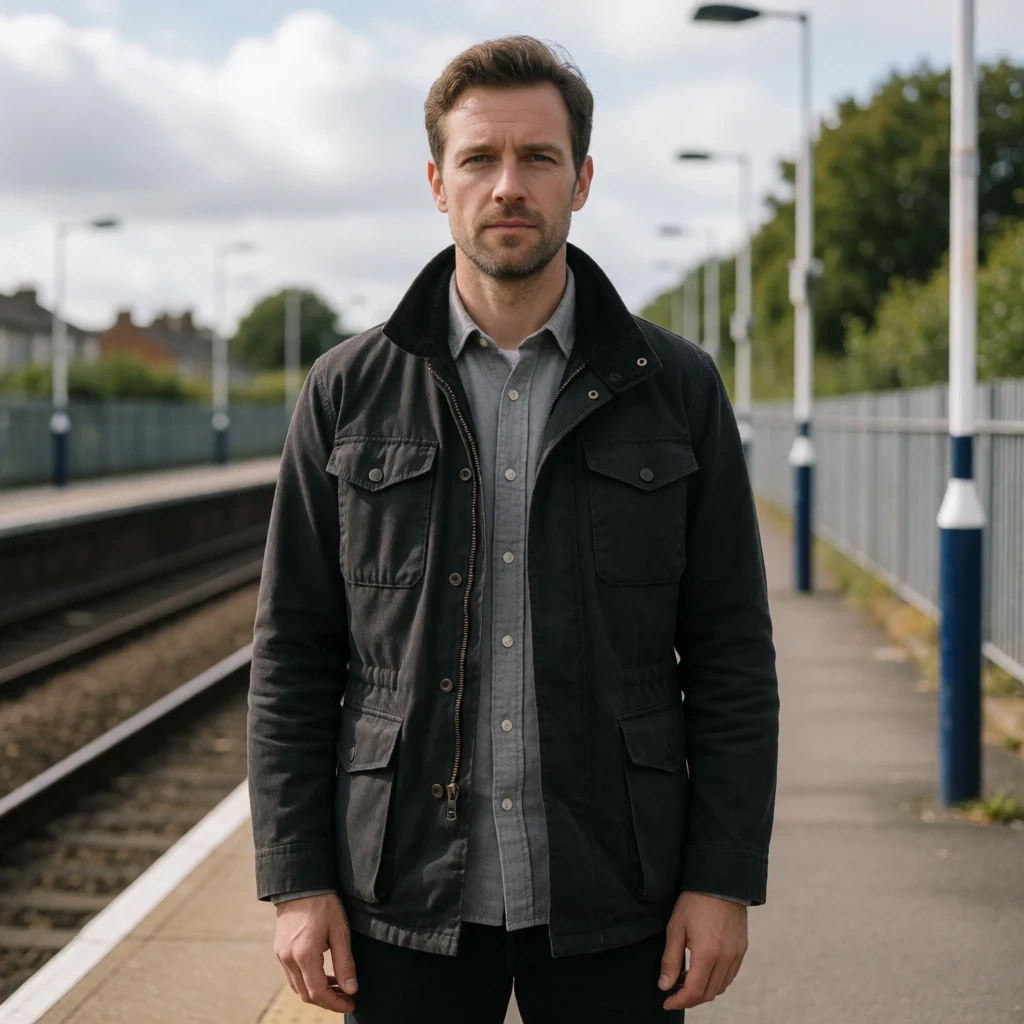
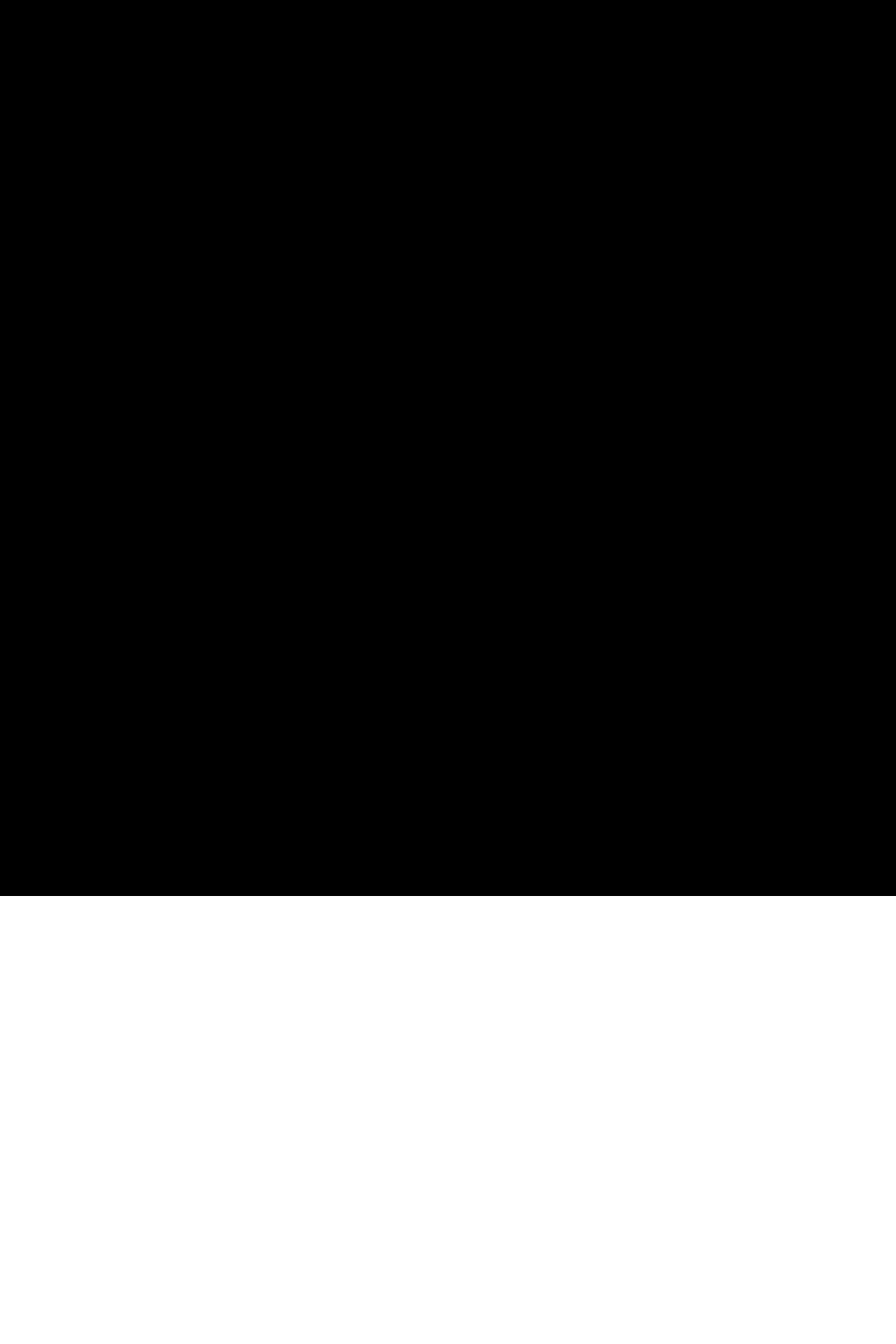
15_person_boundary - Boundary completion of an adult man
| Source | Generated mask | AnyPaint result |
|:---:|:---:|:---:|
|  |
 |
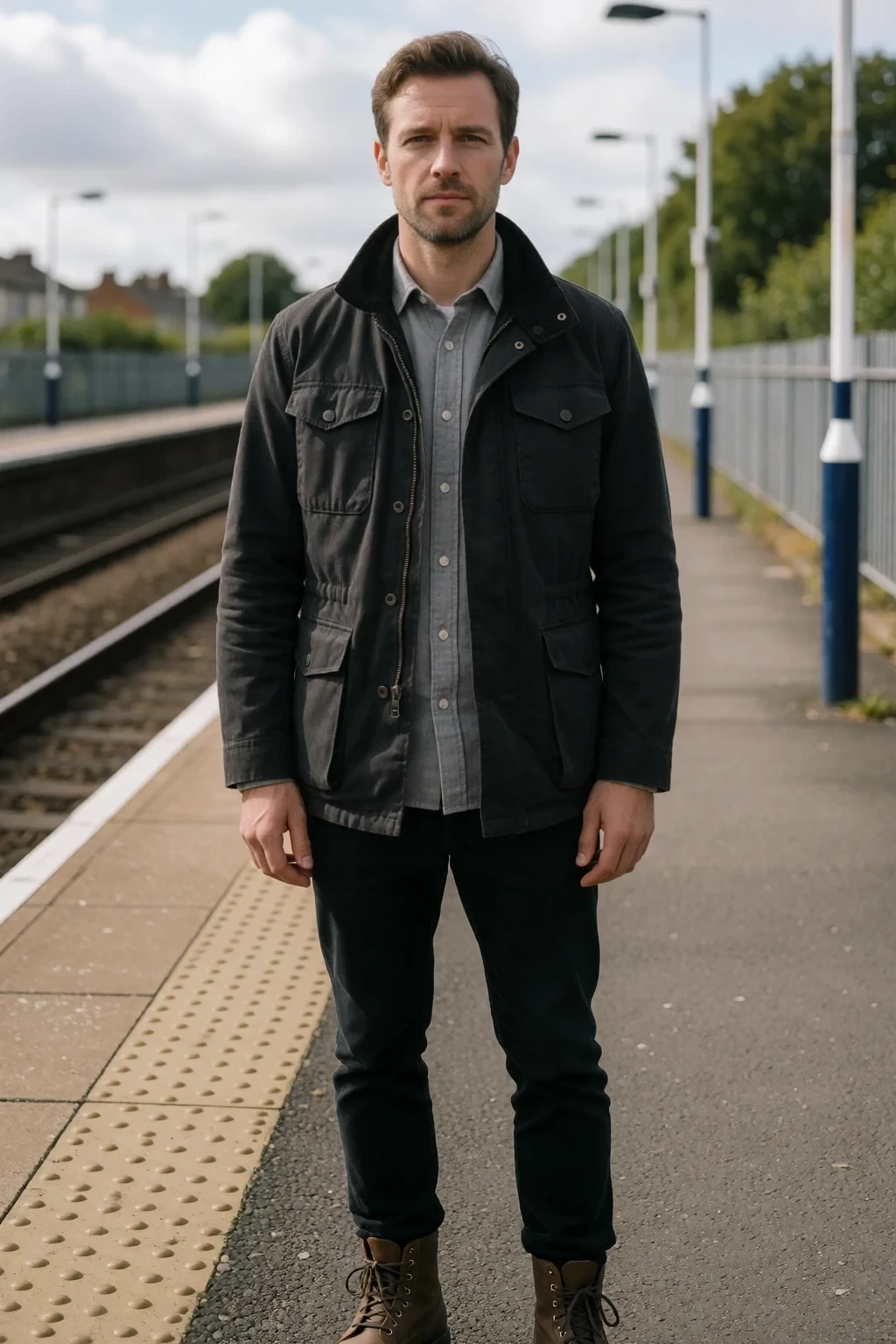 |
Prompt: a complete full-body photograph of an adult man wearing a charcoal field jacket, gray shirt, straight dark trousers and practical brown boots, standing naturally on a quiet railway platform in coherent soft cloudy daylight
</details> <!-- SHOWCASE_EXAMPLES_END -->Install
cd ComfyUI/custom_nodes
git clone https://github.com/alexw5702-afk/krea2-anypaint
Restart ComfyUI, then place
krea2_anypaint_rank32.safetensors in ComfyUI/models/loras.
Requirements
- A current ComfyUI build with native Krea 2 support.
krea2_turbo_int8_convrot.safetensorsinComfyUI/models/diffusion_models.qwen3vl_4b_fp8_scaled.safetensorsinComfyUI/models/text_encoders.qwen_image_vae.safetensorsinComfyUI/models/vae.- Krea 2 AnyPaint LoRA.
No custom sampler and no final source composite are required.
Nodes
Krea2 AnyPaint Prepare
Takes a source image, optional arbitrary mask, and four padding values. White mask pixels and all padded canvas pixels are generated; black pixels are preserved. The node outputs:
- a 384px semantic reference for Krea 2 reference attention and Qwen3-VL;
- the full-resolution known canvas;
- generated and preserved masks;
- aligned canvas dimensions.
Use the MASK output from ComfyUI's Load Image Mask Editor directly. For
inpainting, keep all padding at zero. For outpainting, add space on any side.
Both can be combined in one request.
Krea2 AnyPaint Encode
Encodes the prompt/reference and returns a standard ComfyUI LATENT containing
the known image plus a token-aligned noise_mask. ComfyUI's sampler applies the
same timestep-matched preservation used by the Diffusers reference pipeline:
known_at_sigma = sigma * initial_noise + (1 - sigma) * known_latent
Krea2 AnyPaint Model Patch
Registers the semantic reference over the complete target grid and precomputes
its isolated reference K/V cache. Connect this node after Load LoRA and before
KSampler.
Workflow
Drag krea2_anypaint_workflow.json into
ComfyUI. The important wiring is:
Load Image (image + mask) -> AnyPaint Prepare
AnyPaint Prepare + CLIP + VAE -> AnyPaint Encode
Load Diffusion Model -> Load LoRA -> AnyPaint Model Patch -> KSampler
AnyPaint Encode.latent -> KSampler.latent_image
KSampler -> VAE Decode -> Save Image
Recommended Krea 2 Turbo settings: 8 steps, Euler, simple scheduler, CFG 1.0, LoRA strength 1.0, VLM reference enabled, K/V cache enabled.
The output is the raw model decode. Do not add the old registered-outpaint composite node: AnyPaint preserves known pixels during every denoising step.
Usage
Inpaint without changing image size
- Import
krea2_anypaint_workflow.jsonand select your installed model, text encoder, VAE and AnyPaint LoRA in their loader nodes. - Load your source image and connect a
MASKfrom SAM or another mask node to Prepare'sgenerated_mask. The sourceIMAGEconnects to Prepare'ssource. You can also use the already-wired Load ImageMASKoutput with Mask Editor. - Leave Prepare's
left,top,rightandbottomat 0. This is the default; it does not request outpainting. Dimensions are aligned upward to multiples of 16, so non-aligned inputs can still gain a few right/bottom pixels. - Enter the complete desired image description in Krea2 AnyPaint Encode → prompt, not Prepare or the empty negative-prompt node. For example, to remove a mug from a table, describe the table and the background you want to remain. This guides generation; exact object removal is not guaranteed.
- Queue the workflow. KSampler → VAE Decode → Save Image produces the result.
Outpaint
Set only the side(s) you want to extend in Prepare: left, top, right,
bottom, in pixels. For example, right=256 adds 256 pixels on the right;
leave the other sides at 0. Padding creates the generated area automatically,
so no hand-drawn mask is needed for a pure outpaint. You can also draw an internal
mask to combine inpainting and outpainting. The source image is not stretched.
Connect a mask from SAM or other nodes
Connect the source IMAGE to Prepare's source, and a MASK from SAM or any
other mask-producing node to Prepare's generated_mask. There is no required
mask tool. White / 1 means regenerate; black / 0 means preserve. For object
removal, the selected object should be white. Preview the mask to check the
selection and invert it if the generating node uses the opposite convention.
Load Image.IMAGE ──────────────────────> AnyPaint Prepare.source
       └──> SAM / segmentation node ──> AnyPaint Prepare.generated_mask
A segmentation prompt selects what to mask; the AnyPaint generation prompt in Encode (Krea2) or Generate (MOSS) describes the image you want afterward. If a mask misses an object's outline, hair or shadow, optionally use a standard Grow Mask node before Prepare. Choose the expansion yourself; this workflow does not add an automatic growth setting or a required segmentation dependency.
Other optional mask sources:
- Mask Editor: use the source Load Image's
MASKoutput after saving the edit. The bundled single-Load-Image workflow is wired this way; replace that MASK connection with your SAM output if preferred. - Separate black/white image: Load Image
IMAGE→ ImageToMask (red) → Preparegenerated_mask. Its ordinary Load ImageMASKoutput reads inverse transparency, not black/white colors.
Masks are binary: values above 0.5 generate, all other values preserve. Gray or partially transparent masks do not provide proportional edit strength.
Update existing workflows
New nodes and the bundled workflow default all four padding values to 0.
Previously saved workflows keep their saved values: set right=0 yourself for
inpainting, or import the updated workflow. No new model weight is required.
Credits
Reference-attention and K/V-cache code is adapted from
RealRebelAI/ComfyUI-Rebels-Krea2-Outpaint
and ostris/ComfyUI-Krea2-Ostris-Edit.
See NOTICE for the complete attribution chain.
Node code is MIT licensed. The separately downloaded LoRA is a Krea 2 derivative and remains subject to the Krea 2 Community License.