Easy Workflow Layout
a ComfyUI extension to organize workflow nodes into a clean, flowchart-like layout with same-type nodes aligned and connected nodes flowing left-to-right
Easy Workflow Layout
A ComfyUI extension that organizes workflow nodes into a clean, flowchart-like layout. Same-type nodes are aligned, connected nodes flow left-to-right, and overlaps are eliminated.
Installation
| Method | Command |
|--------|---------|
| ComfyUI Manager | Search for "Easy Workflow Layout" in the Manager |
| Comfy Registry | comfy node install easy-workflow-layout |
| Manual | git clone https://github.com/aeslampanah/ComfyUI-Easy-Workflow-Layout.git |
No additional Python dependencies required.
Usage
- Finalize your workflow. Reroute nodes are handled automatically — they are grouped into a compact column.
- Trigger the layout using either method:
- Right-click the canvas → Easy Workflow Layout
- Top menu bar → Extensions > Easy Workflow Layout > Easy Workflow Layout
- Adjust column and node spacing via ComfyUI Settings.
Algorithm
The layout engine combines ELK (Eclipse Layout Kernel) with custom post-processing to produce overlap-free, hand-organized-quality results.
- ELK Layered Layout — Assigns each node a pipeline stage (column). ELK's default X placement already pulls inputs close to their consumers.
- Sink Re-anchoring — Terminal nodes (e.g.,
PreviewImage) are placed immediately after their producer rather than being dumped in the last column. - Same-Type Lanes — Nodes of the same type that share a column (e.g., multiple
FaceDetailerorUltralyticsDetectorProviderinstances) are snapped to a shared horizontal lane. - Overlap-Free Placement — Remaining nodes are positioned near their connected neighbors, then shifted vertically until no overlaps exist.
- Reroute Collation — Reroute nodes are gathered into a single compact column at their fan-out point.
- Column Consolidation — Nodes with a single predecessor in the adjacent column are merged into that column, eliminating unnecessary stages.
Configuration — Two settings control layout density:
| Setting | Description |
|-----------|-----------------------------------------|
| ranksep | Horizontal spacing between columns |
| nodesep | Vertical spacing between nodes |
Requirements: ComfyUI ≥ 0.12.3
TODO
- [ ] Apply layout to a subset of nodes instead of the full graph
Example
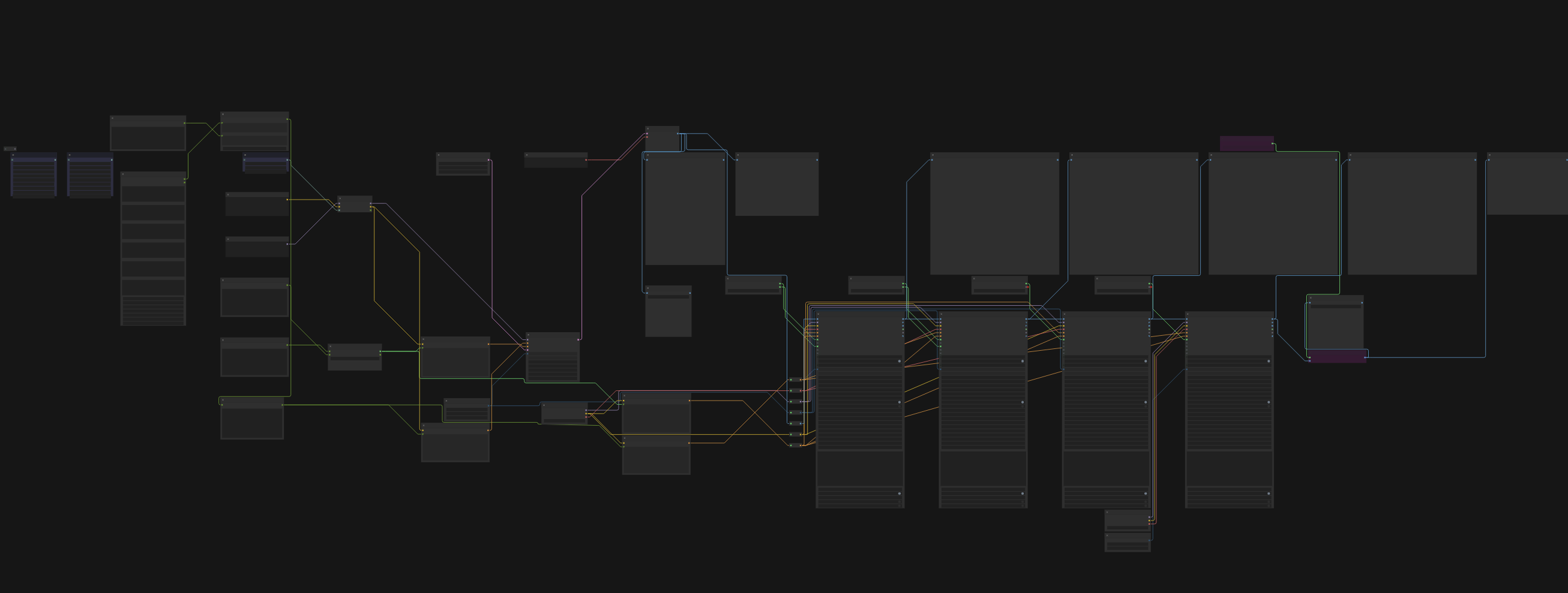
Before (auto-arranged):
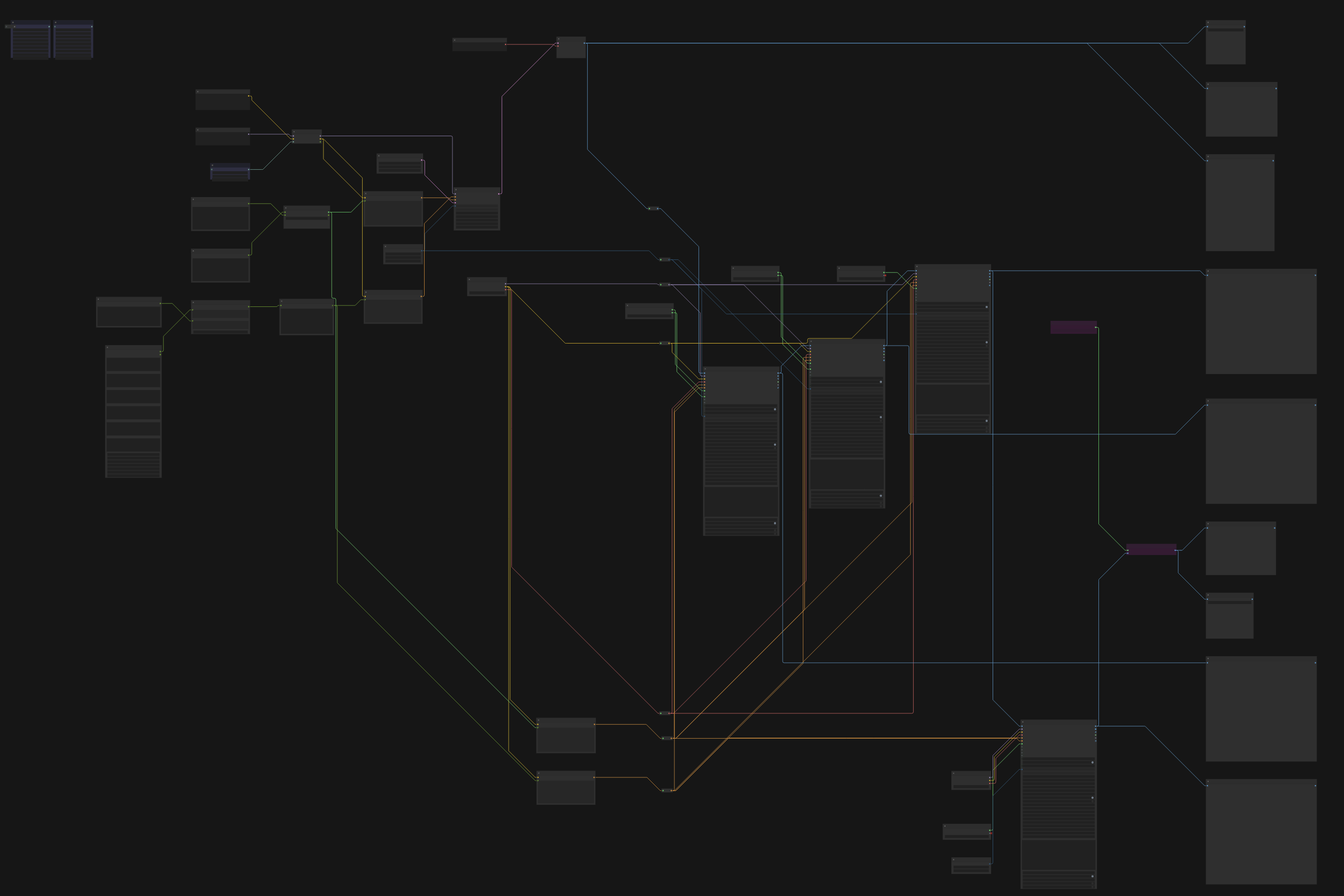
After (Easy Workflow Layout):