
Comfyui-Lyrics
A ComfyUI custom node for generating dynamic scrolling lyrics videos with smooth animations. Supports audio-to-text transcription using OpenAI Whisper or importing existing SRT subtitles.
Nodes (3)
ComfyUI-Lyrics
A ComfyUI custom node for generating dynamic scrolling lyrics videos with smooth animations. Supports audio-to-text transcription using OpenAI Whisper or importing existing SRT subtitles.
一个用于生成动态滚动歌词视频的 ComfyUI 自定义节点。支持使用 OpenAI Whisper 进行语音转文字,或导入现有的 SRT 字幕。
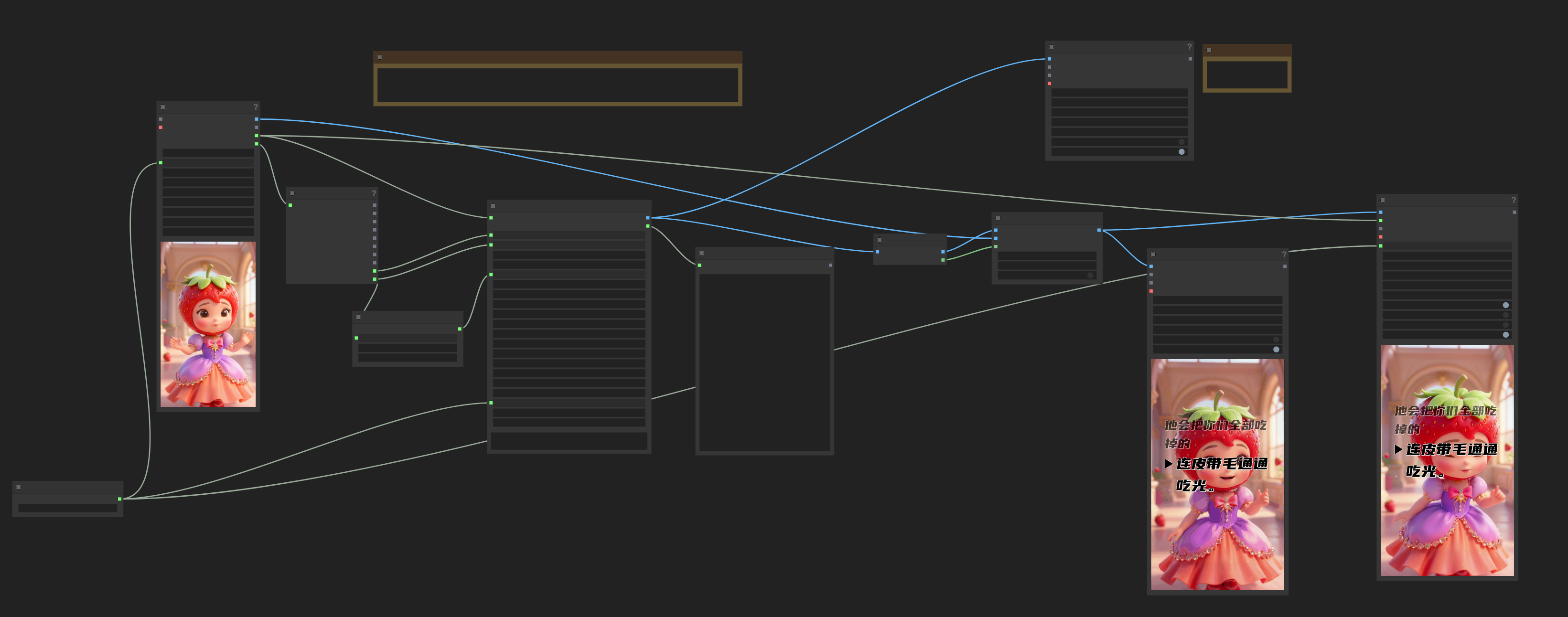
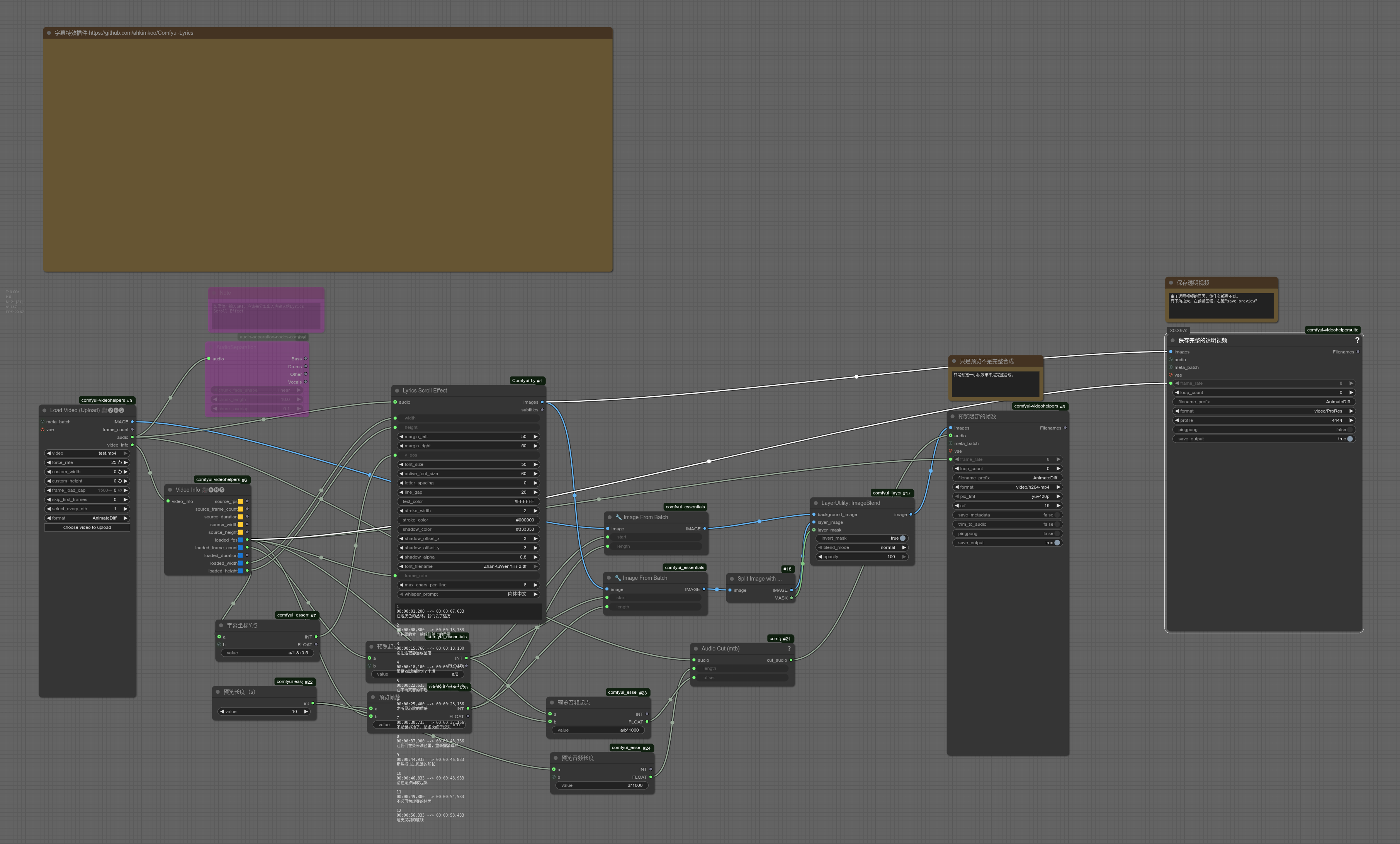
🔗 GitHub Repository: https://github.com/ahkimkoo/Comfyui-Lyrics
✨ Features (功能特性)
- Dynamic Scrolling (动态滚动):
- Smooth slot-based scrolling animation with Ease-Out cubic curves.
- Active line magnification and highlighting.
- Automatic "Upcoming" preview logic.
- 基于槽位的平滑滚动动画,支持焦点行放大高亮,上下行半透明预览。
- Audio Transcription (音频识别):
- Integrated OpenAI Whisper for automatic speech-to-text.
- Support for
initial_promptto guide language style (e.g., Simplified/Traditional Chinese). - 集成 OpenAI Whisper,支持自动语音识别生成字幕。支持设置 Prompt 以引导简繁体输出。
- SRT Support (字幕支持):
- Import existing SRT text directly.
- Auto-fallback logic: Use text if provided, otherwise transcribe audio.
- 支持直接输入 SRT 格式文本。智能判断:优先使用文本,若为空则自动识别音频。
- Rich Styling (丰富样式):
- Custom Fonts (support for
models/fonts). - Text Shadow & Stroke (阴影与描边).
- Adjustable Margins & Spacing (边距与行间距).
- Dynamic Triangle Indicator (动态三角指示标).
- Custom Fonts (support for
- Smart Layout (智能排版):
- Automatic text wrapping (自动折行).
- Dynamic height calculation based on content.
- Aligned indentation for list-style look.
📦 Installation (安装)
Method 1: ComfyUI Manager (Recommended)
You can install this node directly via ComfyUI Manager:
- Open ComfyUI Manager.
- Click "Install Custom Nodes".
- Search for
Comfyui-Lyrics. - Install.
在 ComfyUI Manager 中搜索 Comfyui-Lyrics 即可一键安装。
Method 2: Manual Installation
-
Navigate to your ComfyUI custom nodes directory:
cd ComfyUI/custom_nodes/ -
Clone this repository:
git clone https://github.com/ahkimkoo/Comfyui-Lyrics.git -
Install dependencies:
cd Comfyui-Lyrics
pip install -r requirements.txt
Dependencies include:
openai-whisper,Pillow,torchaudio,numpy,torch. -
Optional: Place your font files (
.ttf,.otf) inComfyUI/models/fonts/. If the directory doesn't exist, create it.- 提示: 请在
ComfyUI/models/fonts/下放入中文字体文件(如msyh.ttf),否则中文可能无法正确显示。
- 提示: 请在
🚀 Usage (使用方法)
Add the node "Lyrics Scroll Effect" (Category: Lyrics) to your workflow.
Inputs (输入参数)
- width / height: Video resolution (视频分辨率).
- margin_left / margin_right: Side margins (左右边距). Text width is calculated automatically.
- y_pos: Y-position of the Active Line (Center). (焦点行垂直位置).
- font_size: Font size for inactive lines (非焦点行字号). Default: 30.
- active_font_size: Font size for the active line (焦点行字号). Default: 40.
- letter_spacing: Spacing between characters (字间距).
- line_gap: Spacing between lines/items (行间距/项间距). Also applies to wrapped lines.
- text_color: Hex color for text (文字颜色).
- stroke_width / stroke_color: Text outline settings (描边设置).
- shadow_color / shadow_offset / shadow_alpha: Drop shadow settings (阴影设置).
- font_filename: Select font from
models/fonts. - frame_rate: Output video frame rate (e.g., 25.0).
- whisper_prompt: Hint for Whisper (e.g., "简体中文", "English"). Controls language style.
- audio (Optional): Audio input for timing/transcription.
- text (Optional): SRT format text.
Logic Priority (逻辑优先级)
- Text Input: If
textis connected and not empty, it uses the provided SRT text. Audio is used for duration calculation only. - Audio Input: If
textis empty, it usesaudioto run Whisper transcription. - Duration: Calculated from Audio length (if present) or Subtitle length (if Text only).
📄 License
This project is open source.
Created by ahkimkoo