
ComfyUI 3D Model Viewer
A 3D model viewer node for ComfyUI that allows viewing and interacting with 3D models directly in the interface
3D Model Viewer for ComfyUI v0.1.0-beta
A 3D model viewer custom node for ComfyUI that provides interactive visualization and dual image outputs (color + depth maps).
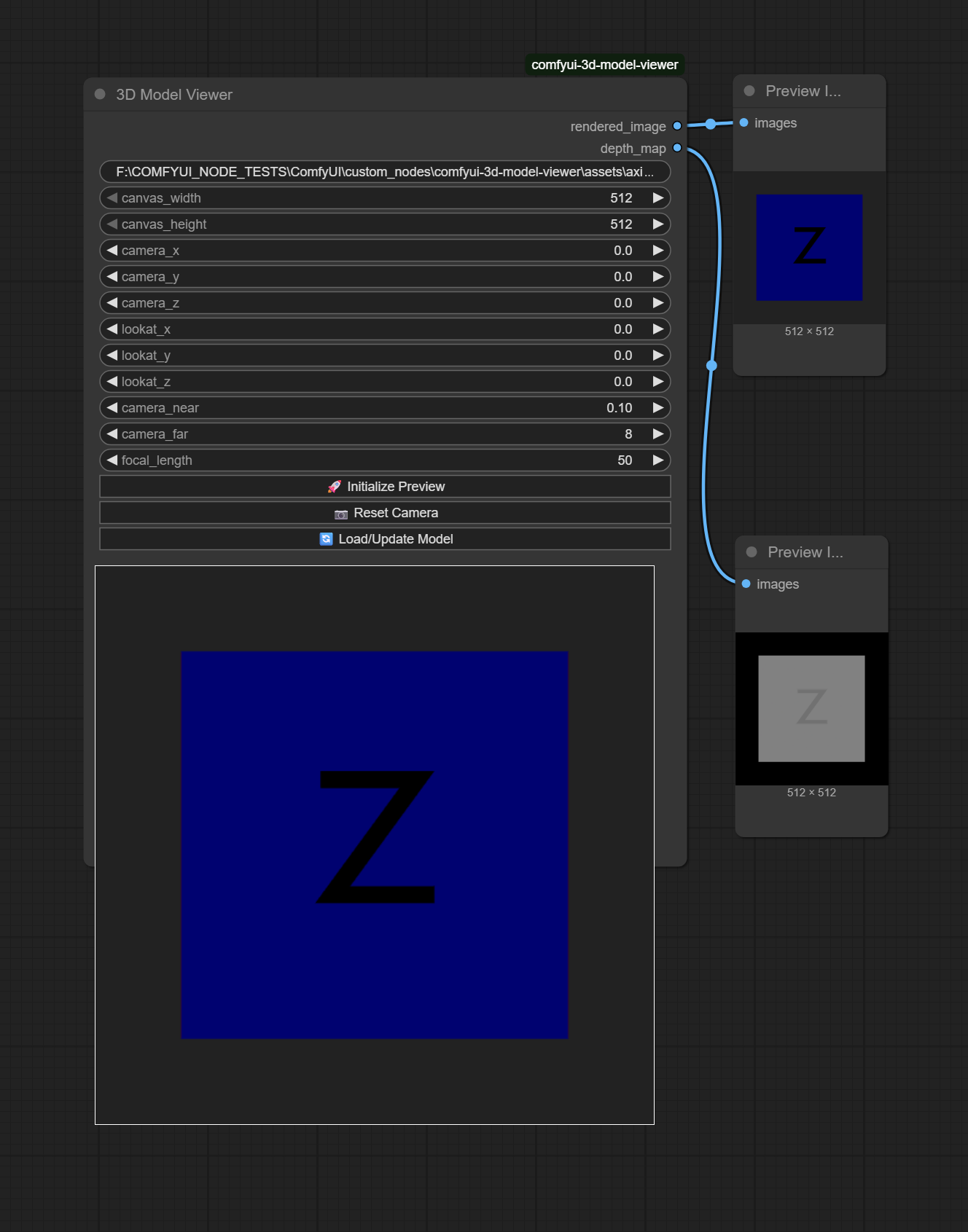
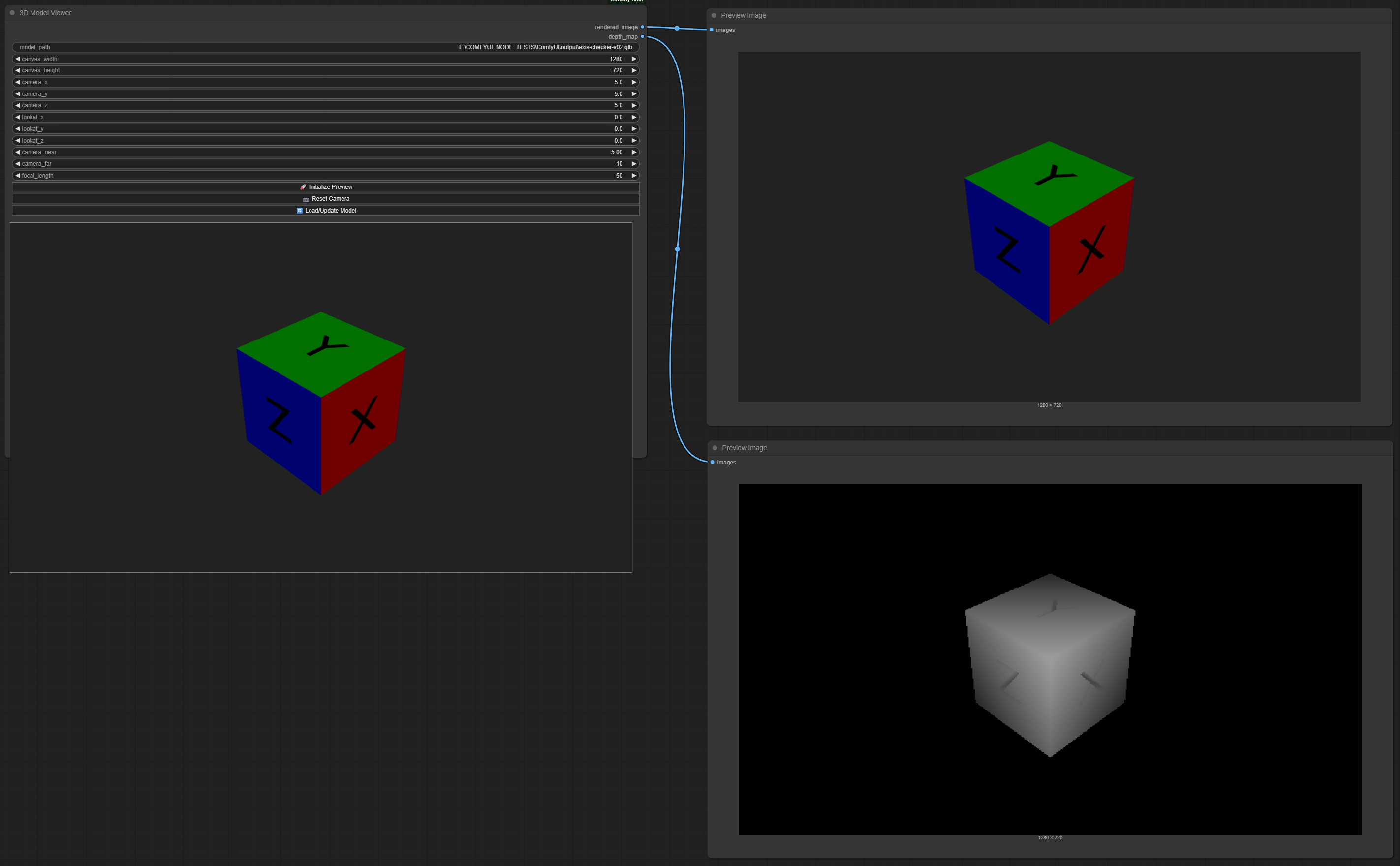
◎ Features
- ⟲ Interactive 3D Viewing - Real-time GLB/GLTF model visualization
- ◎ Dual Image Outputs - Automatic color and depth map generation
- ⊙ Professional Camera Controls - Position, look-at, focal length (10-200mm), near/far clipping
- ▶ Interactive Buttons - Preview, reset, and load controls
- ◉ Depth Visualization - Proper 0-255 grayscale depth maps with shader-based normalization
- ↻ Real-time Updates - Auto-capture on any parameter change
- ◎ 1:1 Pixel Mapping - Exact output dimensions match input parameters
▶ Quick Start
-
Install the node:
cd ComfyUI/custom_nodes git clone https://github.com/aesethtics/comfyui-3d-model-viewer.git -
Install dependencies:
pip install -r comfyui-3d-model-viewer/requirements.txt -
Restart ComfyUI
-
Add the node to your workflow from
aesethtics/3D > 3D Model Viewer -
Try the example: Use the
assets/comfyui-3d-model-viewer.jsonworkflow andassets/axis-checker-v02.glbas your model (full filepath, without quotes) to test the node -
Click "Initialize Preview" after loading your model to start the 3D viewer
⟲ Controls
Input Parameters
- model_path: Path to GLB or GLTF file
- canvas_width/height: Output dimensions (512-2048px)
- camera_x/y/z: Camera position coordinates
- lookat_x/y/z: Target point coordinates
- camera_near/far: Clipping plane distances
- focal_length: Camera focal length (10-200mm)
Interactive Buttons
- ▶ Initialize Preview: Load model without workflow execution
- ◎ Reset Camera: Reset all camera parameters to defaults
- ⟳ Load/Update Model: Refresh model with current settings
Outputs
- rendered_image: Color render of the 3D scene
- depth_map: Normalized grayscale depth map
◎ Camera Settings
| Parameter | Default | Range | Description | | ------------ | --------- | --------- | ----------------------------------- | | Position | (0, 0, 5) | -50 to 50 | Camera position in 3D space | | Look-at | (0, 0, 0) | -50 to 50 | Target point camera looks at | | Focal Length | 50mm | 10-200mm | Lens focal length (35mm equivalent) | | Near Plane | 0.1 | 0.01-10.0 | Near clipping distance | | Far Plane | 10.0 | 1.0-100.0 | Far clipping distance |
Focal Length Guide
- 10-24mm: Wide angle, more scene visible
- 35-50mm: Normal perspective, natural look
- 85-200mm: Telephoto, zoomed in, less distortion
◉ Technical Details
Architecture
- Backend: Python with aiohttp web server
- Frontend: Three.js r170 with custom WebGL shaders
- Depth Rendering: Dual-pass pipeline with proper normalization
File Support
- Formats: GLB, GLTF
- Validation: Automatic format checking
- Serving: Temporary web-accessible file copies
▪ Project Structure
threedy-stuff/
├── __init__.py          # Module initialization
├── nodes.py             # Main node implementation
├── web/
│   └── script.js        # Frontend Three.js integration
├── README.md           # This file
├── requirements.txt    # Python dependencies
└── CLAUDE.md          # Development documentation
● Requirements
- ComfyUI
- Python 3.7+
- Modern web browser with WebGL support
▪ Dependencies
See requirements.txt for complete list. Main dependencies:
- Pillow (image processing)
- NumPy (array operations)
- PyTorch (tensor operations)
⟲ Usage Examples
- Product Visualization: Load product models, adjust lighting and angles
- 3D Asset Review: Preview models before processing
- Depth-based Processing: Use depth maps for advanced workflows
- Camera Matching: Match real camera settings with focal length controls
◉ Troubleshooting
Common Issues
- Model not loading: Check file format (GLB/GLTF only)
- Size mismatch: Pixel ratio is set to 1:1 for exact dimensions
- Depth issues: Adjust near/far planes for better depth range
- Node not re-rendering: Sometimes ComfyUI doesn't detect canvas dimension changes. Solution: nudge a camera parameter slightly (e.g., camera_near from 0.10 to 0.11) to force re-render
- View looks weird/broken: Click "Initialize Preview" to refresh the 3D viewer - this fixes most display issues
Browser Requirements
- WebGL support required
- Modern browser (Chrome, Firefox, Safari, Edge)
⊙ Contributing
For issues or improvements, please refer to the project repository or open an issue on GitHub.
▪ License
This project is licensed under the MIT License - see the LICENSE file for details.
◉ Beta Release: This is a beta version developed for personal workflows. Currently supports GLB files only. Feedback and contributions welcome!
Developed by aesethtics