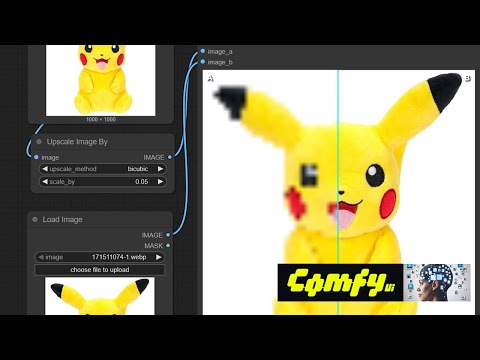
ComfyUI Extension
ComfyUI Image Compare
Compare two images using ComfyUI. Connect images to both image_a and image_b inputs. Press RUN. Then use the slider to compare. Best used when two images are very similar and you want to see the differences very closely. Search for the manager for image compare, or imagecompare.
Sean-Bradley/ComfyUI-Image-Compare
Nodes1
On cloudLocal install
CategorySBCODE
Stars15
Updated10 months ago
Readme
ComfyUI Image Compare
Compare two images using ComfyUI.
Install ComfyUI Image Compare
Install the custom node ComfyUI Image Compare using the manager,
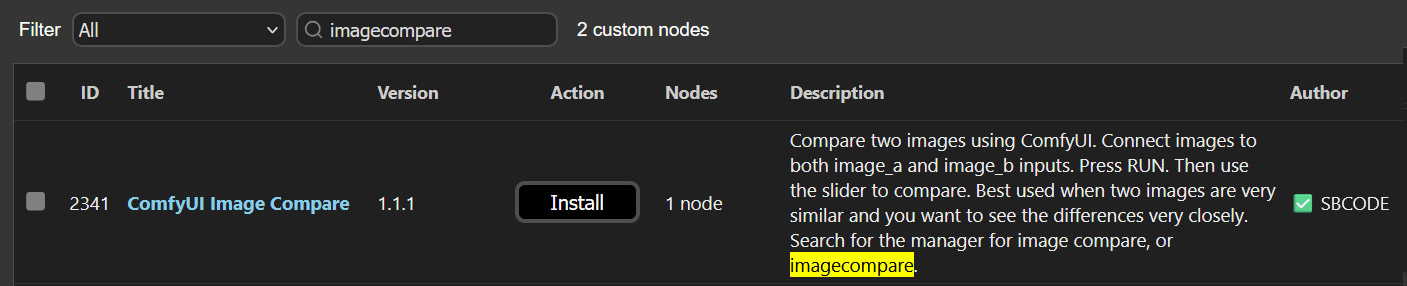
Or you can use your command/terminal prompt.
- Navigate to your
ComfyUI/custom_nodesfolder. - Run,
git clone https://github.com/Sean-Bradley/ComfyUI-Image-Compare.git
- Restart ComfyUI
You will find the new Image Compare node in the Nodes menu item under SBCODE.
Or you can double click the workspace and search for image compare.
Example Usage
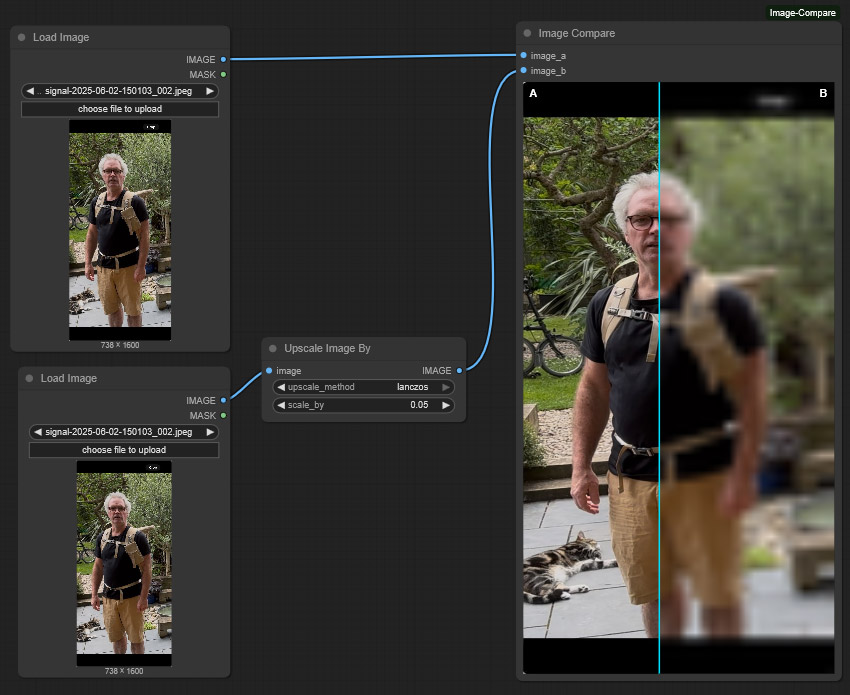
Tutorial
How to use this image compare tool? See this video.