
riversidenodes
A custom node to resize your image to model-specific resolution
image-resize-to-model-resolution
A custom node which resizes an imput image to a resolution that is nearest to one on which the selected model was trained.
Image Resize to Nearest Model Resolution
Most img2img workflows resize the input image before using it as a latent. It is highly recommended for optimal quality and performance to resize the input image to a resolution on which the model was trained.
The Image Resize to Nearest Model Resolution custom node takes as input a single image and allows you to choose an interpolation method for resizing, and a target model. The node resizes the input image to the nearest resolution on which your selected model was trained.
Preview
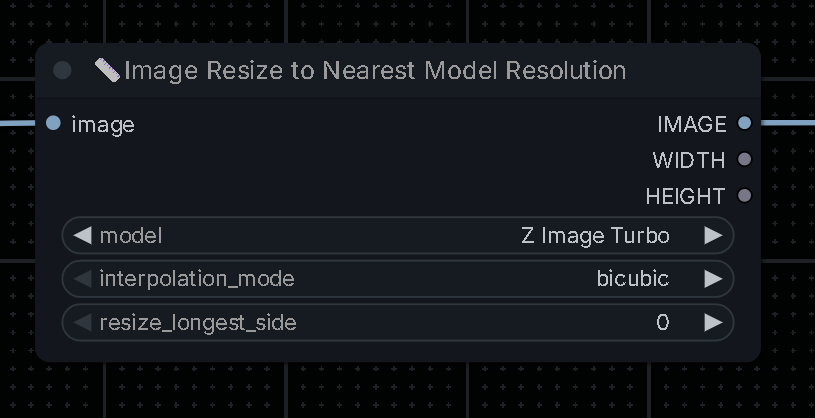
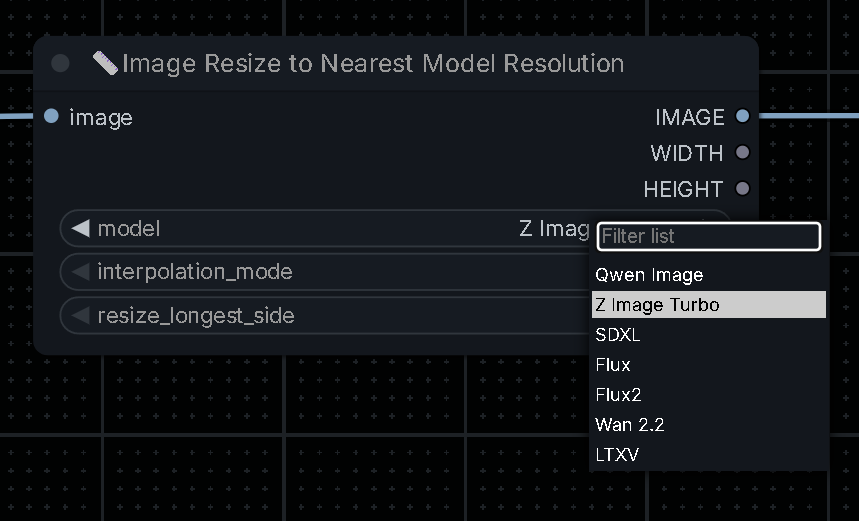
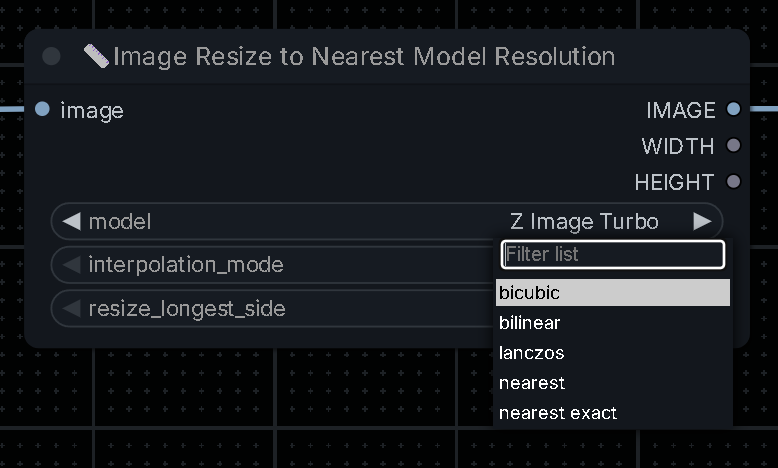
Installation
ComfyUI Manager
Open Manager and search for comfyui-image-resize-to-model-resolution by publisher river-side
Manual
- Clone this repo into your
ComfyUI/custom_nodes/folder:
git clone https://github.com/RiverSide71/comfyui-image-resize-to-model-resolution
- Restart ComfyUI
Known limitations:
- Please leave a comment and let me know.