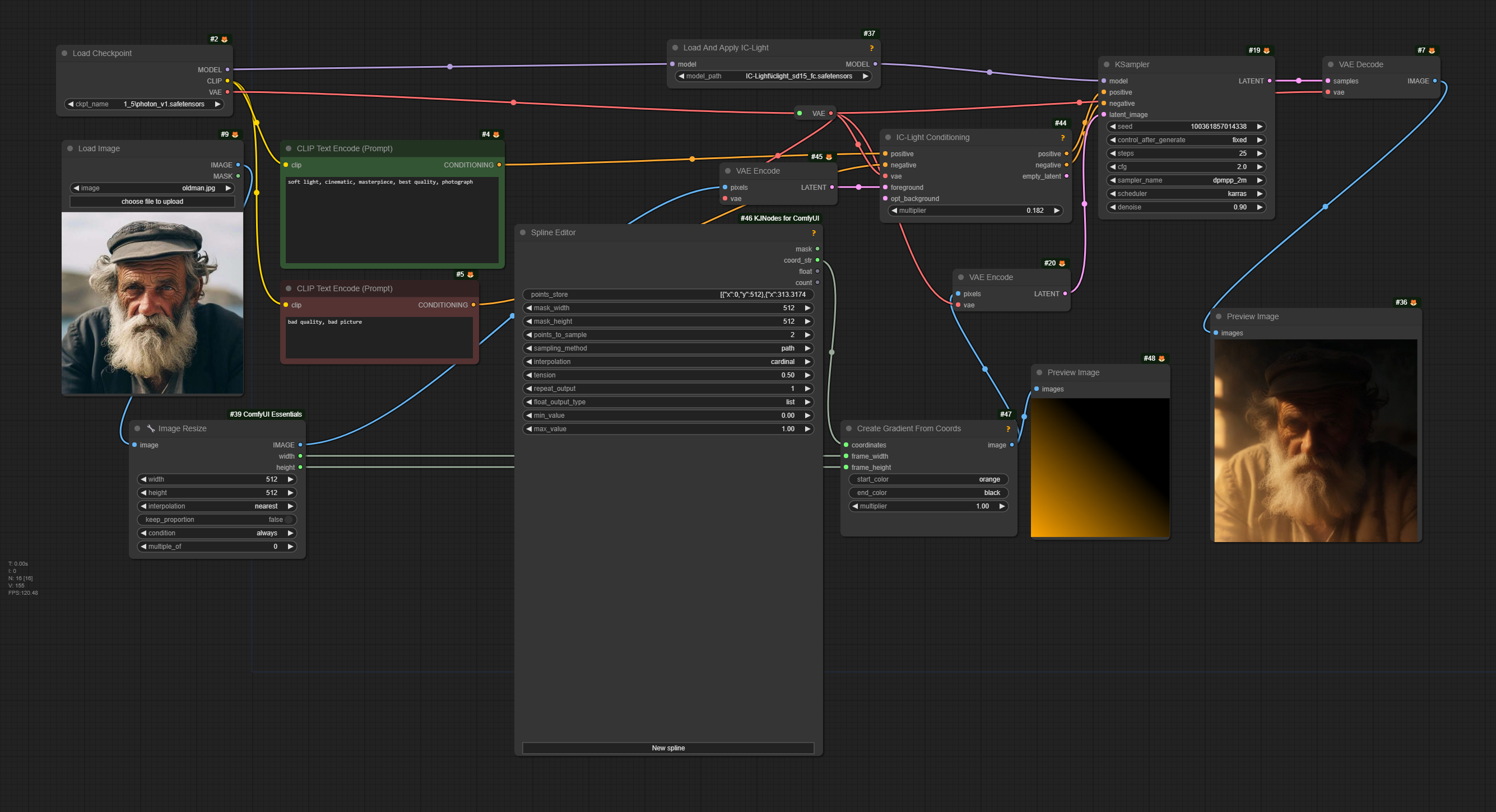
ComfyUI-IC-Light-Video
ComfyUI native nodes for IC-Light with a Video node
Nodes (8)
Flattening a background before IC-Light gets to it
Turning four IC-Light relights into a normal map
Paste the original detail back after IC-Light smudges it
Where you actually tell IC-Light what to relight
IC-Light Video (Frame by Frame)
A gradient generator for pointing IC-Light in a direction
Turn any SD1.5 checkpoint into a relighting model
Turning a single .hdr file into a usable exposure batch
IC-Light Video Node added to IC-Light
Expansion of kijais ComfyUI-IC-Light: https://github.com/kijai/ComfyUI-IC-Light
I added one node: IC-Light Video (Frame by Frame). It takes images (from a video for example) and applies IC-Light to each images. Internally it encodes, conditions, samples and decodes.
It outputs the processed images, so you can combine them with a VideoCombine node for example (https://github.com/Kosinkadink/ComfyUI-VideoHelperSuite).

Installation
Only one IC-Light is needed, either this (with my custom node) or kijais original.
Recommended way is to use the manager. There should be no extra requirements needed.
Manual way is to clone this repo to the ComfyUI/custom_nodes -folder.
The models are also available through the Manager, search for "IC-light". By default they go to ComfyUI/models/unet/IC-Light
Alternatively download them from here and place anywhere in the ComfyUI/models/unet -folder:
https://huggingface.co/lllyasviel/ic-light/tree/main
Some of the example workflows require the very latest features in KJNodes:
https://github.com/kijai/ComfyUI-KJNodes
https://github.com/kijai/ComfyUI-IC-Light/assets/40791699/c545a84f-3546-430e-b5dd-adce2ff19b6d
https://github.com/kijai/ComfyUI-IC-Light/assets/40791699/b406ee2b-c9cb-4f9a-9aac-6ab5f753420d