
ComfyUI-SenseNova-U1
SenseNova-U1 custom nodes for ComfyUI (API + local inference).
SenseNova-U1 for ComfyUI
ComfyUI custom nodes for SenseNova-U1 API and local inference.
Source of truth lives in
OpenSenseNova/SenseNova-U1underapps/comfyui/. The standalone repoOpenSenseNova/ComfyUI-SenseNova-U1is a read-only publish mirror used by Comfy Registry; please open PRs against the monorepo.
Requires a ComfyUI build that ships the v3 node API (
comfy_api.latest). The nodes are registered throughcomfy_entrypoint(); older ComfyUI installs that only support the v1NODE_CLASS_MAPPINGSregistration will not load them.
Nodes
SenseNova Image Generate: calls the U1-Fast image API.SenseNova Chat,SenseNova Vision URL,SenseNova Vision Image: utility API nodes.SenseNova Prompt Builder: rewrites raw ideas into image-generation prompts.SenseNova U1 Local Loader: loads a local or HuggingFace SenseNova-U1 checkpoint.SenseNova U1 Local Text to Image: runs localt2i_generate.SenseNova U1 Local Image Edit: runs localit2i_generatewith one or more ordered input images.SenseNova U1 Local Interleave: runs localinterleave_gen.SenseNova Interleave Preview: renders ordered interleaved text / image results.
Install
Recommended (end users): ComfyUI Manager / Comfy Registry
Search for SenseNova-U1 in ComfyUI Manager, or:
comfy node install ComfyUI-SenseNova-U1
This pulls the latest published release from https://registry.comfy.org and
installs the declared dependencies (including the sensenova-u1 Python package
needed for local inference) into ComfyUI's Python environment automatically.
Restart ComfyUI afterwards.
Before upgrading, remove or disable any manually copied legacy node directory
such as ComfyUI_SenseNova_U1. Keeping both copies makes ComfyUI import the
same node IDs twice, so the active implementation depends on scan order.
Release 0.3.0 supports the transformers>=4.57.1,<6 runtime range. Core
compatibility is continuously checked against the minimum/final v4 releases
and the latest v5 release; local U1.5 text-to-image and image-edit inference
has also been verified through ComfyUI with Transformers 5.x. This release adds
accelerated LoRA adapters for local loading, extends local image editing from a
single input image to ordered multi-image editing with up to 10 images, discovers
API image models from TokenPlan instead of using a hard-coded model list, and
ships refreshed ComfyUI workflows for the new loader, text-to-image, image
editing, and API generation paths.
Developer install (from the SenseNova-U1 monorepo)
If you're hacking on the nodes alongside the model source:
python apps/comfyui/install.py --comfyui /path/to/ComfyUI
python -m pip install httpx numpy pillow python-dotenv
python -m pip install -e .  # install sensenova-u1 from src/
install.py symlinks (or copies, with --copy) apps/comfyui/ into
<ComfyUI>/custom_nodes/ComfyUI-SenseNova-U1. The link only controls how
ComfyUI discovers the node files; the node imports sensenova_u1 from the
ComfyUI Python environment. Keep the editable install above when developing
from this monorepo, then restart ComfyUI.
If an editable install is unavailable, developers can explicitly set
SENSENOVA_U1_SRC=/path/to/SenseNova-U1/src. The node never infers a package
source from the symlink location.
Workflows
Example workflows live in example_workflows/. Each links to a screenshot of the loaded graph in docs/:
| Workflow | Description | Preview |
| --- | --- | --- |
| sensenova_api_gen_t2i.json | SenseNova API prompt building and text-to-image | 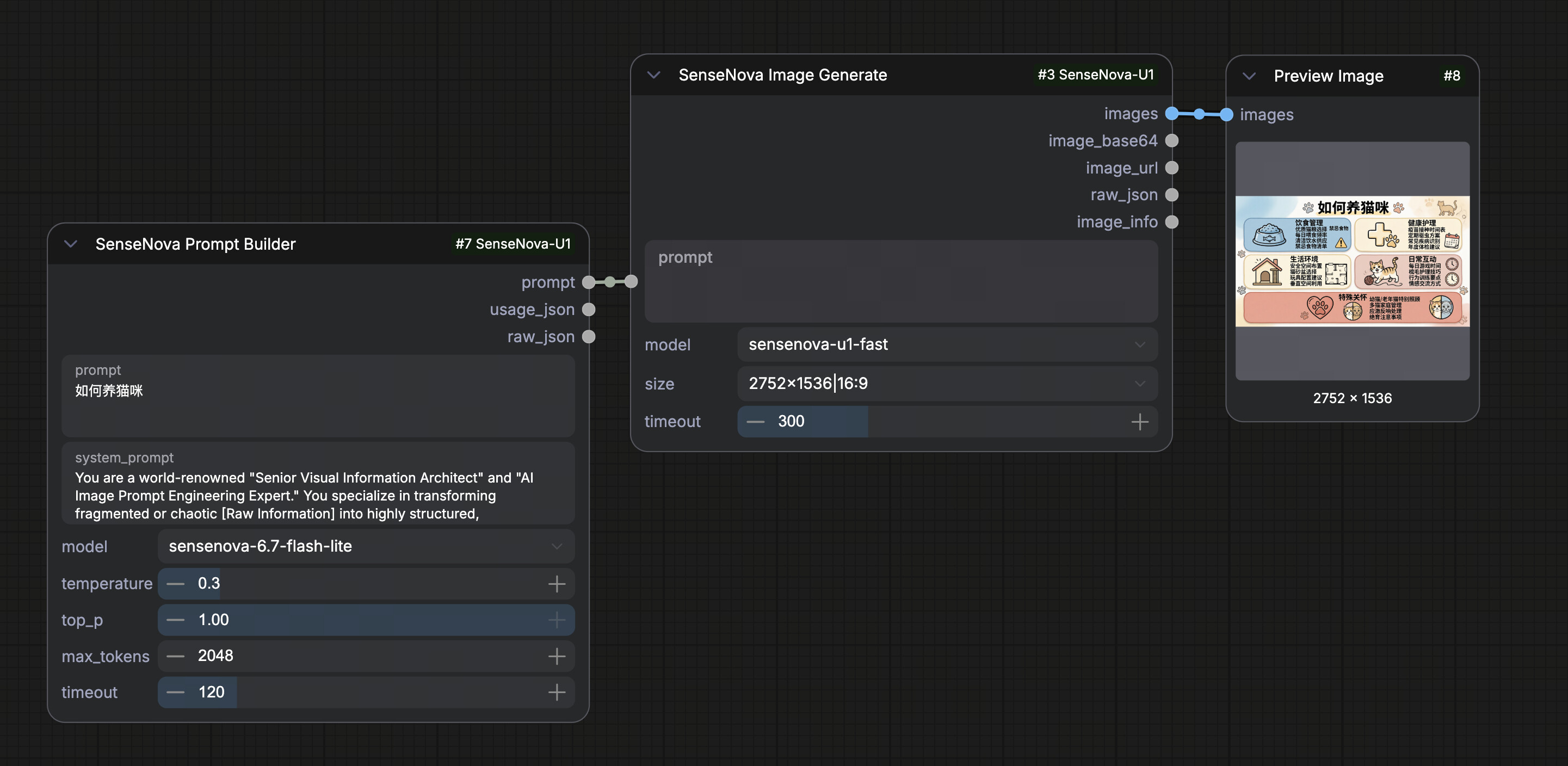 |
|
|
| sensenova_text_to_image.json | Local SenseNova-U1 text-to-image | 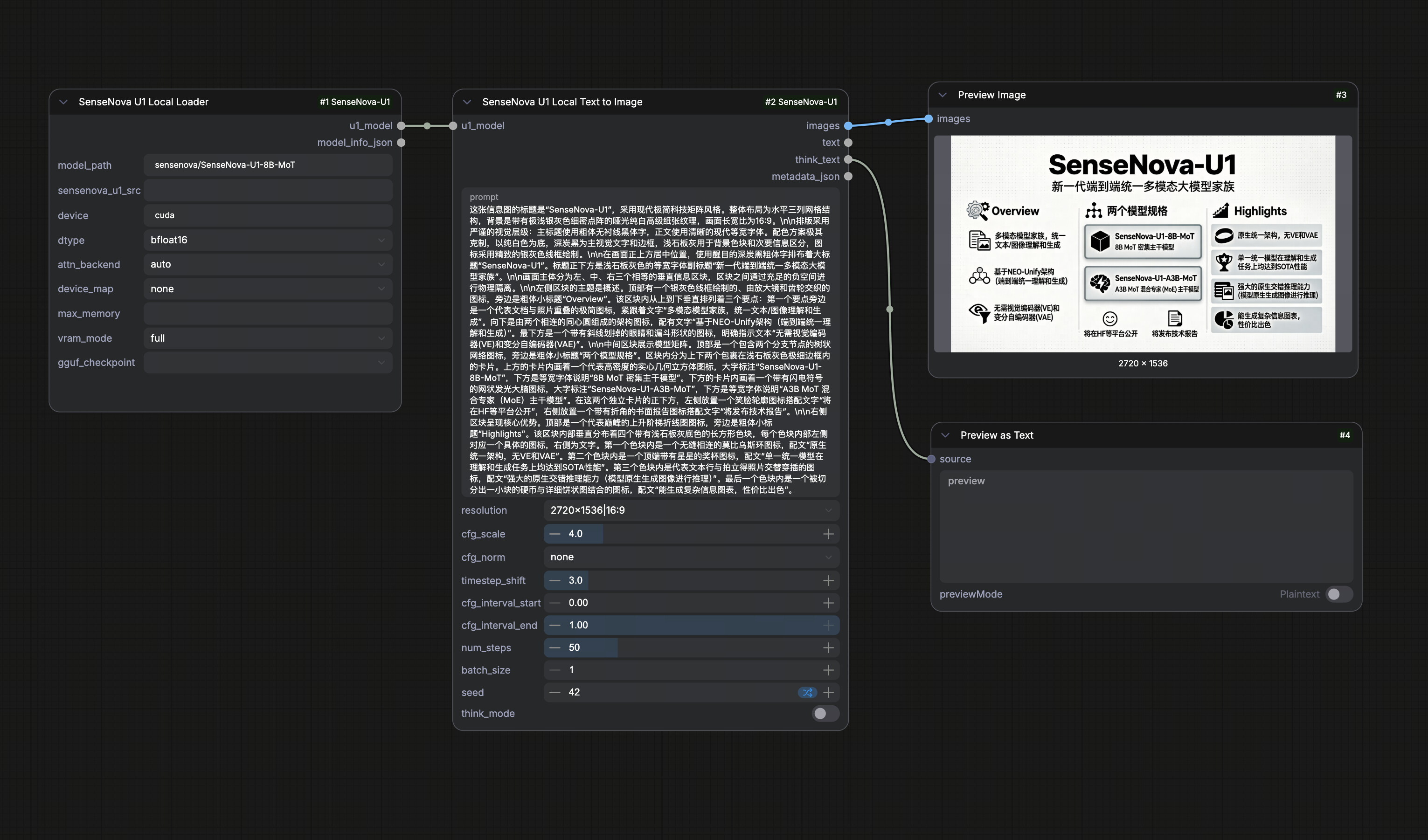 |
|
|
| sensenova_image_editing.json | Local SenseNova-U1 image editing | 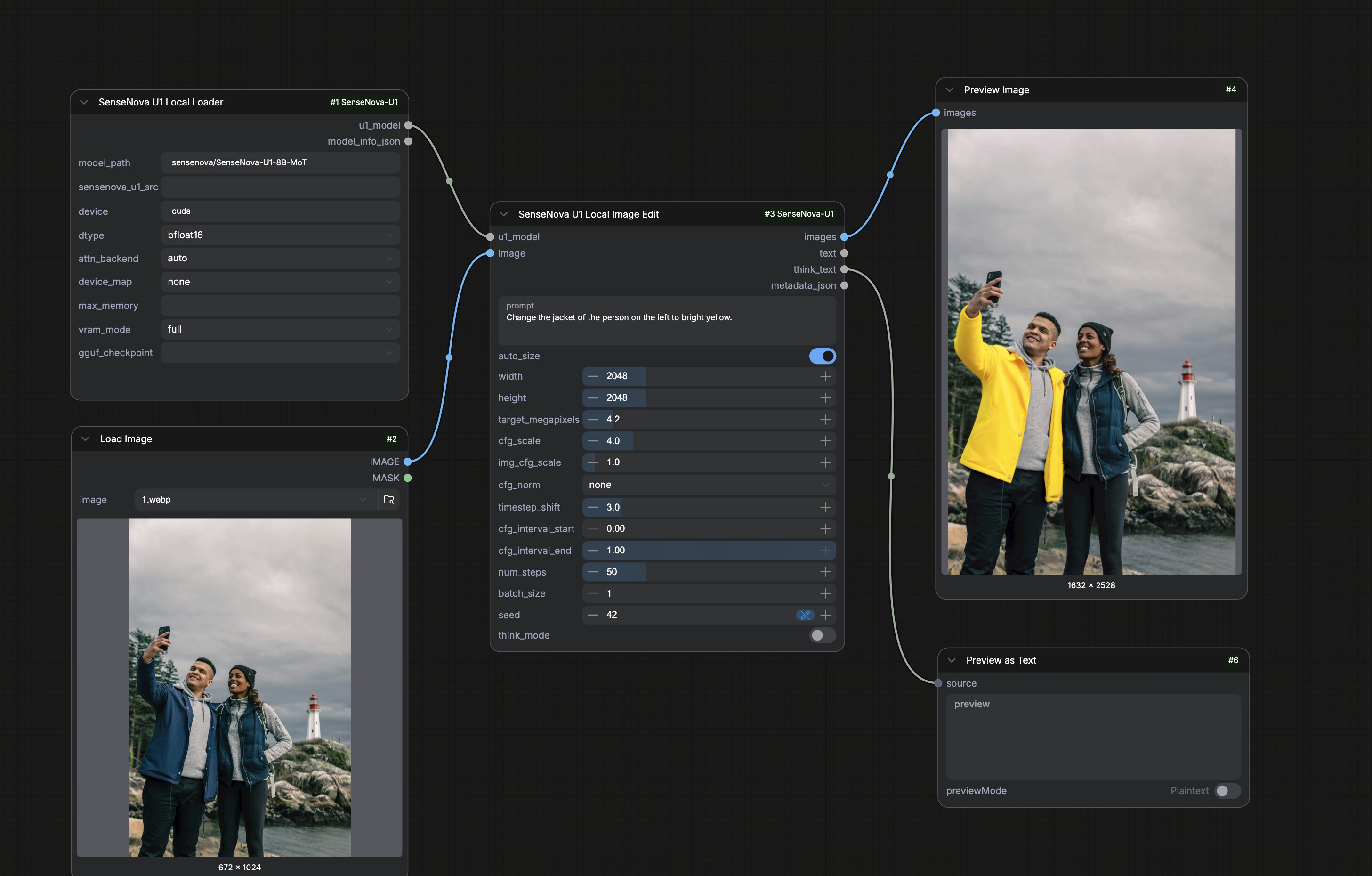 |
|
|
| interleave.json | Local SenseNova-U1 interleaved generation | 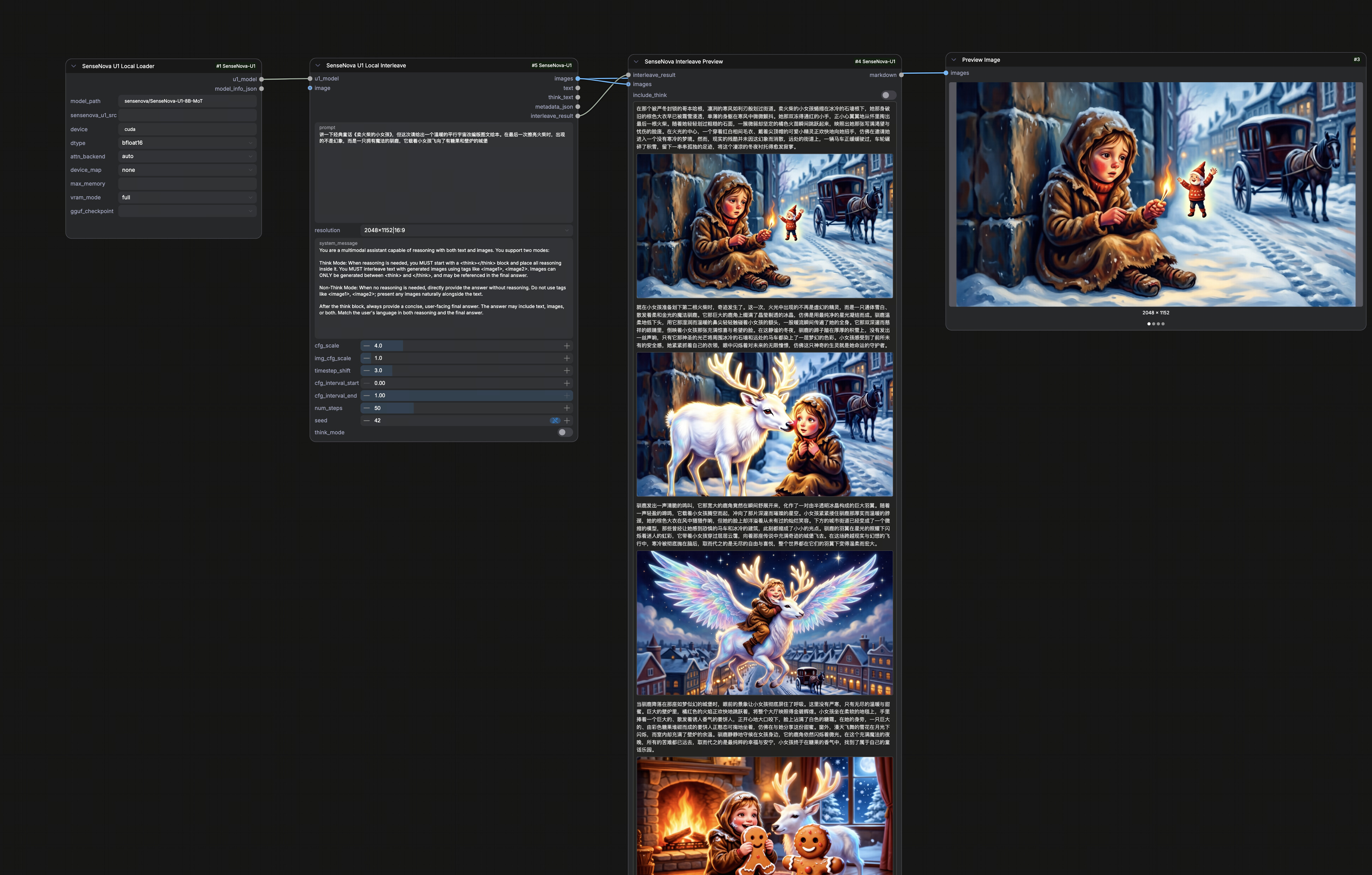 |
|
Drag a workflow JSON into ComfyUI, then update model_path, device, device_map, and prompt
settings as needed. For a smoke test, set num_steps to 1 or 2 before returning to the
recommended 50.
SenseNova U1 Local Image Edit uses a v3 autogrow input. Connect the base image to image,
then use the node's add-input control to attach up to nine additional references (image2
through image10). Input order is preserved; when auto_size is enabled, the first image
determines the output aspect ratio. A connected IMAGE batch is expanded in batch order.
API Environment
API nodes read credentials from environment variables or .env:
export SN_API_KEY="your-api-token"
export SN_BASE_URL="https://token.sensenova.cn/v1"
Tokens are not exposed as node inputs, so they are not saved into ComfyUI workflows.
Unified Local Model And LoRA Loading
Use the primary SenseNova U1 Model Loader. Its model inputs have separate
responsibilities:
model_weightschooses where the weights come from. It lists the official models, matching repositories already present in the Hugging Face cache, and registered artifacts under<comfyui>/models/sensenova/.model_resourceschooses the config and tokenizer source.Autouses the weight directory or embeddedsource_repo; an explicit HF profile or local config directory can be selected for third-party files.lora_nameandlora_strengthoptionally apply an adapter from<comfyui>/models/loras/after the base weights are loaded.
The weight dropdown accepts:
- an official Hugging Face model directory with complete weight shards;
- a community single-file
.safetensorsor.sftcheckpoint; - a single-file
.ggufcheckpoint.
Standalone weights still need the matching config and tokenizer. The loader
first looks for a colocated model directory (including the basename from the
Safetensors source_repo metadata), then uses that metadata or a known
SenseNova filename profile as the Hugging Face/cache fallback. Community .sft
files and custom Safetensors metadata are read directly and streamed tensor by
tensor into a meta-initialized model, so loading does not create a second full
state-dict copy in host memory.
The resources choice and LoRA identity, size, mtime, and strength are included in the model cache key. This first implementation supports LoRA merging on Hugging Face and standalone Safetensors base weights; GGUF + LoRA is rejected explicitly because the current Diffusers GGUF parameter type needs a patch-aware runtime adapter rather than an in-place BF16 merge.
The former SenseNova U1 Local Loader remains available under
SenseNova/Local/Legacy so existing workflows keep their original
model_path, local_model, and gguf_checkpoint contract. New workflows
should use SenseNova U1 Model Loader.
GGUF Quantized Checkpoints
The primary Model Loader lists GGUF directly in model_weights; select the
matching profile in model_resources when Auto cannot identify it. The
Legacy Local Loader also retains its optional gguf_checkpoint dropdown,
populated from <comfyui>/models/gguf/ and the stock ComfyUI
<comfyui>/models/diffusion_models/ folder (the default location used by
ComfyUI-GGUF style distributions). When a file is selected, weights are loaded
through diffusers' GGUF quantizer (dequantizing nn.Linear -> GGUFLinear)
instead of safetensors; config and tokenizer still come from model_path. The
default empty selection keeps the safetensors path.
Drop your .gguf file into either folder and restart ComfyUI to refresh the
dropdown.
Community contributor smthem on Hugging Face
(GitHub @smthemex) maintains a collection of
SenseNova-U1 GGUF checkpoints,
including the 19.9 GB Q8 file
SenseNova-U1.5-8B-MoT-Preview-Q8.gguf.
These weights are community-maintained independently from official SenseNova
model releases. Thank you to the author for making them available.
Requirements: install the gguf extra in the ComfyUI Python environment, e.g.
python -m pip install -e ".[gguf]"     # from this repo, or
python -m pip install "gguf>=0.10.0" "diffusers>=0.30.0"
gguf_checkpoint cannot be combined with a non-none device_map — pick one.
Notes On Samplers
Local U1 generation uses the sampling loop implemented by t2i_generate, it2i_generate, and
interleave_gen. It does not directly plug into ComfyUI's KSampler / latent model interface.
You can still reuse ComfyUI image IO and post-processing nodes around these U1 nodes.