
Nodes 2.0 → Classic
Draws Nodes 2.0-only widgets (Compare Images, LoRA stacks, Crop, Video Crop/Trim, Curves, Colors, Bounding Boxes, Resolution preview) on the classic litegraph canvas.
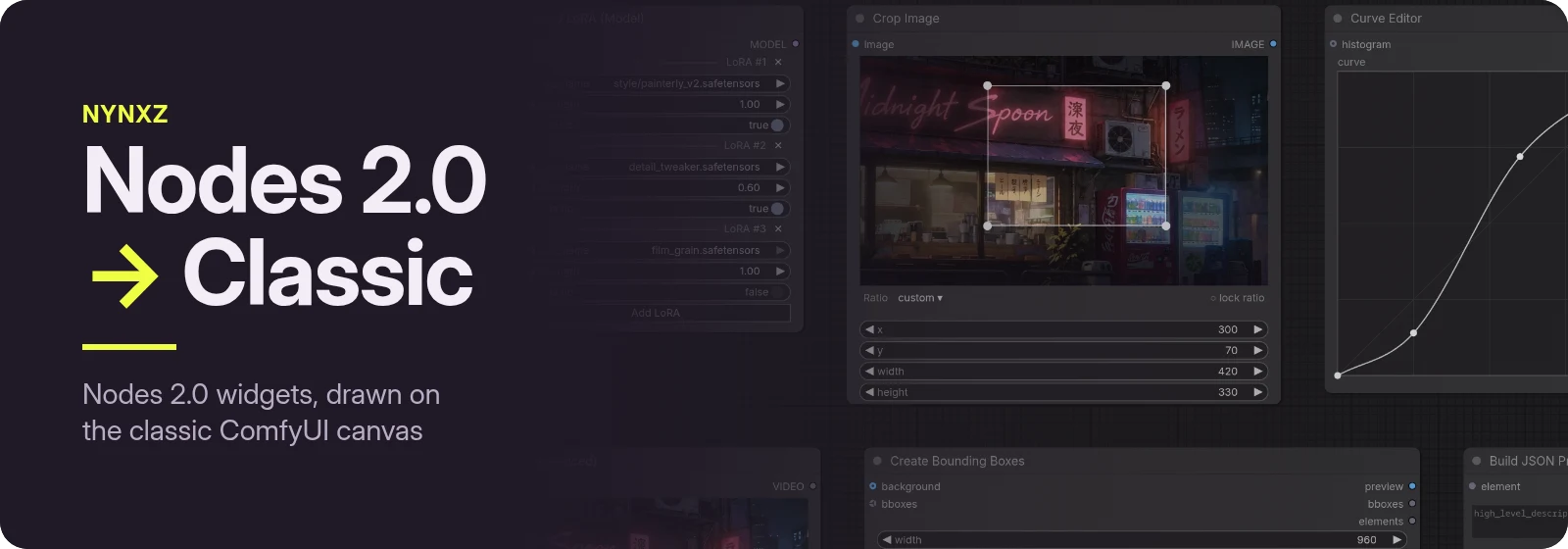
Some ComfyUI widgets only work in Nodes 2.0 — on the classic canvas they show a "Node 2.0 only" placeholder, or nothing at all. This pack draws them on the classic canvas, so those nodes work in both. Nodes 2.0 is left exactly as it is.
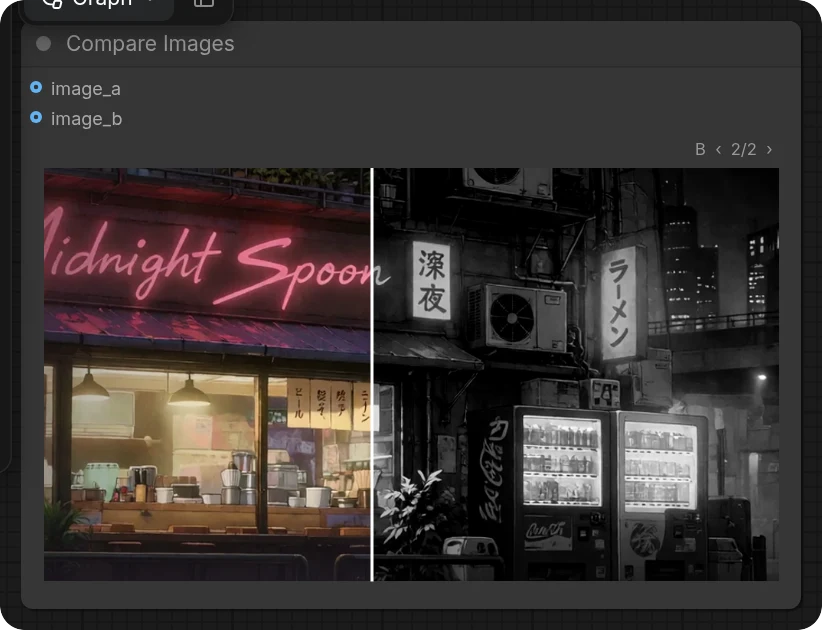
Compare Images
Drag across the image to move the split. When a side has a batch, step through it with ‹ ›.
LoRA stacks
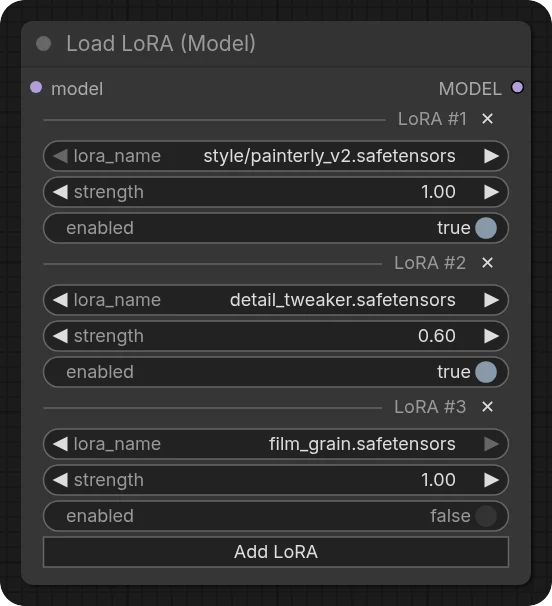
Load LoRA (Model) and Load LoRA (Text Encoder) rows, with the same headers as Nodes 2.0:
✕ removes a row, Add LoRA adds one. Works for any node built on the same repeating-group input.
Crop Image
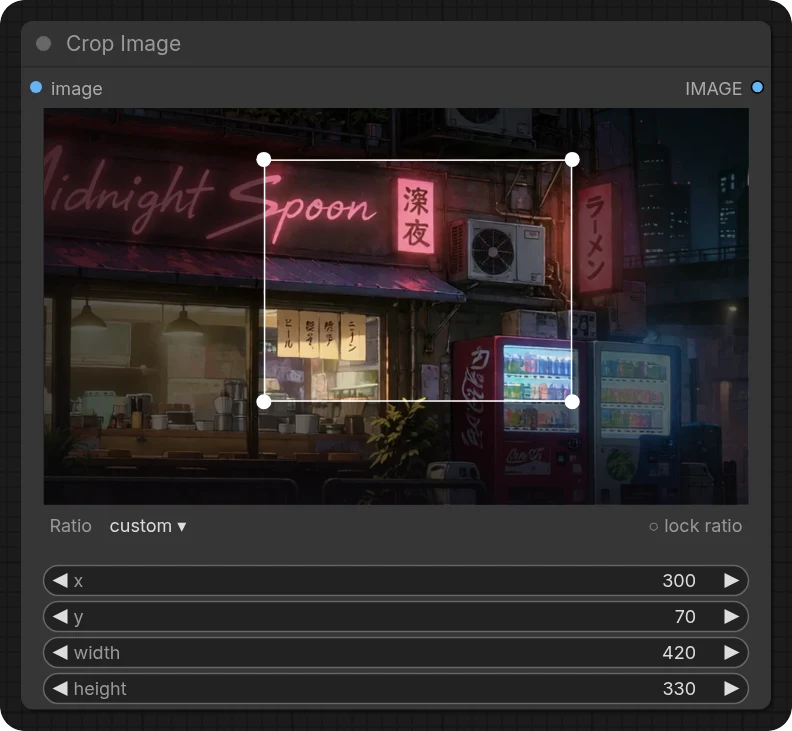
Drag the box to move it, its edges and corners to resize, or drag on the image to draw a new one. Pick a ratio or lock the current one, as in Nodes 2.0; hold <kbd>Shift</kbd> to keep the shape while resizing.
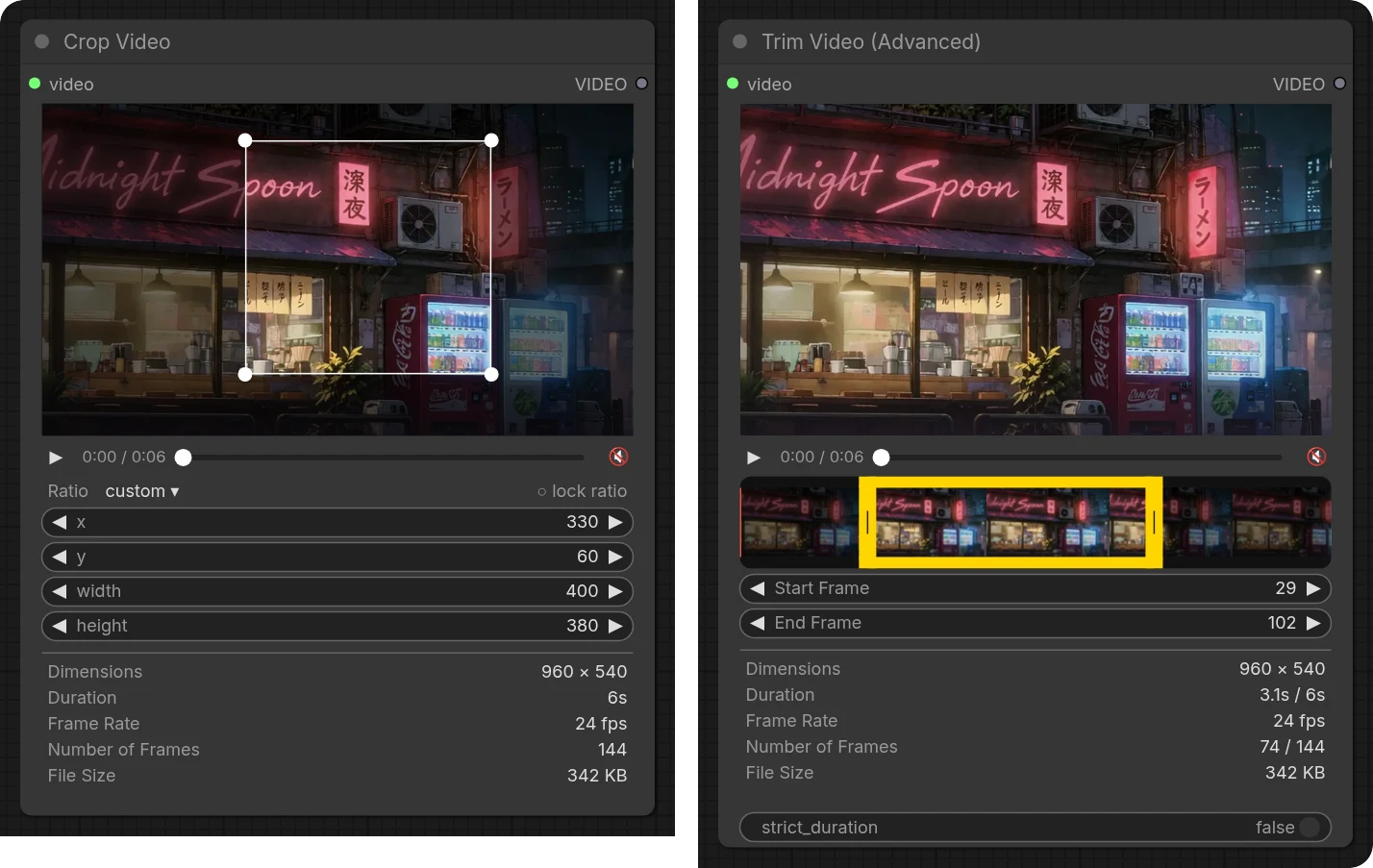
Crop Video and Trim Video
Play, scrub and mute the clip. Trim on the filmstrip or by frame number; crop on the frame or by the numbers. Frame rate, duration and frame counts come from the file itself, the same numbers the nodes run with.
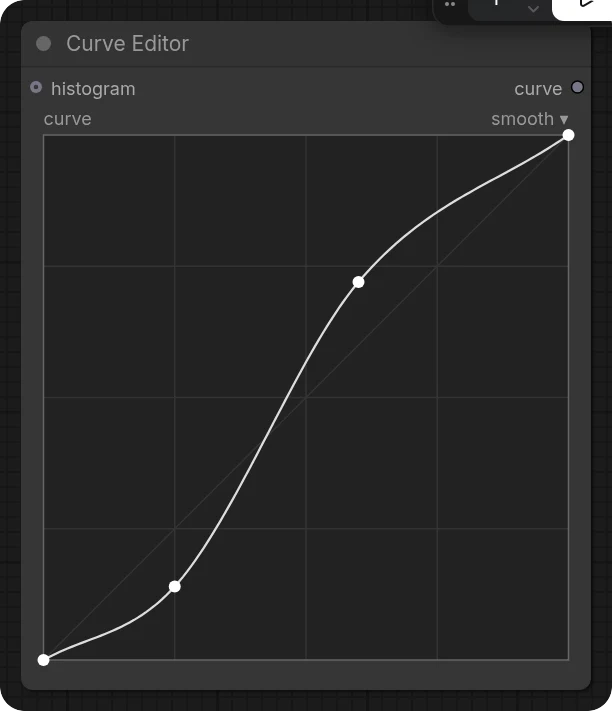
Curve Editor
Click to add a point, drag to move it, double-click to remove it. Switch between smooth and linear from the top right. The histogram shows once the node has run.
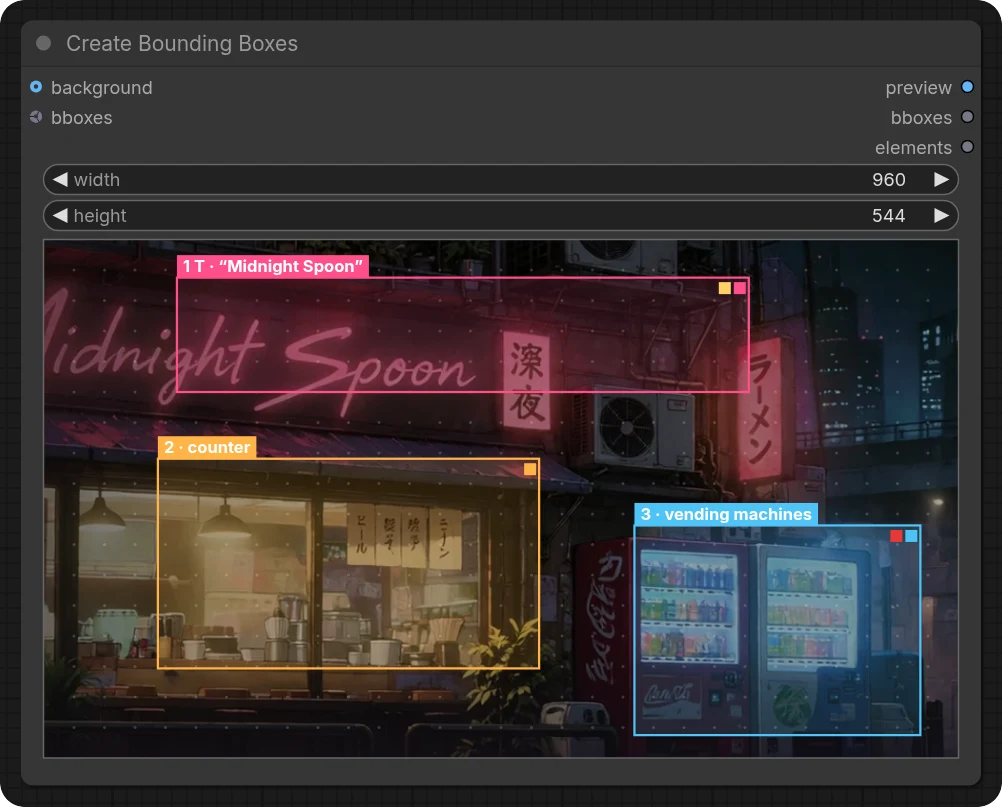
Create Bounding Boxes
Drag to draw a box, drag a box to move it, drag its edges to resize. Click a box to set its type, text, description and palette, reorder it or delete it. A background image sets the canvas size, and the dot grid can be turned off from the empty-area menu.
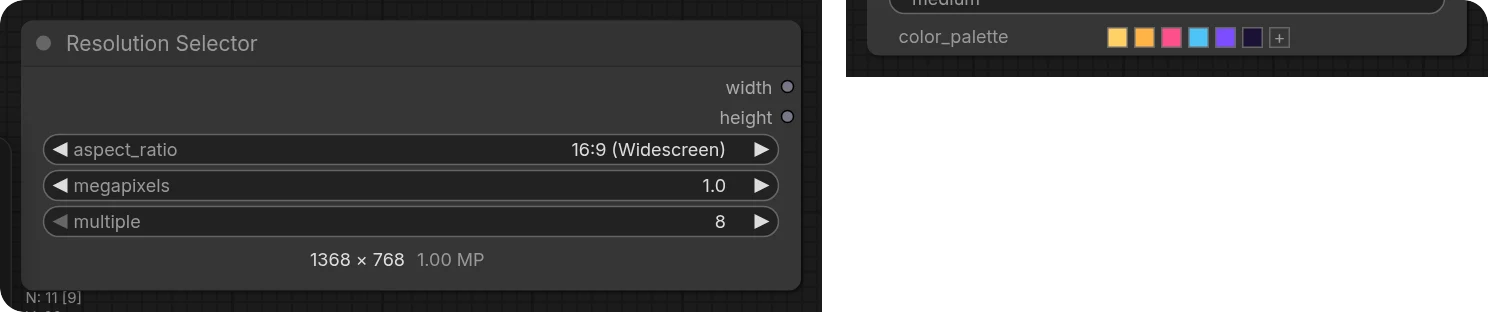
Colours and resolution
The Ideogram colour palette — click a swatch to change or remove it, drag to reorder, + to add —
and the Resolution Selector's width × height readout.
Install
cd ComfyUI/custom_nodes
git clone https://github.com/Nynxz/ComfyUI-Nodes2Classic
Then restart ComfyUI. Nothing to build, and no extra Python packages.
How it works
The frontend already creates these widgets on the classic canvas; it just doesn't draw them there. The pack adds a canvas drawing to each one and leaves its value, saving and execution to the frontend, so workflows are the same in either view. The widgets that are a node's own editor have no input socket, like ZenKit's socketless widgets.
The art in these screenshots is from Neon After Midnight. The code is MIT licensed.