
comfyui-VarBoard
Variables Board is a floating control center for ComfyUI workflows that centralizes parameters into a customizable overlay.
Nodes (8)
A workflow toggle that lives where you can see it
CFG, denoise and strength sliders, collected in one spot
Your step count and batch size, on a panel you can actually reach
Every dial in your workflow, on one floating panel
A/B samplers without hunting for the dropdown
Swap noise schedules from the board while you test
A seed control you can actually reach without scrolling
Prompts and filenames, editable from the board
🎛️ ComfyUI Variables Board V 0.9
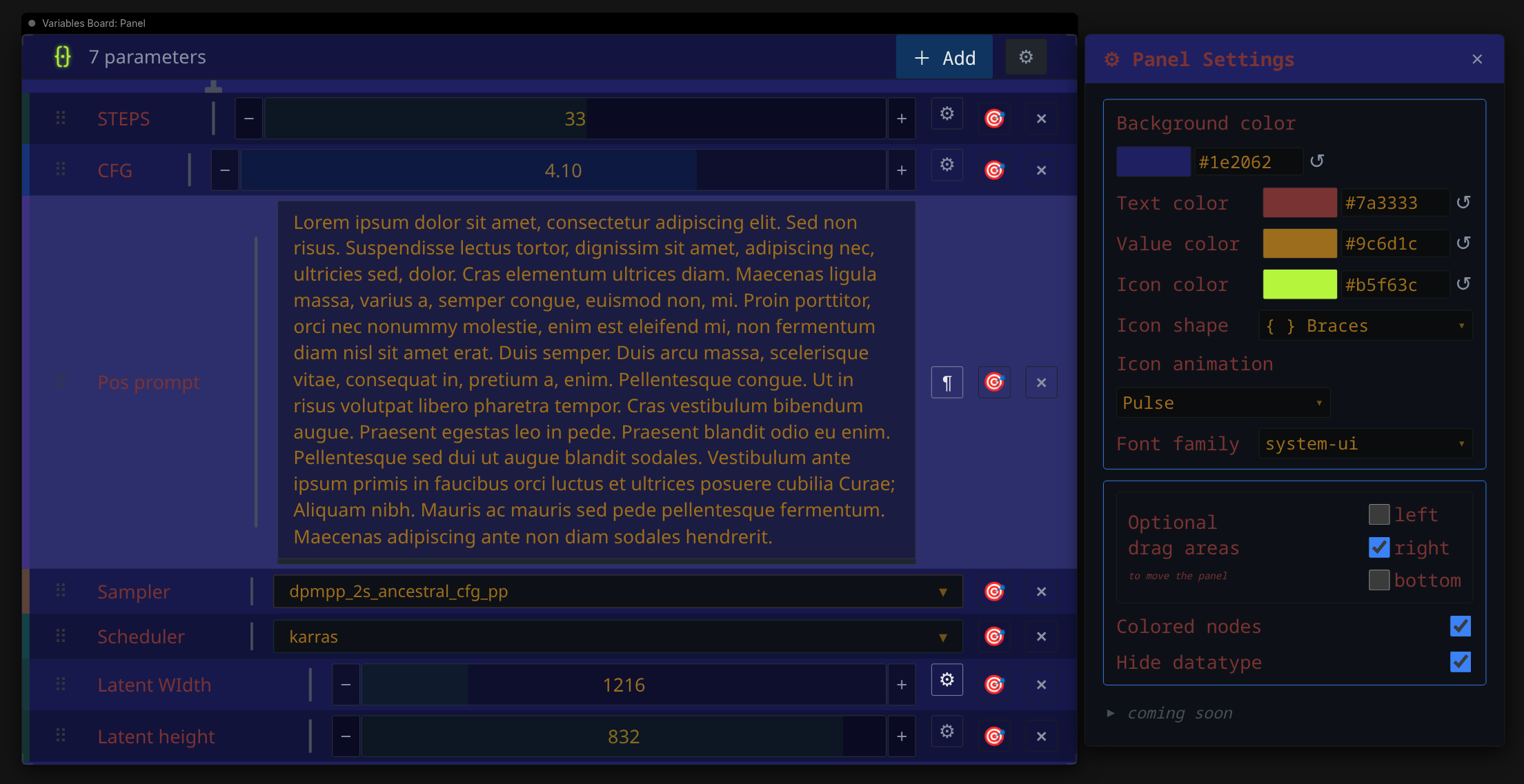
Variables Board is a floating control center for your ComfyUI workflows. It allows you to centralize every parameter—from seeds and integers to samplers and strings—into a sleek, customizable overlay that stays accessible as you navigate your workspace.
 **** README IS A WORK IN PROGRESS ****
What you need to know:
🛠️ Installation
REQUIREMENTS : A working ComfyUI... That's all
-
Navigate to your ComfyUI
custom_nodesdirectory:cd ComfyUI/custom_nodes/ -
Clone this repository:
git clone https://github.com/IA-gyz/comfyui-VarBoard.gitOr download and extract the zip to your ComfyUI
custom_nodesdirectory -
Restart ComfyUI and refresh your browser.
🚀 How to Use
1. Place the Anchor
Search for Variables Board: Panel in the node menu, or search for VB (VarBoard works too). This node acts as the "canvas anchor" for your variables board. You only need one per workflow.
2. Add Variables
There are two ways to add variables to your board:
- Batch Mode: Click the
+ Addbutton in the board header to open the dialog. - Manual Mode: Add individual nodes like
VB_Int,VB_Float, orVB_Seedand they will automatically appear on the board.
3. Connect to Nodes
Connect the outputs of your VB nodes to the inputs of your target nodes (e.g., connect a VB_Seed output to the seed input of a KSampler).
4. Customize
Click the ⚙ icon on the board header to open the Panel Settings flyout for various tweaking options.
📐 Design Philosophy
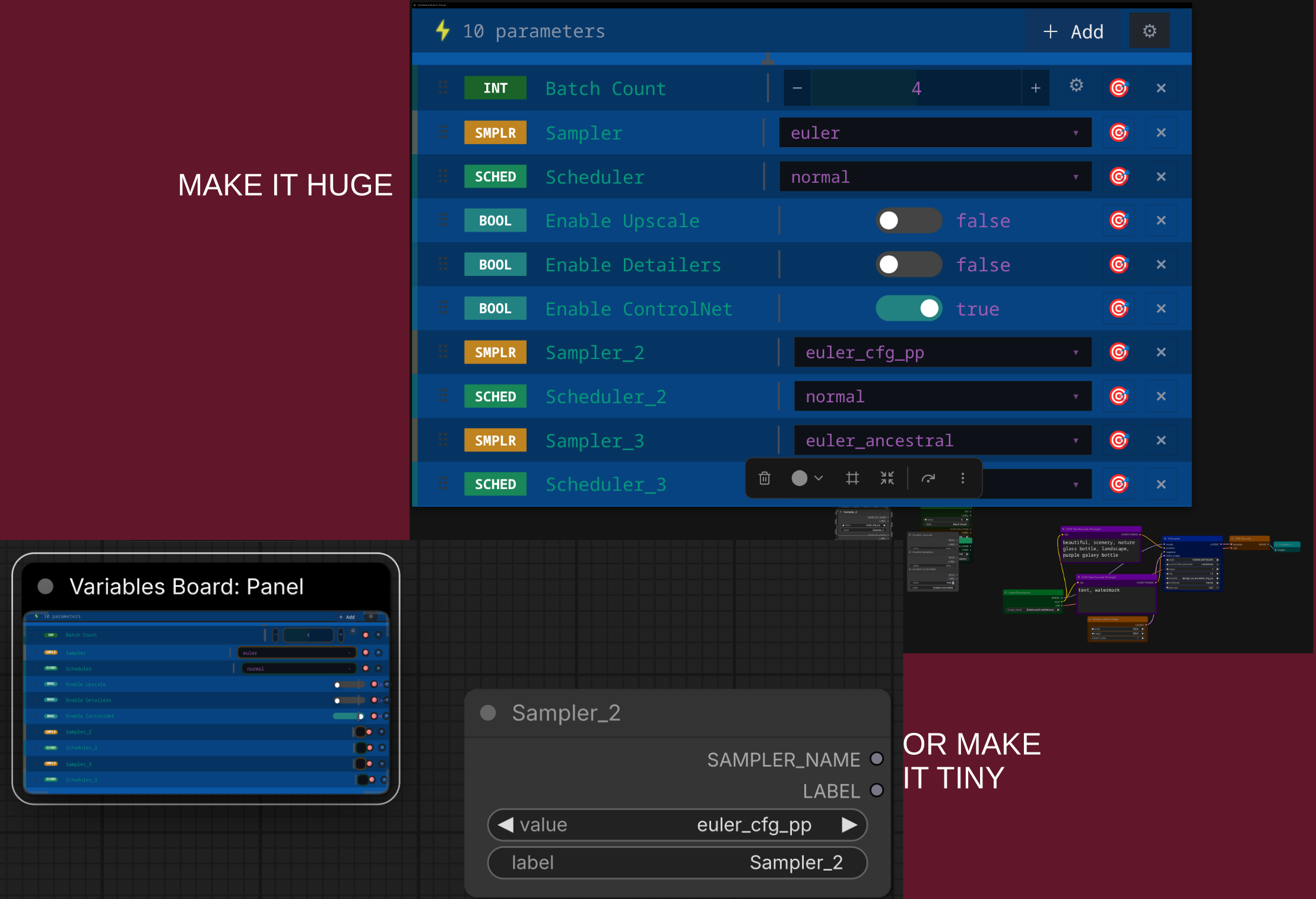
Variables Board was designed to solve "canvas fatigue." Instead of hunting for nodes across a massive graph, you bring the controls to you. It respects the ComfyUI aesthetic while injecting a somewhat "Pro-tool" feel.
🤝 Contributing
Contributions are welcome! Please feel free to submit a Pull Request or open an issue for feature requests.
Created with ❤️ for the ComfyUI Community.