
ComfyUI-FileBrowserAPI
A general-purpose, dependency-free File and Folder Browser API for ComfyUI custom nodes.
ComfyUI File Browser API
A general-purpose, dependency-free File and Folder Browser API for ComfyUI custom nodes.
This extension provides a backend service and a frontend JavaScript class (app.FileFolderAPI) that allows any custom node to easily add file and folder browsing capabilities, triggered by any UI event.
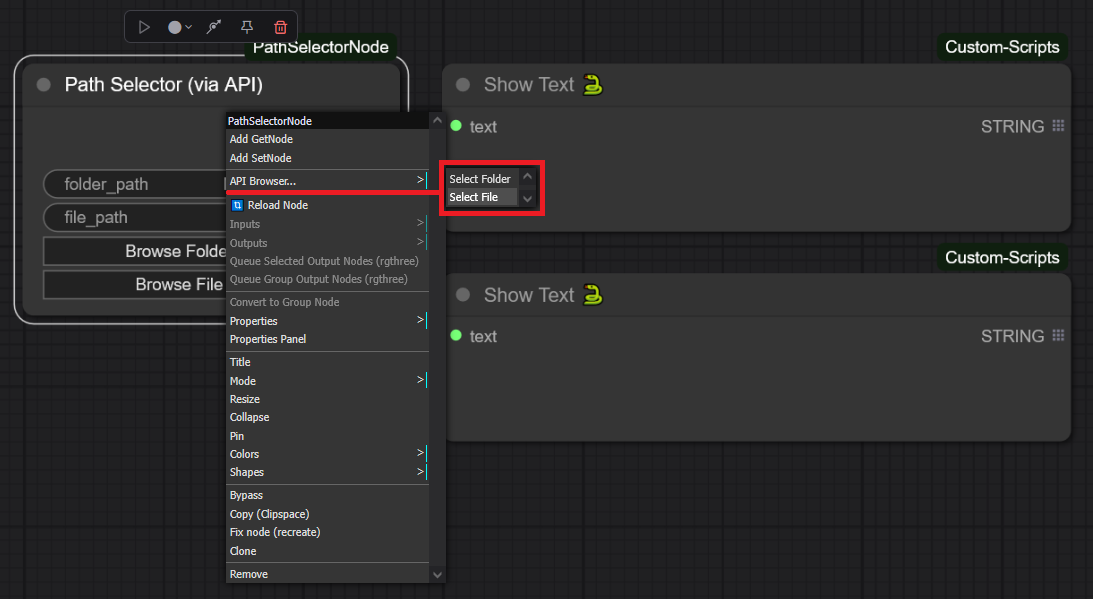
This is a simple example node that integrates API functionality using several widgets and other events, such as 2 button widgets, a double-click event on the node, and a menu that adds both the file and folder picker.
(Note: If you want to try the features/uses described here, just copy "PathSelectorExample" into your "...\ComfyUI\custom_nodes" folder).
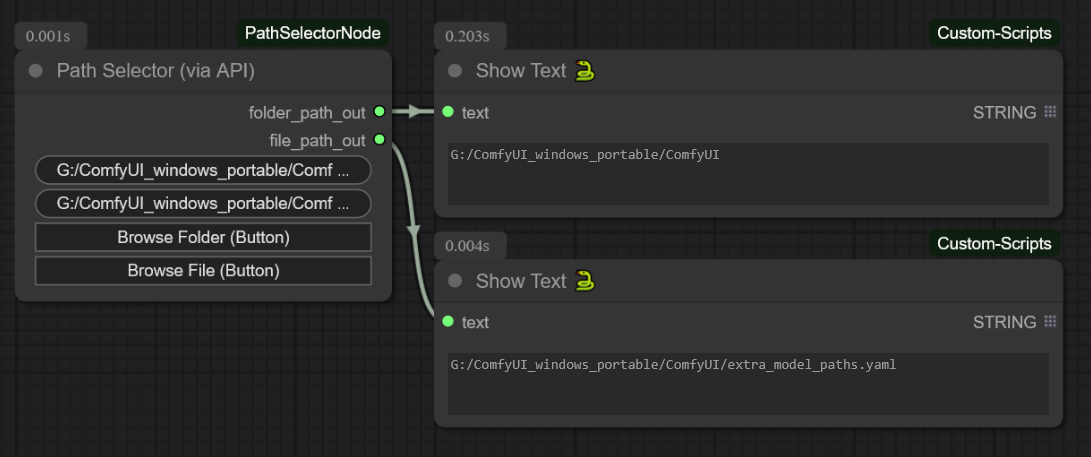
This is what the selector actually looks like
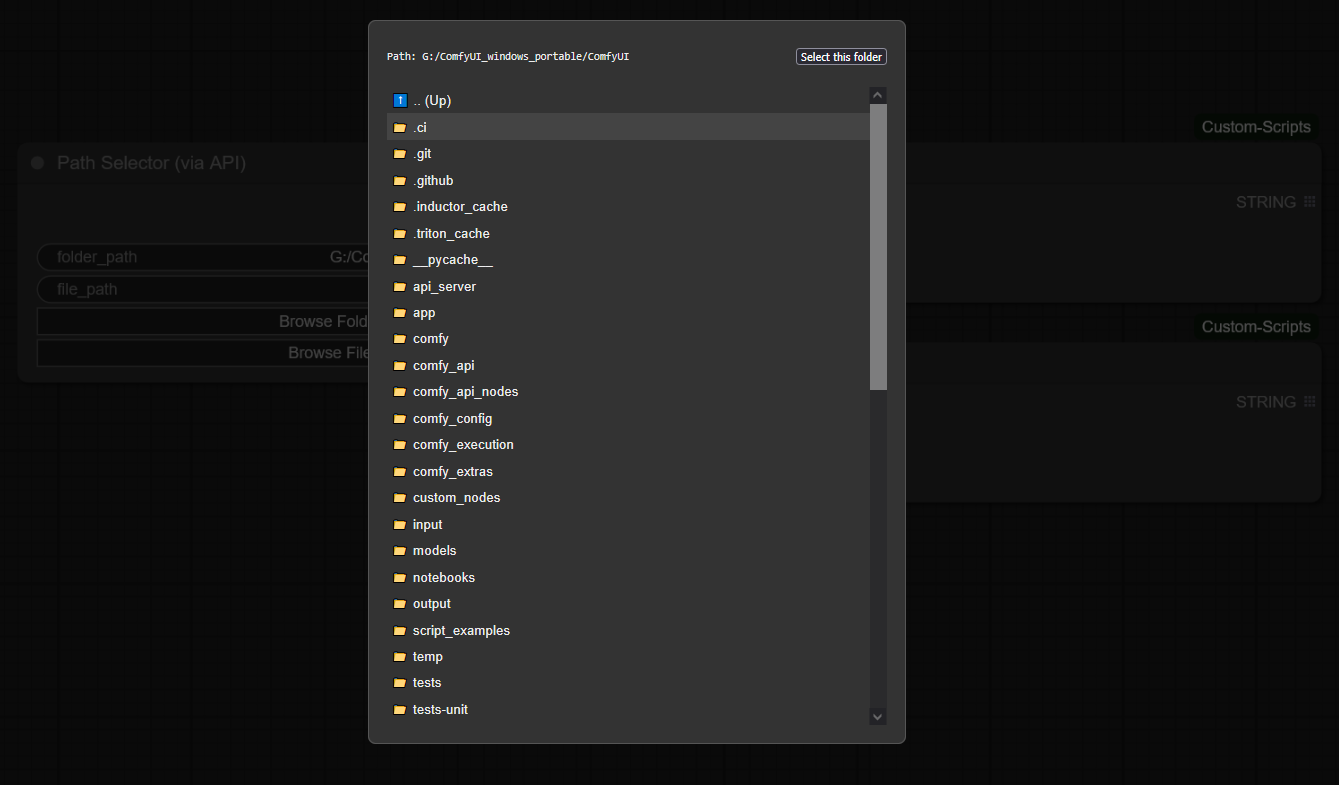
🚀 Instalación
- Navigate to your
ComfyUI/custom_nodes/directory. - Clone this repository:
(Note: The folder name can be anything, but starting it withgit clone https://github.com/GalactusX31/ComfyUI-FileBrowserAPI0_orAAA_is recommended to ensure it loads before other nodes that depend on it). - Restart ComfyUI.
✨ Features
- Dependency-Free: Requires no
pip install. Works out-of-the-box with any ComfyUI installation. - Server-Side Browser: Allows users to browse the file system of the machine running the ComfyUI server, which is essential for workflows.
- Dual Mode: Supports both
'file'and'folder'selection modes. - Dual Security Mode: An option has been added to Comfyui settings to switch between "Secure Mode | Full Access". This option allow you to restrict browsing between ONLY the ComfyUI root and full access to the rest of the machine's disks. Safe Browsing is enabled by default.
- Flexible Integration: The API can be triggered from any UI element or event.
🛠️ How to Use (For Node Developers)
This package is a library. It does not add any visible nodes on its own. Its purpose is to be used by other custom nodes.
To add a file or folder browser to your own node, ensure this API package is installed and use one of the following integration patterns in your node's JavaScript file.
Integration Patterns
Here are several ways to trigger the File Browser API, from a standard button to more advanced UI events.
- Adding a Standard Button
- Triggering on Node Double-Click
- Adding to the Right-Click Menu
- Any other event.
Example: Adding a Right-Click Submenu
Configuration that allows full access

License
This project is licensed under the MIT License. See the LICENSE file for details.