
LinkSpotlight
Alt+H spotlight for ComfyUI: hide or dim every link that doesn't touch the selected node. Frontend-only, zero nodes, zero dependencies.
ComfyUI-LinkSpotlight




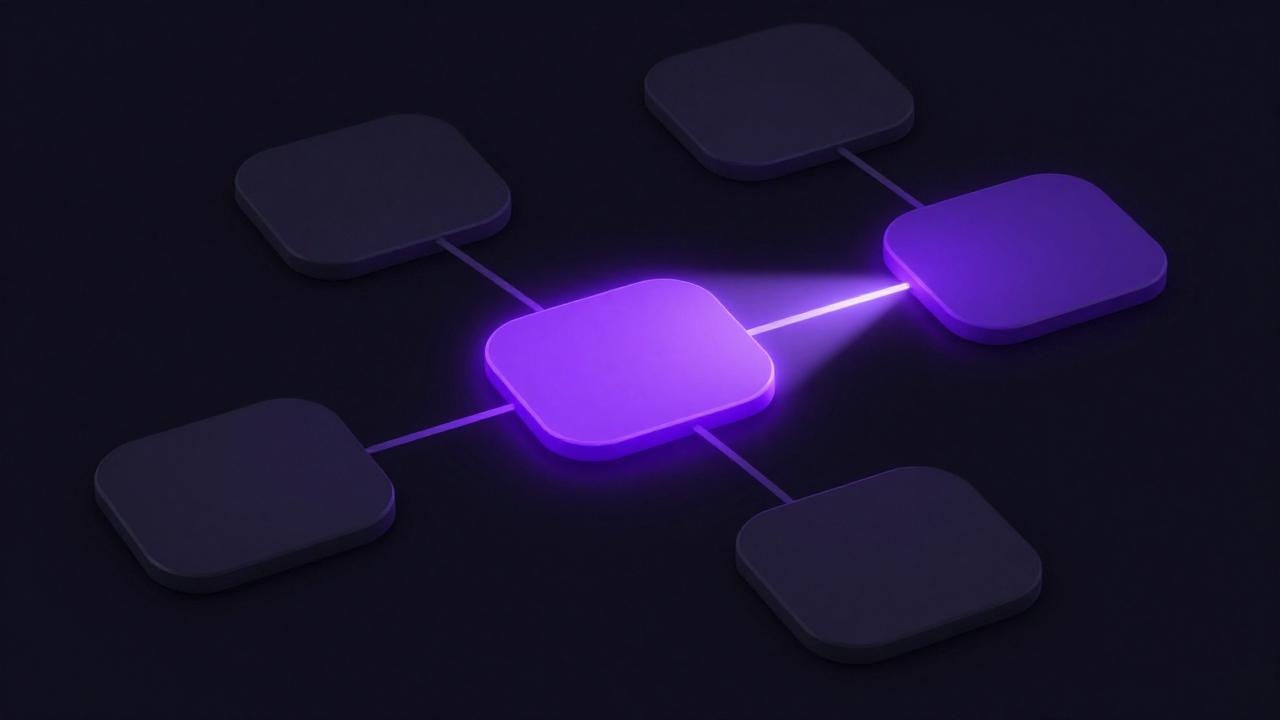
Press Alt+H (or click the 👁 button in the selection toolbox) and instantly see only the links that matter: LinkSpotlight hides (or dims) every connection that doesn't touch the selected node, turning a spaghetti workflow into a readable one while you edit.
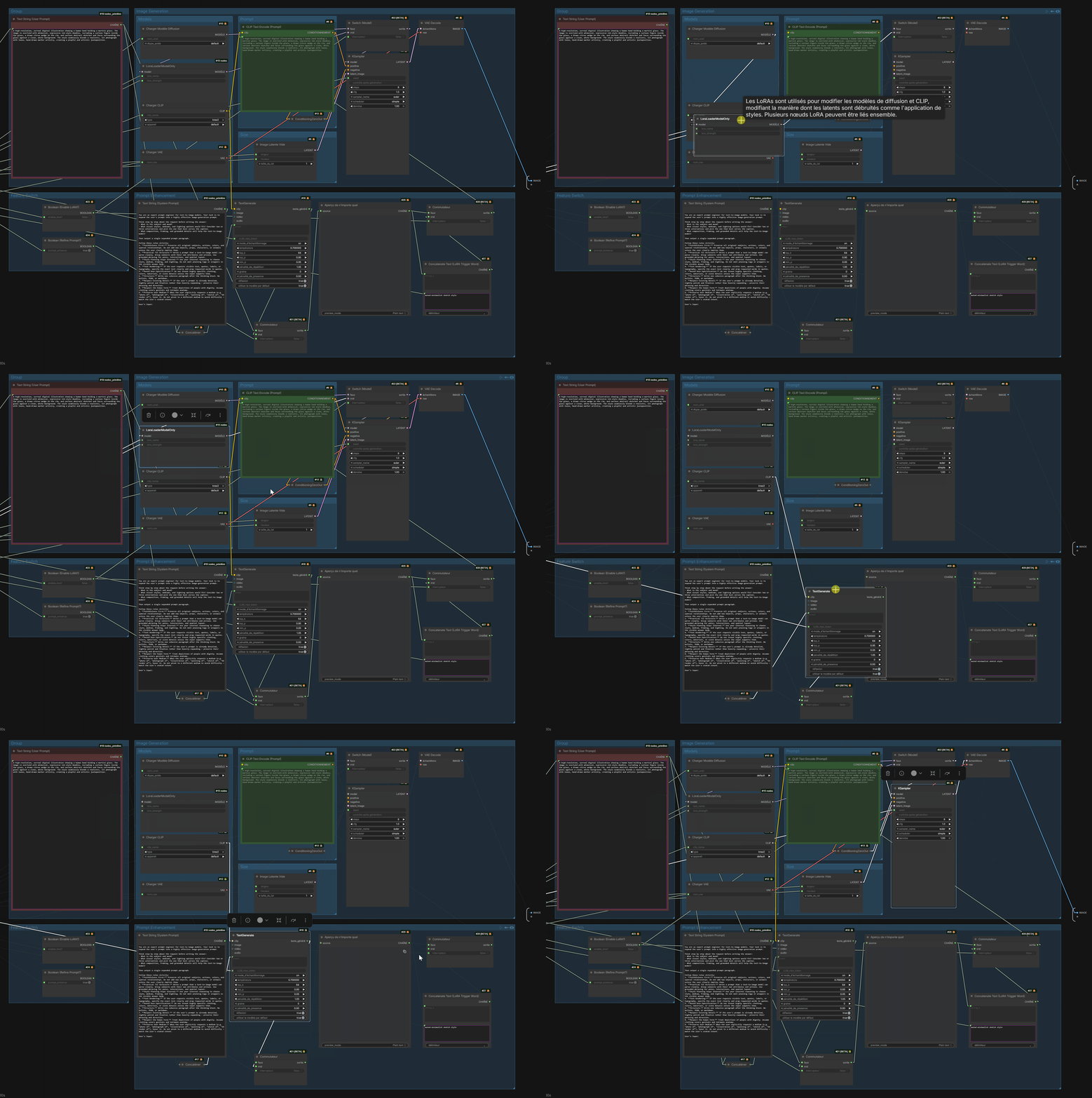
Features
- Shortcut, button or menu — Alt+H toggles the spotlight (remappable in
Settings → Keybinding, command
LinkSpotlight.Toggle); the same toggle lives in the topbar (👁 Spotlight button, just left of Run), in the selection toolbox (the floating bar above selected nodes), in the node right-click menu, and in the command palette. - Follows your selection live — click another node and the spotlight moves with it, no re-toggle needed. Multi-selection is supported (union of links), and selecting a group spotlights every node inside it.
- Overrides the "hide links" button — with links globally hidden, just selecting a node reveals its links (no shortcut needed); deselect and the canvas follows the button again. Opt-out in the settings.
- Hide or dim — out-of-focus links can be fully hidden (default) or dimmed to a configurable opacity so the rest of the graph stays faintly readable.
- Depth & direction control — spread the spotlight 1, 2, 3 hops or trace the full lineage (∞); restrict it to upstream (where the data comes from) or downstream (where it goes). Reroute nodes are traversed for free and never consume a hop.
- Focus emphasis — optionally draw the spotlighted links thicker and/or with a golden glow, on top of hiding the rest.
- Hover mode (opt-in) — with nothing selected, the spotlight follows the node under the cursor. Great for exploring an unfamiliar workflow.
- Always-visible state — the topbar button lights up gold while the spotlight is active, and an optional pill over the canvas shows the current depth/direction, so hidden links are never a mystery.
- Optional node dimming — fade unrelated nodes too, for maximum focus: node bodies, widgets, bypassed/muted nodes, and the groups that hold nothing in focus.
- Auto-off — clearing the selection exits the spotlight automatically (configurable).
- Zero overhead when off — a single boolean check per draw call; the settings store is never queried in the render hot path.
- Non-destructive — nothing in the workflow is mutated; no state can leak into the serialized JSON. Reroutes, floating links and subgraphs are handled.
Installation
ComfyUI Manager (recommended)
Search for LinkSpotlight in ComfyUI-Manager and install, then restart.
Manual
cd ComfyUI/custom_nodes
git clone https://github.com/Ding-sl/ComfyUI-LinkSpotlight
Restart ComfyUI (or reload the browser page). No Python dependencies — this package is frontend-only and ships zero nodes.
Usage
- Select one or more nodes (or a group).
- Press Alt+H, click the 👁 button in the selection toolbox, or use right-click → 🔦 Spotlight links — only their links stay visible.
- Click other nodes to move the spotlight, toggle again (or clear the selection) to exit. While active, a 🔦 pill at the top of the canvas shows the current depth/direction; the canvas right-click menu also offers Link Spotlight off as an escape hatch.
Pressing Alt+H with nothing selected shows a hint toast and does nothing (unless Hover mode is enabled — then the spotlight follows the cursor).
With the "hide links" button
Turn links off from the canvas toolbar (or Settings → Link Render Mode → Hidden) and the spotlight takes over on its own: select node(s) and only their links are drawn, using the same depth/direction/opacity settings; clear the selection and everything is hidden again, exactly as the button says. No Alt+H involved — disable it with Override the "hide links" button if you'd rather keep the button absolute.
Want plain
Hinstead? The single key is bound toComfy.Canvas.Lockby core. Unbind that first in Settings → Keybinding, then assignHto Toggle Link Spotlight.
Settings
All settings live under Settings → LinkSpotlight and apply live while the spotlight is active.
| Setting | Default | Description |
| ------- | ------- | ----------- |
| Opacity of out-of-focus links | 0 | 0 hides them completely; ~0.07 keeps them faintly visible |
| Opacity of out-of-focus nodes | 1 | Lower it to dim unrelated nodes as well — bodies, widgets, bypassed/muted nodes, and groups holding nothing in focus |
| Width boost of focused links | ×1 | Draw the spotlighted links thicker (×1 = off) |
| Glow of focused links | 0 | Golden glow, in pixels, around the spotlighted links (0 = off) |
| Show on-canvas indicator while active | on | The 🔦 pill at the top of the canvas |
| Override the "hide links" button | on | With links hidden, a selection still reveals its own links; an empty selection follows the button. Off = the button is absolute |
| Spotlight depth | 1 | 1/2/3 hops from the selection, or ∞ for the full trace; reroutes never consume a hop |
| Traversal direction | both | upstream follows inputs only, downstream follows outputs only |
| Turn off when the selection is cleared | on | Auto-exit on deselect; when off, an empty selection renders the graph normally |
| Hover mode | off | With nothing selected, the spotlight follows the node under the cursor (auto-off is ignored) |
How it works
LinkSpotlight wraps the canvas link-rendering path (drawConnections /
_renderAllLinkSegments) with non-destructive filters: the focus set is
recomputed once per frame by a bounded graph traversal (depth × direction,
reroutes as pass-throughs) from the current selection, and each link is
drawn, emphasized, dimmed or skipped individually. Alpha, width and shadow
changes are scoped and restored in finally blocks, so they compose safely
with ComfyUI's own rendering (execution flashes, bypass dimming, etc.).
When the canvas is in Hidden link render mode, drawConnections bails out
before drawing anything, so the wrapper restores the last non-hidden render
mode for the duration of that one call (and puts HIDDEN_LINK back in a
finally), then filters per link as usual. Links the spotlight skips are
never rendered, so they stay both invisible and non-interactive; the revealed
ones behave like normal links. The mode is hidden again by the time any
pointer event runs, so the canvas' own hidden-mode behavior is unchanged.
Node dimming needs two extra hooks, because the canvas does not route every
node through editor_alpha: bypassed, muted and ghost nodes (and every
node's widgets) get their alpha from getNodeModeAlpha(), which is wrapped
so the dim factor is folded in. Groups paint themselves, so
LGraphGroup.draw() is wrapped (reached through a live group, since the
class isn't exported) and a group dims unless a kept node sits inside it.
These are internal frontend APIs. If a ComfyUI update renames them, the extension disables itself cleanly with a console error instead of breaking the canvas — worst case you lose the spotlight until an update here.
Compatibility
- Verified against
comfyui-frontend-package1.45 – 1.55 (ComfyUI v0.28.x – v0.42.x) — each new ComfyUI release is audited against the internal APIs this extension wraps, and the badges above track the latest verified version. Should work on any recent 1.4x frontend. - Topbar button on the public API — declared through the frontend's
actionBarButtonsextension field (frontend ≥ 1.49), so no deprecated/scripts/ui/componentsimport. Frontends without an action bar get the legacy button throughwindow.comfyAPIinstead. - Vue nodes beta ("Nodes 2.0"): supported — the link spotlight works the same there. Only the optional node dimming setting has no effect in that mode: Vue nodes are DOM-rendered, not canvas-drawn.
- Coexists with the core Link Render Mode setting (including "Hidden") and with link-drawing extensions — wrappers chain instead of replacing.
Related projects
- ComfyUI-SelectionFocus — always-on variant: automatically dims unrelated links whenever a node is selected. LinkSpotlight takes the opposite approach: an explicit, remappable shortcut you hit when you need focus, plus depth control, node dimming and a zero-cost idle path. Pick whichever matches your workflow.
- ComfyUI-LinkRouter — smart orthogonal link routing with hover highlight.
- Core Link Render Mode → Hidden — hides all links globally; LinkSpotlight now layers on top of it (see Usage).
Credits
The hidden-links override and the extended node/group dimming were contributed by Kieran Marien (buzzworks-be fork) — thanks!
Support
If this extension saves you from noodle blindness, a ⭐ on the repo helps a lot — and you can support development on Patreon ☕. Everything stays free and open source for everyone. Issues and PRs welcome.