
Outfit Caption (NVIDIA NIM + Gemini)
ComfyUI outfit captioning nodes for virtual try-on prompts, backed by NVIDIA NIM and Google Gemini.
Nodes (2)
ComfyUI Outfit Caption
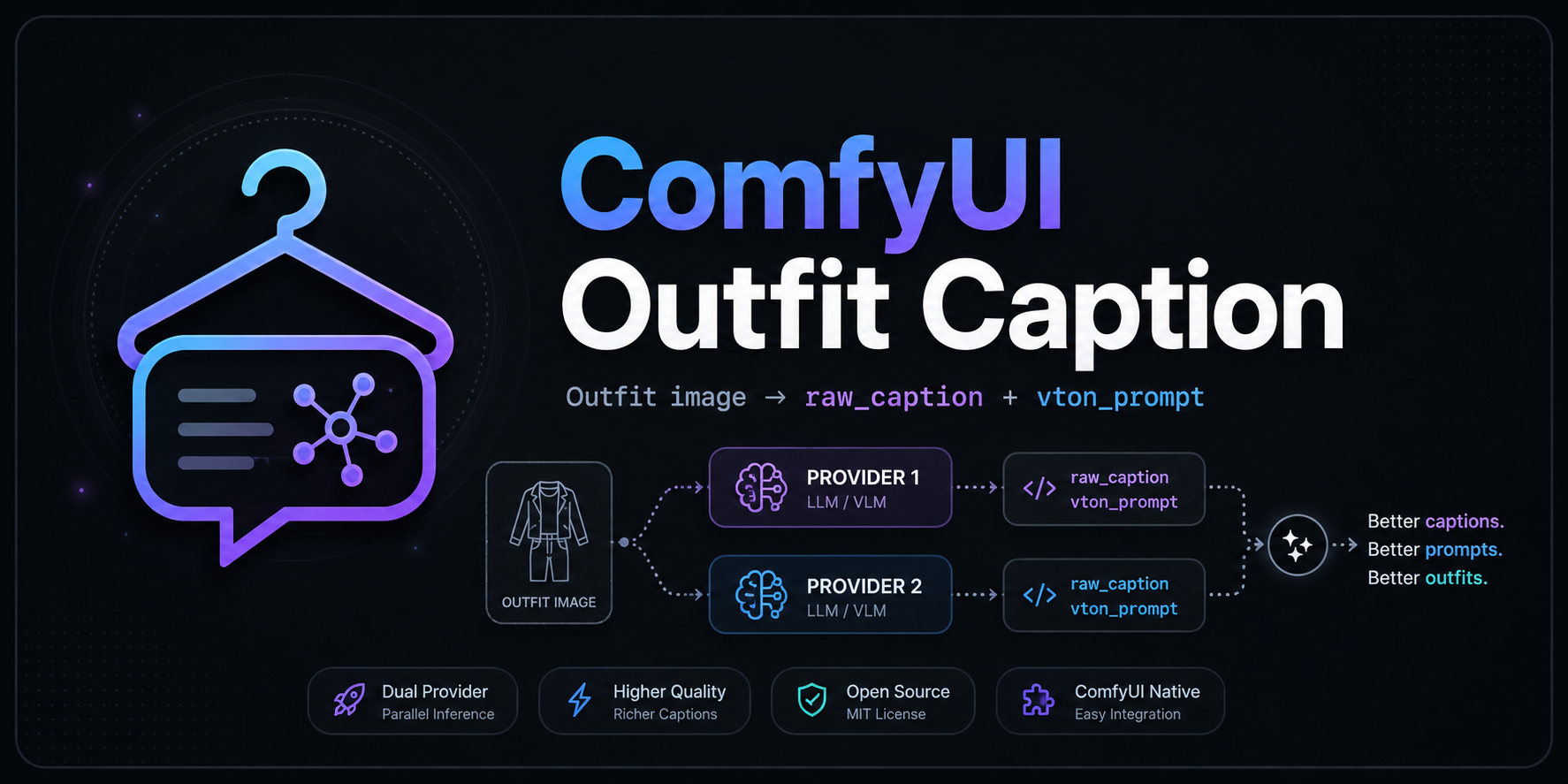
Two ComfyUI nodes that each send one outfit reference image to a vision provider and return:
raw_caption: evidence-first outfit QA text.vton_prompt: the same caption adapted for a generic virtual try-on prompt.
| Node | Provider | Env var | Source |
| --- | --- | --- | --- |
| NVIDIA NIM Outfit Caption | NVIDIA NIM | NVIDIA_API_KEY_COMFYUI | nodes/nvidia_nim.py |
| Gemini Outfit Caption | Google Gemini | GEMINI_API_KEY_COMFYUI | nodes/gemini.py |
Both nodes reject image batches and add themselves under image/captioning. This package supersedes the two single-provider repos comfyui-nvidia-nim-outfit-caption and comfyui-google-gemini-outfit-caption, which now redirect here.
Install
Clone this repository into ComfyUI/custom_nodes, restart ComfyUI, then add either node from image/captioning. It is also published on the Comfy Registry as comfyui-outfit-caption.
No additional Python packages are required beyond ComfyUI's existing Pillow, NumPy, and Torch runtime.
Inputs and API key handling
image: one ComfyUIIMAGE.model: native pull-down list built from the live provider catalog and the models available to the current API account (NVIDIA also probes each candidate with a real request; Gemini intersects the live list withnodes/models_gemini.json).custom model(custom_model): explicit escape hatch for an ID not present in the catalog.API key environment variable(api_key_env): environment fallback, see table above for the per-node default.timeout (seconds),max. image size (MB), andmax. output tokens.remove person accessories from VTON prompt: keepsraw_captioncomplete but removes personal/carried accessories such as bags, loose bag straps, eyewear, and jewelry fromvton_prompt. Mixed sentences retain their garment colors, materials, construction, and footwear details.vton_promptpreserves the described layer order: outer garments cover overlapping underlayers, including sleeves, except where the reference visibly exposes the underlayer.Session API key (not saved): masked browser widget. It is sent only to the local ComfyUI server, retained in process memory, excluded from workflow serialization, and never logged. Re-enter it after a restart or node clone.
Set the environment fallback before starting ComfyUI if preferred:
$env:NVIDIA_API_KEY_COMFYUI = "..."
$env:GEMINI_API_KEY_COMFYUI = "..."
Model list and ratings
Each node keeps its own benchmark catalog (nodes/models_nvidia.json, nodes/models_gemini.json) with local ratings, scores, and compatibility exclusions. The last successful verified list is cached under the user's local application cache; after a provider/catalog/probe failure, the cached list keeps stable model labels while the refresh status reports stale/error.
Enter the session key and click Refresh models; the existing model pull-down is updated in place with the live list.
Order is fixed by rating, then caption-quality score only:
- 🟢 tested, very good (
80–100) - 🟡 tested, usable (
60–79) - 🔴 tested, poor (
0–59, or no usable final text) - ⚪ untested
Benchmark v1.0
Use five distinct outfit images with the exact same built-in prompt. Score each image from 0–4 in each category:
- garment coverage
- color and material
- construction
- footwear and accessories
- hallucination avoidance
The five images produce a maximum of 100 points. Store model ID/version, date, benchmark version, total score, rating, and a short reason in the node's models_*.json.
Checks
python -m unittest discover -s tests -v
python -m py_compile nodes/nvidia_nim.py nodes/gemini.py
node --check web/nvidia_secret.js
node --check web/gemini_secret.js
Publishing to the Comfy Registry
pyproject.toml carries the registry metadata (PublisherId = "delcado"). .github/workflows/publish_action.yml publishes automatically whenever pyproject.toml's version is bumped on main, using the COMFY_REGISTRY repository secret (a Comfy Registry API key for the delcado publisher).
API references: NVIDIA NIM API, NVIDIA model catalog, Gemini generateContent, Gemini models.list.