
ComfyUI AstroCorp Nodes
A collection of personal ComfyUI nodes designed to enhance and automate workflows.
Nodes (8)
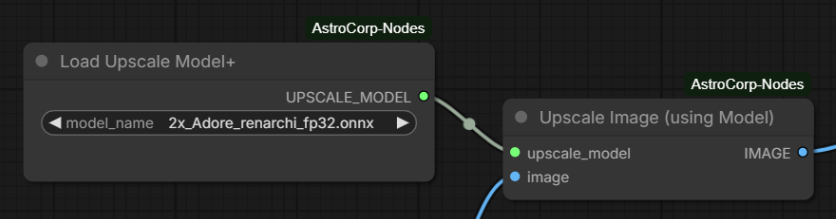
Upscale Image (using Model), minus the part where ONNX models break it
ComfyUI's stock loader can't see ONNX upscalers. This one can.
Flip portrait and landscape without retyping
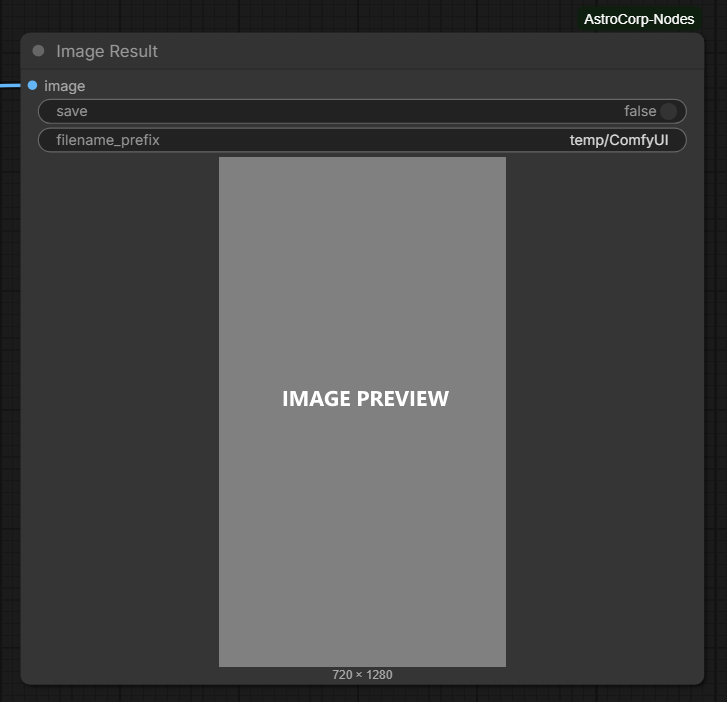
Preview + Save in one node, with a kill-switch for actually writing the file
Grab a reference image straight from your clipboard, no file round-trip
Stitch prompt parts together with a separator, no more hand-joining
A real box to type prompts in, and a live view of what your text nodes are saying
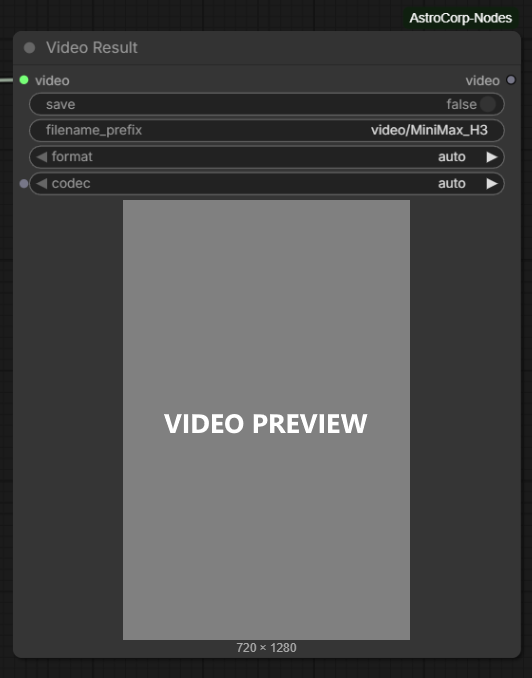
Video Result — Save Video with a 'don't save yet' button
ComfyUI AstroCorp Nodes
A collection of personal ComfyUI nodes designed to enhance and automate workflows.
Nodes
Load Upscale Model+ / Upscale Image (using Model)
Same as ComfyUI’s upscaler, using files from models/upscale_models, plus support for ONNX models. The first ONNX run compiles a TensorRT engine under models/tensorrt/upscaler.
Load Image Clipboard
Loads an image like ComfyUI’s Load Image node, with an extra button to use the clipboard image.
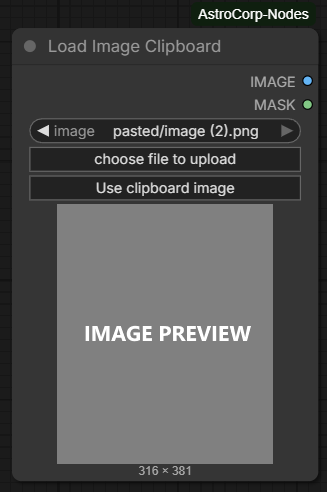
Image Result
Combining the "Preview Image" and "Save Image" nodes of comfyUI.
Video Result
Same as ComfyUI’s Save Video, plus a toggle to preview without saving and a slider to set the preview volume.
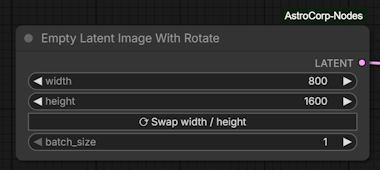
Empty Latent Image With Rotate
Same as ComfyUI’s Empty Latent Image, plus a button to swap width and height.
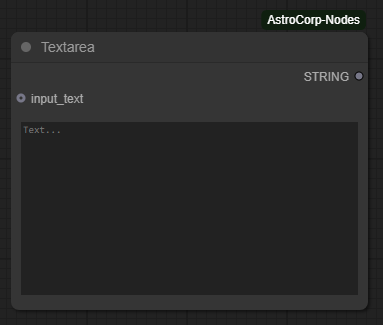
Textarea
A text field that allows manual text input and also previews text from other nodes.
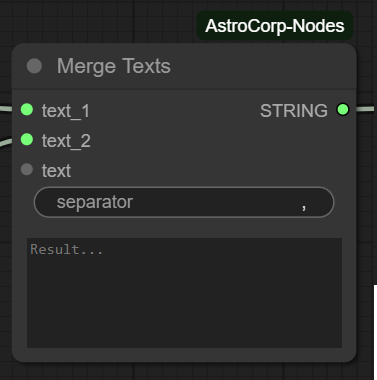
Merge Texts
Merge different input texts into a single output text, with the option to specify a custom separator between them.
Installation
Add this repository to your ComfyUI custom nodes directory:
cd ComfyUI/custom_nodes
git clone [email protected]:AstroCorp/ComfyUI-AstroCorp-Nodes.git
ONNX upscaling uses TensorRT when it is installed in the ComfyUI Python environment. If TensorRT is missing, install onnxruntime-gpu (or onnxruntime) as a fallback.
[!NOTE]
ComfyUI AstroCorp Nodes now available in ComfyUI Manager.
Usage
After installation, restart ComfyUI to load the new nodes. The nodes will appear in the node menu under the "AstroCorp" category.