
ComfyUI-AngelosKar
Productivity custom nodes for ComfyUI: image list scheduler, auto image list loader, Windows folder picker, multi-garment VTON controller, canvas tag muter/bypasser, and ready-to-use VTON example workflows.
Nodes (8)
One node that eats your whole folder
Stop typing Windows paths into a ComfyUI text field
Keep five try-on branches without running five
Images one at a time, not one giant batch tensor
Chunk a folder, let Run on Change do the babysitting
The node that saves you restarting ComfyUI
Switch a whole stage of your graph off with a title tag
Silence branches by tag (and know when muting bites back)
ComfyUI-AngelosKar
A clean, modular custom node pack for ComfyUI focused on automated batch image processing, modern folder selection, multi-garment VTON workflow control, and dynamic canvas tag toggling.
🌟 Features
- Sequential Image Scheduling: Process entire folders chunk-by-chunk using native ComfyUI Run on Change without moving or modifying files.
- VRAM-Safe List Execution: Outputs images as Python lists rather than heavy 4D tensors, enabling ComfyUI list mapping to process images individually.
- Canvas Tag Controllers: Dynamically Bypass or Mute canvas nodes simply by adding tags (e.g.,
[RMBG],[PREVIEW]) to their titles. - Multi-Garment VTON Mode Control: Switch between 1 to 5 garments dynamically with automatic canvas muting for
[G2],[G3],[G4],[G5]. - Built-in VTON Example Workflows: 1-Garment & 2-Garments production workflows included with drag-and-drop embedded PNGs and JSON files.
- Native Windows Folder Dialog: Open modern Windows Explorer folder picker directly from the node.
- One-Click Counter Resets: Interactive frontend buttons to instantly reset batch progress without restarting ComfyUI.
📦 Nodes & Categories
1. AngelosKar/Batch
-
📊 AK Image List Scheduler (
AK_ImageListScheduler)- Schedules slice-by-slice image runs across queue executions.
- Inputs:
folder_path,list_size,file_pattern,sorting(natural or alphabetical),load_remainder(on/off),remainder_position(start/end). - Has an interactive 📂 Browse Folder button and 🔄 Reset Counter button.
- Outputs:
folder_path,sorting,file_pattern,start_index,list_size,total_images,run_counter,total_runs,folder_analysis. - Designed to be connected directly to 📦 AK Image List Loader.
-
📦 AK Image List Loader (Scheduler) (
AK_ImageListLoader)- Worker node that receives inputs from the Scheduler and loads the scheduled slice of images.
- Outputs images as an IMAGE list (
OUTPUT_IS_LIST = True), allowing downstream nodes to execute one-by-one with full resolution preservation.
-
🔄 AK Auto Image List Loader (
AK_AutoImageListLoader)- All-in-one standalone node combining both the Scheduler and Loader into a single node.
- Ideal for simple, compact batch workflows.
-
🔄 AK Reset Counters (
AK_ResetCounters)- Utility canvas button. Place it anywhere on the canvas and click 🔄 Reset All Counters to reset all scheduler counters in the active workflow back to 0.
2. AngelosKar/Control
-
🔀 AK Tag Bypasser (Active / Bypass) (
AK_TagBypasser)- Switches all canvas nodes matching a specified tag (e.g.
[RMBG],[UPSCALE],[FACE]) between ACTIVE and BYPASS (passthrough).
- Switches all canvas nodes matching a specified tag (e.g.
-
🔇 AK Tag Muter (Active / Mute) (
AK_TagMuter)- Switches all canvas nodes matching a specified tag (e.g.
[PREVIEW],[SAVE],[EXTRA]) between ACTIVE and MUTE (disabled / skipped).
- Switches all canvas nodes matching a specified tag (e.g.
Canvas Priority Rule: If multiple controllers target the same node, the strict hierarchy is MUTE > BYPASS > ACTIVE.
3. AngelosKar/VTON
- 👔 AK Garment Mode Controller (1-5) (
AK_GarmentModeController)- Designed for multi-garment Virtual Try-On (VTON) workflows.
- Select active garments from 1 Garment up to 5 Garments.
- Automatically mutes nodes tagged with
[G2],[G3],[G4], or[G5]when that garment number is disabled. Nodes without garment tags are left untouched.
4. AngelosKar/Utils
- 📂 AK Folder Path Picker (
AK_FolderPicker)- Interactive node with a 📂 Browse Folder button that opens the native Windows Explorer folder selection dialog and outputs the selected folder path string.
💡 Example Workflows
The repository includes ready-to-use production Virtual Try-On (VTON) workflows located in the example_workflows/ directory.
[!TIP] Drag & Drop Ready: You can directly drag and drop either of the output images below into your ComfyUI canvas to load the entire workflow! You can also load the
.jsonfiles via ComfyUI's Load button, or access them directly from ComfyUI's native Templates menu (example_workflows).
1. 👗 Single Garment VTON (AK_VIRTUAL_TRY_ON_1_GARMENT_EXAMPLE)
- Garment Mode Controller: Set to 1 Garment via
AK_GarmentModeController(automatically mutes garment paths[G2],[G3],[G4],[G5]). - Model Input: Active via
AK_TagMuter([MODEL]), passing through an existing reference model photo into the try-on pipeline. - Automated Batch Processing: Uses
AK_AutoImageListLoaderandAK_FolderPickerto batch-process garment images sequentially with full resolution preservation.
- 🖼️ Drag & Drop Image: AK_VIRTUAL_TRY_ON_1_GARMENT_EXAMPLE.png
- 📄 Raw Workflow JSON: AK_VIRTUAL_TRY_ON_1_GARMENT_EXAMPLE.json

2. 👔 2 Garments VTON (AK_VIRTUAL_TRY_ON_2_GARMENTS_EXAMPLE)
- Garment Mode Controller: Set to 2 Garments via
AK_GarmentModeController(keeps[G2]active while muting[G3..G5]). - Model Input: Muted via
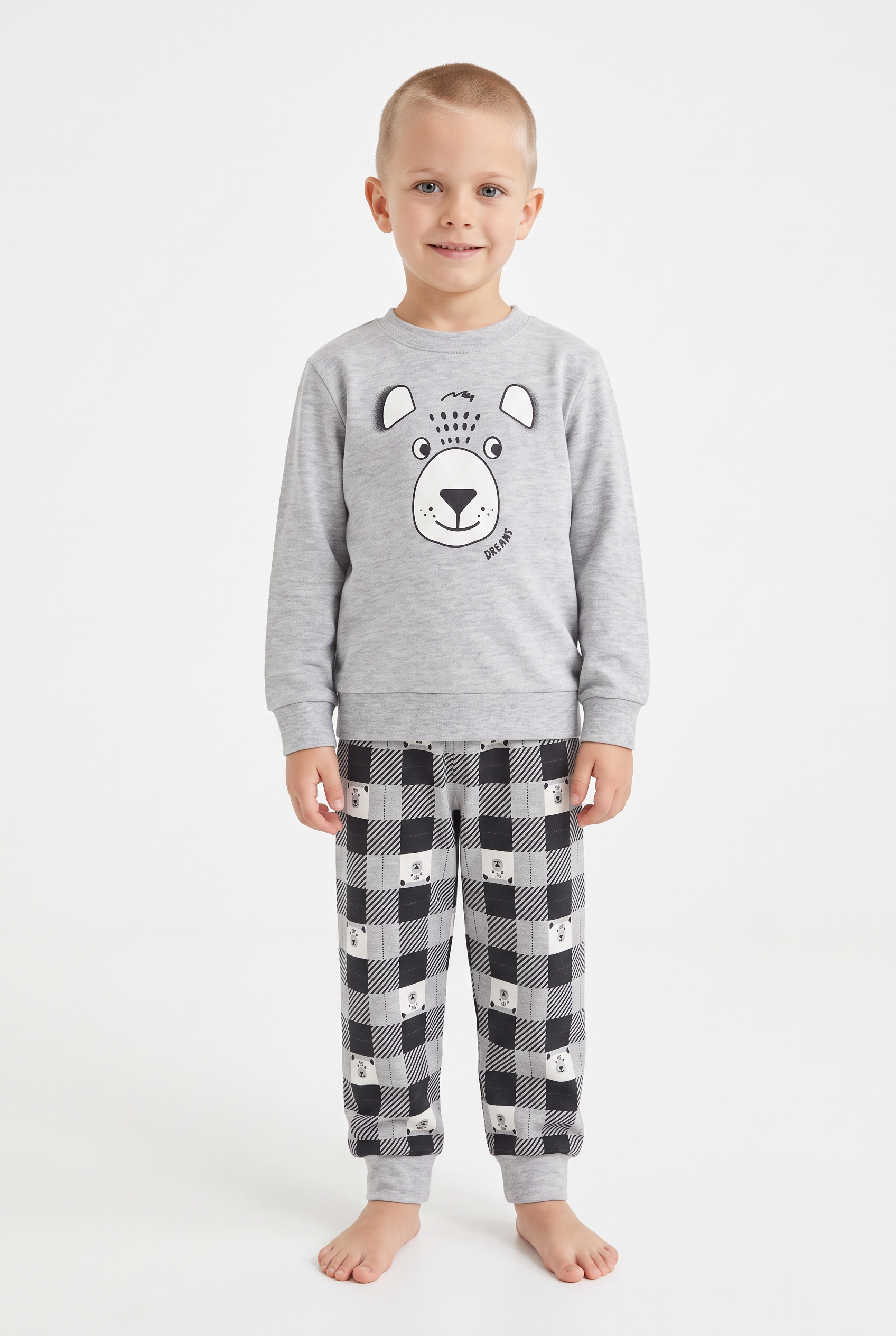
AK_TagMuter([MODEL]). In this configuration, no external reference model photo is needed — the model (a 5-year-old boy) is synthesized directly on-the-fly from the text prompt! - Multi-Garment Pipeline: Loads and coordinates multiple garment folders simultaneously via independent
AK_AutoImageListLoaderinstances and applies both garments to the synthesized model.
- 🖼️ Drag & Drop Image: AK_VIRTUAL_TRY_ON_2_GARMENTS_EXAMPLE.png
- 📄 Raw Workflow JSON: AK_VIRTUAL_TRY_ON_2_GARMENTS_EXAMPLE.json
🚀 Installation
Option 1: ComfyUI-Manager (Recommended)
- In ComfyUI, open ComfyUI-Manager.
- Search for
ComfyUI-AngelosKar. - Click Install and restart ComfyUI.
Option 2: Comfy-CLI
comfy node install comfyui-angeloskar
Option 3: Manual Git Clone
- Open a terminal in your
ComfyUI/custom_nodes/directory. - Clone the repository:
git clone https://github.com/AngelosKar-code/ComfyUI-AngelosKar.git - Restart ComfyUI.
🛠 Requirements
- Python >= 3.10
- ComfyUI (frontend v1.x or v2.x)
- Dependencies:
torchnumpyPillowaiohttp
📄 License
This project is licensed under the MIT License.