
ComfyUI LatentSaver
Save and reload ComfyUI latent tensors from the output folder.
Nodes (2)
ComfyUI LatentSaver
A custom node for ComfyUI that allows you to save and reload latent values after the Sampling stage
in image and video generation workflows.
It makes it much easier to keep useful latents, reuse them later, and drag them back into your workflow whenever you need them.
ComfyUI already has built-in Save Latent and Load Latent nodes, but they can be inconvenient when you need to manage saved files manually.
LatentSaver automatically scans latent files under the output folder. After saving a latent, refresh ComfyUI once, open Load Latent, and the saved latent appears in the selectable list.
It is especially helpful when you want to:
- Save a good sampled latent before decoding
- Reuse the same latent in another workflow
- Try different Decode, VAE, upscale, or video-processing setups without sampling again
- Recover from VRAM Out of Memory (OOM) errors during the Decode stage
After Sampling, save the latent once.
Later, load it again and connect it directly to Decode or any node that accepts a LATENT input.
The overall workflow is shown below.
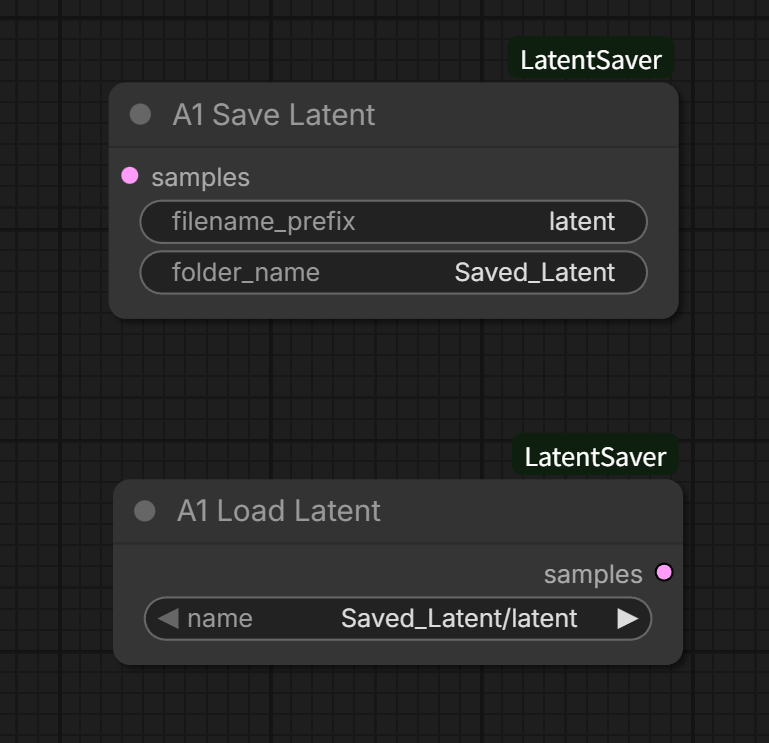
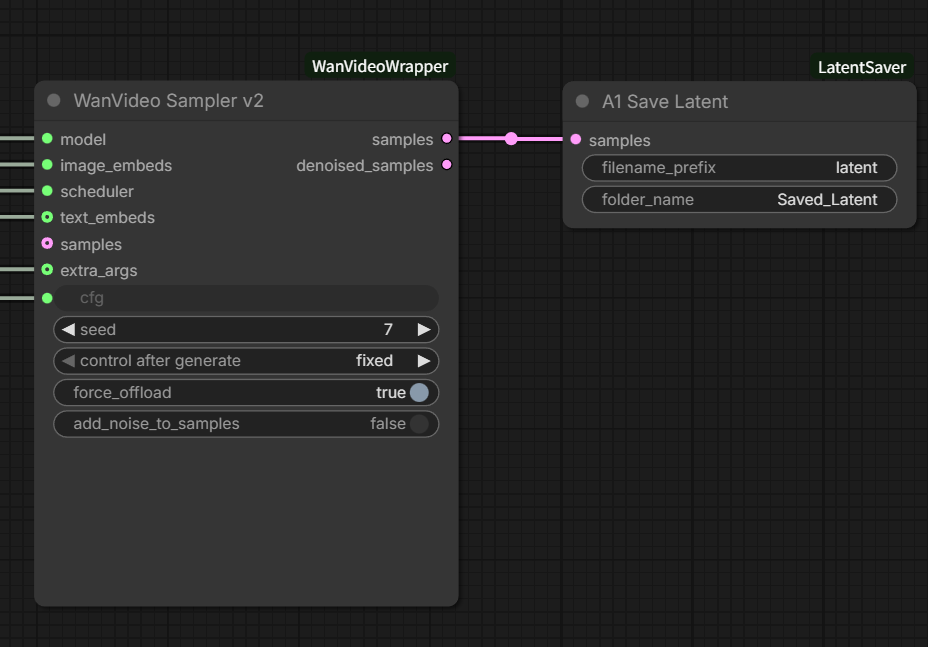
Latents generated after Sampling are saved using the Save Latent node into the output folder.
- Latents are always saved relative to the output folder
- File names and subfolder names can be freely customized
- Path and name changes are allowed only inside the output folder
- Saved latents stay available after restarting ComfyUI
Example of saving a latent:
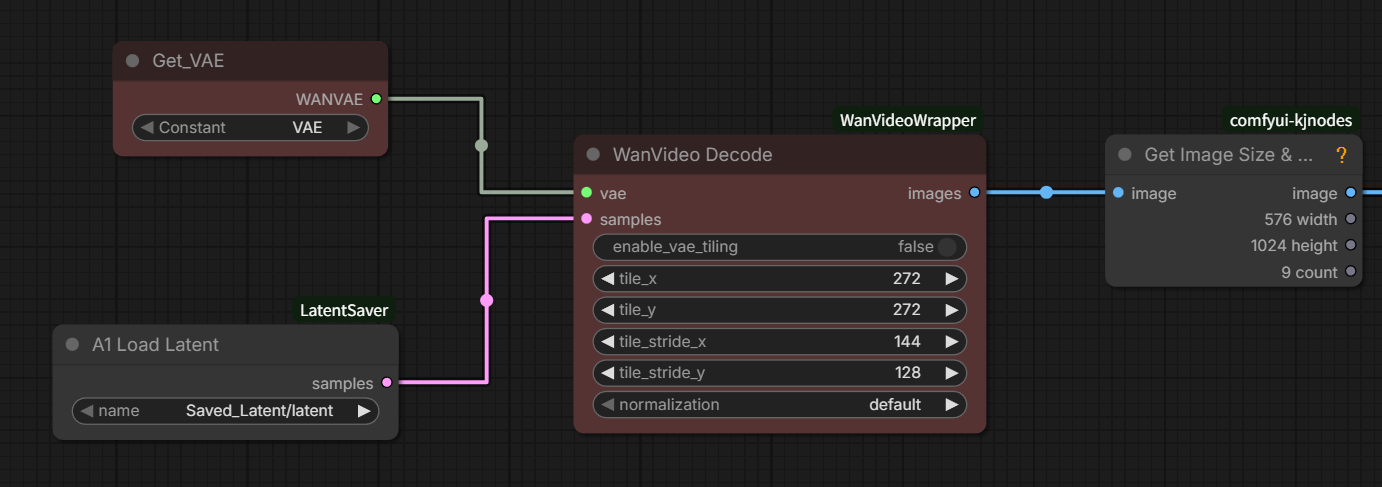
Saved latents can be restored using the Load Latent node.
- When loading, all latent files under the output folder are automatically scanned
- You do not need to remember the exact save path
- After saving, refresh ComfyUI once and the latent appears in the Load Latent list
- Pick a saved latent from the list and connect it wherever you need it
- All subfolders under output are searched, making reuse much simpler
Example of loading a saved latent and reconnecting it to Decode:
A common problem in video generation workflows looks like this:
- Sampling completes successfully
- VRAM Out of Memory (OOM) occurs during the Decode stage
- ComfyUI exits and the workflow is interrupted
With LatentSaver, the workflow becomes:
- Save the latent immediately after Sampling
- OOM occurs during Decode
- Restart ComfyUI
- Load the previously saved latent
- Connect it directly to Decode and continue from the last result
There is no need to re-run Sampling.
Previously computed results are preserved,
allowing you to continue working without losing progress due to VRAM issues.
Even when there is no error, LatentSaver is useful as a simple latent library: save promising results, keep them organized in folders, and pull them back into new experiments later.
This node provides the following functionality:
- Save Latent
- Load Latent
Latents are always saved and loaded relative to the output folder.
The subfolder structure under output can be freely organized.
Saved latents remain available even after restarting ComfyUI.
This node is useful for both everyday latent reuse and limited-VRAM environments.
A1