
Advertising Photos with SDXL & SD1.5 in Invoke AI 3.1.0: v1.0: advertisingPhotosWithSDXL_v10.zip
SDXL 1.0 Standard Archive
Download
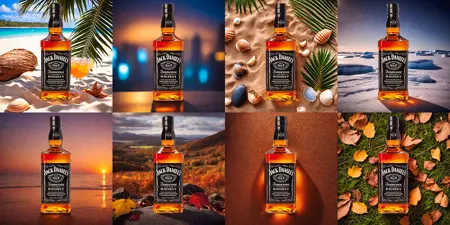
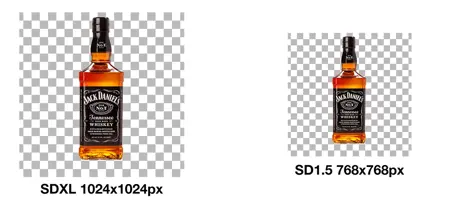
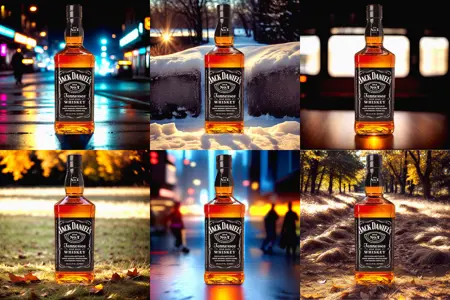
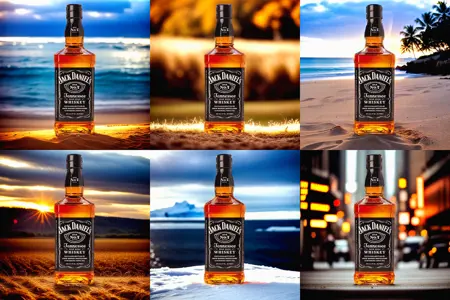

Advertising Photos with SDXL & SD1.5 in Invoke AI 3.1.0 - PDF guide v1.0
How to create realistic advertising photos with SDXL & SD1.5 in Invoke AI 3.1.0 with matching backgrounds?
In a nutshell:
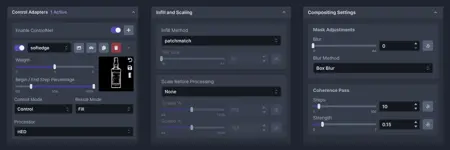
We use a real photo of a person or object and remove the background. Then we save it as a PNG file with transparent background. In Invoke AI 3.1.0 we drop it into the Unified Canvas adjust some settings add a Control Net and let the AI create matching backgrounds based on our PNG file and prompt. Download the PDF guide!
UPDATE: I also created a Node Workflow for Invoke AI 3.1.1 - it's so much easier with the Node Workflow. Here is the link: https://civarchive.com/models/145921