
Pixel Palette Art
Comfyui custom node: Set of tools for pixel art palette.
Nodes (16)
The world's most honest node just glues two palettes together
Hex, CSS, GIMP or Amiga from one dropdown
Turn one color into a labeled swatch you can actually see
Slice a palette without touching the original
Where every palette in this pack starts
RGB vs HSV, and why the choice actually matters
Stop hand-typing pixel art colors into ComfyUI
Smooth out the rough spots in an existing palette
Drop colors into the middle of a palette, not the end
RGB gives you brown, HSV gives you fire. Choose wisely
Blend two palettes color by color, position by position
Ship a palette out as GIMP, CSS, hex, or Amiga C code
The node that finally lets you see what you're building
Pull the palette out of a finished image
Swap one color in a palette without rebuilding it
Make sense of a color pile by hue or by brightness
Pixel Palette Art


A set of ComfyUI custom nodes for pixel art color and palette manipulation.
Create colors, mix them in RGB or HSV, build gradients, sort and edit palettes, then export to GIMP, hex, or any format you need.
Installation
Clone this repository into your ComfyUI custom_nodes directory:
cd ComfyUI/custom_nodes
git clone https://github.com/ranska/pixel_palette_art.git
Restart ComfyUI. The nodes will appear under the pixel_art category.
Nodes
Colors (pixel_art/colors)
| Node | Description | Doc | |------|-------------|-----| | Create Color From RGB | Create a color from R, G, B values | doc | | Mix Colors | Blend two colors in RGB or HSV | doc |
Palette (pixel_art/palette)
| Node | Description | Doc | |------|-------------|-----| | Create Gradient Palette | Generate a gradient between two colors | doc | | Sort Palette | Sort colors by hue or brightness | doc | | Gradient Between Indices | Interpolate between two palette positions | doc | | Replace Color At Index | Replace a single color in a palette | doc | | Copy Subset | Extract a range of colors from a palette | doc | | Append Palette | Concatenate two palettes | doc | | Insert Palette At Index | Insert a palette into another at a given position | doc | | Mix Palettes | Blend two palettes color by color | doc |
Output (pixel_art/output)
| Node | Description | Doc | |------|-------------|-----| | Color Preview | Render a color as an image with text overlay | doc | | Color to Formatted String | Convert a color to hex, rgb, hsl, css, etc. | doc | | Palette View | Render a palette as a grid or strip image | doc | | Palette Formatter | Export a palette as formatted text | doc |
IO (pixel_art/io)
| Node | Description | Doc |
|------|-------------|-----|
| GIMP Palette Loader | Load .gpl, .pal, or .aco palette files | doc |
Image (image/color)
| Node | Description | Doc | |------|-------------|-----| | Pixel Palette Extractor | Extract unique colors from an image | doc |
Export Formats
Le node Palette Formatter supporte les formats d'export suivants :
| Format | Description | Exemple de sortie |
|--------|-------------|-------------------|
| rgb | Valeurs RGB texte | 255 0 0 Rouge |
| hex | Hexadécimal | #ff0000 |
| gimp | GIMP Palette .gpl | Header GIMP + 255 0 0 Rouge |
| css | Variables CSS custom properties | --rouge: #ff0000; |
| amiga | Amiga OCS/ECS 12-bit (txt ou C) | #F00 ou 0x0F00 |
| raw | Données brutes | Représentation interne |
Le système d'export est extensible via le pattern Registry. Voir docs/architecture-registries.md.
Test Workflows
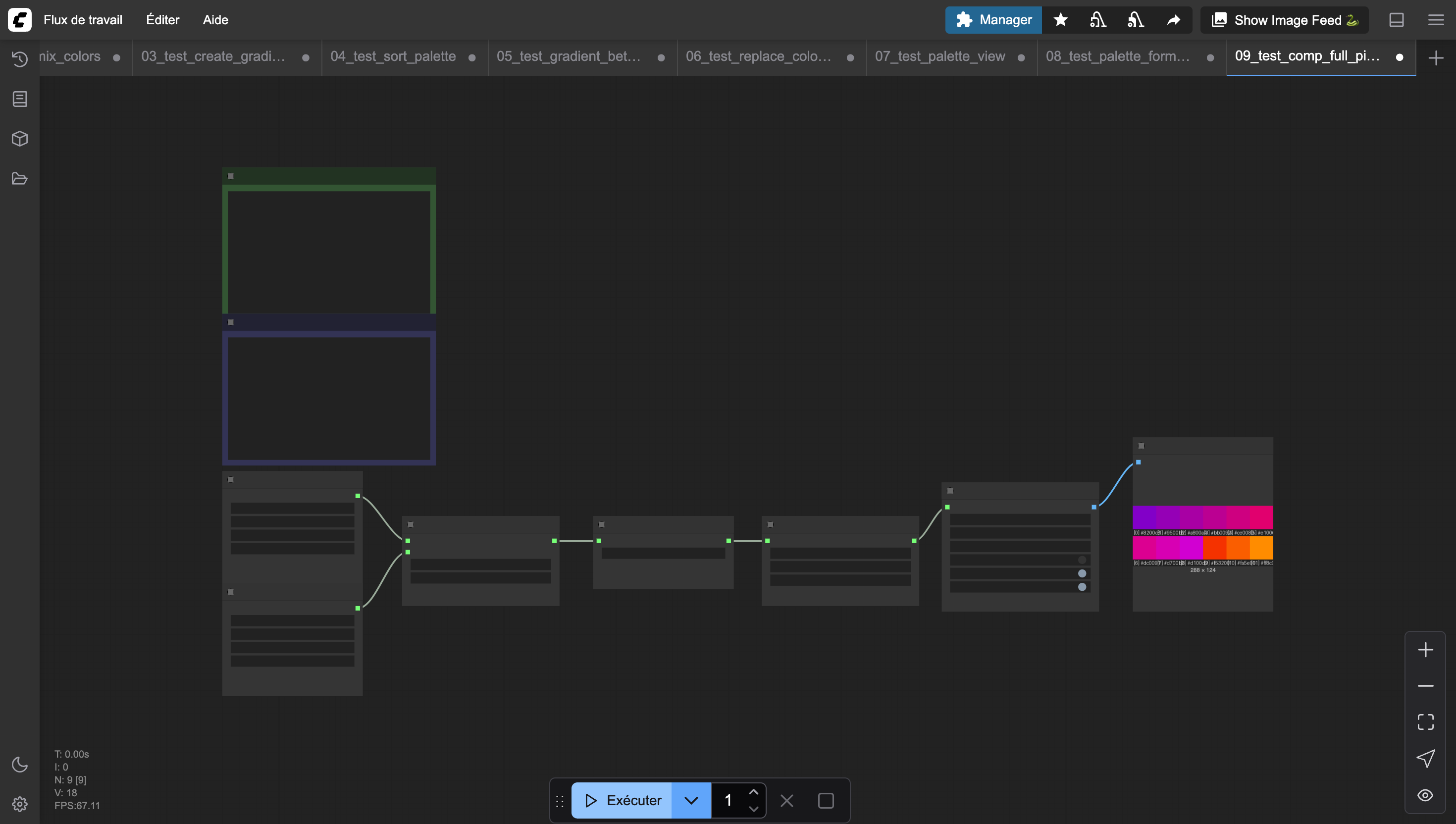
Example workflows are provided in workflows/test/. Each one demonstrates a specific node or combination of nodes, and can be loaded directly into ComfyUI.
Contributing
Setup
pip install -r requirements-dev.txt
lefthook install
Tests (BDD with Mamba)
This project uses mamba (Python equivalent of RSpec) with expects for assertions.
# Run all tests
mamba spec/ --format=documentation

# With coverage
mamba spec/ --enable-coverage --format=documentation
Le seuil de coverage minimum est fixé à 90%. La CI échoue si le coverage passe en dessous.
Tests run automatically before each commit via lefthook. CI runs on Python 3.10, 3.11, and 3.12 via GitHub Actions.
Git flow
The default branch is develop. See docs/pr-conventions.md for PR guidelines.
git checkout develop && git pull
git checkout -b feature/my-feature
# work, commit, push
git push -u origin feature/my-feature
# open PR towards develop
Inspiration
- ComfyUI-Color_Transfer
- Lospec — pixel art palette database