
ComfyUI-LG_SamplingUtils
This is a toolset designed for ComfyUI by LAOGOU-666, providing a series of practical sampling nodes, making our operation more intuitive and convenient
Nodes (5)
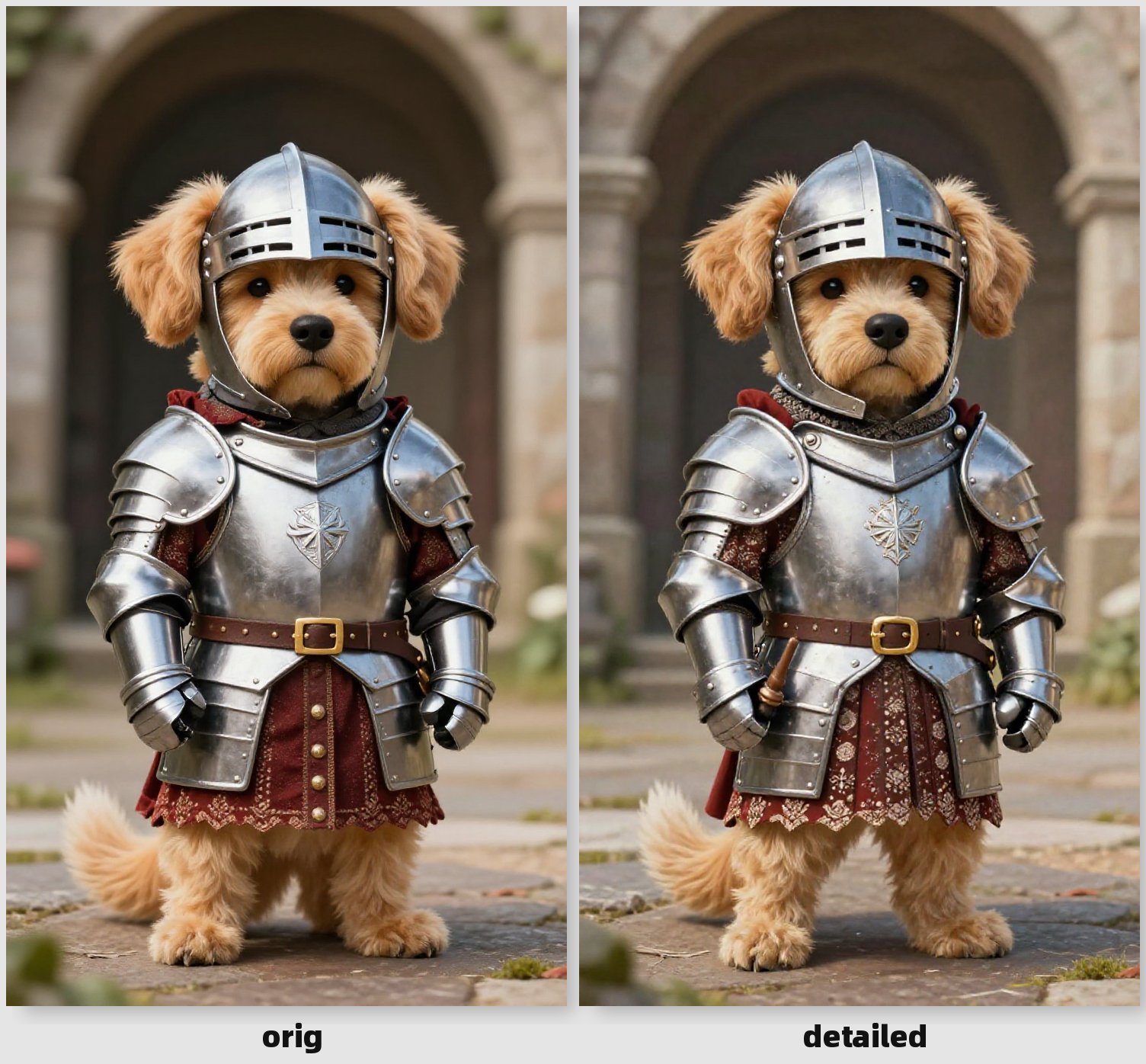
Steal water droplets and texture from a reference image
The noise-injection twin that skips the VAE
The shift knob Z-Image was missing
Drag your noise schedule instead of guessing
Z-Image looks identical on every seed? This is the fix
ComfyUI-LG_SamplingUtils
中文文档 | English
Overview
ComfyUI-LG_SamplingUtils is a comprehensive toolset designed for ComfyUI by LAOGOU-666, providing a series of practical sampling nodes that make operations more intuitive and convenient. This extension focuses on advanced sampling techniques, particularly optimized for Flow Matching models like ZImage and Lumina2.
Features
This extension includes four powerful nodes:
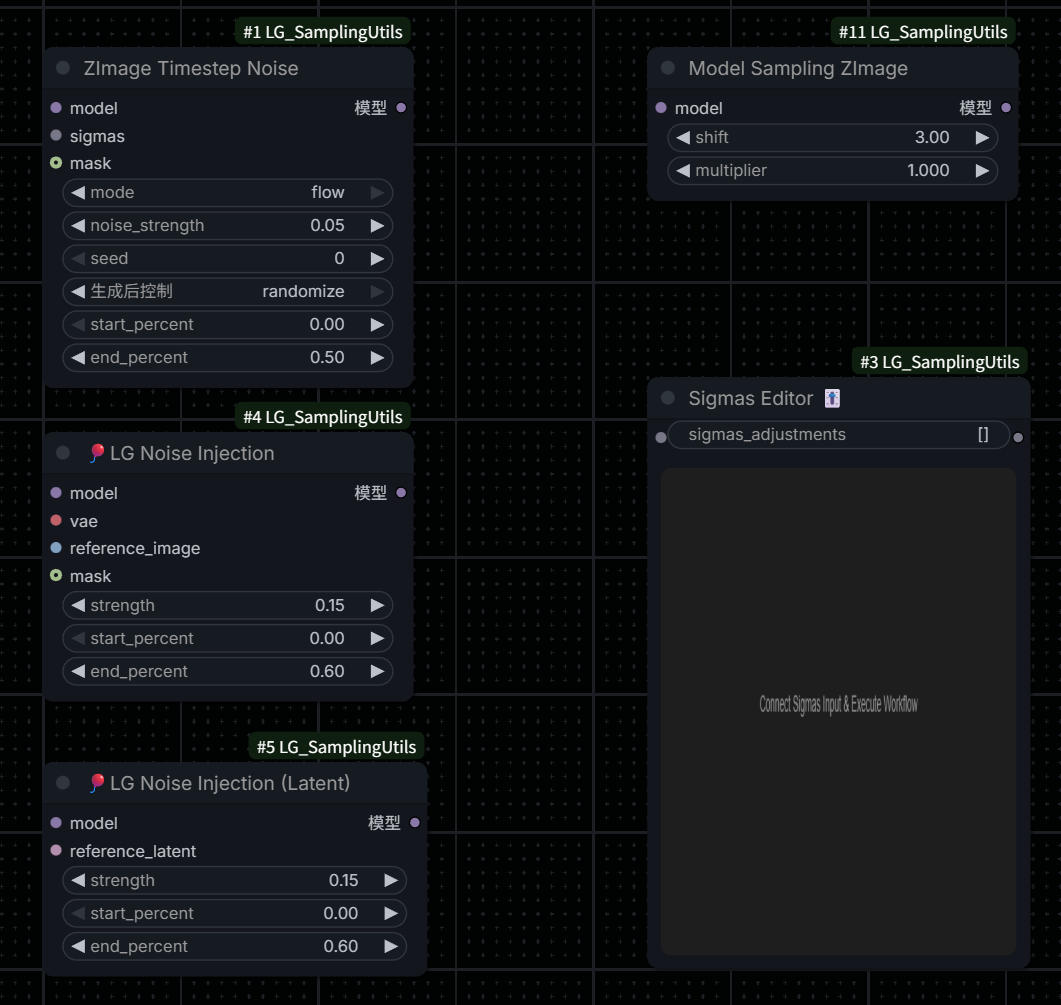
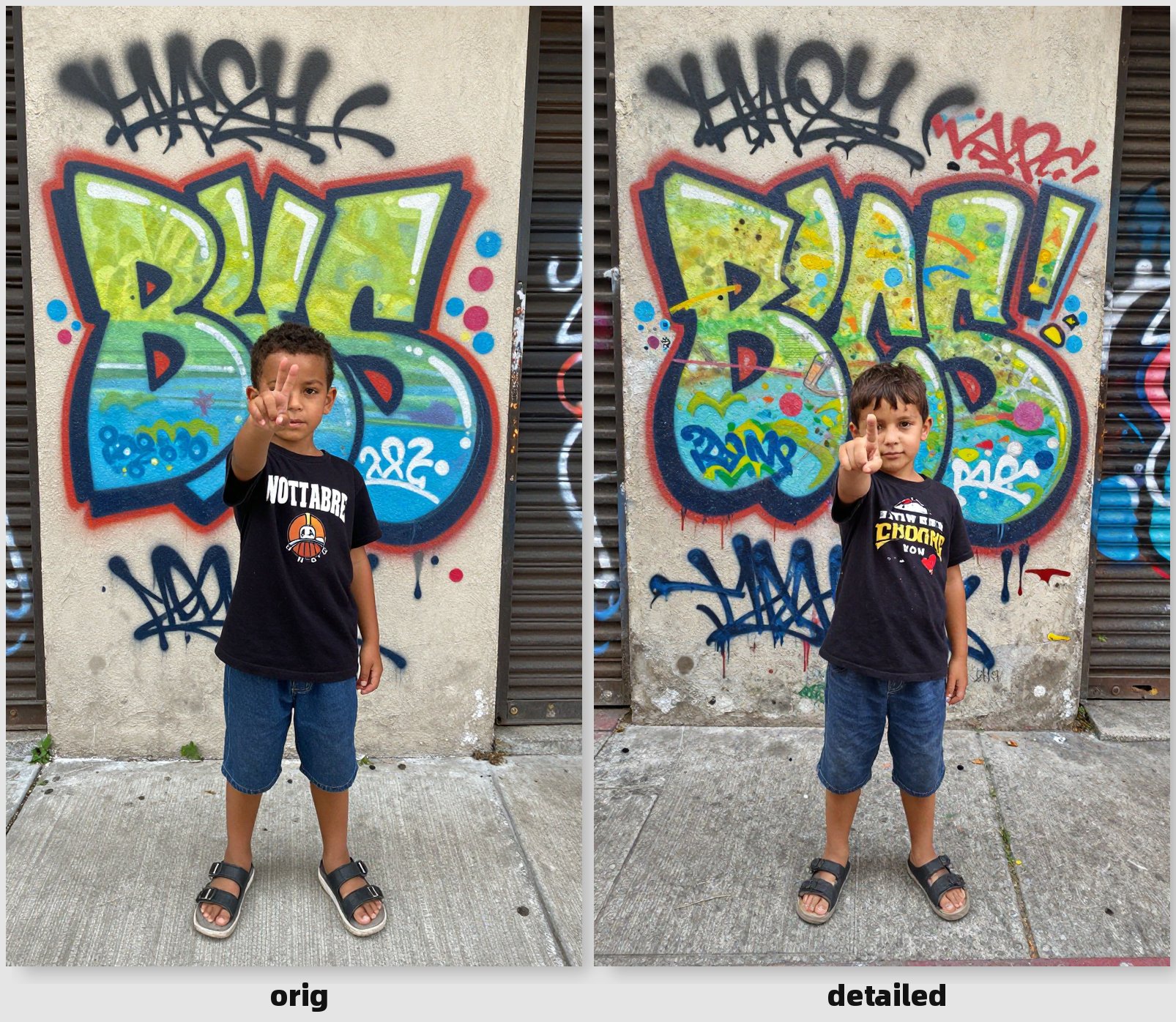
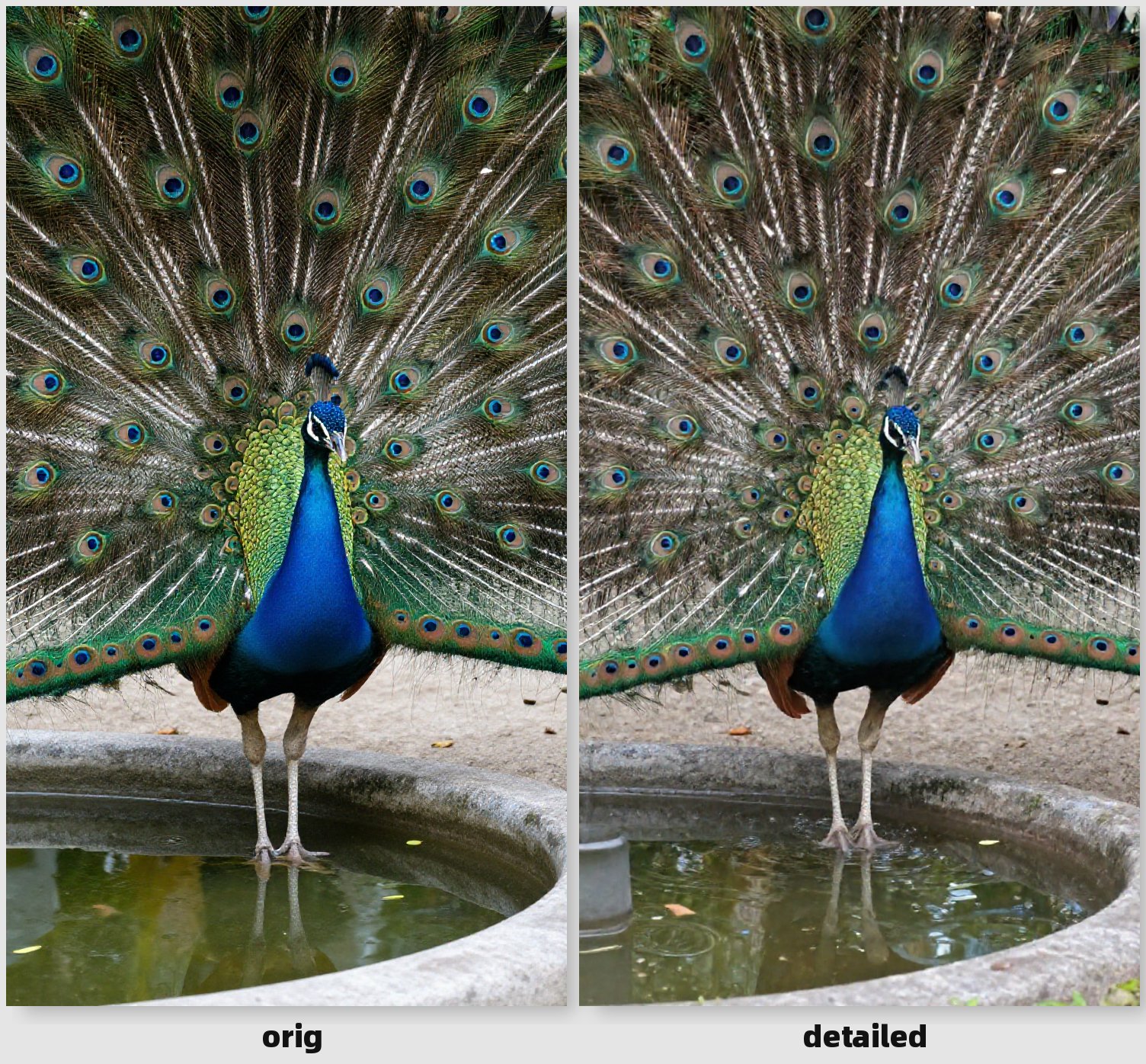
1. 🎈 ZImage Timestep Noise
Adds noise perturbation to timesteps during the sampling process to break model homogenization and produce more diverse outputs with different seeds.
Key Features:
- Two modes:
sigma(traditional diffusion models) andflow(Flow Matching models) - Adjustable noise strength and application range
- Optional mask support for localized effects
- Seed-based reproducibility
Parameters:
mode: Choose betweensigma(multiplicative noise) orflow(additive noise)noise_strength: Control the intensity of noise (0.0-2.0)seed: Random seed for reproducibilitystart_percent/end_percent: Define the sampling range where noise is appliedmask(optional): Limit the effect to specific regions
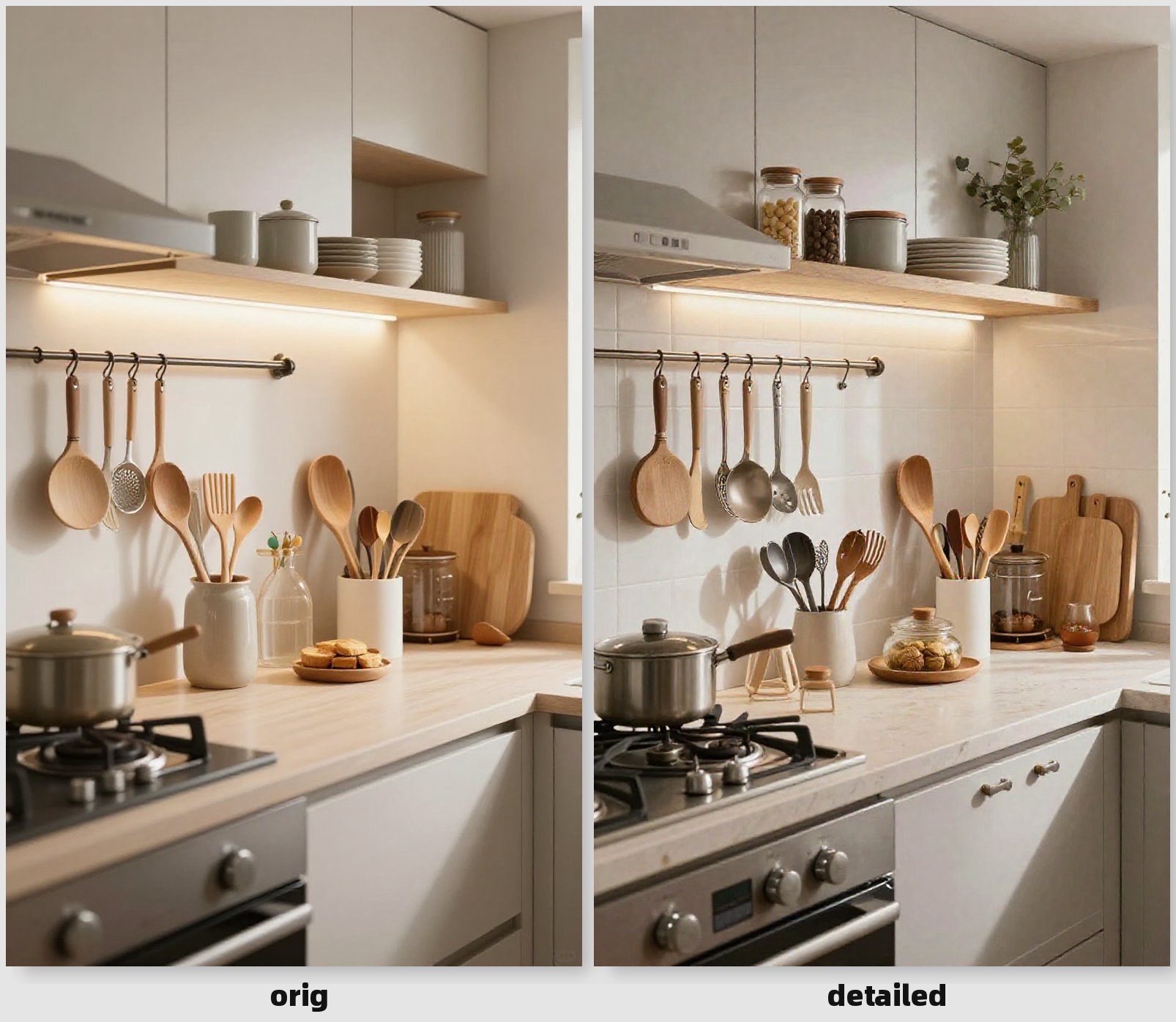
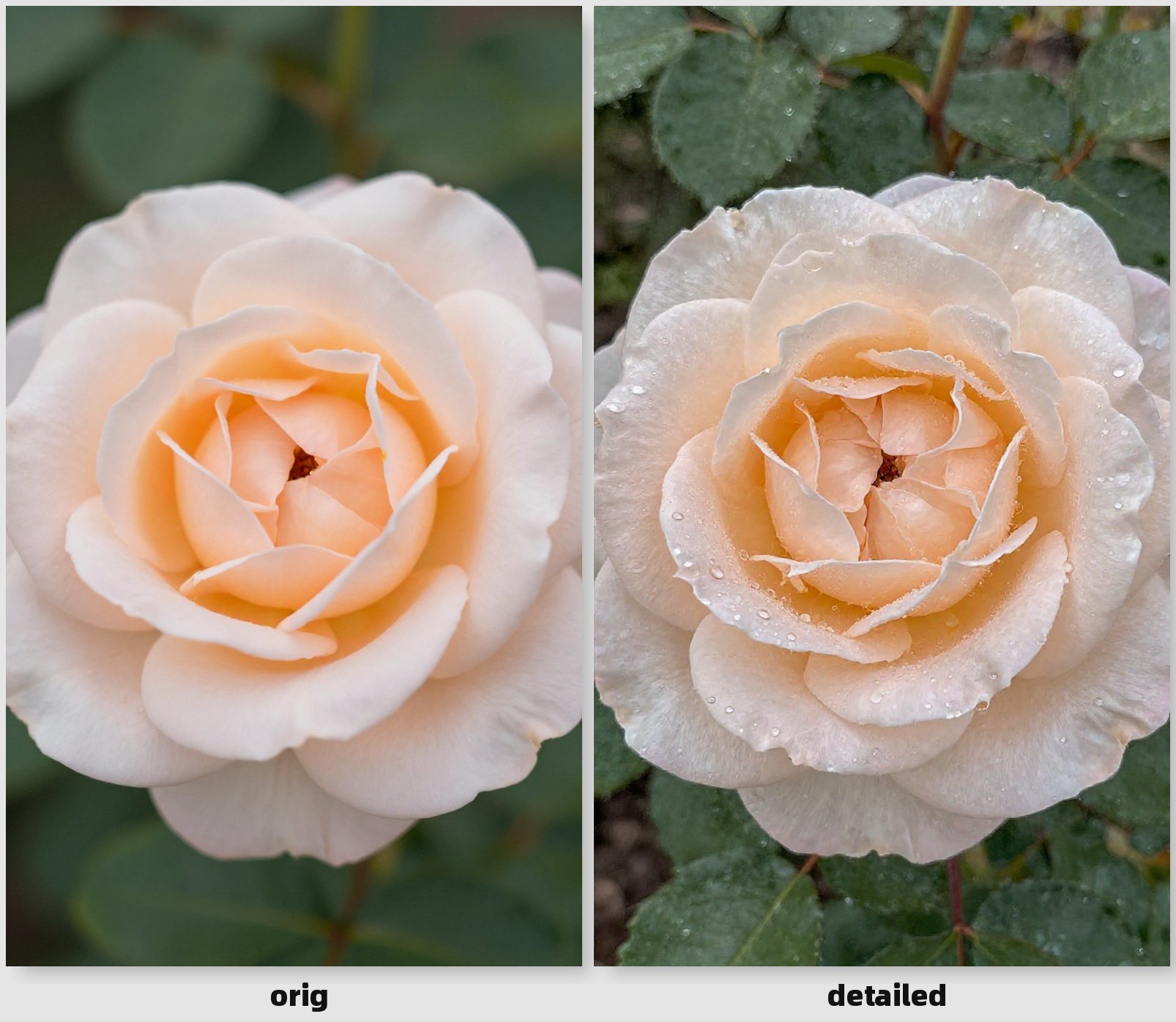
2. 🎈 LG Noise Injection
Injects features from a reference image into the generation process through the CFG mechanism, allowing the model to "learn" specific qualities from the reference.
Key Features:
- Inject surface details like water droplets, sweat, textures
- Add material properties and reflections
- Mask support for targeted feature injection
- Strength decay over sampling steps
Parameters:
reference_image: Image containing desired featuresstrength: Injection strength (0.1-0.2 subtle, 0.2-0.4 noticeable)start_percent/end_percent: Define when feature injection occursmask(optional): White areas receive feature injection
Variant: 🎈 LG Noise Injection (Latent) - Works directly with latent representations and automatically uses noise_mask if present in the latent.
3. Model Sampling ZImage
Adjusts sampling parameters for ZImage/Lumina2 models.
Key Features:
- Proper timestep scaling for Flow Matching models
- Adjustable noise schedule shift
- Compatible with ZImage, Lumina2, and AuraFlow
Parameters:
shift: Noise schedule shift (default 3.0 for ZImage)shift=1.0: Linear scheduleshift>1.0: Shifts toward high noise, more aggressive early steps
multiplier: Timestep multiplier (1.0 for ZImage/AuraFlow, 1000 for SD3/Flux)
4. Sigmas Editor 🎚️
Interactive visual editor for adjusting the sigmas curve in real-time.
Key Features:
- Drag-and-drop curve editing
- Real-time visualization
- Fine-tune noise schedules for optimal results
Examples
<div align="center">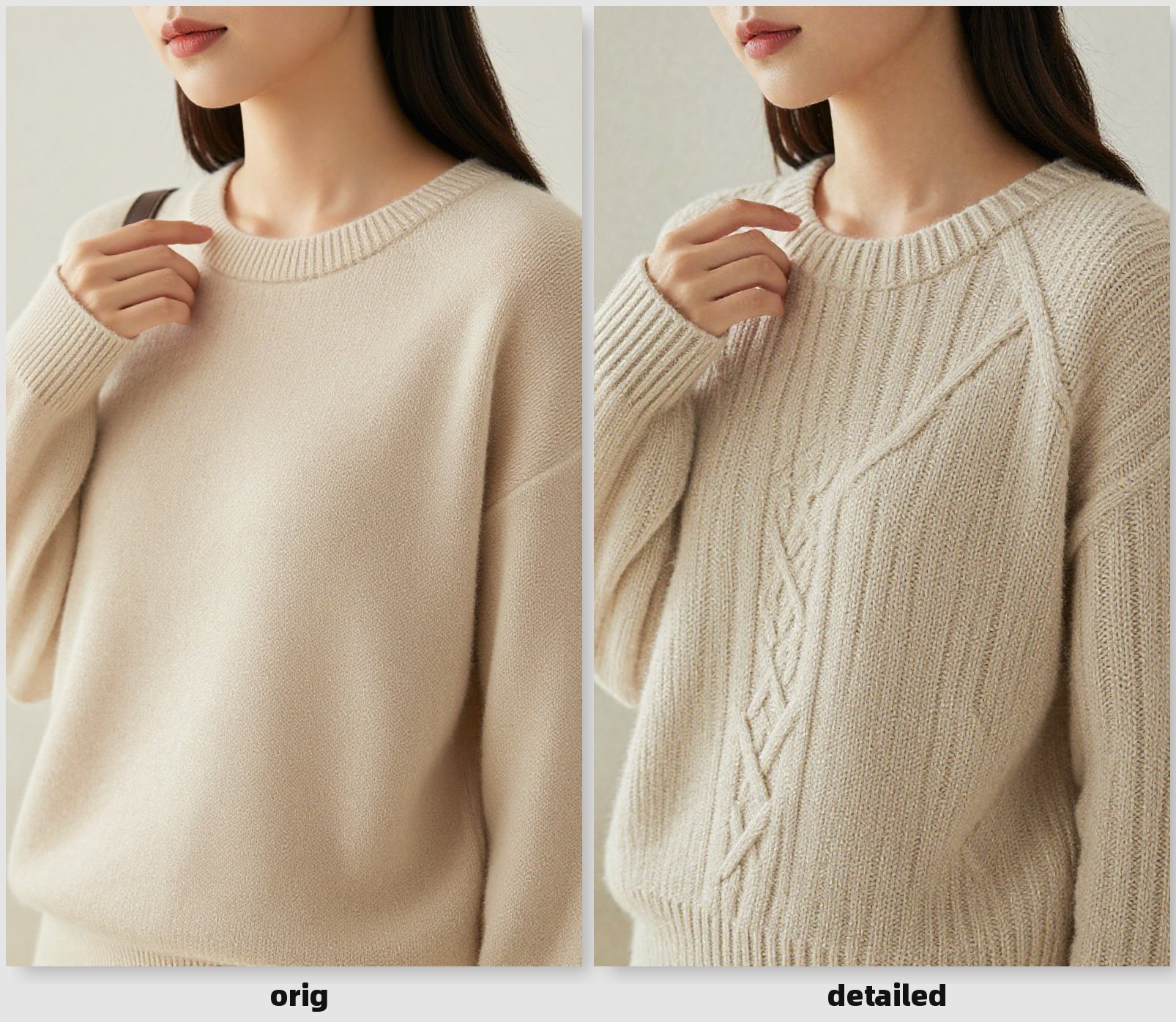
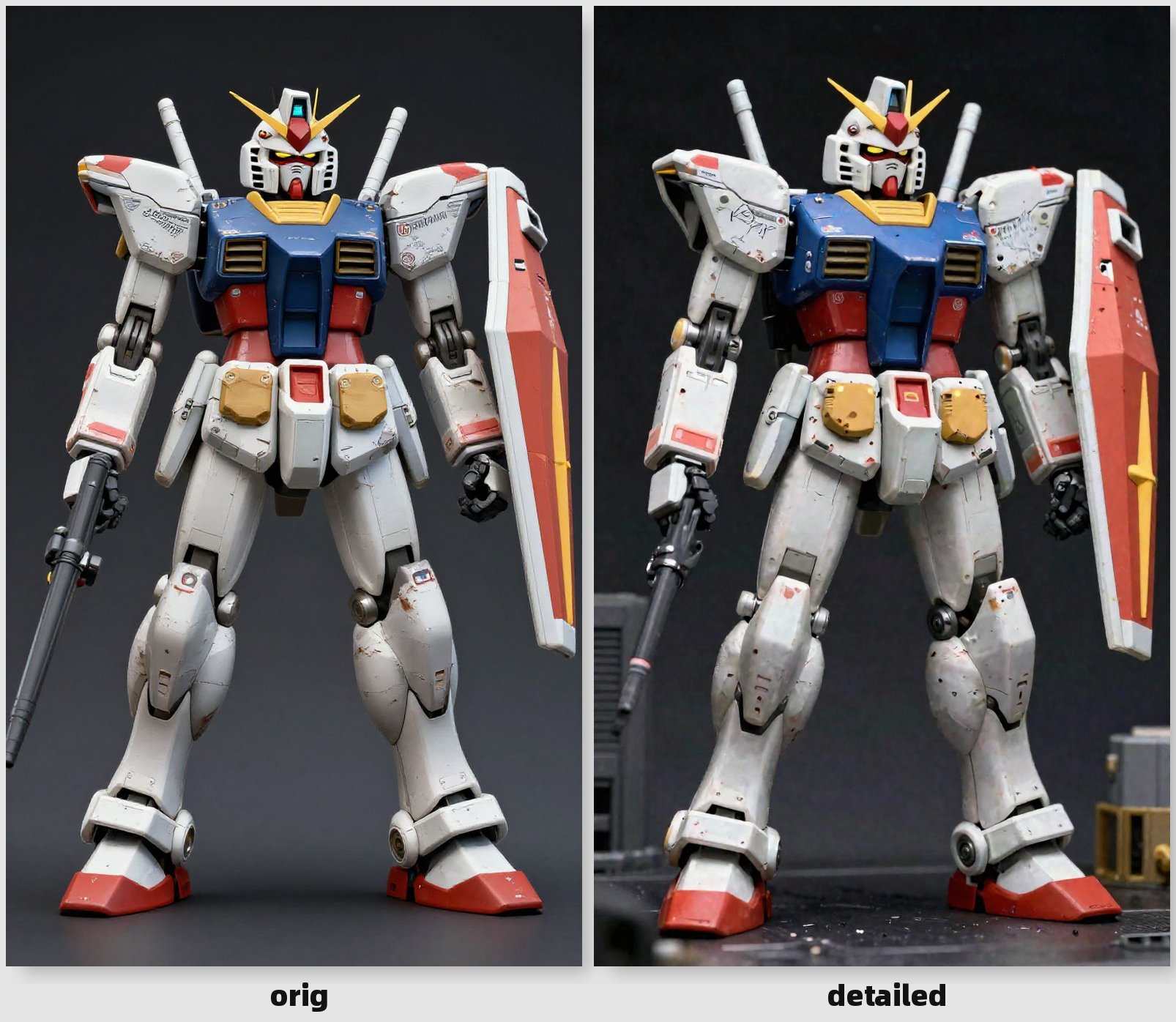
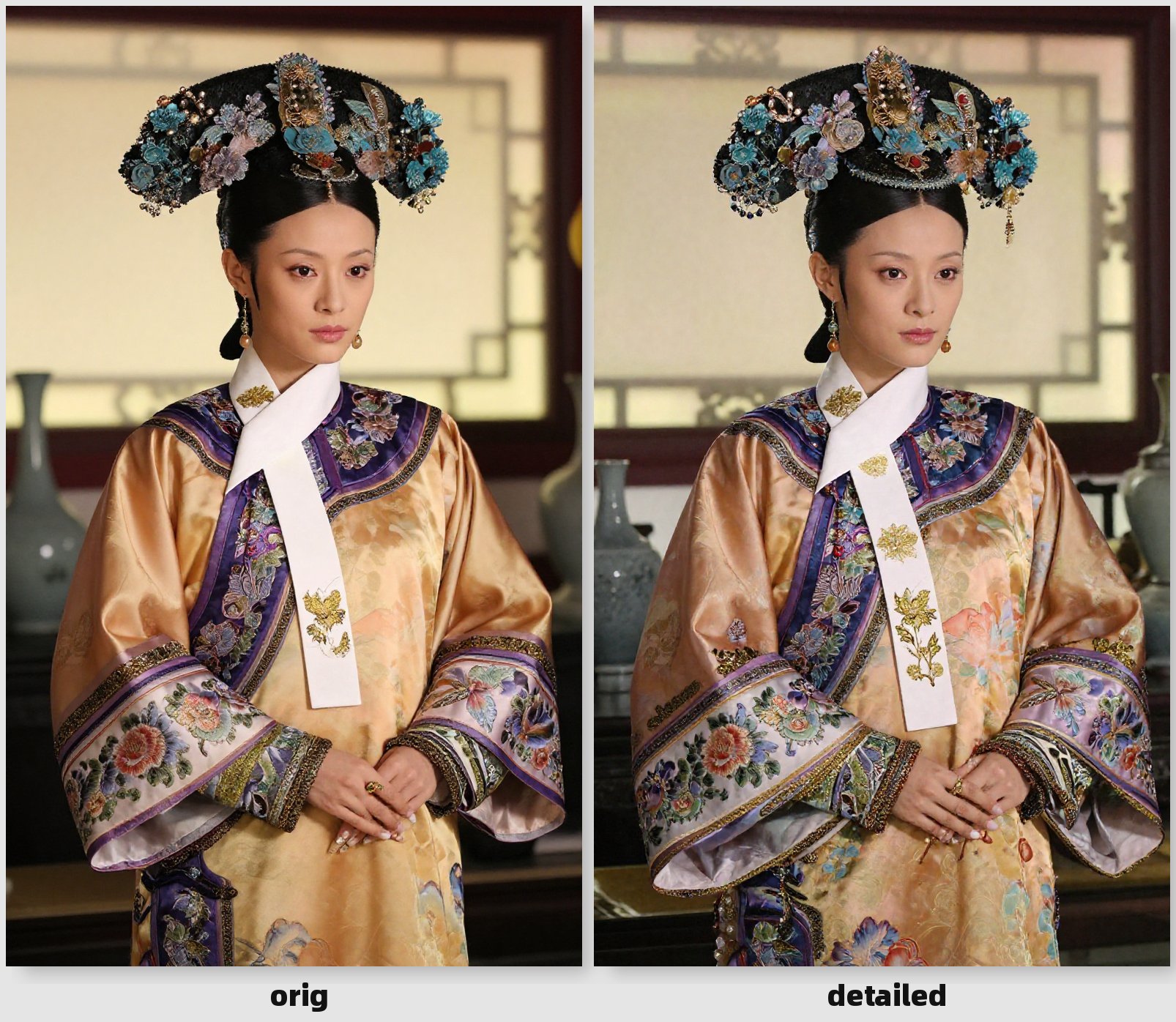
Installation
Method 1: ComfyUI Manager (Recommended)
- Open ComfyUI Manager
- Search for "ComfyUI-LG_SamplingUtils"
- Click Install
Method 2: Manual Installation
cd ComfyUI/custom_nodes
git clone https://github.com/LAOGOU-666/ComfyUI-LG_SamplingUtils.git
Restart ComfyUI after installation.
Contact
- WeChat: wenrulaogou2033
- Bilibili: 老狗_学习笔记
Repository
https://github.com/LAOGOU-666/ComfyUI-LG_SamplingUtils
Support
If you encounter any issues or have suggestions, please open an issue on GitHub.
Changelog
v1.0.0
- Initial release
- Added ZImage Timestep Noise node
- Added LG Noise Injection nodes (Image and Latent variants)
- Added Model Sampling ZImage node
- Added Sigmas Editor node
Enjoy creating with ComfyUI-LG_SamplingUtils! 🎈